Entry Starter
2.5W G1
$99
Lowest entry path for first tests, cards, selected tags, and light learning projects.
- Best for beginners
- Starter cards and kraft tags
- Limited launch-style allocation
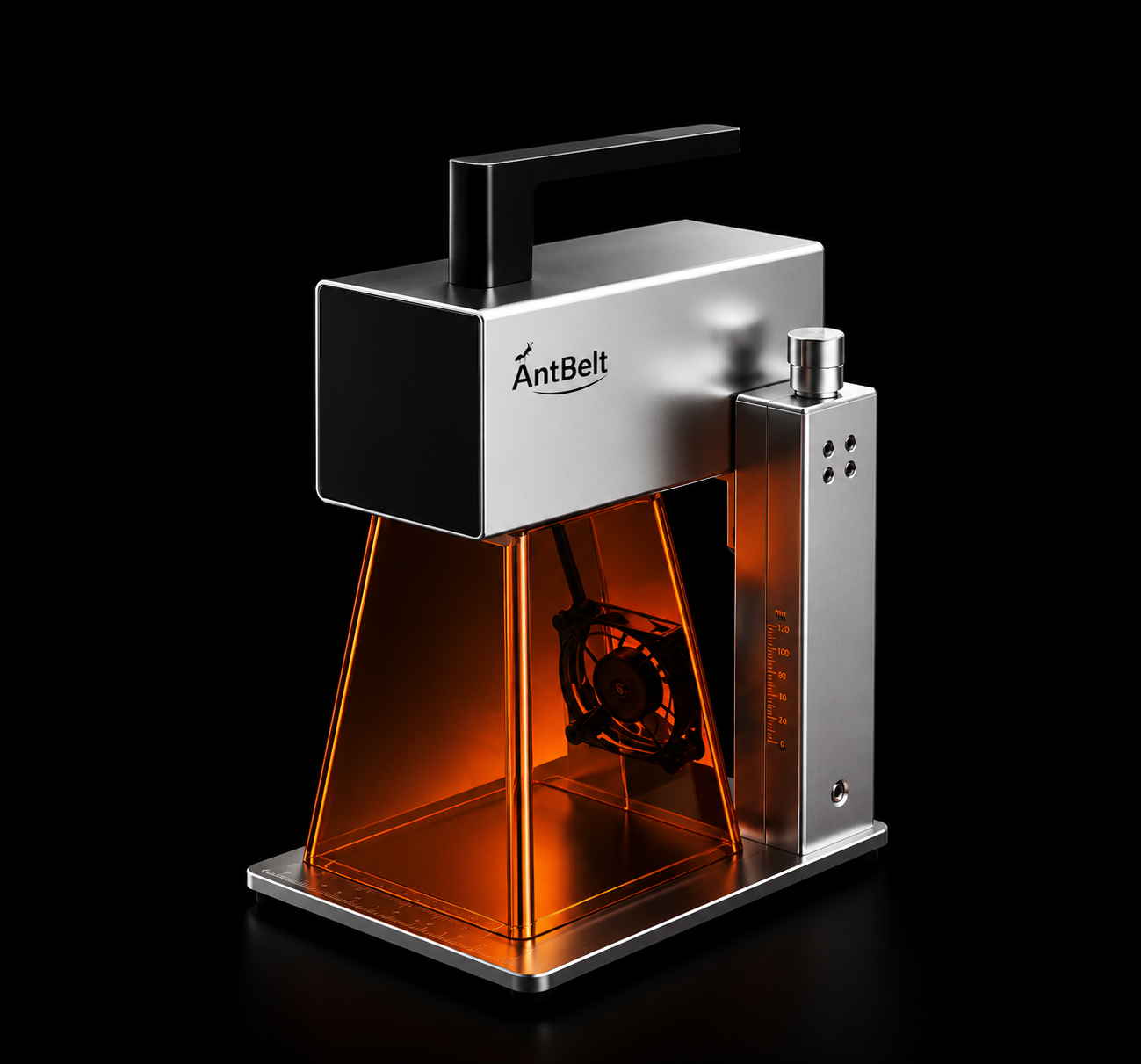
Compact desktop galvo laser engraving from $99.
If the campaign page is unavailable, this official AntBelt page keeps the G1 launch information, proof videos, power paths, software notes, safety guidance, and preorder route in one place.
Three optical laser power paths: 2.5W Starter, 6W Maker, and 12W Creator. Optical power means real laser output, not high electrical input power.
Adult-use laser system. Use protective eyewear, shielding, ventilation, safe materials, and attended operation.
Backer Quick Check
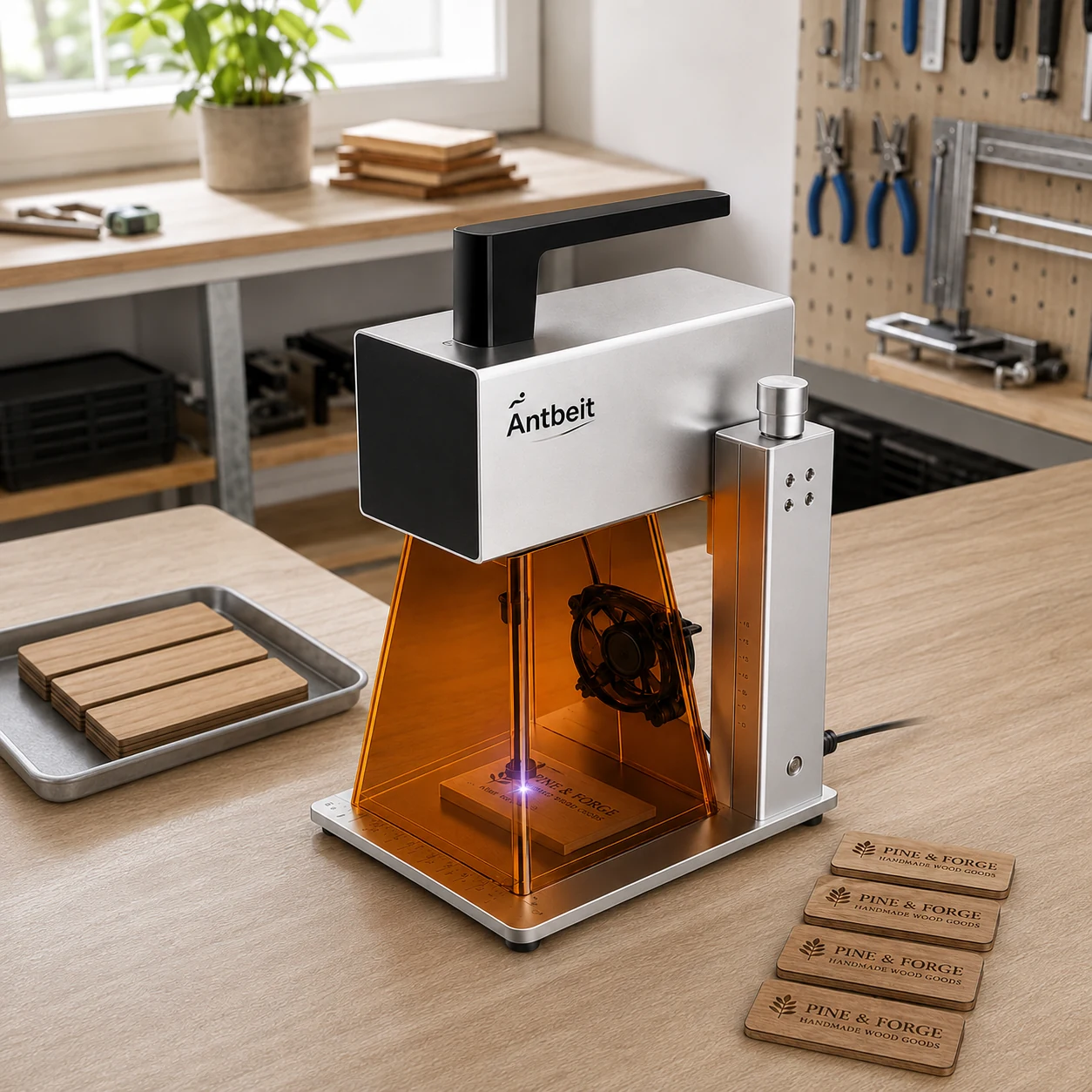
G1 is a compact galvo-style engraving workflow for small objects, creator projects, packaging, custom gifts, and desktop personalization. This page keeps the Kickstarter story usable on AntBelt's own site.
Official Project Status
Kickstarter backers can still enter their backer number to review the saved reward and accessory list. Checkout is temporarily paused while the store is under review; no payment is collected on this page.
Kickstarter Backer
Use the sequence number shown in your Kickstarter pledge details, for example #164 or #274.
For privacy, this lookup does not show backer names, email addresses, or shipping addresses. Contact AntBelt if you need help confirming your saved configuration.
New Customer
Explore the G1 product evidence and contact AntBelt for launch updates. Public checkout will return after the store review is complete.
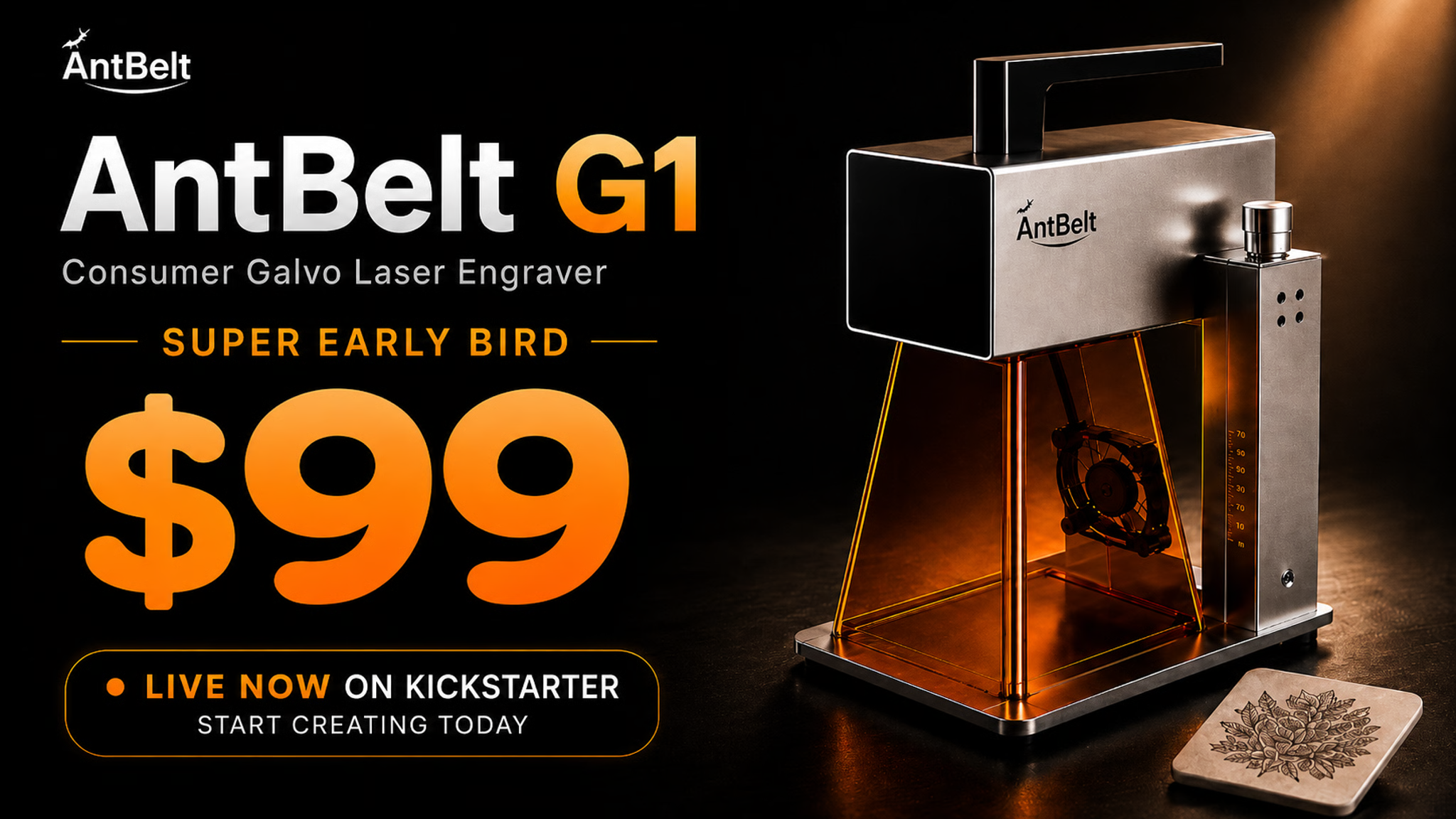
Watch It Work
The G1 story is built around current proof: setup, material placement, preview/alignment, engraving, finished samples, optical testing, software workflow, and short test-progress clips.
Price And Power Paths
These are optical laser power paths. Optical output is the useful laser power at the beam, which is what matters for engraving expectations. Electrical input power can look much higher, but it is not the same thing.
Lowest entry path for first tests, cards, selected tags, and light learning projects.
Practical middle path for more regular personalization, samples, coasters, and shop inserts.
Recommended path for backers who expect repeat use, broader tested-material work, and small-shop projects.
Free Software
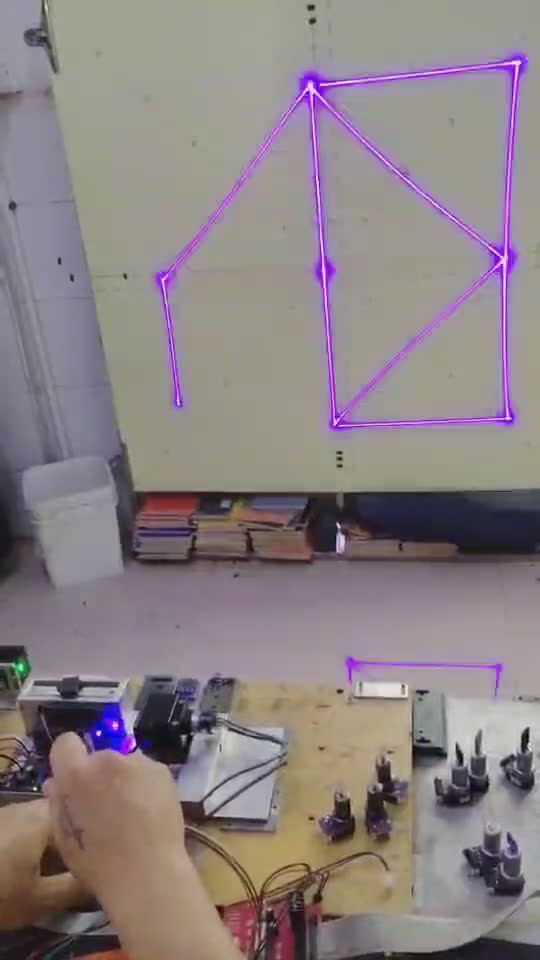
G1 is planned around AntBelt Studio, with a simple workflow for importing artwork, previewing placement, setting parameters, and starting a job. The software path is important because a separate laser software purchase can add meaningful cost for new users.
AntBelt Studio is planned as free software for the G1 workflow.
Planned support covers macOS, Windows, iOS, and Android workflow needs.
LightBurn and LaserGRBL support is treated as a validated workflow claim only where testing confirms it.
Materials And Use Cases
G1 is positioned for engraving and marking, not broad cutting promises. Results depend on surface, coating, color, thickness, settings, ventilation, and selected optical power path.
| Material / surface | Position | Guidance |
|---|---|---|
| Paper cards and kraft tags | Main focus | Good for cards, tags, packaging inserts, and first tests on validated settings. |
| Selected wood blanks | Main focus | Good for tags, coasters, small keepsakes, and sample runs. |
| Black cards and coated cards | Main focus | Good for high-contrast marks on validated surfaces. |
| Leather-safe blanks | Selected use only | Use only with material-specific guidance, ventilation, and tested blanks. |
| Coated or anodized metal surfaces | Specific surfaces only | Treat as material-specific. Bare metal and coated metal are not the same claim. |
| PVC, vinyl, unknown plastics | Do not use | Avoid unsafe materials and any material without validated safety guidance. |
Workflow Difference
Frame-style engravers move the full laser head across the work area. G1 uses a compact galvo-style workflow where mirrors steer the beam for small-object marking. For creators, the practical value is speed of setup, visible placement, and repeatable small-object work.
Designed for small pieces where fast placement and repeat work matter.
The project has shown planning around extended work such as 80 x 2000 mm layout use cases, subject to final validation and setup guidance.
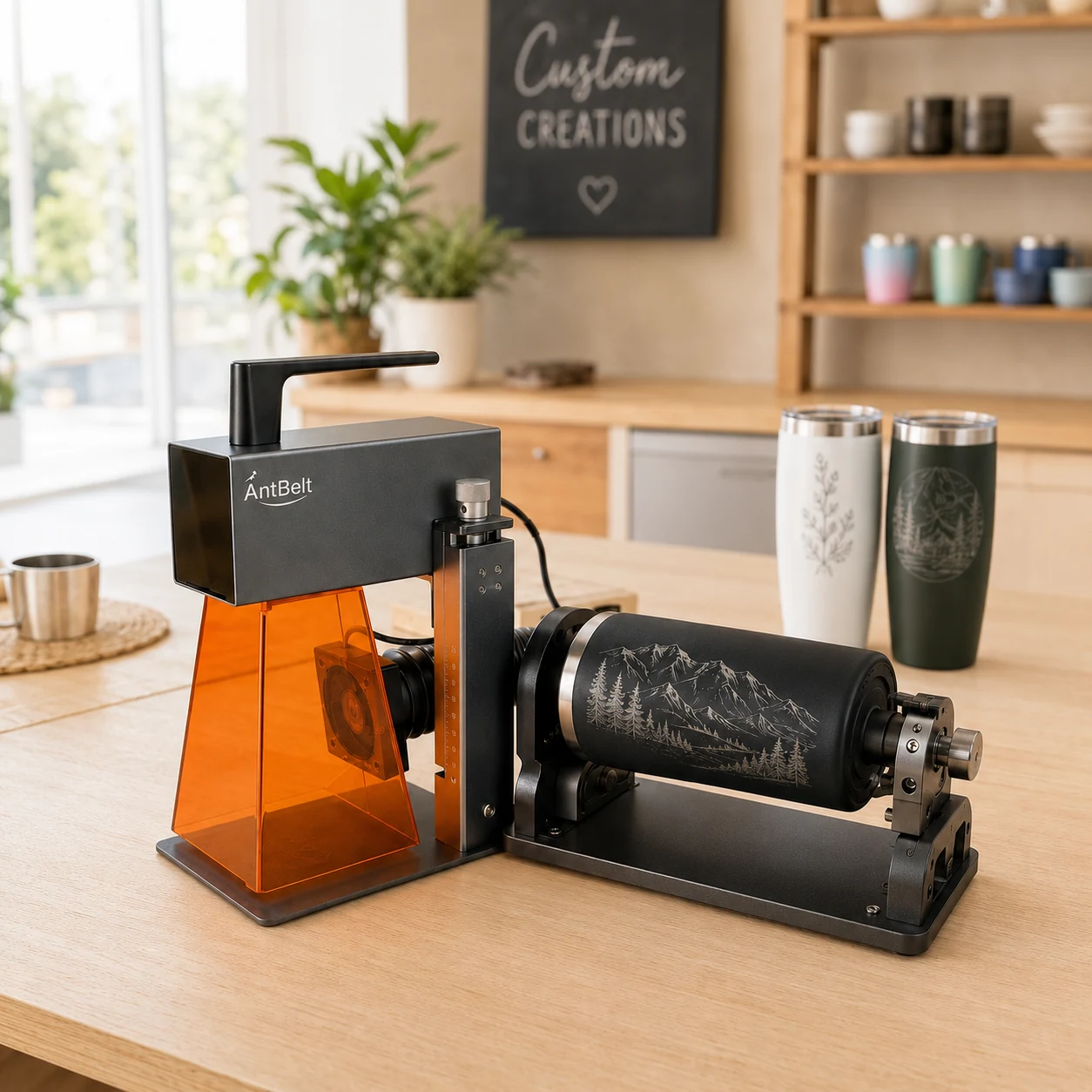
Cylindrical personalization is part of the G1 workflow direction, with safety and parameter guidance required for real use.
FAQ
These answers keep the original campaign boundaries clear while moving the information to AntBelt's independent site.
Yes. These paths refer to optical laser output, not electrical input power. Optical power is the useful laser power for engraving expectations.
Electrical input can be much higher because it includes conversion loss and system consumption. Users should compare optical output and tested material results.
Yes. The page links prototype videos, workflow footage, sample tests, and current project proof rather than relying only on renders.
Choose 2.5W for learning, 6W for more regular gift and tag work, and 12W for frequent samples or small-shop personalization.
Only validated coated or anodized surfaces should be treated as public claims. Bare metal, coated metal, and metal cards are different categories.
G1 is positioned primarily for compact engraving and marking, not broad cutting claims.
Do not use PVC, vinyl, unknown plastics, reflective surfaces, or any material without validated safety guidance.
No. Laser engraving should always be monitored with protective eyewear, shielding, ventilation, and safe material selection.
Delivery timing depends on final validation, QC, packaging, logistics, regional checks, customs, and batch capacity.
They depend on destination and active checkout setup. Any independent-store checkout must clearly show shipping, taxes, and regional availability.
Official AntBelt Information
Use this official page for current videos, updates, material notes, and saved backer configurations while checkout is under review.