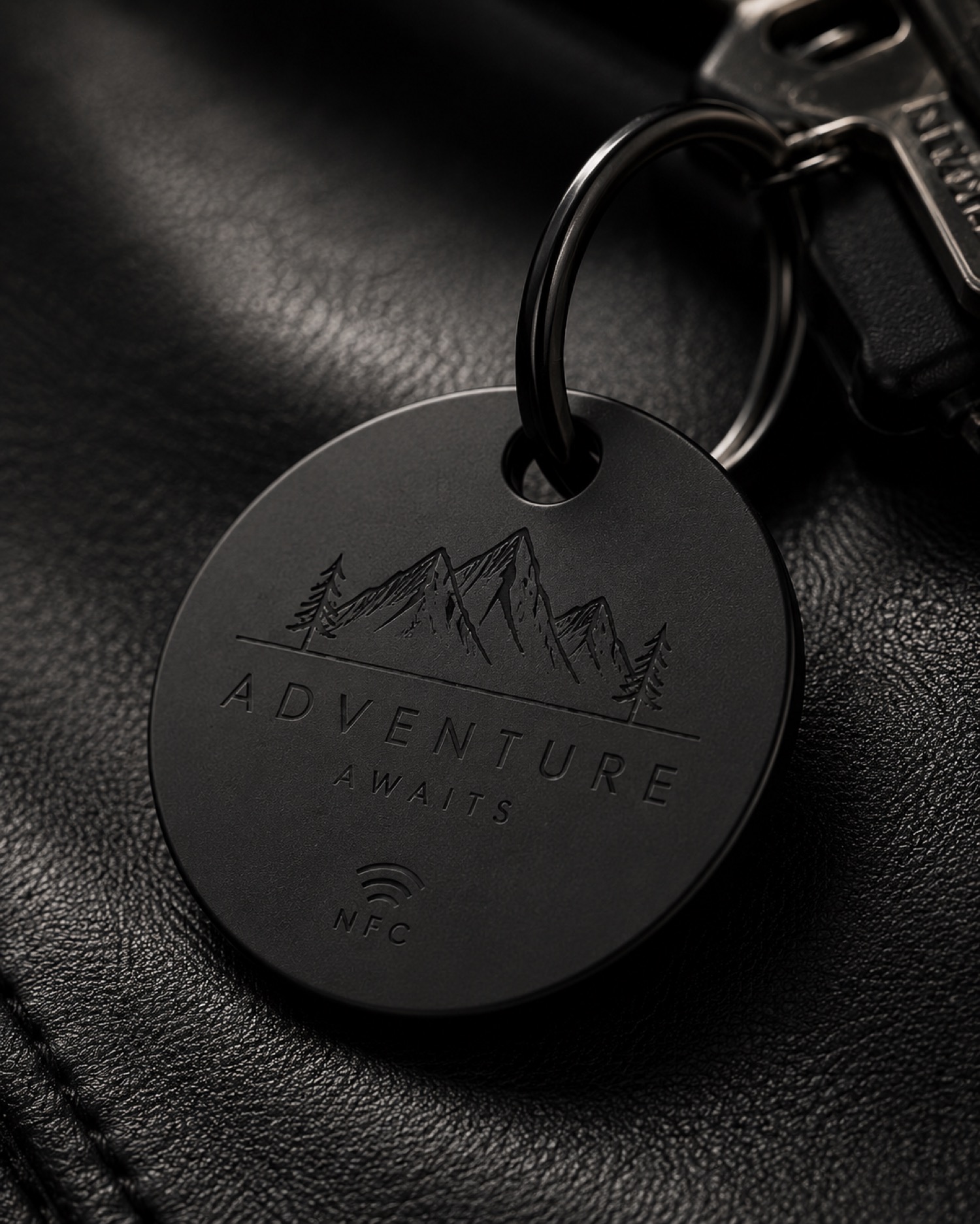
Build a One-Word Test Before a Full Name Layout
## Start with the smallest readable decision Before laying out a full name, make a one-word test that uses the same type style and general placement idea.
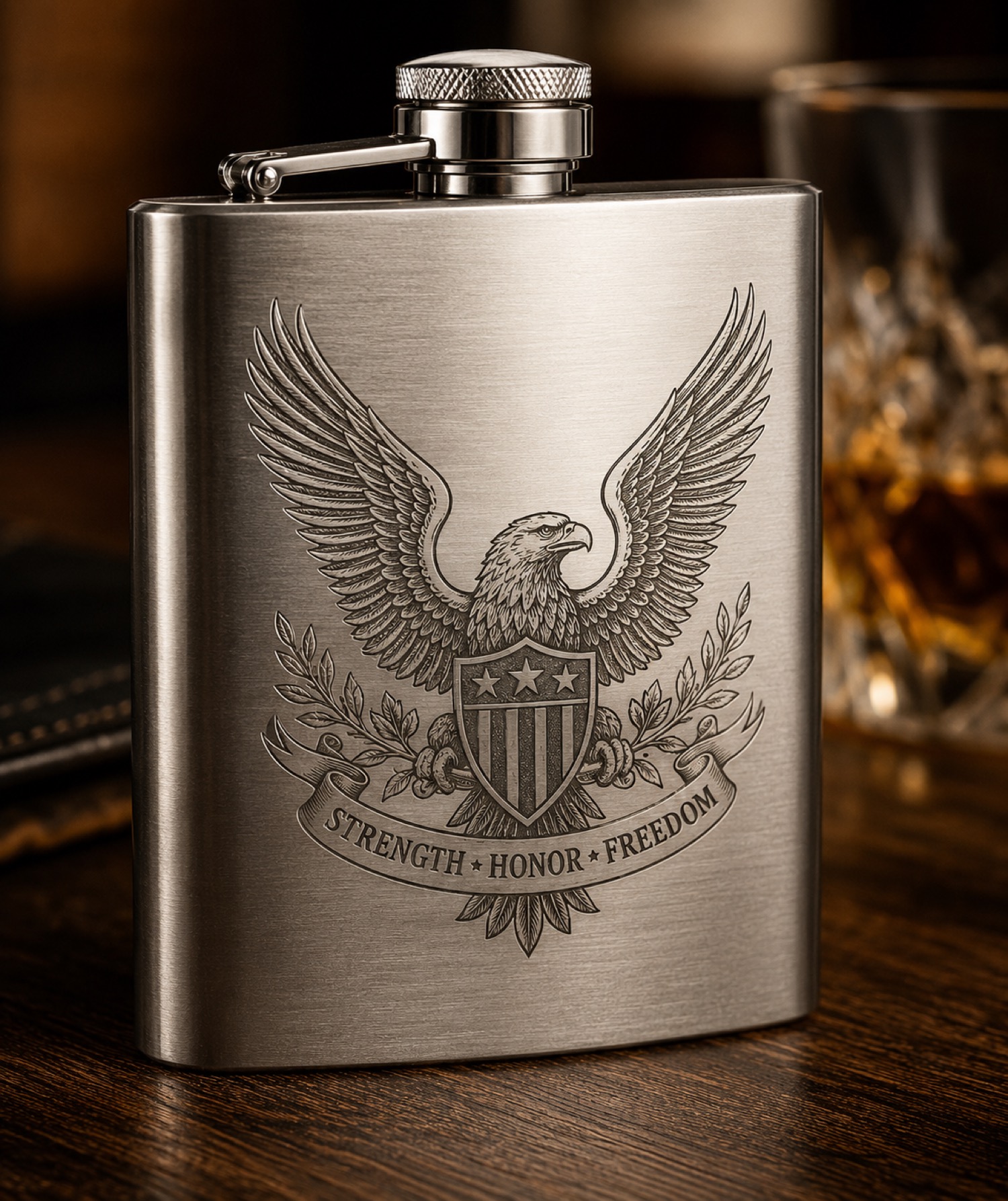
Plan the Reading Side Before Cylindrical Artwork
## Define the side people should see first For cylindrical artwork, mark the intended reading side before arranging text or a small graphic.
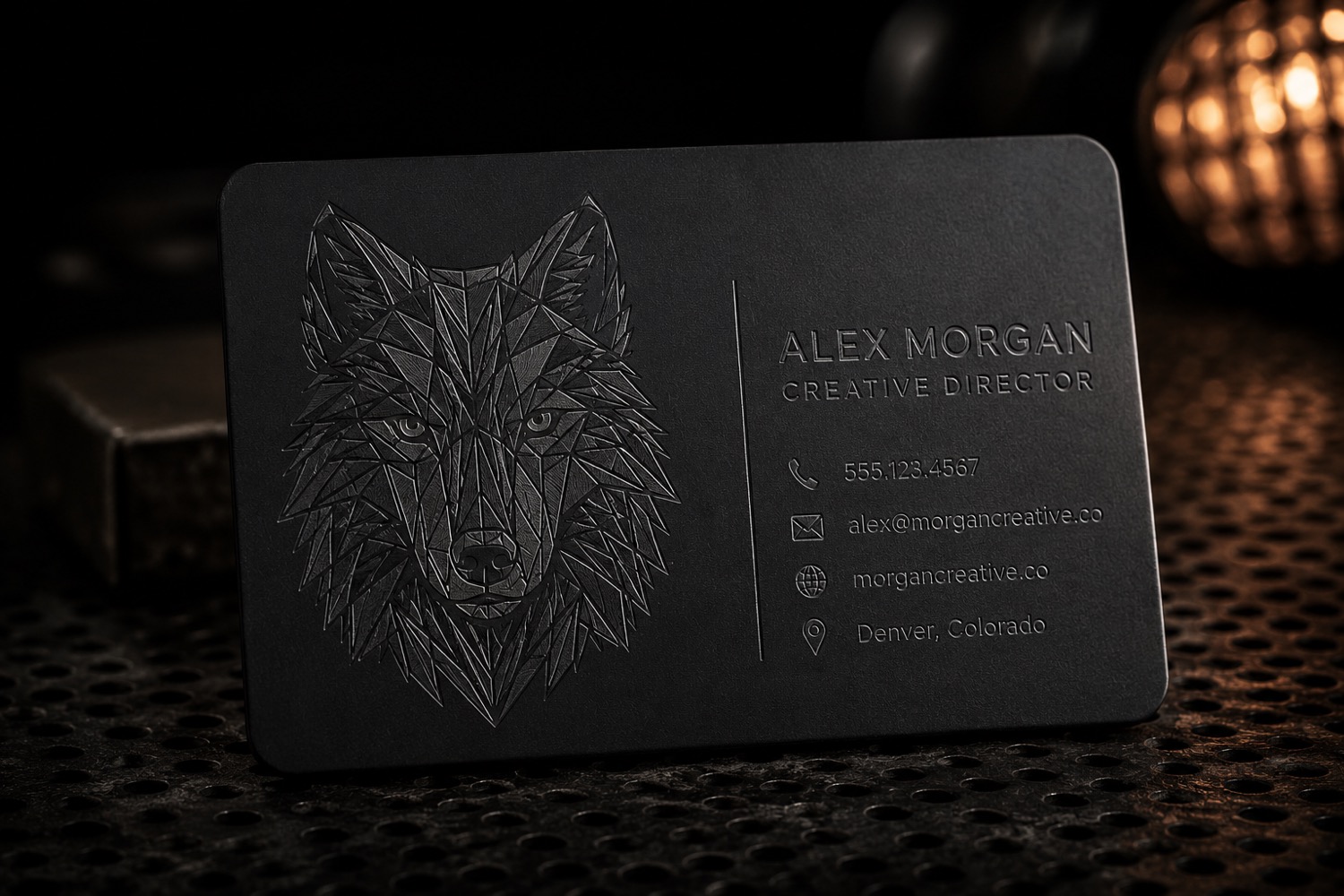
Ask for the Spelling Proof Before Making the Job Card
## Make the customer approval easy to find Put the requested wording and the customer-approved proof together before creating a job card.
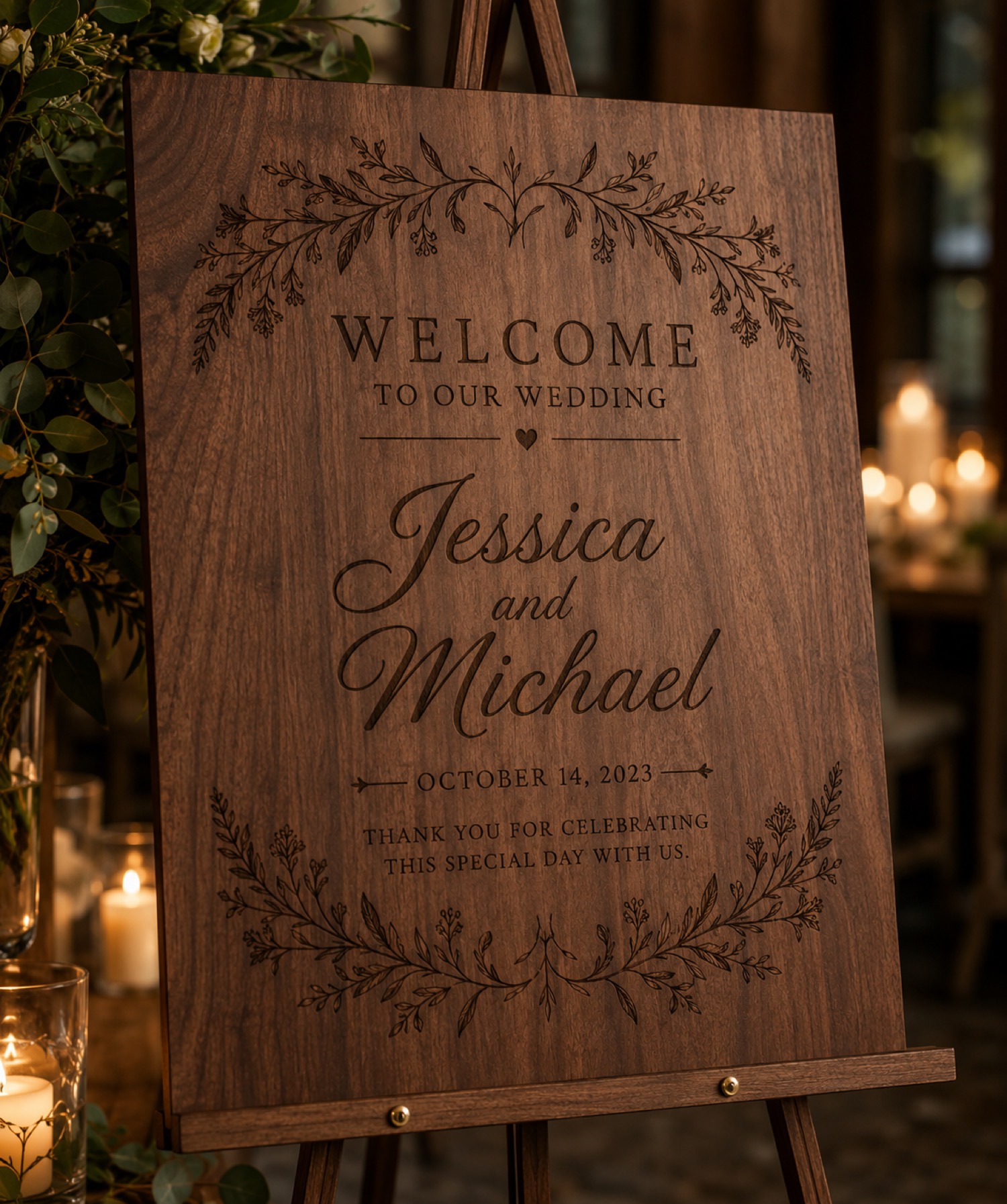
Build a Photo Checklist for Made-to-Order Listings
## Decide what each image needs to answer A short photo checklist can separate the questions a buyer is likely to have: what the personalized area looks.
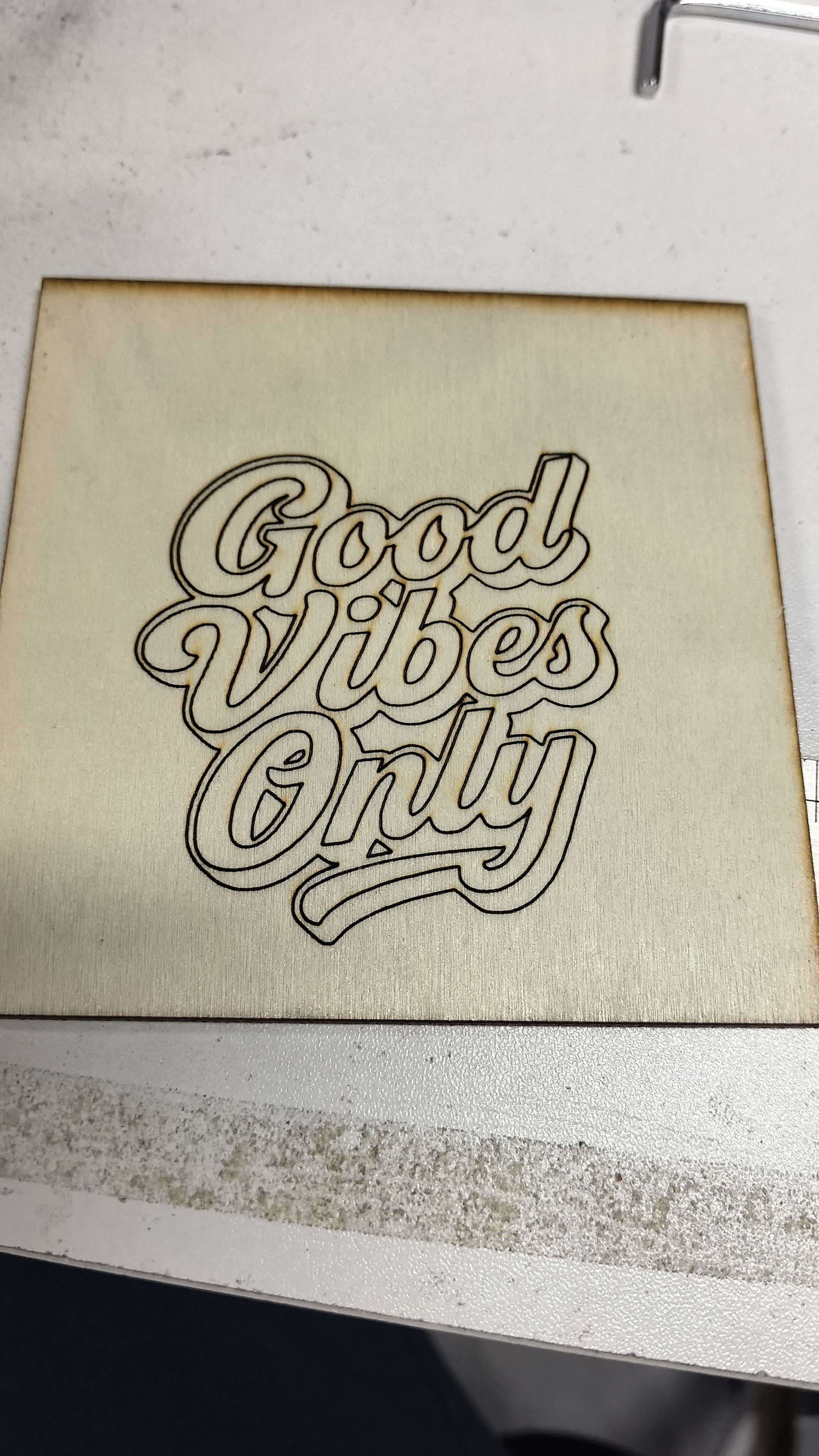
Keep the Reference Swatch in Every Sample Photo
## Give each image a stable point of comparison Place the same reference swatch or label card near each sample when taking photos.
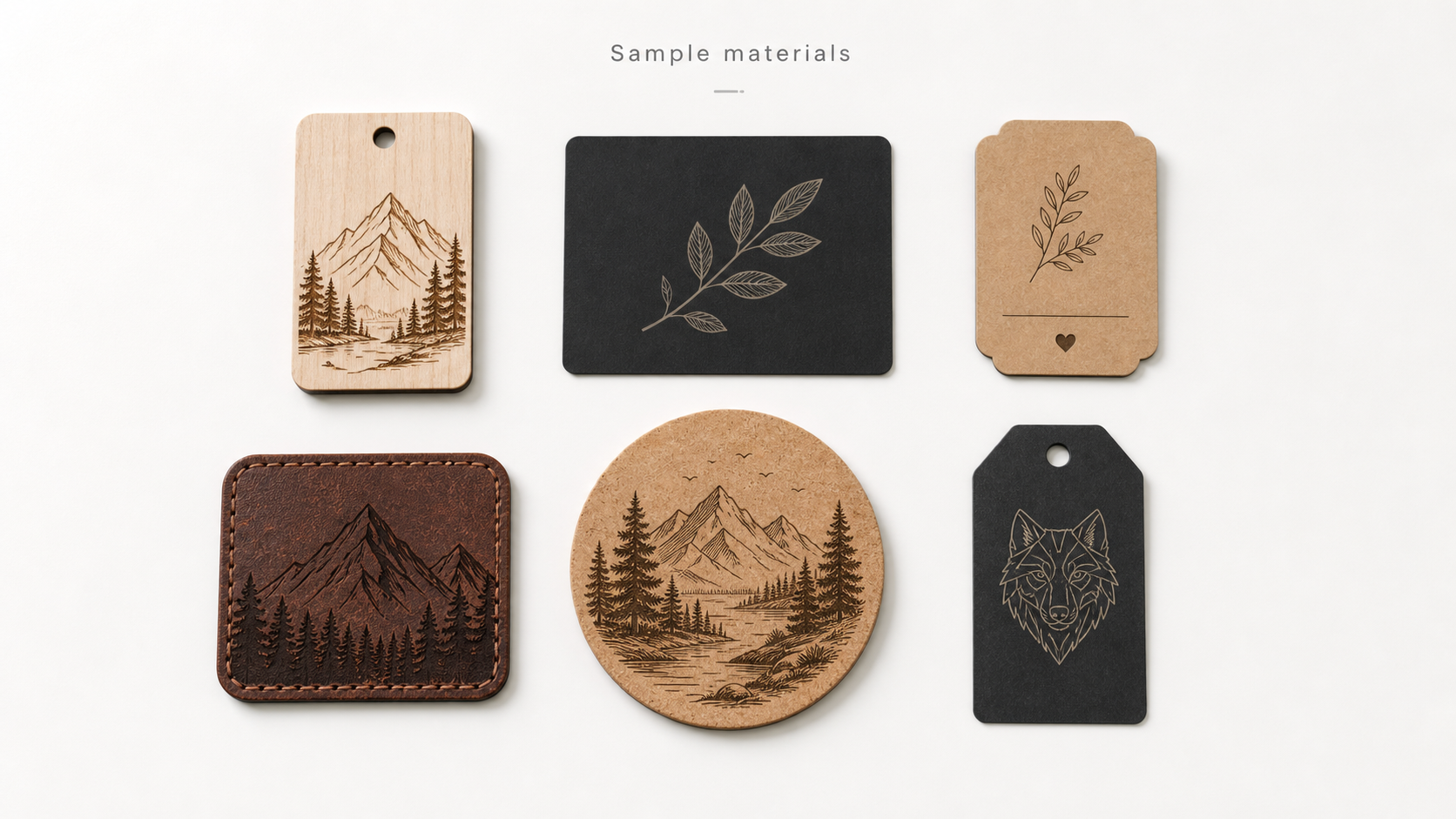
Sort Material Sample Notes by the Variable You Changed
## One changed variable per note is easier to revisit When comparing samples, give each note a simple label for the variable you intended to change.
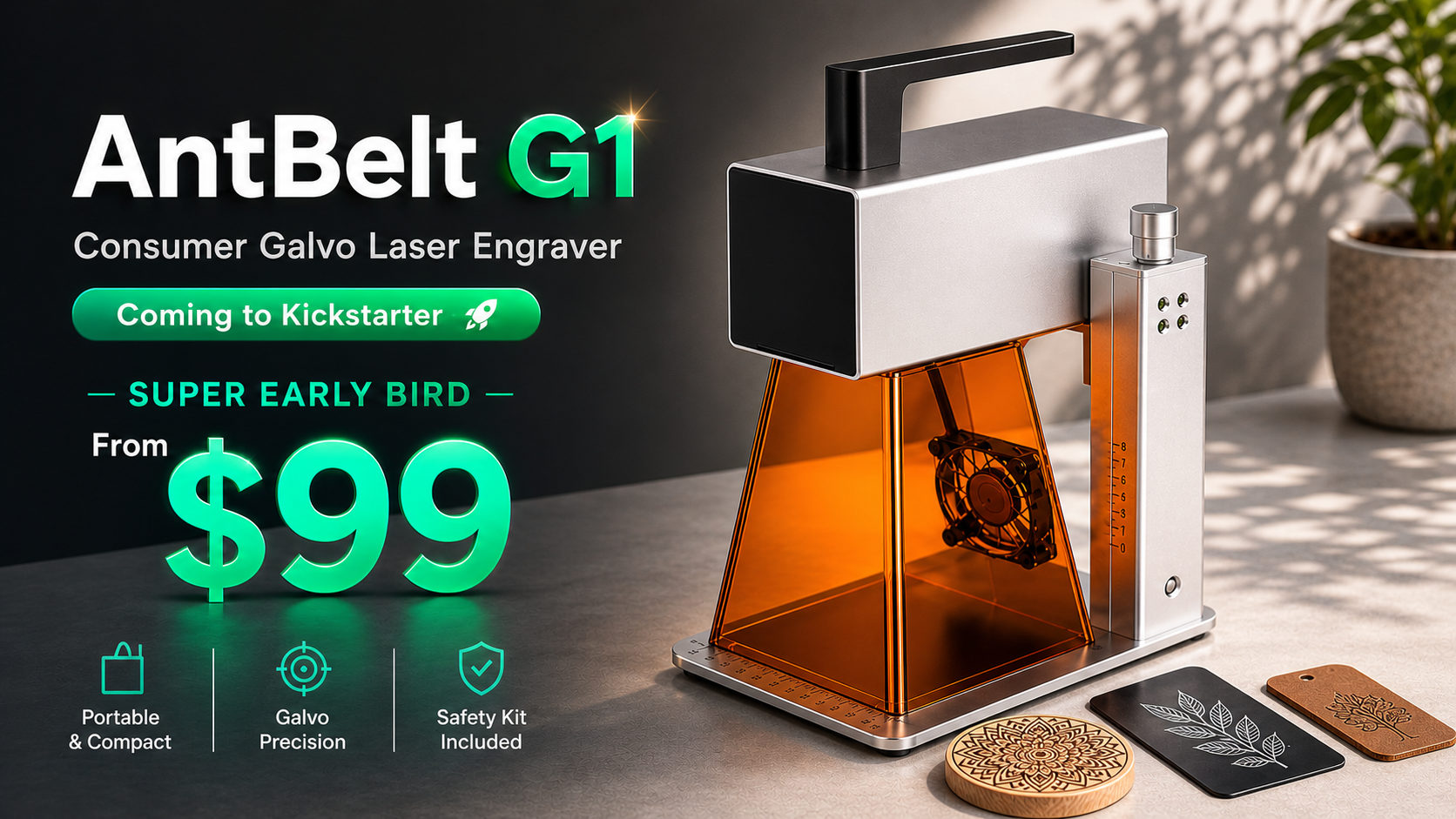
Backer Note: Use the Project Page for Current Details
## Treat an update as context, not the final record Short updates can explain a workflow, a sample, or a question worth following.
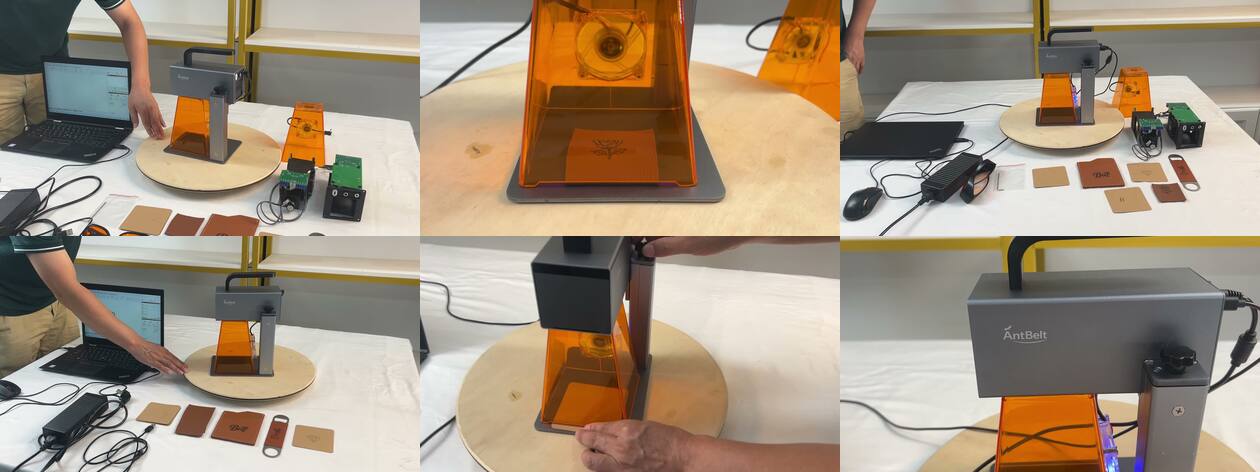
Video Recap: Look for the Placement Check Before the Result
## The setup can be more useful than the reveal When watching a short engraving clip, pause before the final close-up and look for the placement check.
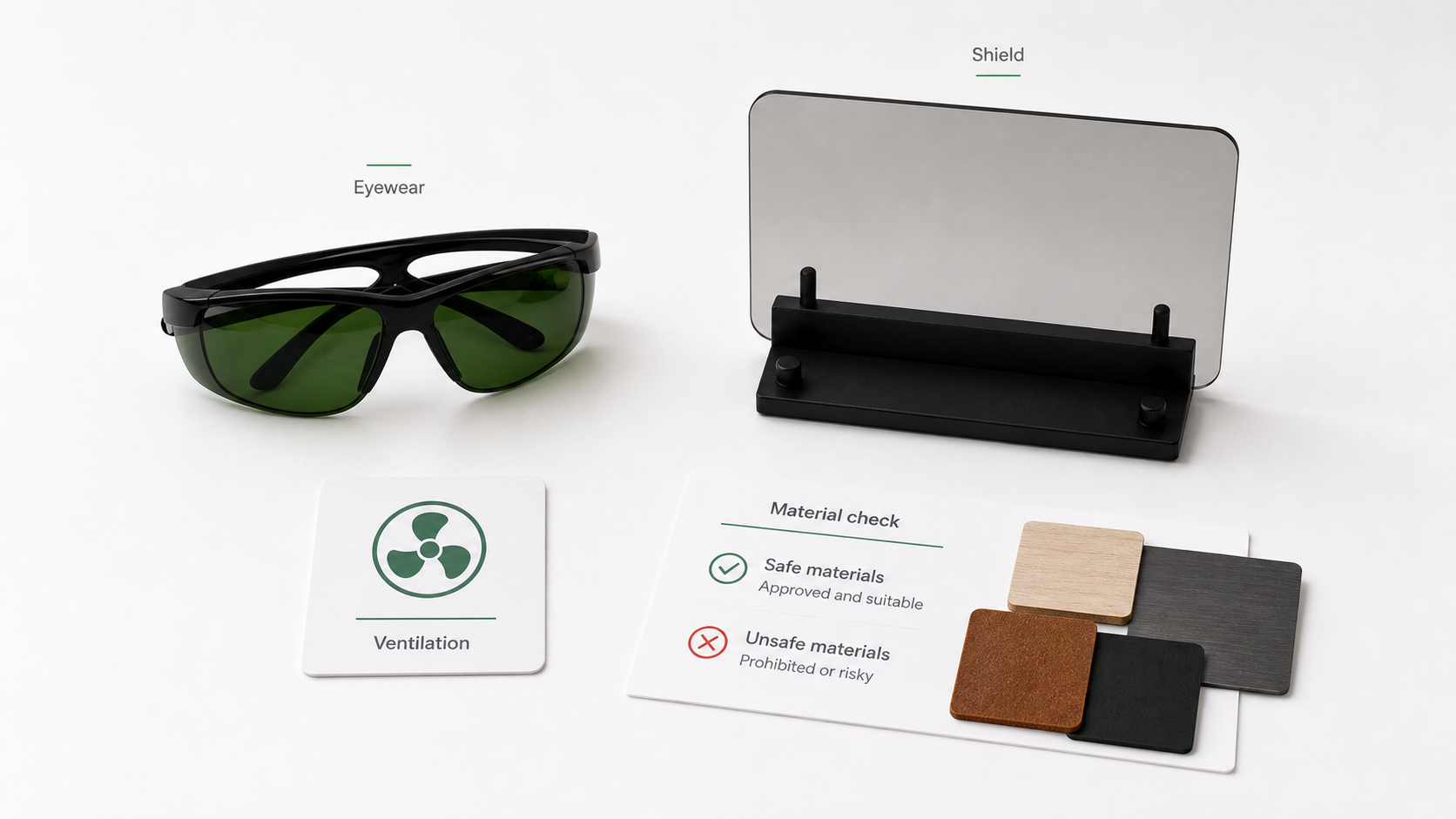
Make the Material Check Happen Before the File Opens
## Pause for material identification first Before opening a production file, identify the material and confirm that it is appropriate for the planned.
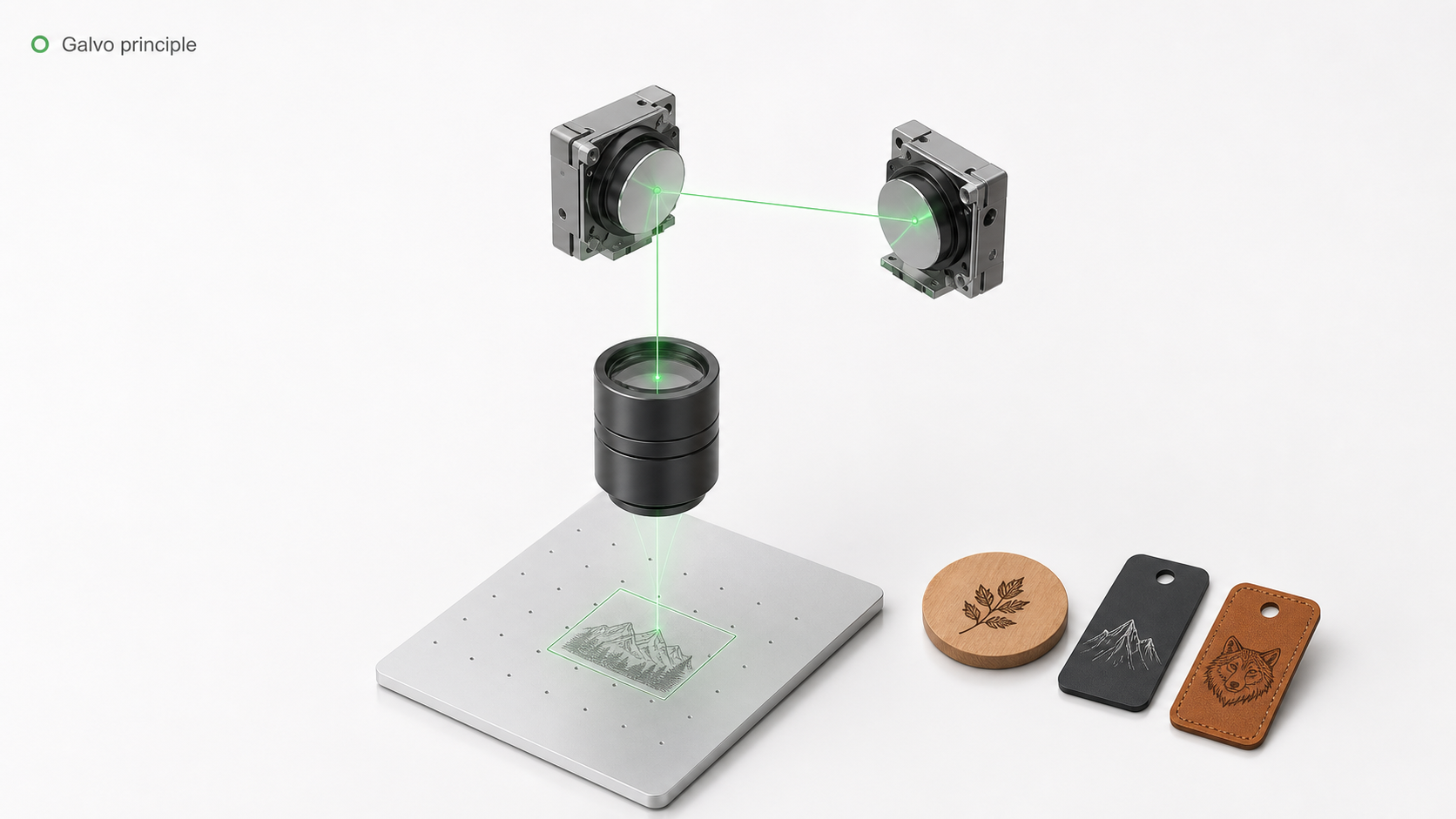
Compare Desktop Engraving Options by the Review Work They Require
## Compare the decisions around the tool Buying consideration is not only about a headline specification.
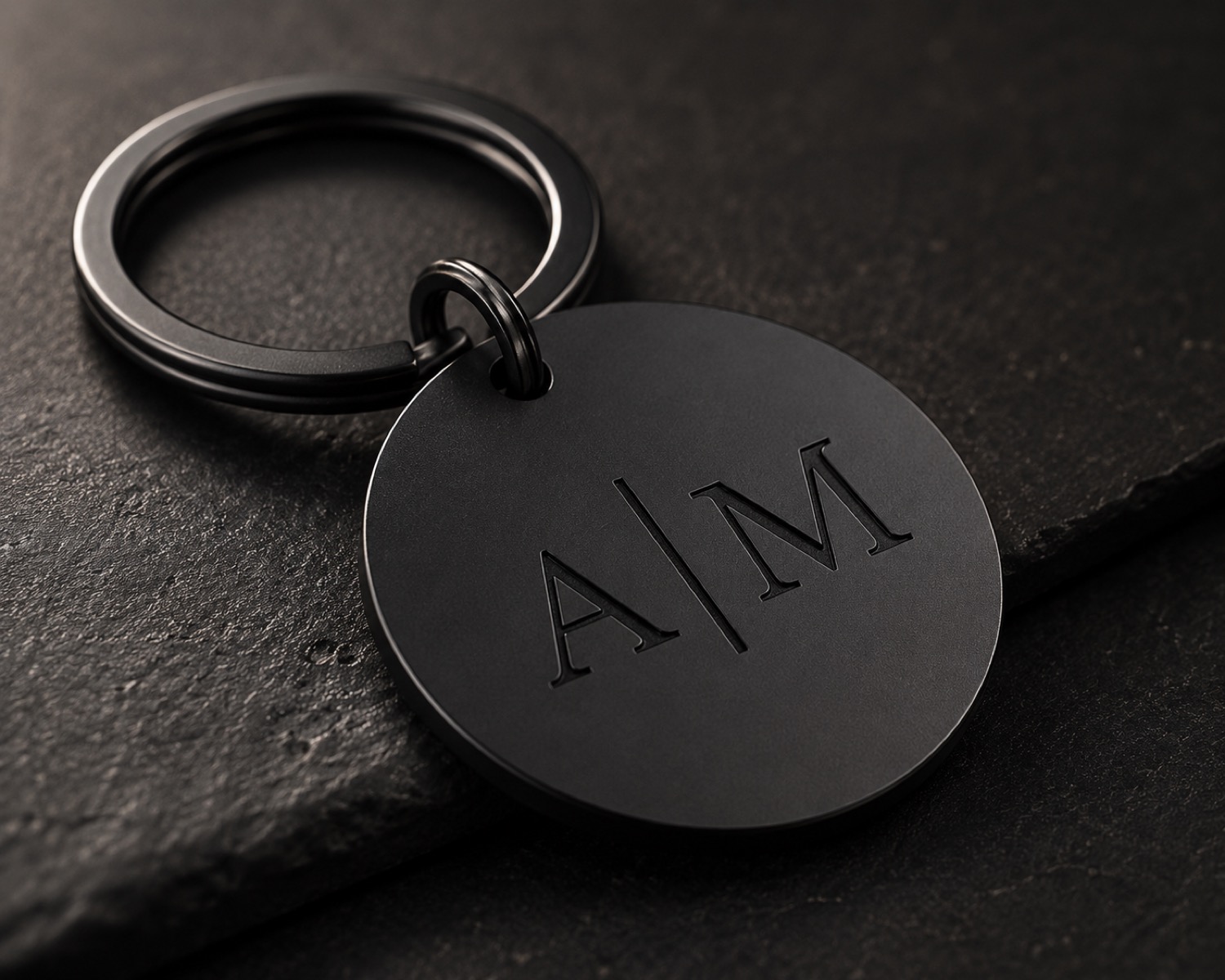
Outline a Monogram Before Choosing Type
## Begin with the intended reading order Sketch the initials and the visible edge of the artwork area before choosing type.
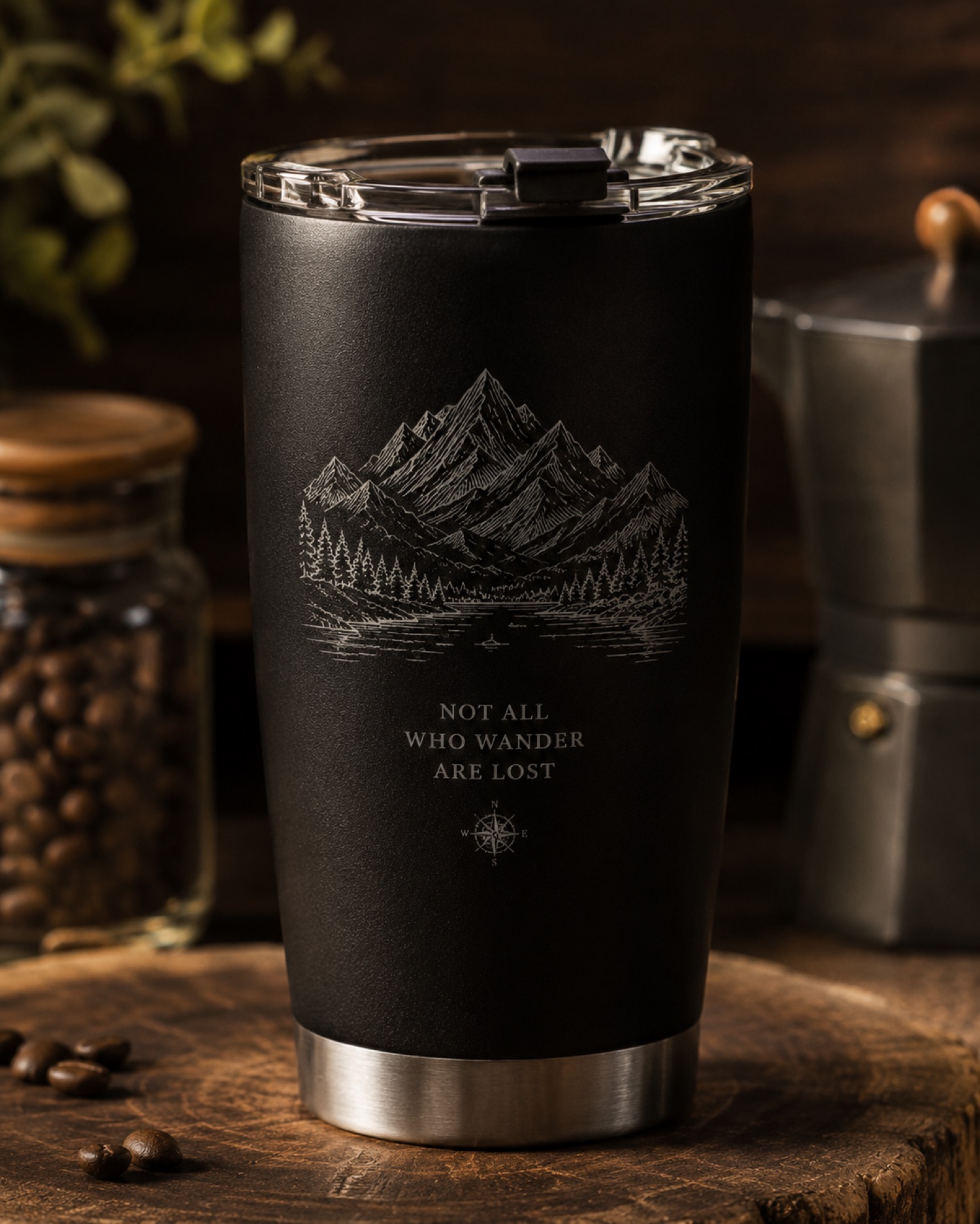
Set the Seam Outside the Main View on Cylindrical Artwork
## Choose the side people will read first AntBelt supports cylindrical engraving.
Turn a Custom Request Into a Three-Line Job Note
## Keep the request readable at a glance For each custom request, write three lines: requested wording, approved artwork version, and the question still.

Make the Listing Photo Answer One Buyer Question
## Give each photo one purpose Choose a primary photo that answers one question clearly: what is personalized, where the text sits, or how a design reads.
Photograph the Same Area When Reviewing Material Samples
## Make comparison possible When documenting sample observations, photograph the same area under a noted setup whenever practical.
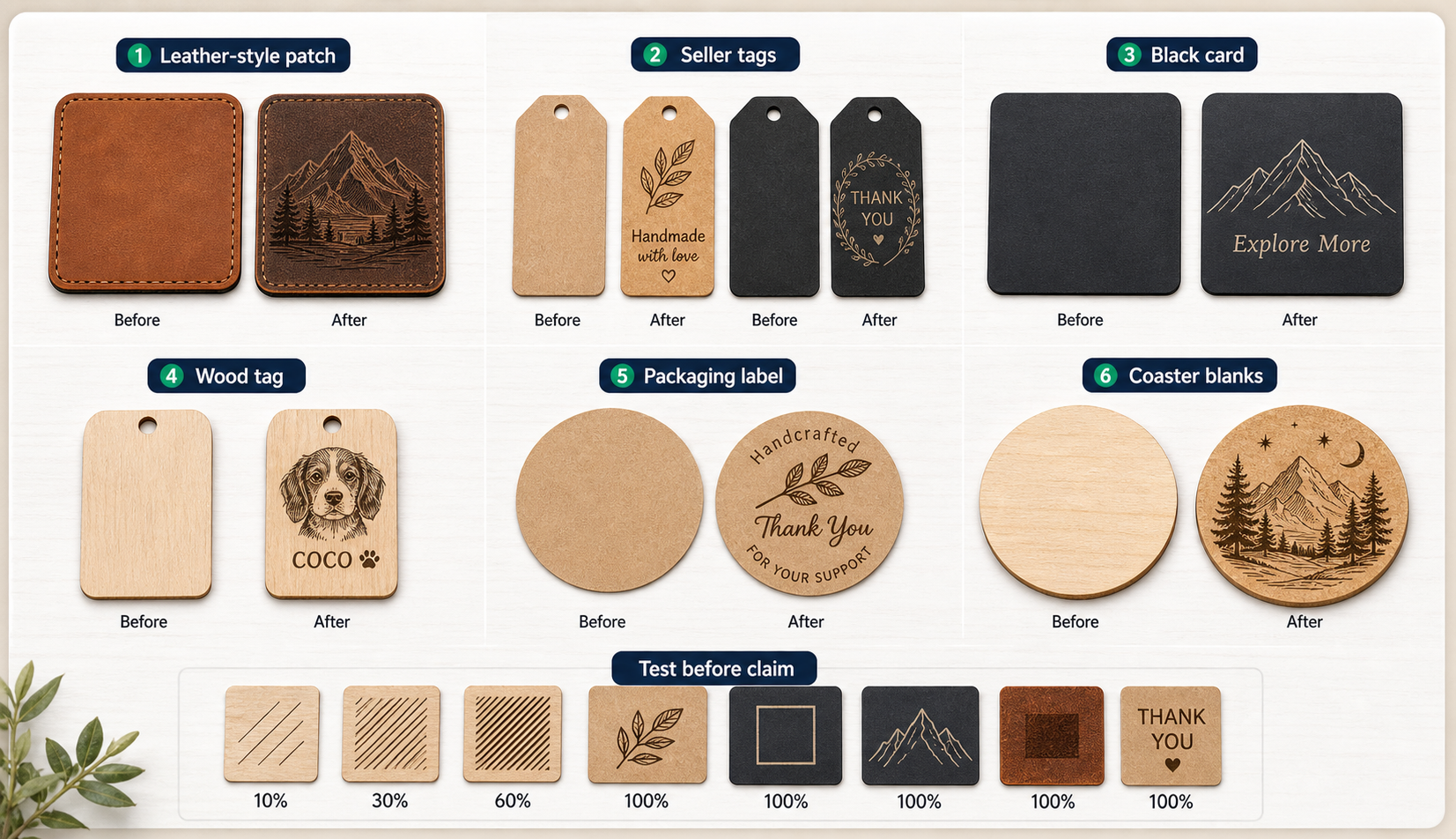
Use a Question Column on a Sample Board
## Let the sample board show uncertainty Add a question column beside each sample image: what needs another look, what condition was not recorded, or what.
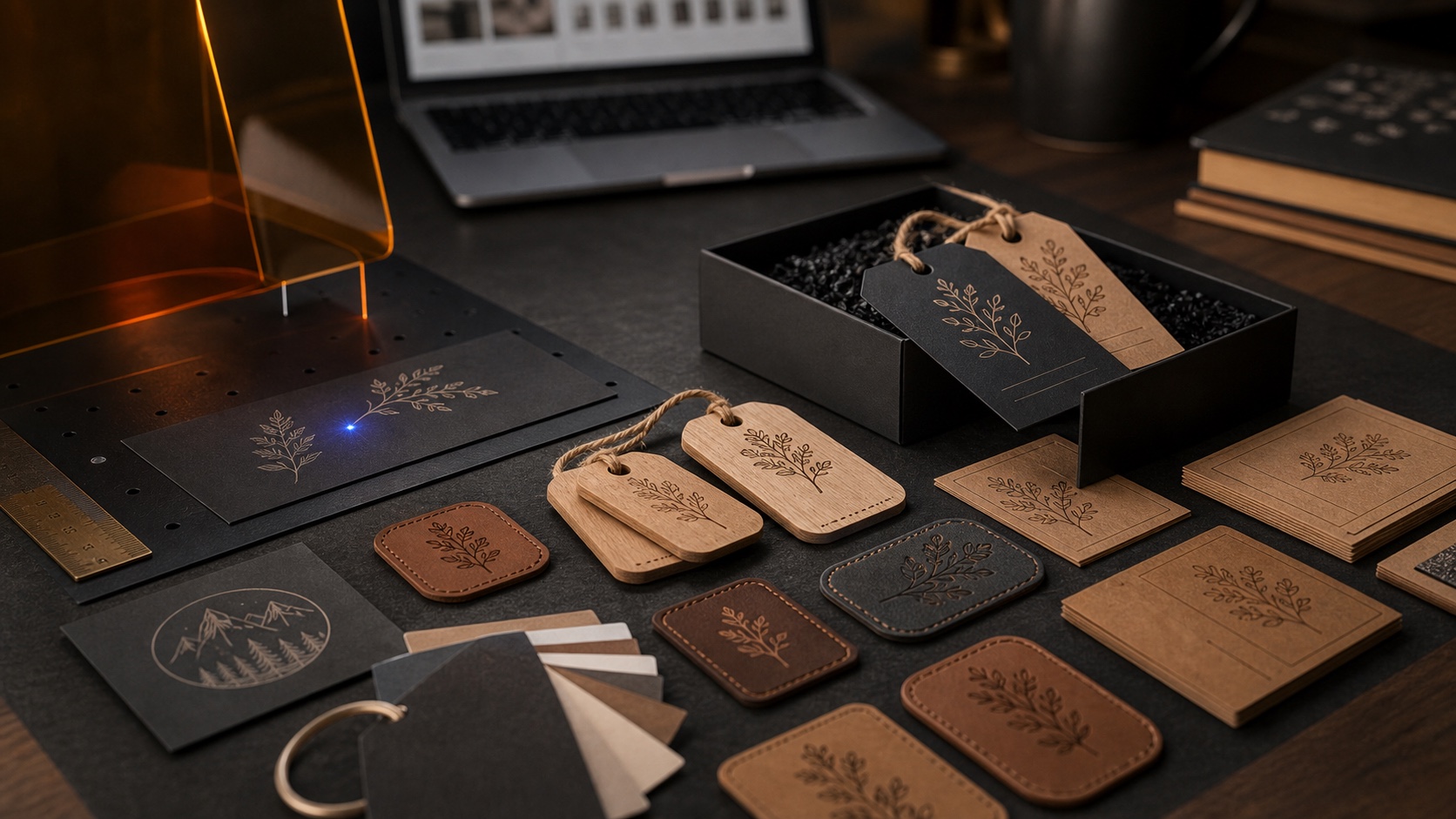
Backer Note: Separate Current Details From Open Questions
## Read the latest project record first For a pre-launch project, keep current published details separate from questions that still need confirmation.
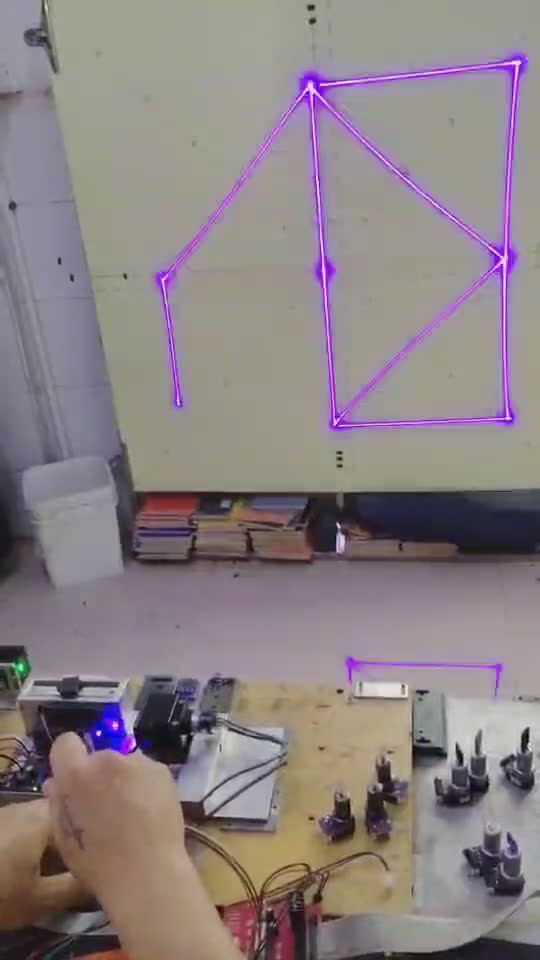
Video Recap: Watch for the Fixture Before the Closeup
## Pause before the result shot In a demonstration clip, the setup view often provides more context than the final closeup alone.
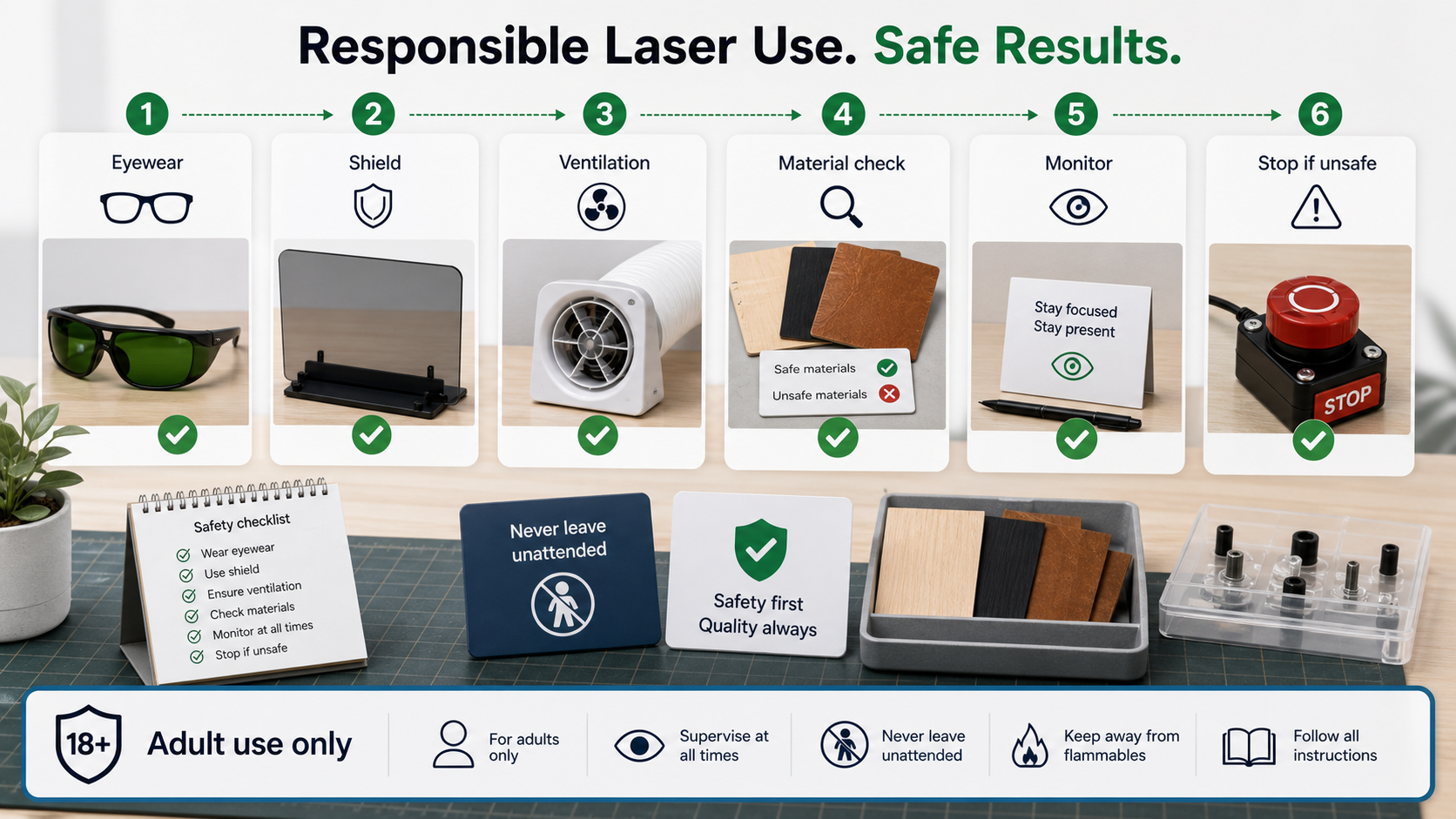
Put an Attended Checkpoint on the Job Card
## Make attendance explicit Add an attended-use checkpoint to the job card before beginning a laser task.
Compare a Desktop Engraving Workflow by Review Points
## Compare the moments you need to verify When considering a desktop engraving workflow, list the decisions you need to review: artwork setup, sample.
Use a Spacing Guide for Short Personalized Text
## Start with the space around the words For a short personalized layout, draw the visible edge of the design area and add a simple center line before.
Map the Wrap Before Cylindrical Artwork
## Sketch the visible panel first When preparing a cylindrical engraving design, identify the viewing side, the reading direction, and the place where.
File the Approval Next to the Order Details
## Put the final wording in one place For a custom order, keep the approved wording, reference image, and revision date together.
Choose a Problem Photo Before Writing a Listing
## Let one image explain one choice Choose a photo that makes one decision easy to understand: placement, wording order, or the kind of reference a buyer.
Label the Variable in Each Material Photo
## Name what changed If you are comparing sample photos, label the observation that changed between them: the artwork version, lighting, surface.
Build a Sample Board With Unknowns Visible
## Give incomplete samples an honest label Group sample images by what has actually been observed, and mark missing context such as source, finish, or.
Backer Note: Read the Project Page as the Current Record
## Treat dated posts as context An older post can explain a decision, but it may not contain the latest project details.
Video Recap: Look for the Setup Cut
## Watch what happens before the close shot In a demonstration clip, pause at the setup cut before focusing on the finished view.
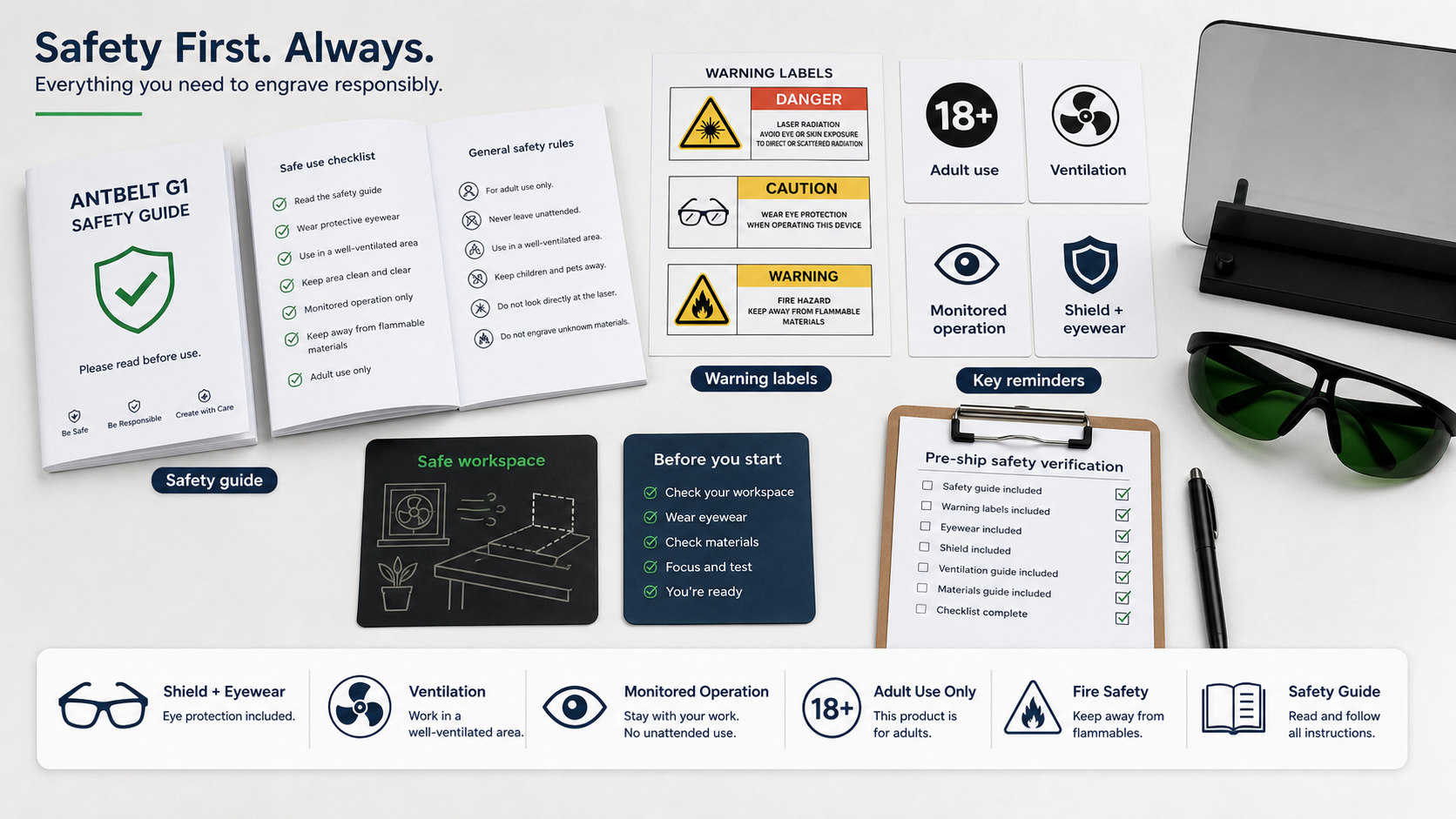
Make the Final Check a Separate Work Step
## Do not fold safety into a rushed handoff Make the final check a distinct step in the work note: confirm the work area, required protective measures.
Compare Tools by the Questions They Answer
## Begin with your actual workflow Before comparing tools, list the work you need to review: artwork planning, sample documentation, workspace.
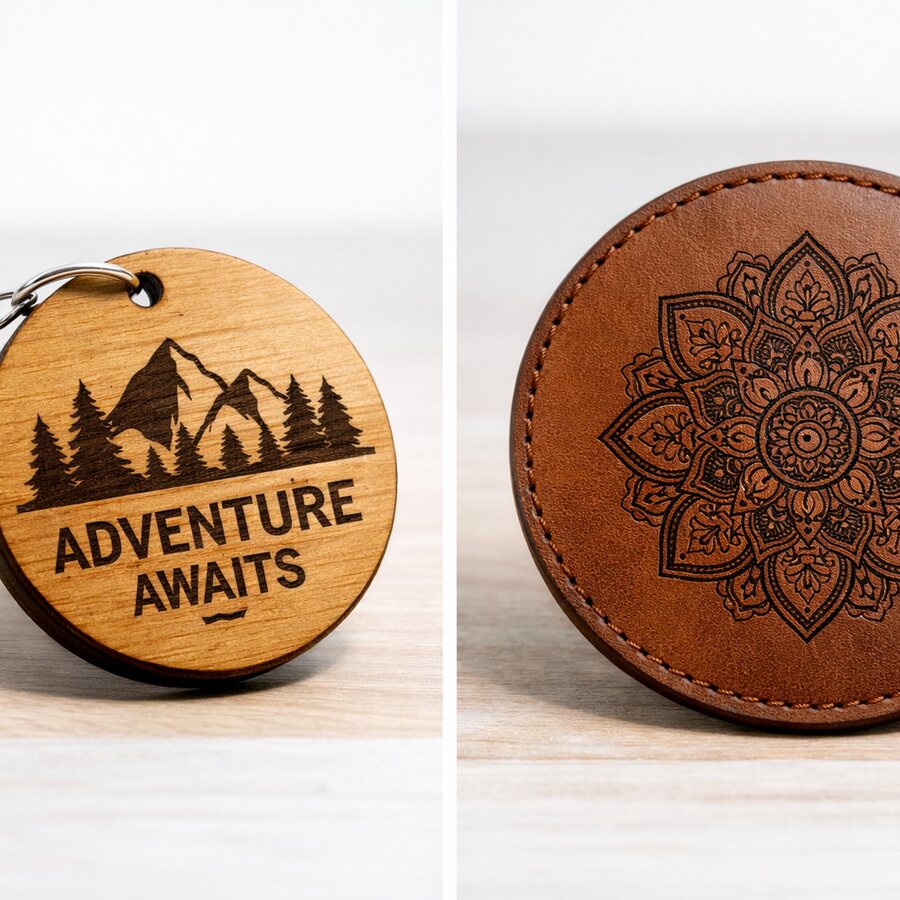
Start With a Reading Order for a Small Layout
## Decide what should be read first Before opening a main design file, make a small proof that shows which word, mark, or shape should be noticed first.
Mark the Viewing Side on a Cylindrical Artwork Plan
## Begin with the side a person will see For a cylindrical engraving project, mark the intended viewing side and the artwork seam in the planning drawing.
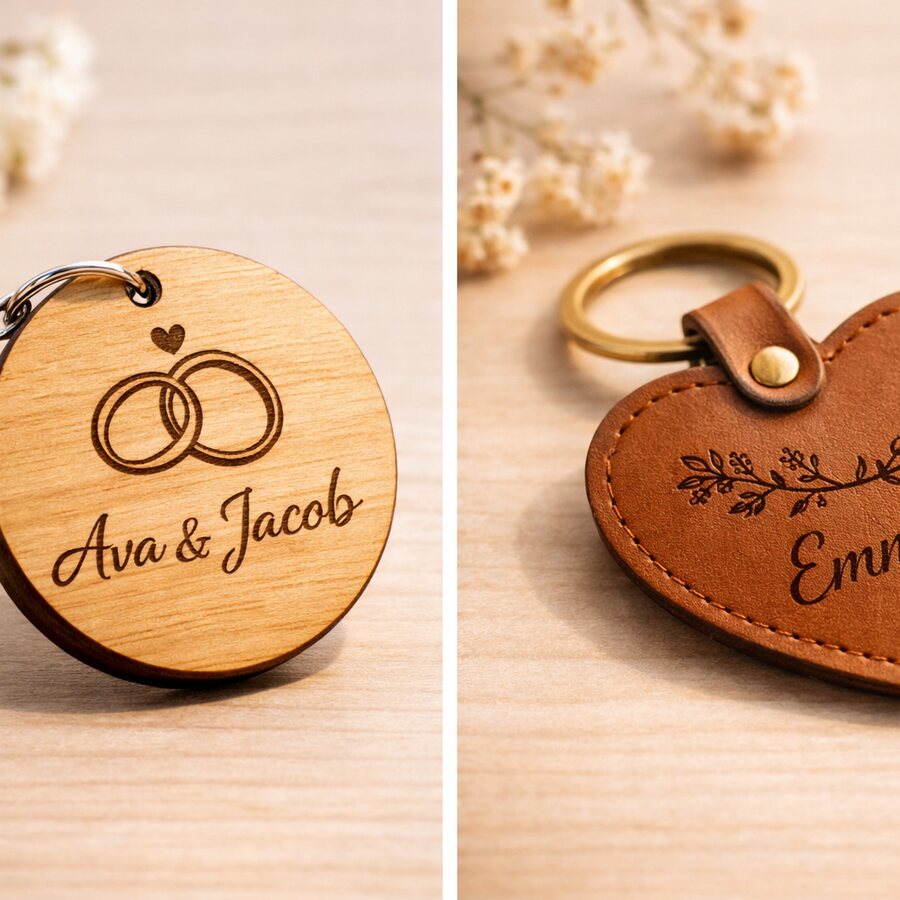
Keep a Change Log for Each Personalized Request
## Give each request one record Keep the requested wording, the latest proof, and the date of the most recent change together.
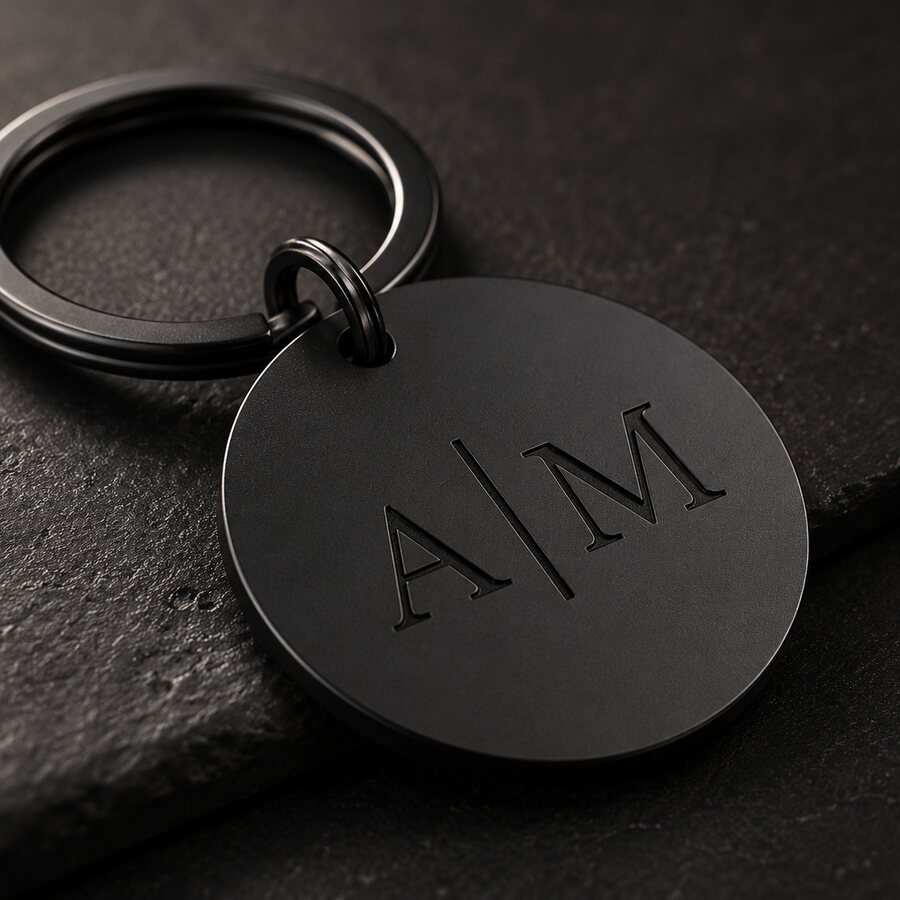
Photograph the Reference With the Custom Order
## Keep the source next to the proof When a custom order depends on a supplied reference, keep one simple photo or screenshot with the current proof.
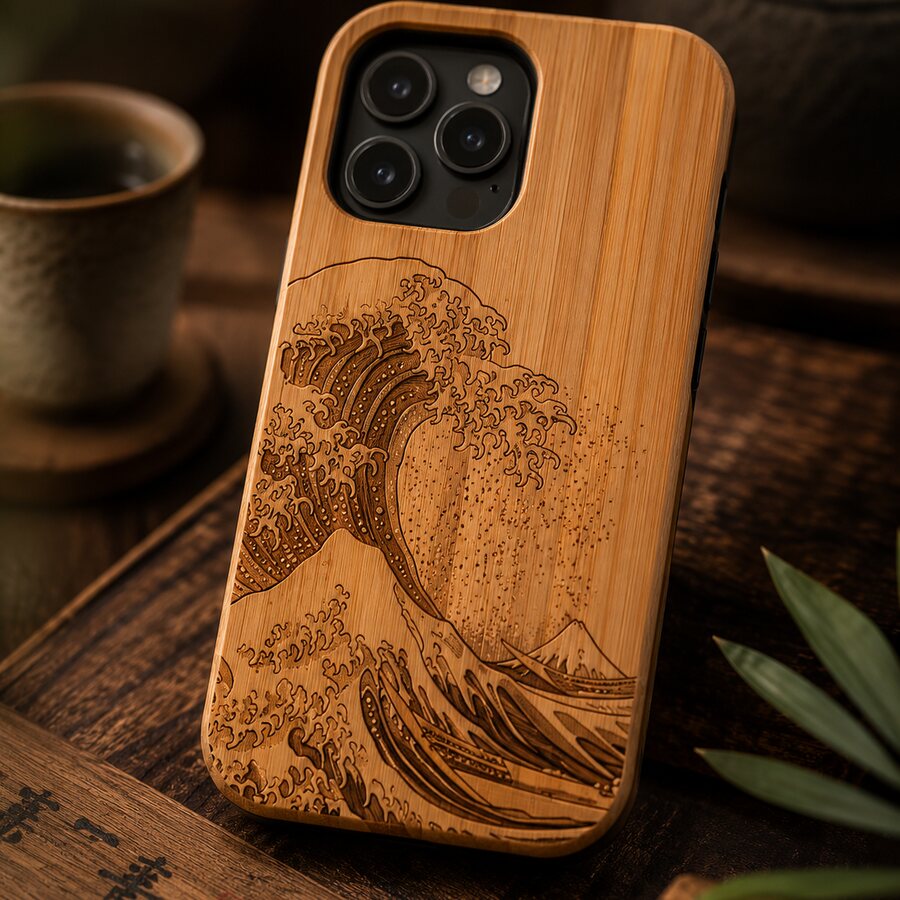
Note the Background Behind a Material Observation
## A sample record needs its context Write down the background, lighting, and viewing angle used when a material sample is photographed.
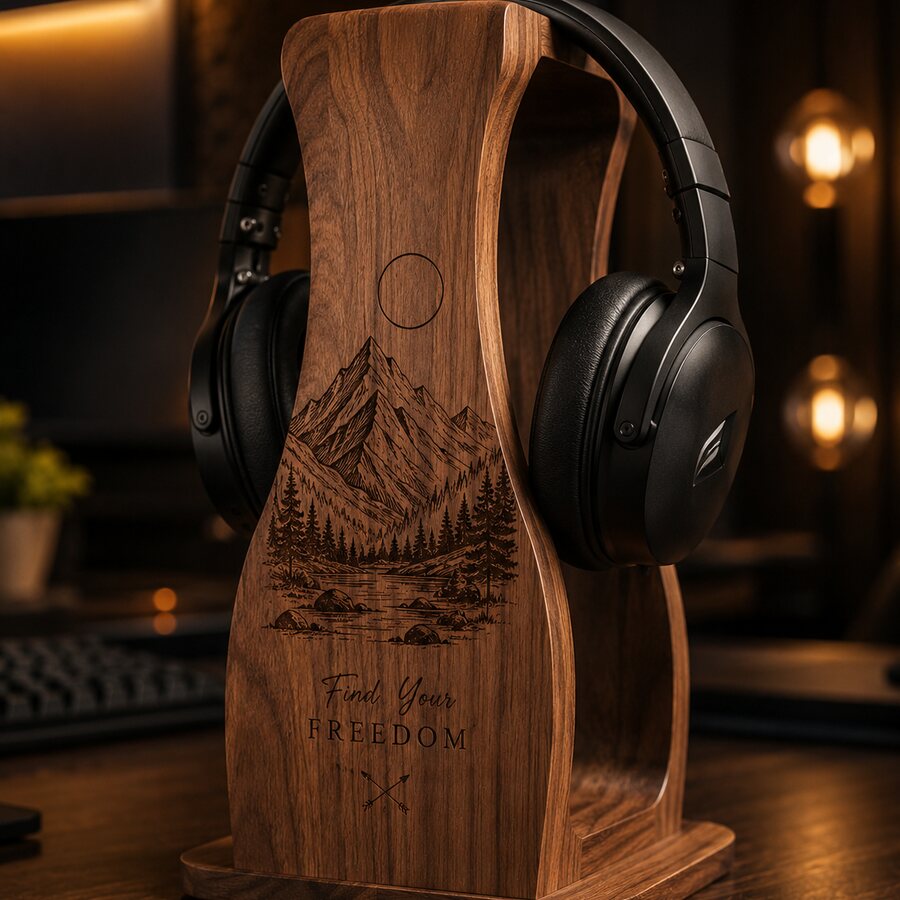
Separate a Sample Note from a Compatibility Claim
## Name the observation, then name the unknown A sample note can describe what was observed in one documented setup.
Backer Note: Follow the Open Questions
## Project information is clearer when questions stay visible An AntBelt project update can show what is currently documented, what is planned, and what.
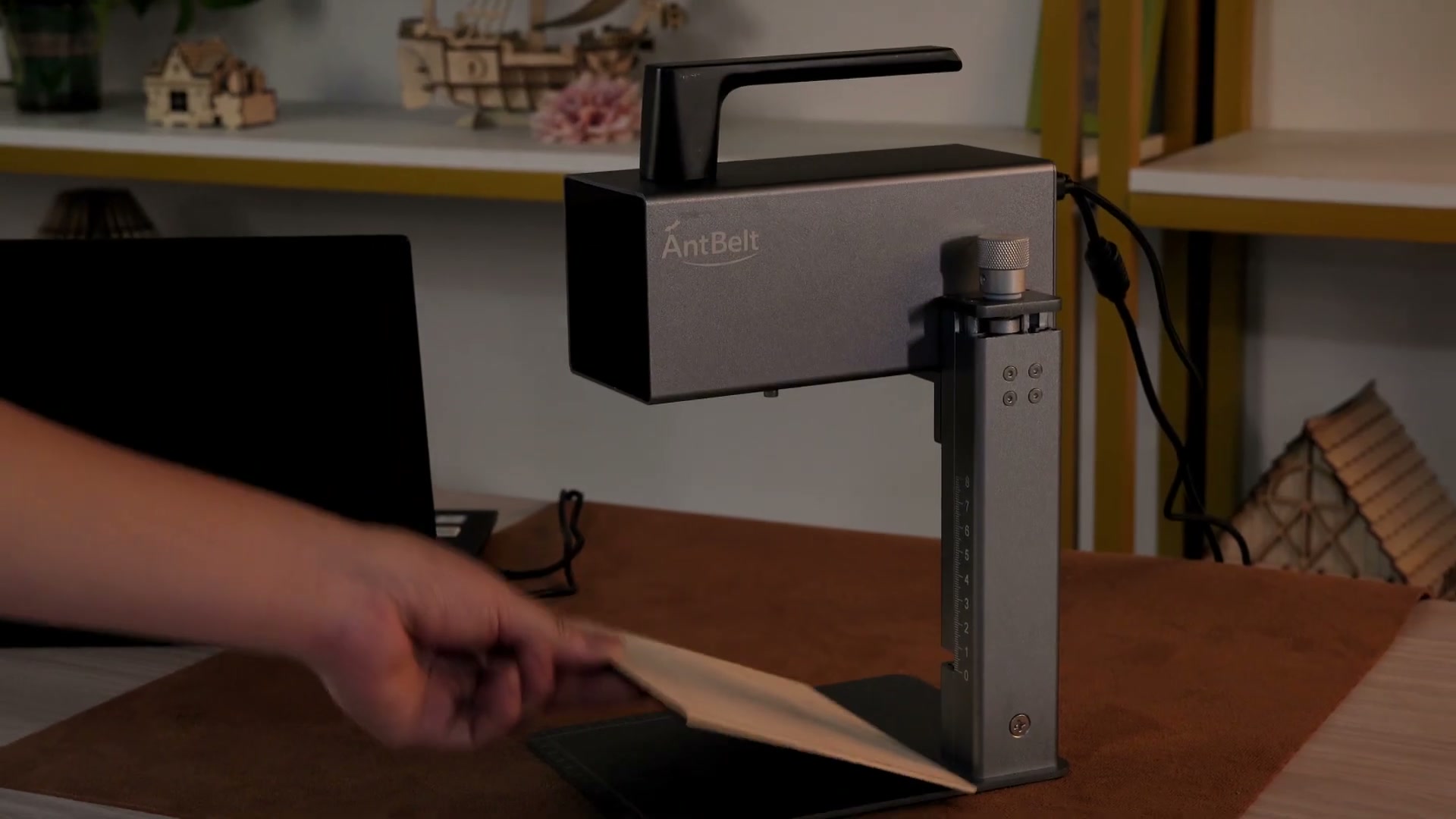
Video Recap: Find the Decision Point in a Demo
## Look for the choice behind the result When watching a demonstration, identify the moment where the operator checks placement, artwork, or the work area.
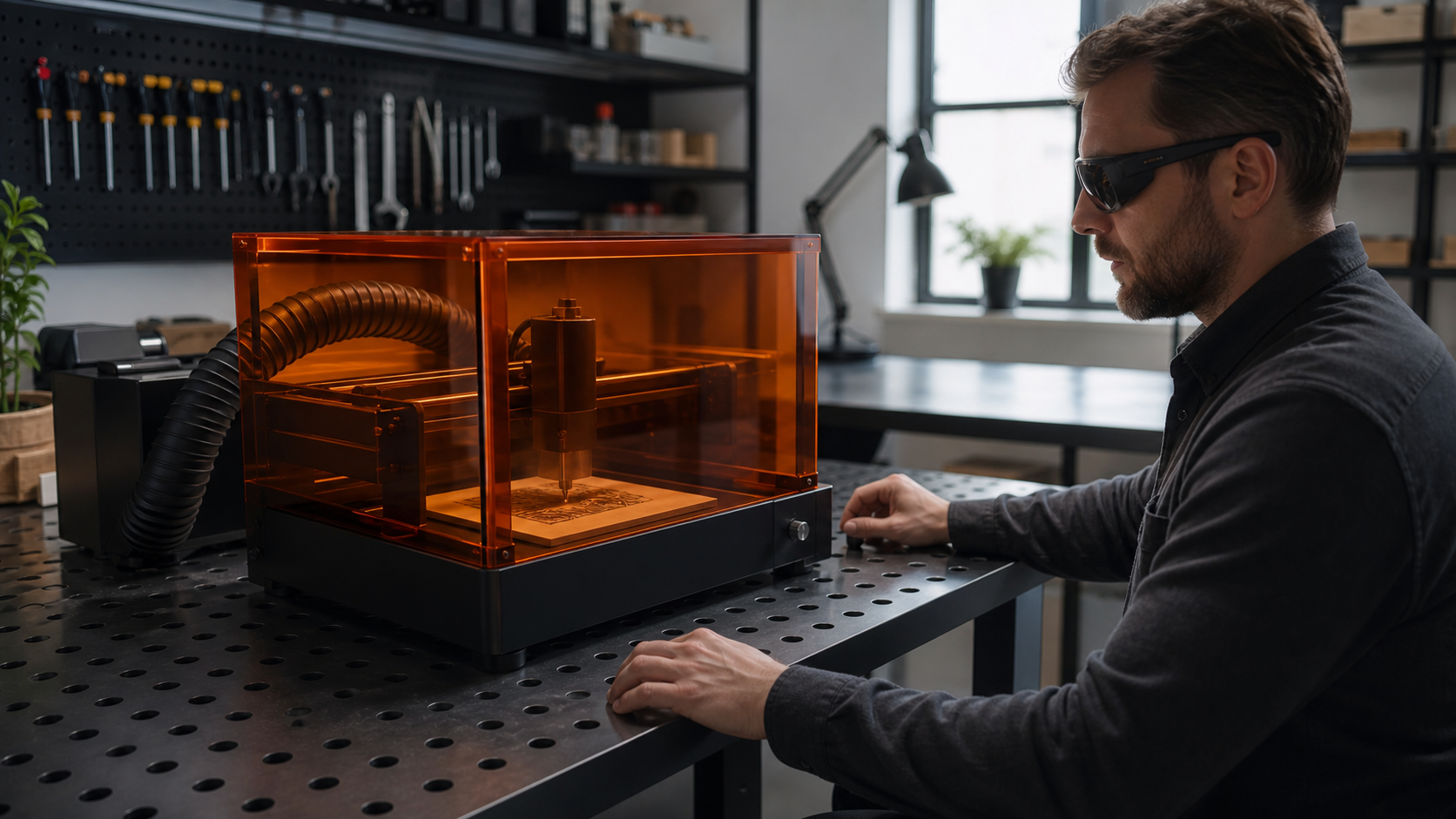
Write a Pause Condition Into the Workflow
## Define when work should stop Add a pause condition to the job record for unclear material, artwork, workspace, or ventilation conditions.
Compare Buying Options by the Questions They Leave Open
## Compare the evidence before comparing a list When considering a desktop engraving workflow, list the question each source can answer.
Make a Small Layout Proof Before Opening the Main File
## Start with the decision, not the finished file Make a small layout proof that shows the requested text, orientation, and any area that must remain.
Plan Artwork Seams Before a Cylindrical Project
## Mark the view that matters For a cylindrical engraving project, identify the front view and the artwork seam before treating the design as ready.
Set a Review Window for Each Custom Order
## Give a change request a clear place to land Set a review window between receiving custom text and moving a job into the making queue.
Separate Ready to Make from Ready to Quote
## A price discussion is not an approval Keep requests that are ready for a quote separate from requests with approved artwork and details.
Record the Lighting Used for Each Sample
## A sample photo needs context Record the lighting direction and background used when you photograph a material sample.
Use a Material Log for Unconfirmed Blanks
## Unknown is a useful status Create a material log with the source, visible condition, date, and open questions for each unfamiliar blank.
Backer Note: What We Mean by a Project Update
## Separate what is shown from what is planned An AntBelt project update should distinguish a current photo, a planning decision, and an open question.
Video Recap: Watch the Setup Before the Result
## Begin before the close-up When reviewing a recorded demonstration, watch the setup before focusing on the finished close-up.
Make Ventilation Part of the Job Card
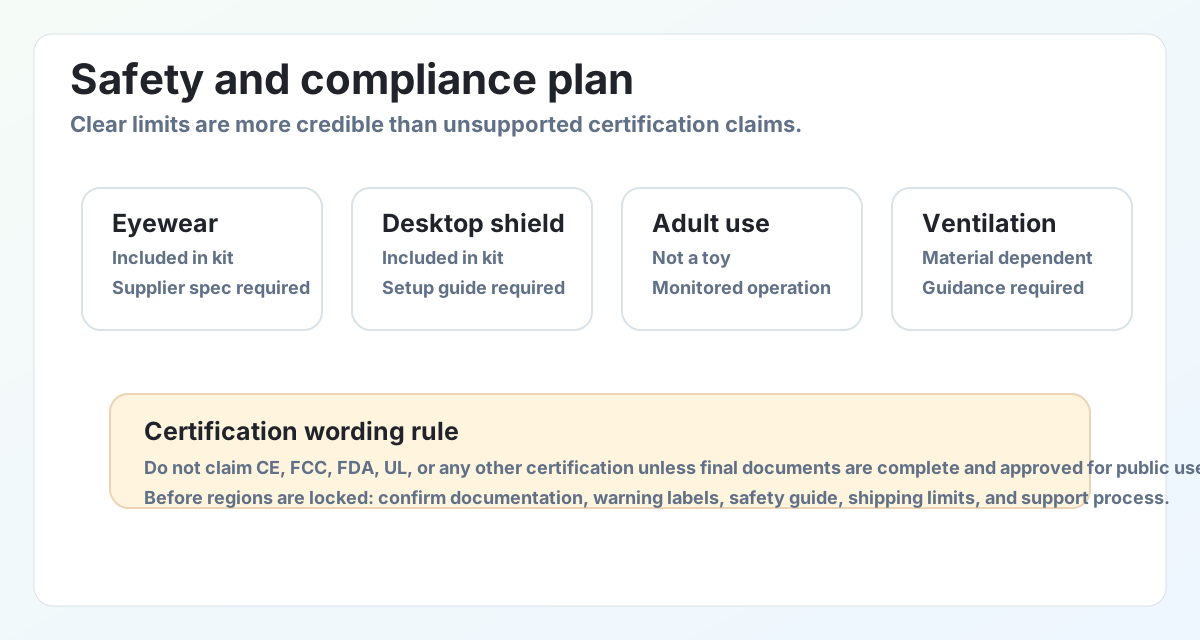
## Put the safety check beside the work Add a ventilation check to the same job card that holds the artwork and material notes.
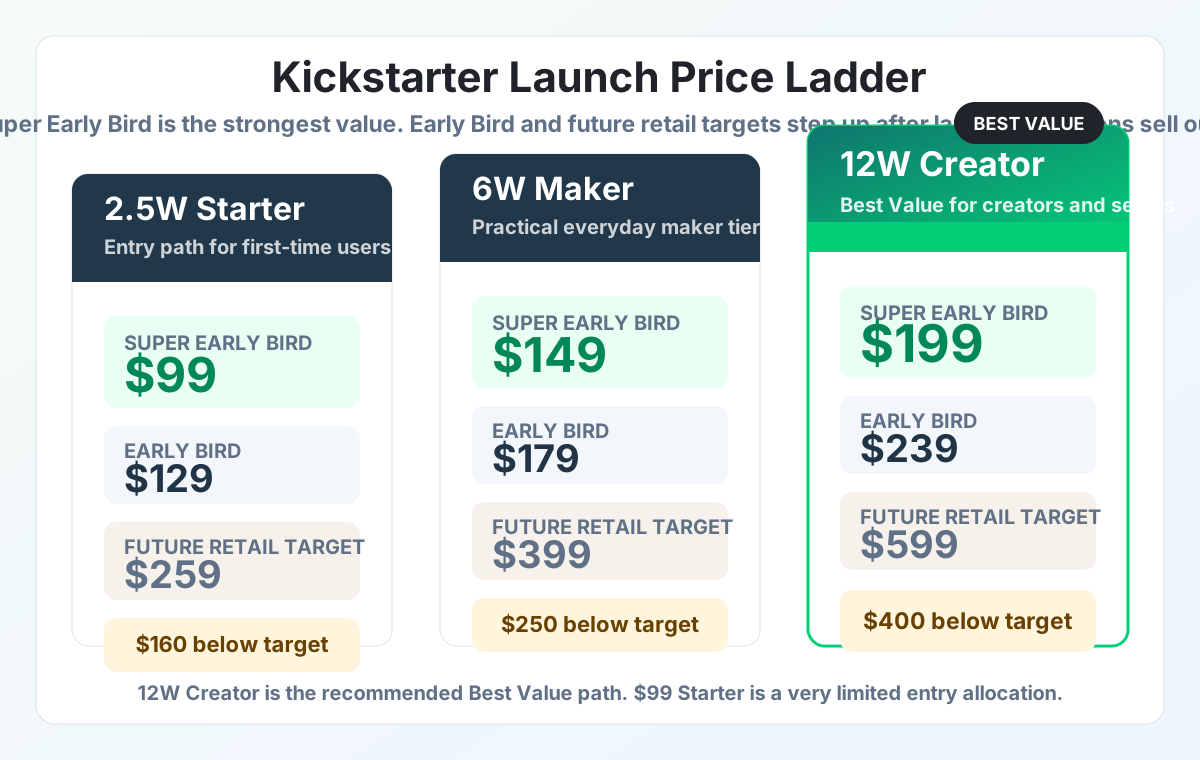
Compare the Evidence Behind a Buying Claim
## Start with the question you need answered When comparing a compact engraving workflow, list the decision you need to make before counting features.
Build a Reference Strip for Small Custom Layouts
## Put the decision points in one narrow view Before treating a custom layout as ready, make a thin reference strip that shows the blank edge, the.
Mark the Top and Bottom of a Cylindrical Design
## Choose an orientation before drawing the wrap For a cylindrical engraving concept, mark the top, bottom, and intended reading direction on a flat.
Make a Single-Source Note for Personalized Orders
## Keep the customer's words in one place A personalized order becomes easier to review when the requested name, date, and layout note sit in one source.
Separate Requested Text from Approved Text in a Custom Queue
## Give each text field a clear status In a custom queue, keep the customer's original wording separate from the wording that has been approved for the.
Use Three Views to Document a Material Sample
## Photograph the context as well as the mark An early material sample is easier to discuss when it has three views: the full blank, the marked area, and.
Write Down the Unknowns Next to a Sample Photo
## A sample photo is not the whole record A clear photo can show what one test looked like, but it may not capture the blank source, preparation.
Backer Note: Keep a Source Link with Each Project Claim
## Make it easy to revisit a detail When reading an early project page, save the direct source link and the date you saw it next to any detail you may.
Video Recap: Pause Before the Close-Up
## Look for the transition into the detail shot Before focusing on a close-up in a recorded demonstration, pause at the transition that leads into it.
Put a Stop Point in the Job Handoff
## Make the handoff a deliberate pause When one person prepares a job and another person takes over, use a clear stop point before operation begins.
Compare the Cost of a Revision, Not Just the Tool
## Start with the decision that creates rework When comparing a compact engraving workflow with another path, identify the changes that would require a.
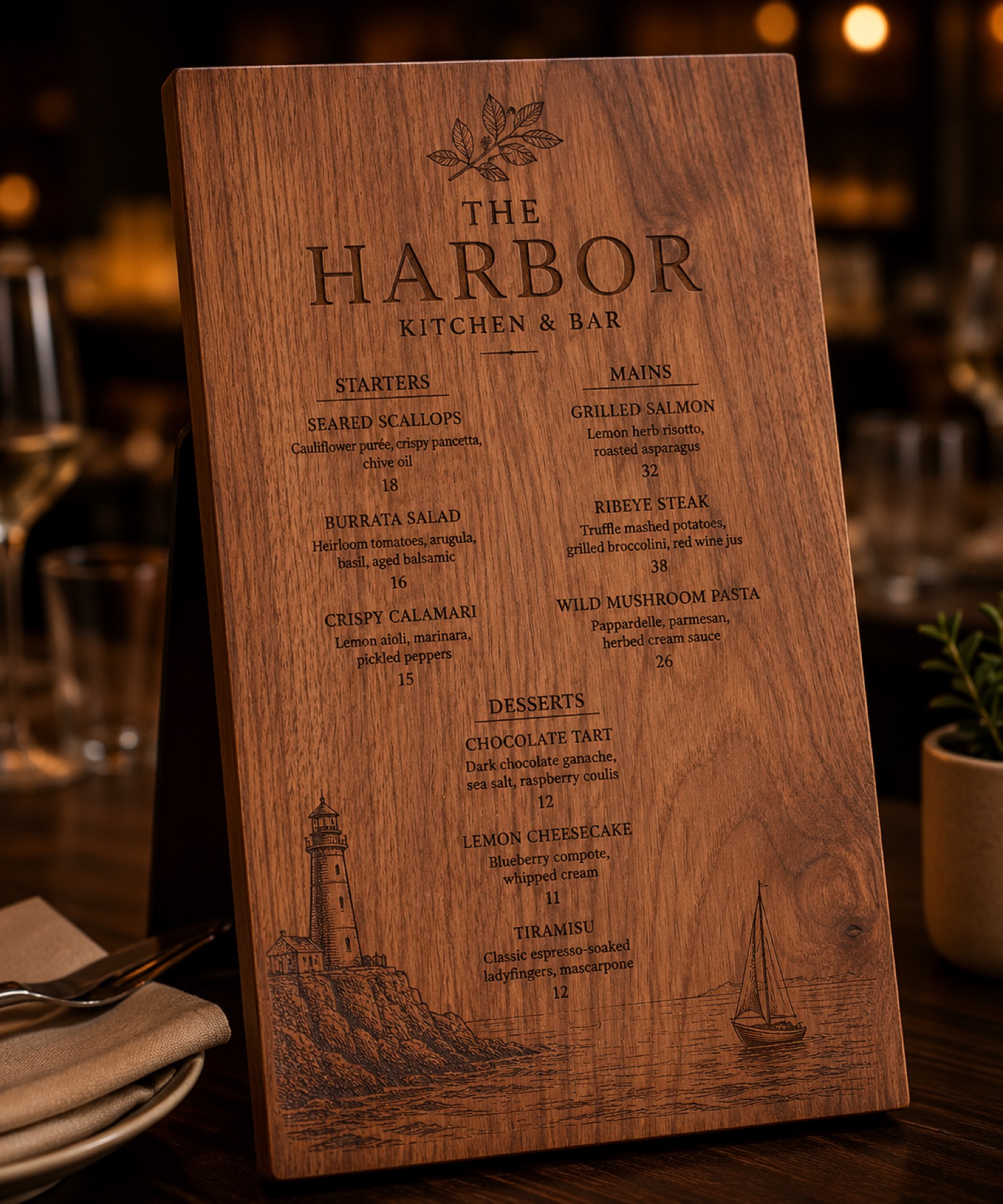
Mark the Quiet Zone Before Making a Gift Layout
## Decide what should stay empty Before placing a name or date, draw the edges, holes, and areas that should remain unmarked on a reference image.
Sketch the Seam Before Cylindrical Engraving
## Put the seam on the drawing first Start a curved-object layout by marking where a design begins and ends on a flat sketch.
Turn a Customer Message Into a Proof Card
## Separate the request from the layout Copy the requested wording into a short proof card, then add a separate note for placement and style choices.
Photograph the Approved Side of a Custom Order
## Choose one reference angle After the layout is reviewed, choose one camera angle that shows the side used for approval.
Write One Observation Per Material Sample
## Ask a narrow question Record one observation such as edge clarity, contrast, or an area that needs another look.
Compare Sample Photos Before Changing the File
## Put comparable views together Place photos of the same sample under similar light and label the view rather than relying on memory.
Backer Note: Check the Date on Project Details
## Start with the current project source When comparing a project detail with an earlier note, record where it came from and when it was checked.
Video Recap: Note the Setup Before the Close Shot
## Watch for the setup label Before focusing on a close shot, pause where the workflow context is shown and note what is actually visible.
Reset the Work Area Before Opening the Next Job
## Pause between unrelated work Clear the prior sample, file reference, and notes before preparing the next job.
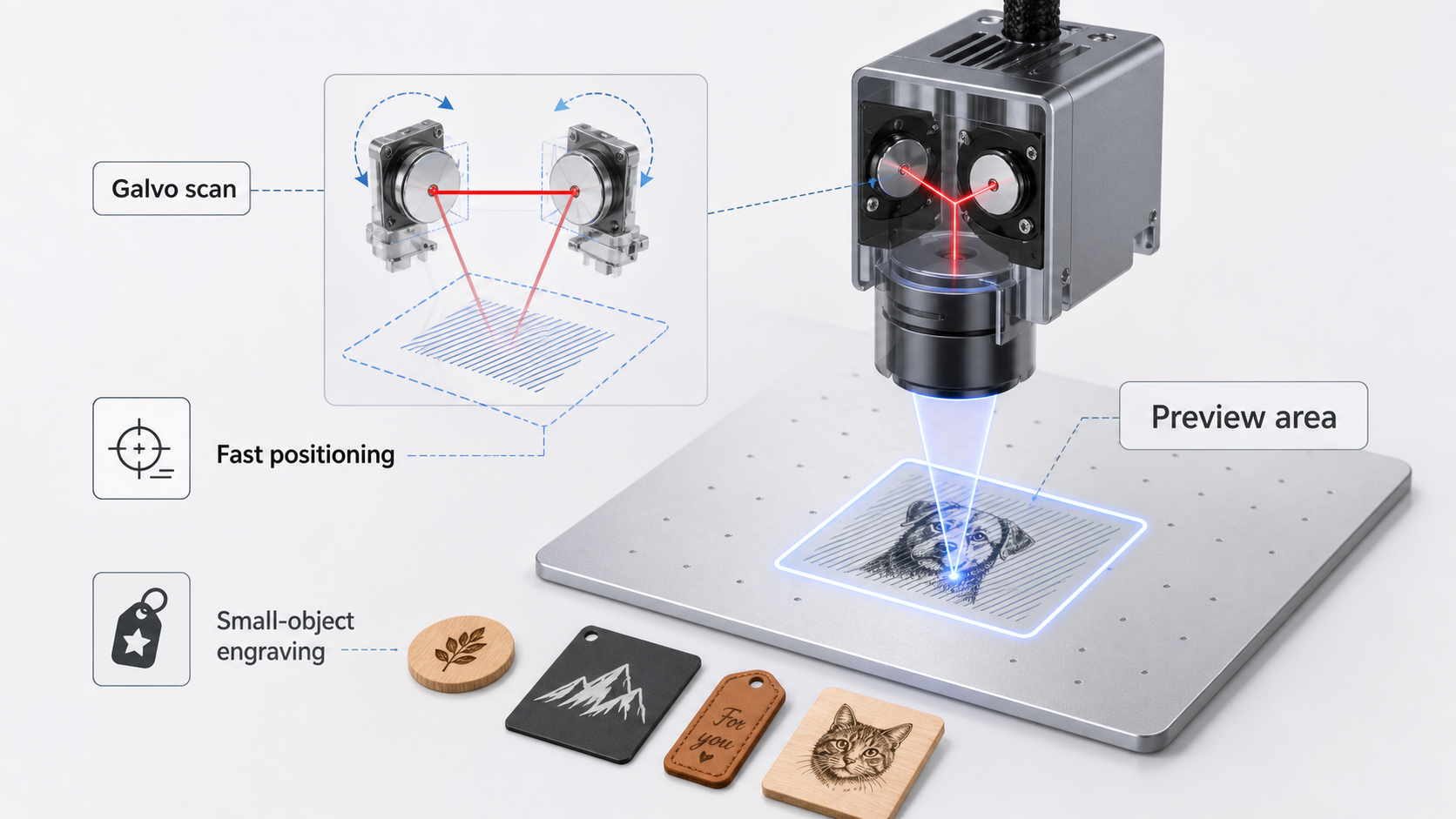
Compare Engravers by the Evidence You Can Review
## Begin with your own questions List the work you want to review, the samples you need to see, and which details still require confirmation.
Test a Nameplate Layout With a Paper Outline
## Make the boundary visible before opening the file Put a paper outline on the blank or on a reference photo before building the artwork.
Plan Cylindrical Text Around the Side You Will See
## Start from the intended viewing side For a curved object, circle the side a recipient is most likely to see first.
Use a Two-Column Proof for Personalized Orders
## Separate customer text from layout choices Create a small proof with two columns: the exact customer-provided wording on one side, and the layout.
Build a Pickup Photo Set Around One Custom Order
## Photograph the same three moments For one custom order, photograph the approved proof, the marked object, and the packed handoff state.
Sort Material Observations by the Question They Answer
## Give every sample a single question Before looking at a sample, write the question it is meant to answer: Can the layout be read under this light?
Use an Edge Photo to Qualify a Flat Sample
## Do not rely on the center view alone A centered photo can hide the area that needs the most review.
Backer Note: Save the Source Behind Each Project Detail
## Treat the project page as the current reference Campaign details can change as a project develops.
Video Recap: Pause on the Label Before the Close-Up
## Look for the setup label first When reviewing a short demonstration, pause before the close-up and look for the label, object, or setup cue that tells.
Create a Stop-and-Check Step Before Moving the Workpiece
## Make the pause part of the routine Before moving a workpiece, stop the workflow and check the file name, the intended placement, and the surrounding.
Compare Desktop Engravers by the Questions You Can Answer
## Start with the workflow you need to review Before comparing feature lists, write the questions you need a product page, demonstration, or support.
Build a Three-Word Layout Proof Before a Gift
## Put the reading order in plain language Before opening the artwork, write three short words that describe the order in which someone should read the.
Start a Cylindrical Layout From a Visible Landmark
## Choose the feature that sets the front A handle, lid mark, or seam can give a curved object a reliable front.
Write Customer Approvals Around One Decision
## Make the reply easy to answer A useful approval message names one decision: spelling, layout direction, or the version of the artwork.
Photograph Custom-Order Proofs in a Fixed Sequence
## Use the same three views every time For a personalized order, take a context view, a readable-detail view, and a final-condition view.
Give Each Sample Uncertainty Its Own Note
## One question per sample note Instead of calling a sample simply good or bad, give it one question: Can the small text be read?
Keep an Unmarked Blank Beside the Sample
## Give the eye a reference point Place an unmarked blank beside the sample before taking a comparison photo.
Backer Note: Check Current Details at the Project Page
## Treat old screenshots as context, not confirmation Saved images and earlier posts can help explain the project journey, but the current project page is.
Video Recap: Follow the Handoffs, Not Just the Result
## Pause before and after each handoff When reviewing a demonstration, pause at the artwork check, the object-placement check, and the final review.
Make a Preflight Pause Part of Every File Change
## Stop when the file changes Any new artwork file, altered text, or changed placement is a useful reason to pause.
Compare Desktop Engravers by How Easy They Are to Review
## Start with the decisions you must verify Before comparing a compact engraving setup, list the decisions you need to inspect: artwork version, reading.
Mark the Handle Side Before Making a Wraparound Preview
## Start with the side people will find first For a curved keepsake, pick one reference before arranging the design: the handle side, a lid mark, or.
Build a Two-Line Nameplate Before Adding Decoration
## Prove the words first Begin a compact nameplate with only the two lines that matter: the name and the date, role, or short phrase.
Save the Approved Spelling With the Order Record
## Put the final words in one visible place Personalized work often changes in a short message thread: a surname gains a letter, a date changes, or.
Sort Reorders by the Artwork They Reuse
## Separate reused art from new text A reorder can look simple while hiding a layout decision.
Keep a Control Swatch Beside Each New Material Note
## Give each observation a reference When documenting a new material sample, keep one clearly marked control swatch beside it.
Label the Side That Faced the Work Area
## Orientation belongs in the sample record A material note is more useful when it says how the piece was oriented during the review.
Backer Note: Follow Current Project Details at the Source
## Use the project page for live details Campaign information can change as a project develops.
Video Recap: Pause on the Artwork Check
## Watch the decision before the reveal When reviewing a demonstration clip, pause at the moment the artwork is checked rather than only watching for the.
Clear the Work Area Before Opening the Next File
## Reset the physical and digital workspace Before opening a new artwork file, clear the previous piece, loose offcuts, and packaging from the work area.
Compare Desktop Engraving Setups by Their Review Steps
## Compare the decisions you can inspect When considering a compact engraving workflow, start with the review steps you can actually see: how artwork is.
Start With a Reading Edge on a Small Gift
## Decide how the piece will be read Before arranging a name, choose the edge or corner that a person will naturally use to orient the gift.
Check the Seam Zone on a Curved Keepsake Before the First Preview
## Mark the visible arc first For a cylindrical object, identify the side a recipient is most likely to see and sketch a small visible arc for the artwork.
Turn a Custom Request Into a Proof List
## Separate what must be confirmed A custom request becomes easier to handle when the customer-facing choices are written as a short proof list: spelling.
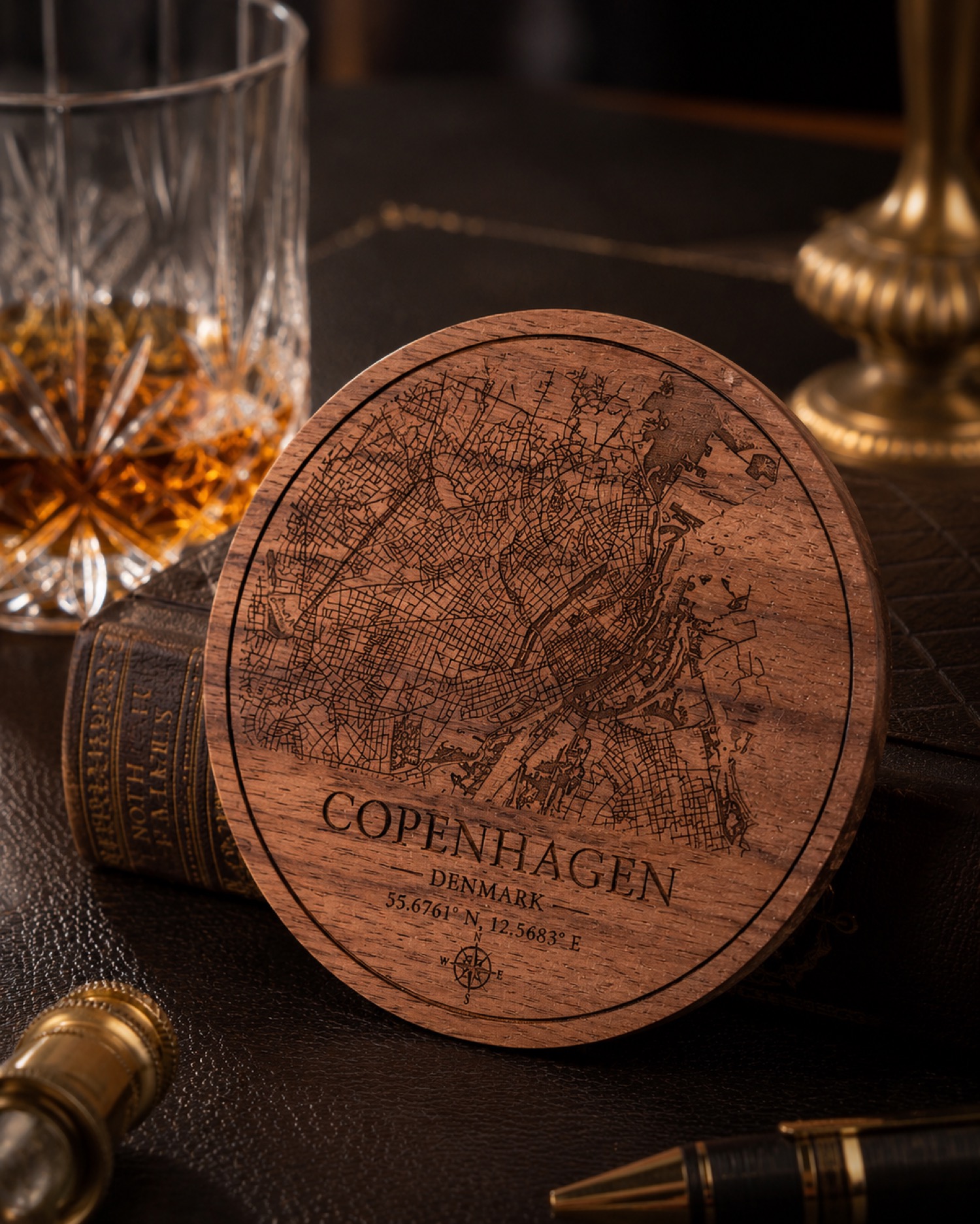
Group Small-Batch Orders by Layout Risk
## Start with the orders that need the most review In a small batch, sort requests by layout risk rather than by the time they arrived.
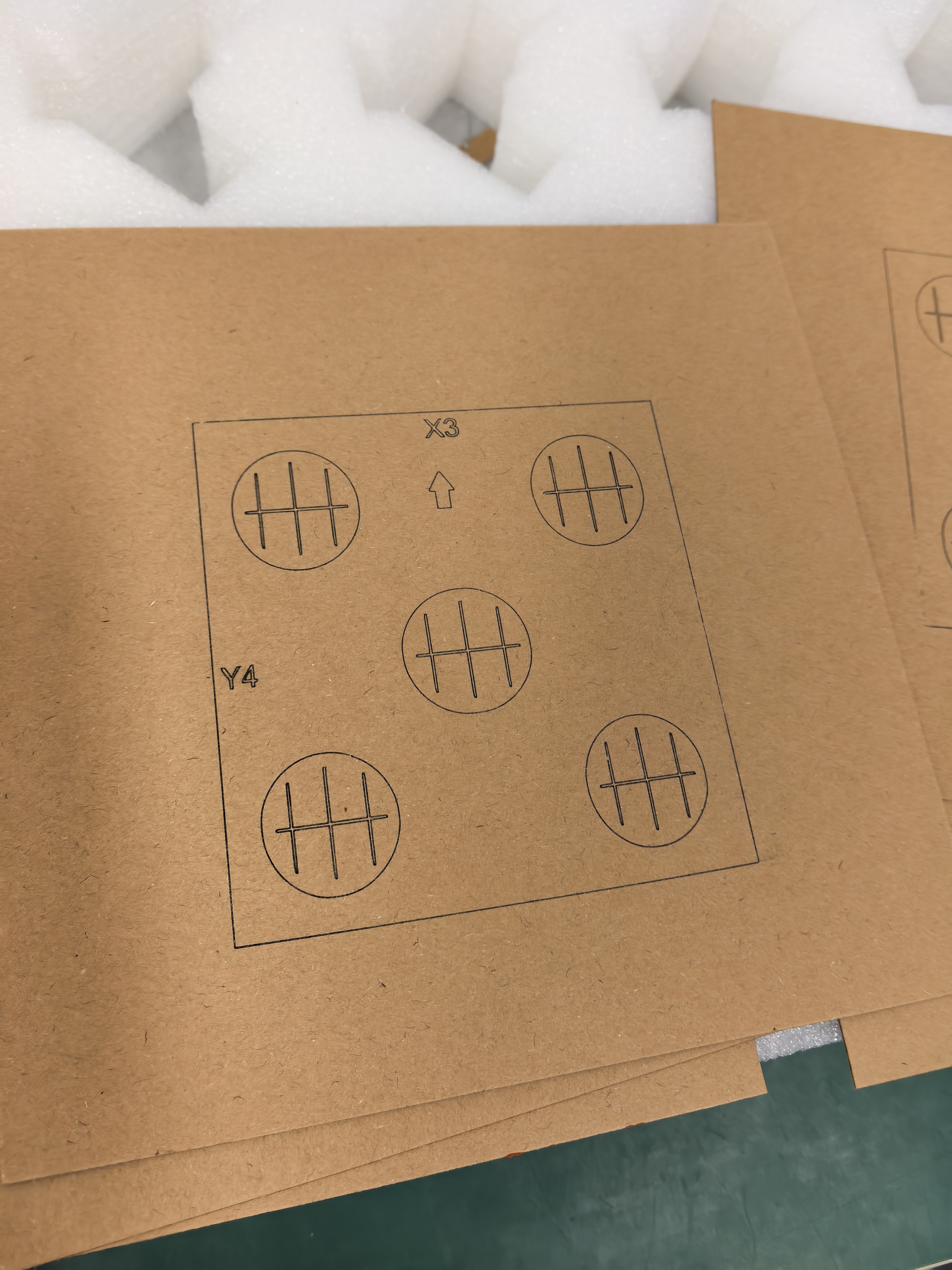
Photograph the Same Corner of Every Material Sample
## Build a comparable sample record When testing a new blank, photograph the same corner or small reference mark in every sample.
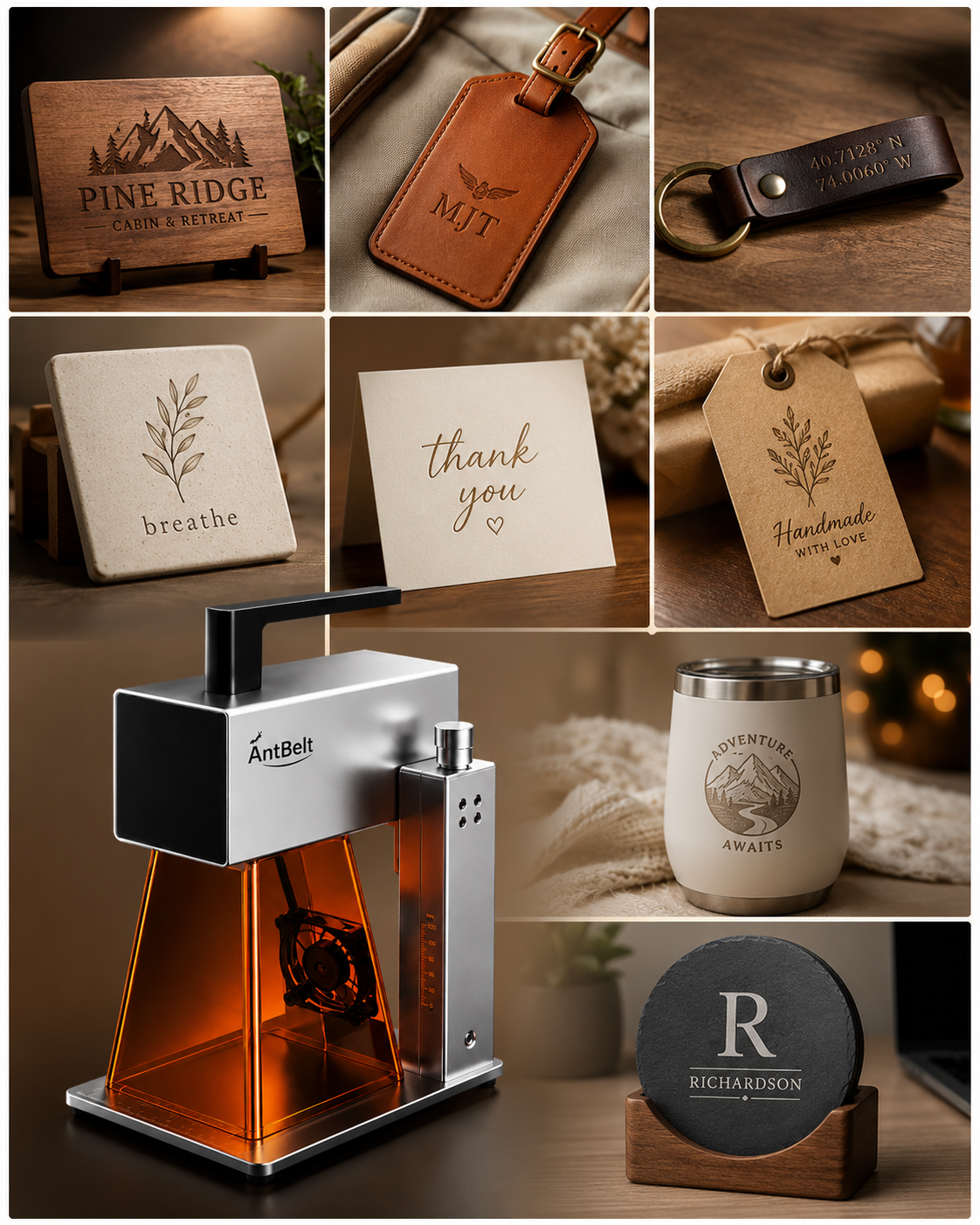
Write Down What the Sample Does Not Answer
## Give uncertainty a place in the record A sample can answer one question while leaving several open.
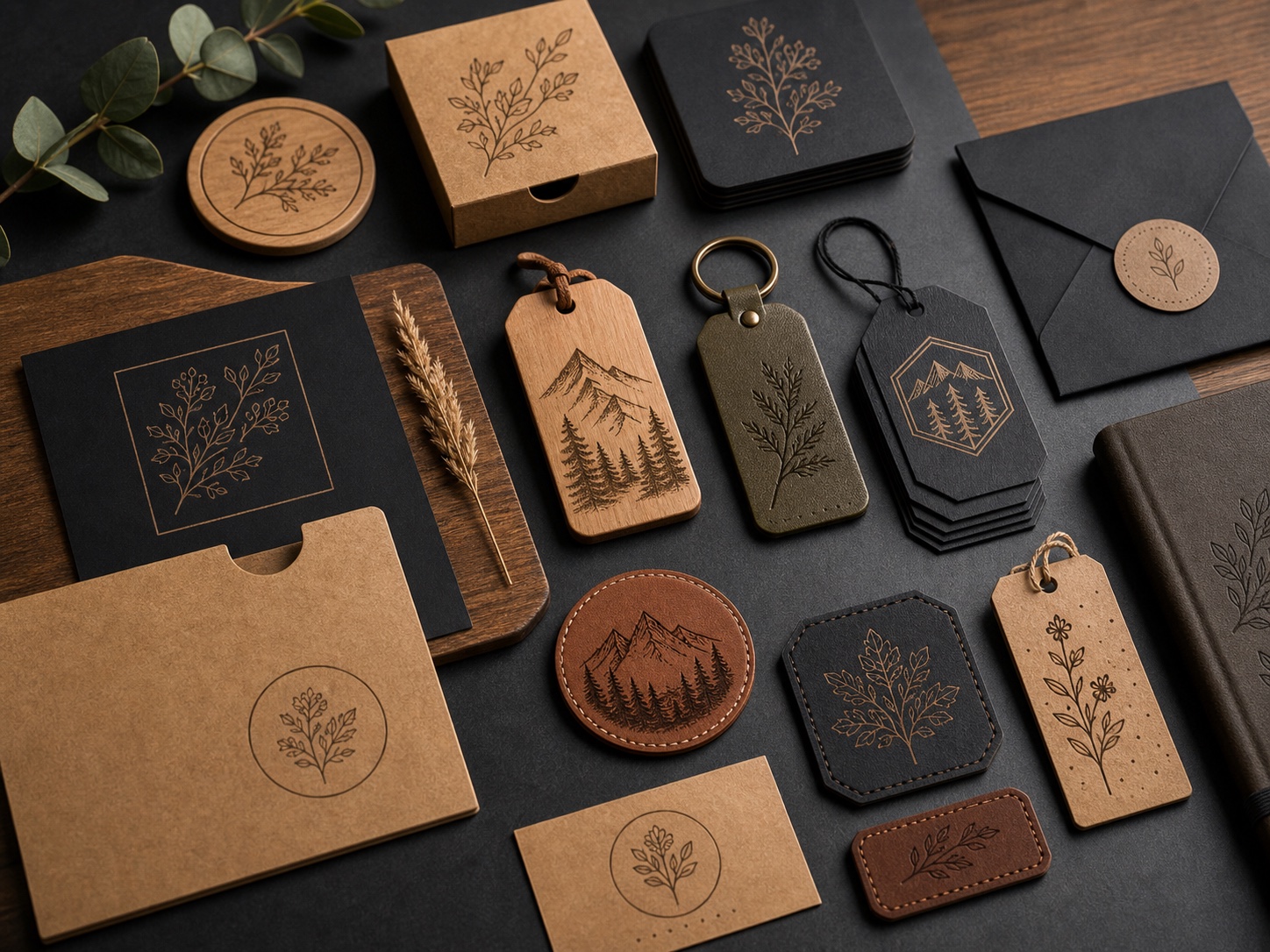
Use the Project Page as the Current Detail Check
## Keep evolving details in one visible place During a pre-launch period, a project page is the best place to check the current public details and follow.
Video Recap: Watch the Setup Notes Before the Result
## Look for the decisions around the demonstration When reviewing a demonstration clip, pause before the finished view and notice the setup notes: the.
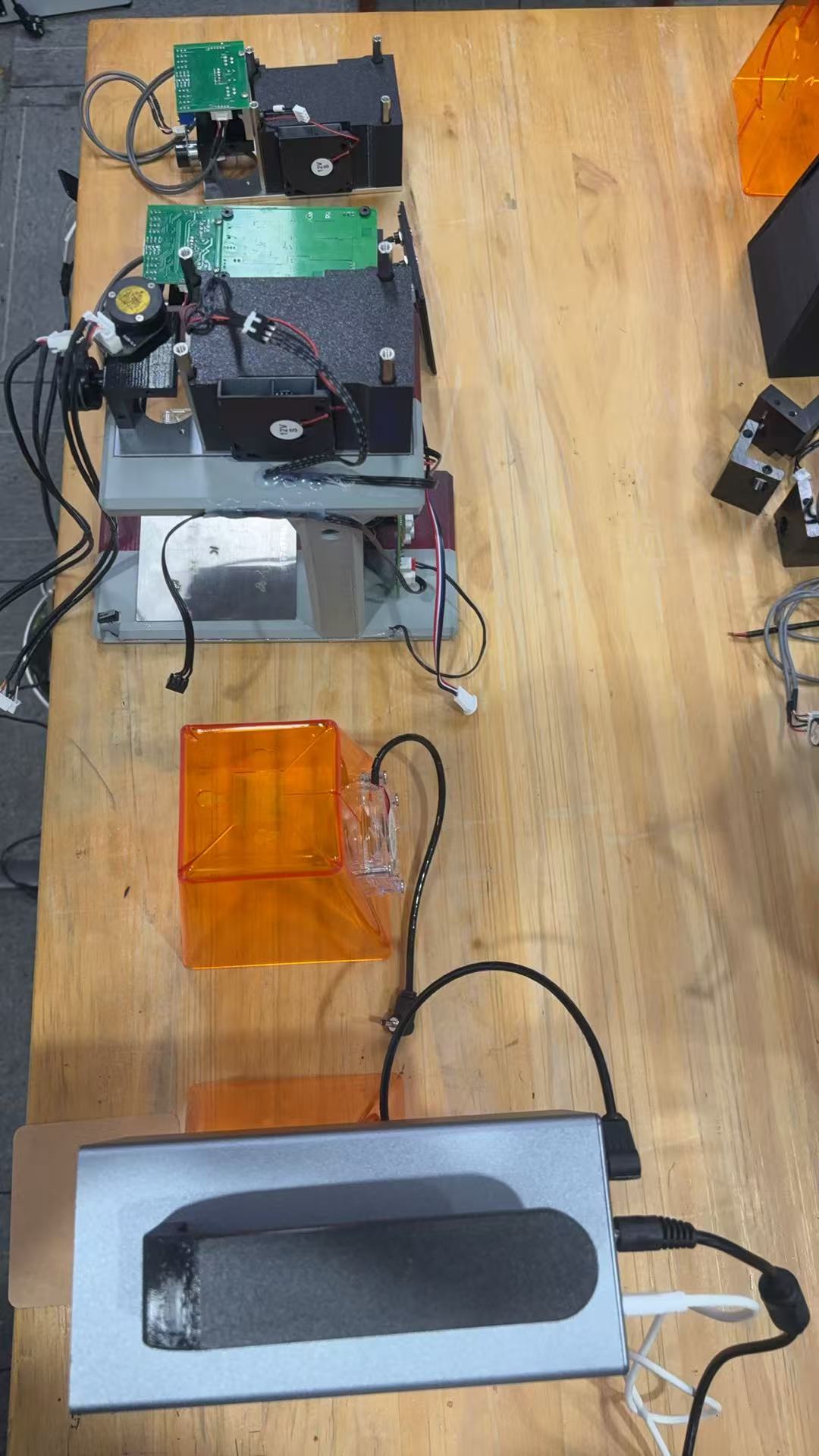
Create a Stop Point Before Adjusting a Live Layout
## Pause before changing the plan Before changing a layout, make a deliberate stop point: step back, review the saved preview, and confirm which version.
Compare Compact Engraving Options by Their Proof Path
## Ask how each choice becomes reviewable When comparing compact engraving options, begin with the proof path: how you move from an idea to a preview, a.
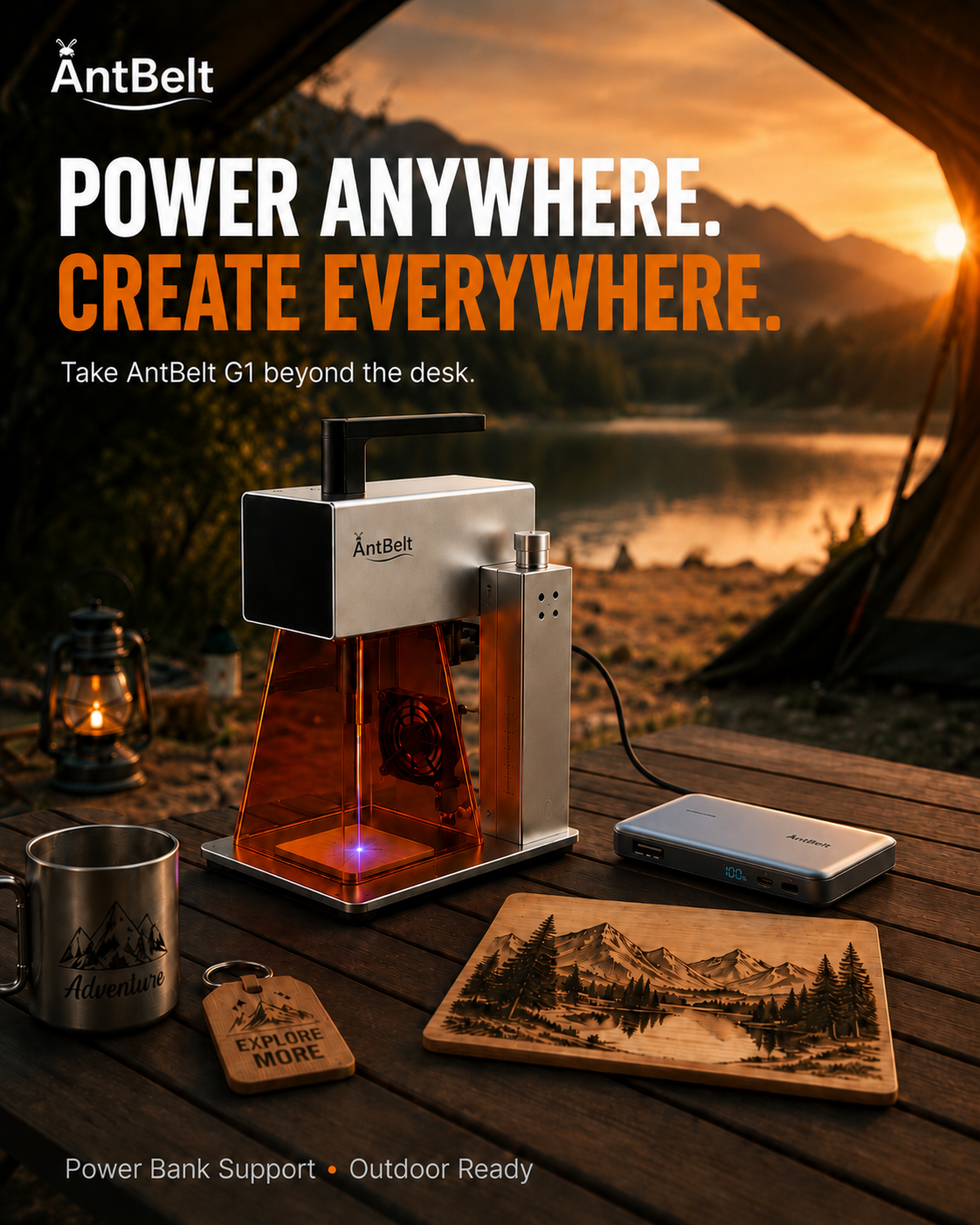
Build a Three-Point Check for a Keepsake Layout
## Choose three points before opening the artwork For a small keepsake, identify the visual center, the nearest edge, and the reading direction before.
Read the Wrap Line on a Cylindrical Gift Before a Sample
## Start with the side a person will see When a design will sit on a cylindrical object, choose the intended viewing side first and sketch a visible arc.
Confirm Personalization Spelling Before the Artwork
## Put customer wording in one reviewable place For a personalized order, copy the requested name, date, and punctuation into one simple order card before.
Sort Gift Requests by the Proof They Need
## Separate wording approval from placement approval Customer requests often need two different checks: whether the words are correct and whether the.
Label the Question on Each Material Sample
## Give every sample one purpose Before preparing a material sample, write the single question it is meant to help answer.
Keep a Surface Log Next to the Sample Photo
## Pair the image with a short surface note A sample photo is more useful when it has a nearby note describing the blank, the artwork version, and the.
Follow the Project Page for Current Details
## Keep early information easy to trace During pre-launch, it is useful to separate a work-in-progress demonstration from the current project information.
Video Recap: Follow One Project From Setup to Review
## Watch for the review moments In a short demonstration, the useful moments are often the pauses around setup, preview, and the final visual check.
Make a Clear Handoff Before a New Job
## Finish the review before changing context Before opening a new job, close out the current review: identify the artwork version, put the object aside.
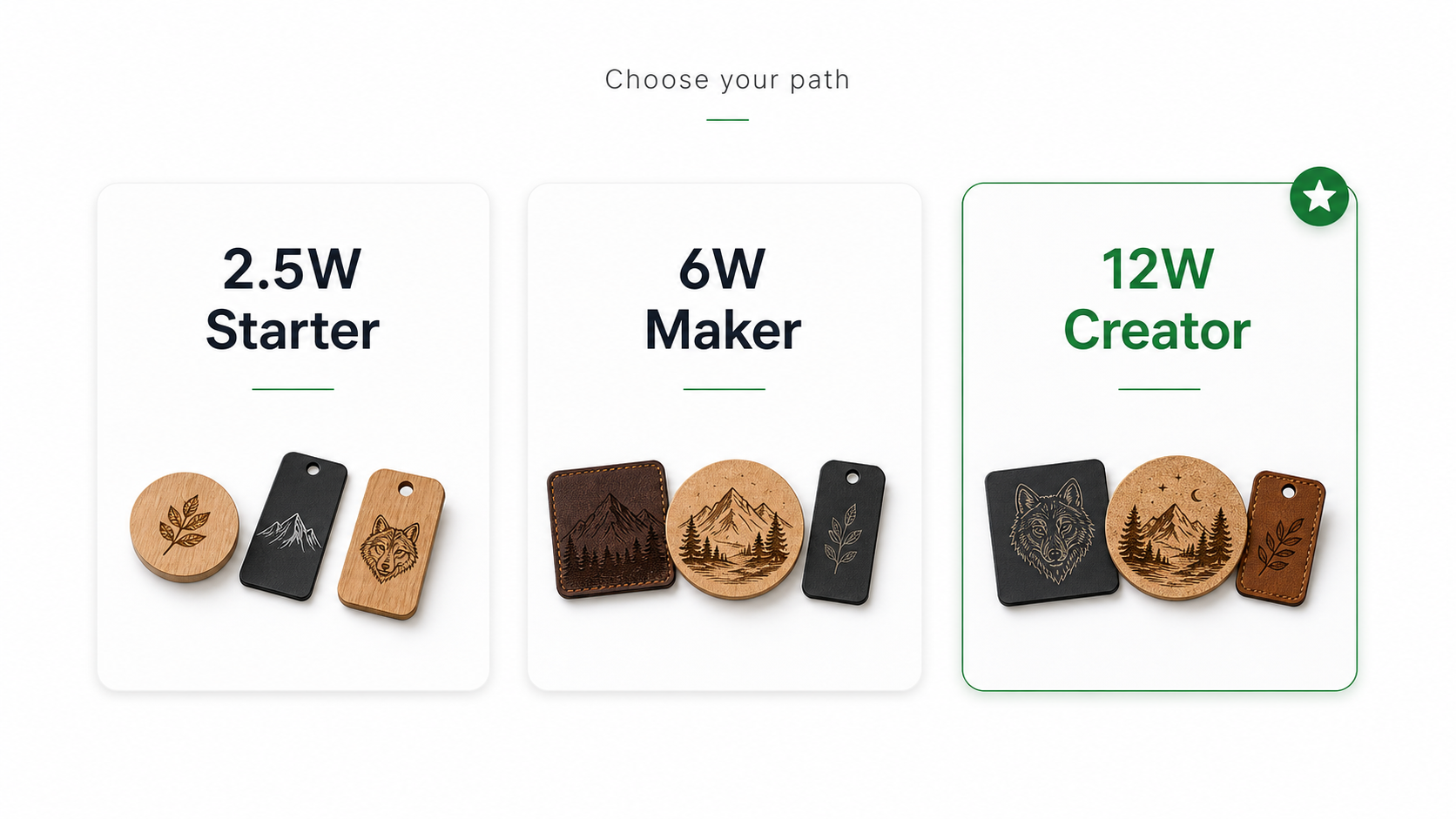
Compare Engraving Workflows by Their Decision Trail
## Ask what you need to review When comparing compact engraving workflows, begin with the decisions you expect to make often: how you prepare artwork, how.
Make a Placement Window Before a Small Engraving
## Mark the area you intend to read Before preparing artwork, sketch a simple placement window around the part of the object a person will normally see.
Plan the Visible Arc Before a Cylindrical Sample
## Decide which side carries the message For a cylindrical sample, begin by identifying the side a person is most likely to see while holding or.
Write the Customer Choice on a Single Order Card
## Keep the selected option beside the source When a customer chooses a name, layout, or message, place that choice on one simple order card with the.
Stage Gift Variants in a Photo Review Board
## Show differences without crowding the decision Put each proposed gift variant in its own labeled space on a photo review board.
Use a Control Photo for Each New Sample Board
## Photograph the starting condition Before comparing sample marks, photograph the board or blank in its starting condition under the same light you plan.
Separate Surface Notes From Artwork Notes in a Test
## Give each observation its own field On a sample record, write surface observations separately from artwork observations.
Keep Project Questions Linked to the Current Source
## Save the question with the page you checked When following a pre-launch project, write down the specific question you had and the current source that.
Video Recap: Watch the Spacing Check Before the Mark
## Look for the setup cue first In a short engraving demonstration, the most useful clue may happen before the visible result.
Clear the Review Area Before Changing a Job
## Pause between one job and the next Before changing a job, clear unrelated blanks, notes, and loose material from the review area.
Compare Compact Engraving Options by Their Review Steps
## Compare the questions each workflow creates When considering compact engraving options, compare the review steps you will actually need: how you.
Use a Reading Line to Place a Small Mark
## Start with the view that matters Before positioning a small mark, draw one reading line that represents how the object will normally be viewed.
Sketch a Rotation Path Before a Curved-Object Test
## Mark the intended front view For a curved object, sketch the intended front view and the likely rotation path before deciding where artwork begins and.
Build a Two-Step Approval Note for Custom Orders
## Separate wording from placement A two-step approval note can keep a personalized order clear without turning every request into a long message thread.
Make a Variant Board Before Listing Personalized Gifts
## Limit the first choice set A small variant board lets a shop show which choices are ready to discuss without presenting every possible combination as.
Log the Uncontrolled Part of a Sample Photo
## Name what changed around the sample A sample photo becomes more useful when its notes include the conditions that were not controlled.
Use a Baseline Card for a New Sample Series
## Give the series one shared starting point Before comparing several samples, prepare a baseline card that records the question the series is meant to.
Save Project Links With the Question They Answer
## Keep sources tied to decisions Project information is easiest to review when each saved link answers one named question.
Video Recap: Watch How the Reference Is Kept Visible
## Follow the reference through the setup When reviewing a demonstration clip, watch for the moment a reference edge, layout image, or object orientation.
Put a Material Identity Check Before the Next Job
## Pause when the blank is unclear Before beginning a new job, confirm that the object and its material information match the work note.
Compare Compact Engraving Options by the Review Work They Create
## Compare the questions, not only the headline When considering a compact engraving option, compare the review work you expect to do before and after a.
Start With a Three-Zone Layout Sketch
## Separate the object, mark, and margin A quick three-zone sketch helps a maker decide what belongs on the blank, where the mark should sit, and which.
Check the Seam Before a Cylindrical Layout
## Find the visible front before drawing Checking a cylindrical object's seam, handle, lid, or other interruption before laying out artwork helps makers.
Turn a Name Order Into a Proof Card
## Make approval easy to read A one-page proof card gives a small shop a cleaner way to confirm spelling, placement, and style before a personalized name.
Build a Repeat-Order Reference Folder
## Save the decision, not every draft A repeat-order reference folder helps a small shop find the last approved wording, layout, and customer notes.
Photograph Samples Under One Light
## Make comparisons easier to trust Photographing early samples in the same location and under the same light makes it easier to compare visible changes.
Use a Contrast Note for Every Sample
## Describe what the eye sees A short contrast note gives makers a repeatable way to describe whether a sample mark is easy to see from a normal viewing.
Where to Find the Current G1 Project Details
## Use dated sources for project questions The most useful way to review an evolving project is to start with the dated Kickstarter page and compare it.
Video Recap: Watch the Alignment Step
## Look at setup before the reveal When reviewing a short engraving demonstration, the alignment and preparation moments can be more informative than the.
Add a Stop Check to the Job Card
## Make it normal to pause A stop check on a job card gives an adult operator a visible prompt to pause when the setup, material, workspace, or intended.
Compare Engraving Tools by the First Week
## Start with the work you will actually repeat Comparing engraving tools through the tasks you expect to repeat in the first week helps buyers avoid.
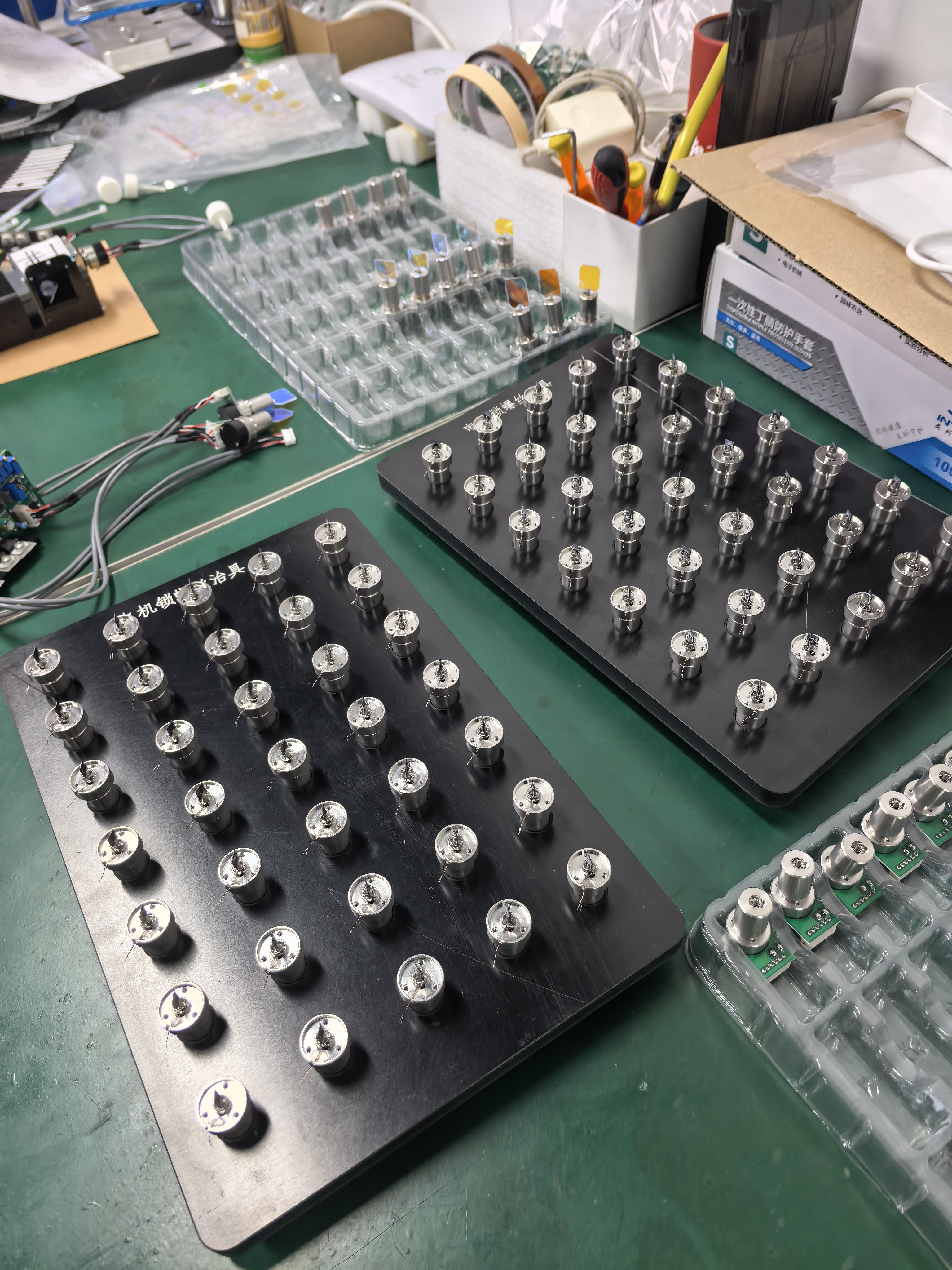
Label the Reference Edge Before a Small Layout
Before opening a small layout, choose one edge of the blank as the reference and mark it in your design note.
Plan the Front View Before a Cylindrical Sample
For a cylindrical engraving idea, begin by naming the side a person is meant to see first.
Use a Single-Choice Proof for Custom Gift Orders
A custom gift proof is easier to approve when it asks one clear question.
Build a Photo Pair for a Repeat Gift Request
When a customer asks for a repeat gift, two labeled photos can be more useful than a long recollection: one reference image and one current proof image.
Photograph the Unmarked Area in a Sample Review
An early material sample is easier to discuss when its unmarked area appears in the same record.
Use a Three-Field Note for Mixed-Surface Samples
A mixed-surface sample note becomes more useful when it separates three fields: what was tested, what was visible, and what remains open.
Save Project Questions With Their Source Date
Project questions are more useful when saved with the page or update that prompted them and the date it was viewed.
Video Recap: Note the Check Before the Result
When reviewing a short demonstration, pause before the final result and note the visible check that came first.
Put the Hold Note Next to the Job Card
When a job needs another review, place a clear hold note beside its job card before moving to the next task.
Compare Desktop Engraving Options by the Review Path
A buying comparison is more useful when it asks how a product claim can be reviewed.
Start a Design Log With the Intended View
A short design log can begin with one useful note: the view you want someone to notice first.
Use a Wrap Sketch to Check a Cylindrical Reading Zone
For a cylindrical engraving idea, a paper wrap can help identify the side intended for reading before a sample is considered.
Make the Order Proof Show the Next Decision
A customer proof is clearer when it asks for one decision at a time. Put the spelling, placement, and selected variation where they can be reviewed.
Sort Gift Order Photos by What They Confirm
Order photos become easier to use when each one has a job: reference, customer proof, or packing check.
Write the Sample Question on the Reference Card
Before reviewing a material sample, write the question it is meant to answer on a reference card.
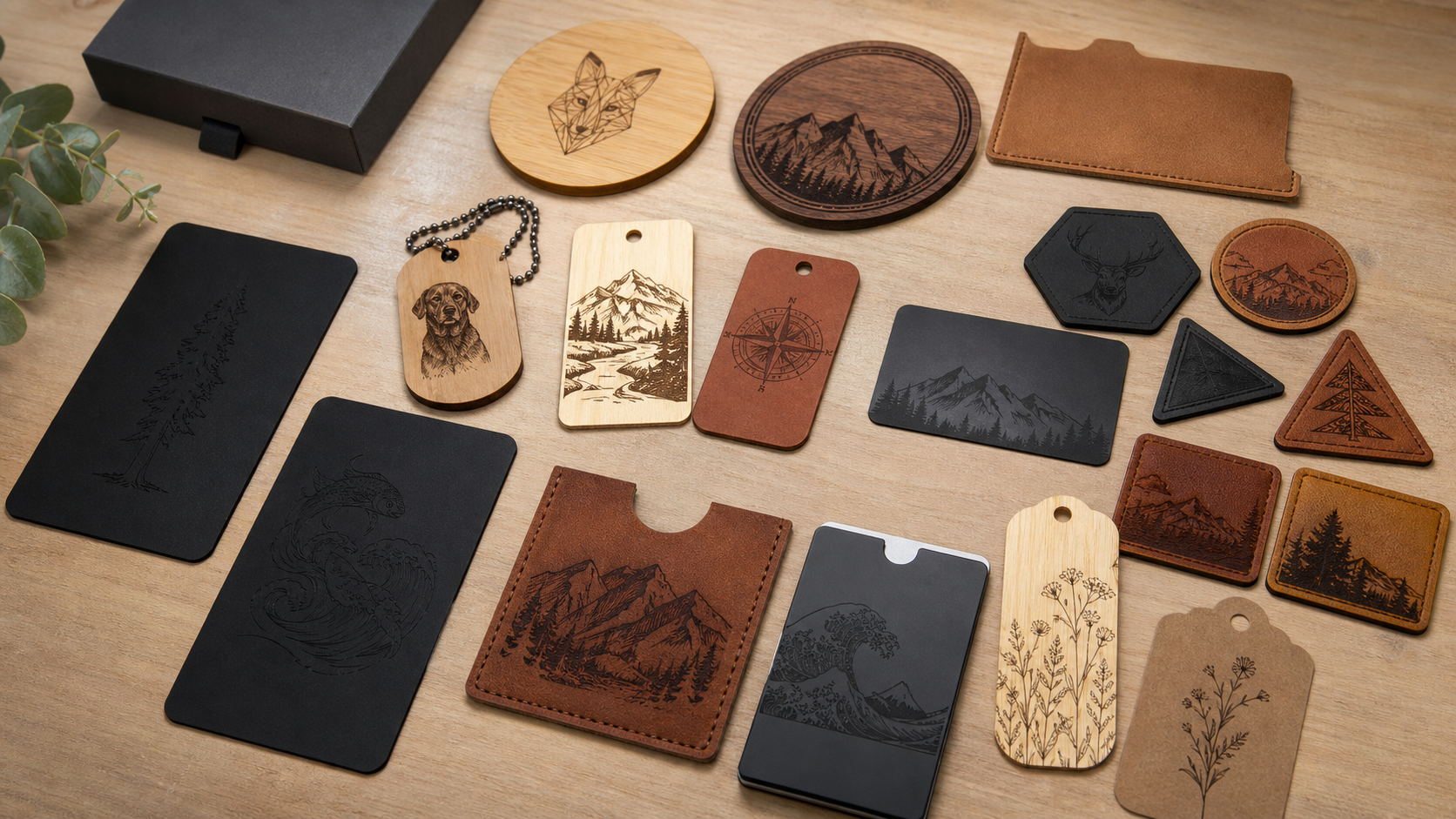
Keep a Control Photo Beside the Sample Notes
A control photo gives a sample note a stable reference point. Use the same general viewing setup for a before-and-after pair when practical, and record.
Read Pre-Launch Details as Dated Project Notes
Pre-launch project details are most useful when read with their date and source.
Video Recap: Pause on the Setup Transition
When watching a short demonstration, pause where the setup changes rather than only at the final frame.
Return Tools Before Changing the Next Job
Before moving to a different job, return loose tools and make the work area ready to inspect.
Compare Engraving Options by the Evidence They Leave
A useful buying comparison does more than count feature labels. Ask what documentation, sample context, and open questions each option leaves for a buyer.
Build a Placement Grid From the Quiet Areas
Before placing the design itself, mark the areas where you do not want a mark.
Plan a Cylindrical Design Around One Readable Side
For a cylindrical object, start by choosing the side that should face the reader.
Make the Customer Proof Answer One Question
A customer proof is easier to approve when it answers one specific question: spelling, placement, or the selected artwork version.
Create a Pickup Card for Personalized Gift Orders
When several personalized gifts are ready at once, a pickup card can keep the order details attached to the right package.
Photograph the Untested Area of a Sample
An untested area gives a sample review useful context. Photograph it under the same light as the marked area, then add a short label for the sample source.
Use a Material Log to Separate Observation From Assumption
A material log works best when it has two columns: what you can see and what you still need to verify.
Turn a Backer Question Into a Source Check
When a backer has a question, begin with the exact source that may answer it: the current project page, a dated project update, or a labeled image.
Video Recap: Note the Reset Between Steps
In a short demonstration, the reset between visible steps can be as instructive as the final view.
Set a Clear Stop Point Before Changing the Work Area
Before changing artwork, materials, or the surrounding work area, stop and return the station to a known state.
Compare Desktop Engraving Options by the Revision Path
When comparing desktop engraving options, look beyond a feature list and ask what happens when the artwork, object, or customer request changes.
Make a Viewing Window Before Sketching a Cylindrical Engraving
Before drawing a message for a cylindrical object, mark the front-facing area you want someone to see first.
Turn a Reference Photo Into Three Simple Layout Notes
A reference photo is easier to use when it becomes three plain notes: the visible focal area, the text direction, and the margin you want to protect.
Save the Approval Version Next to the Order Number
For a personalized order, the approved artwork needs to be easier to find than a draft.
Sort Personalized Orders by the Next Decision
A custom-order queue becomes less ambiguous when each item is grouped by its next decision rather than by its arrival time alone.
Write Down What the Sample Is Before You Review It
Before comparing a sample, record what you actually know about it: source, visible finish, date received, and the question you want the sample to answer.
Use a Side-by-Side Photo for Surface Observations
When two samples need review, place them in the same frame under the same light and include their labels.
How to Read a Pre-Launch Update Without Filling In the Gaps
A useful pre-launch update separates what is currently shown from what still needs confirmation.
Video Recap: List the Steps You Can Actually See
A short video recap is more useful when it distinguishes visible steps from assumptions.
Give Every Setup Tool a Return Location
A prepared work area is easier to inspect when each setup tool has a defined return location.
Compare Desktop Engraving Options With an Open-Questions Column
A comparison is more credible when it records both confirmed details and unanswered questions.
Plan a One-Word Test Before Engraving a Full Message
A short, clearly labeled test can help a maker inspect spacing and placement before committing a longer personal message.
Map the Visible Side of a Cylindrical Gift Before Placing Text
On a cylindrical gift, the area that looks centered while it is being planned may not be the first area a recipient sees.
Set a Naming Rule for Personalized Order Files
Personalized orders become easier to review when the artwork file name identifies the order, item, and revision without copying a full customer message.
Build a Plain-Language Proof for a Gift Set
When an order includes several personalized pieces, a proof should make the relationship between words and objects obvious at a glance.
Photograph a Sample With Its Reference Card
A sample photo becomes more useful when it includes a small reference card with the date, material description, and artwork version.
Compare Sample Observations Under One Light Source
If two sample photos are taken under very different lighting, it can be hard to tell whether a visible difference comes from the sample or the photograph.
Read a Pre-Launch Project Page for Open Questions
A pre-launch project page is most useful when it helps a prospective backer separate what is currently shown from details that are still awaiting final.
Video Recap: Watch the Setup Before the Mark
When reviewing an engraving demonstration, the seconds before a mark appears often answer more useful workflow questions than the final reveal.
Keep the Emergency Stop Path Clear During Setup
Before a project begins, look at the operator path to the controls and make sure loose tools, packaging, and personal items are not blocking it.
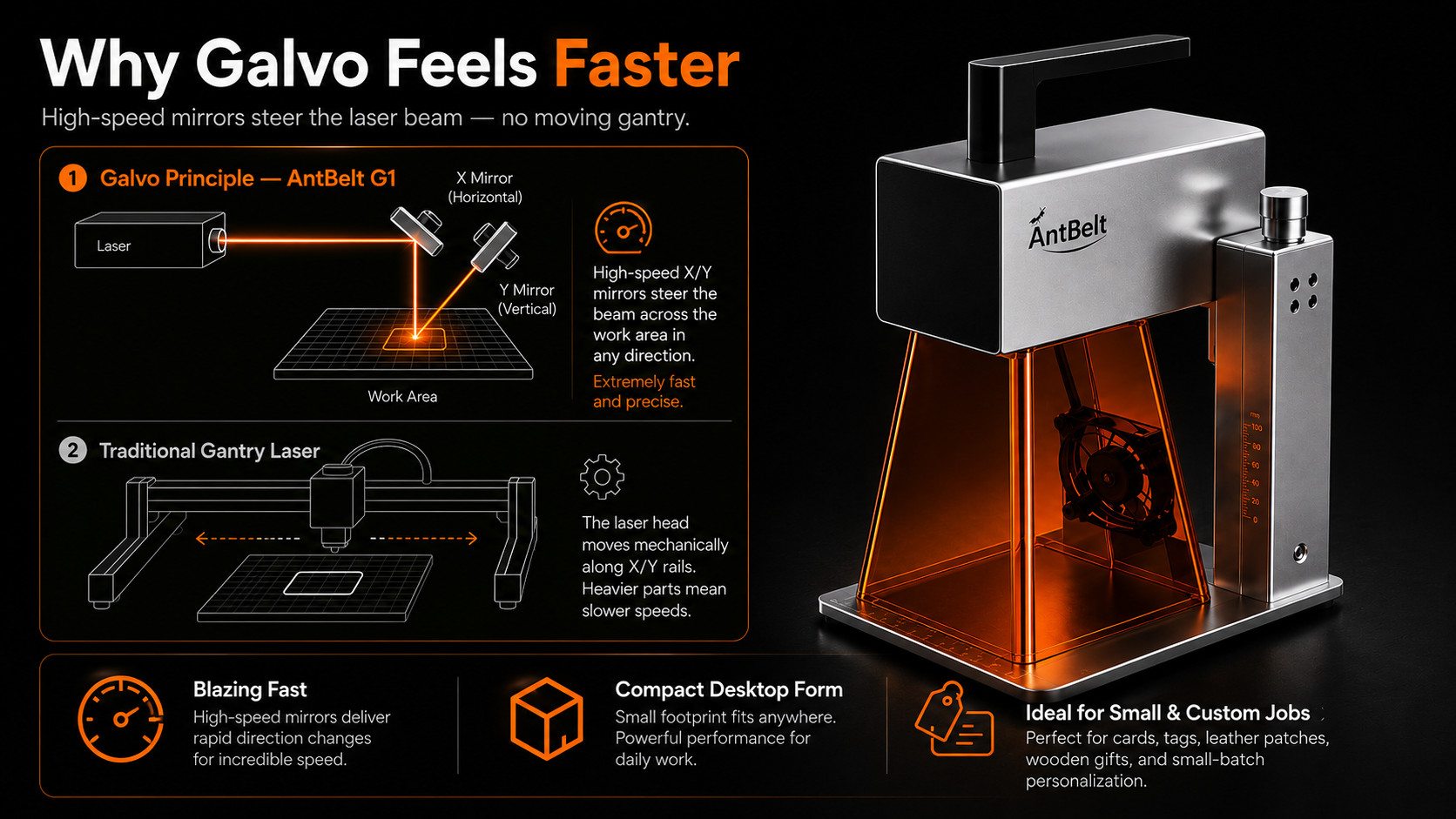
Compare Engraving Options by the Evidence You Can Review
A buying comparison is stronger when it begins with evidence you can inspect rather than a long list of assumed outcomes.
Check an Inscription at Its Intended Reading Distance
An inscription can look clear when enlarged on a screen and become difficult to read in its intended setting.
Keep a Cylindrical Dedication Separate From the Main Motif
A name and a dedication can each look balanced on a flat drawing but compete when arranged around an object.
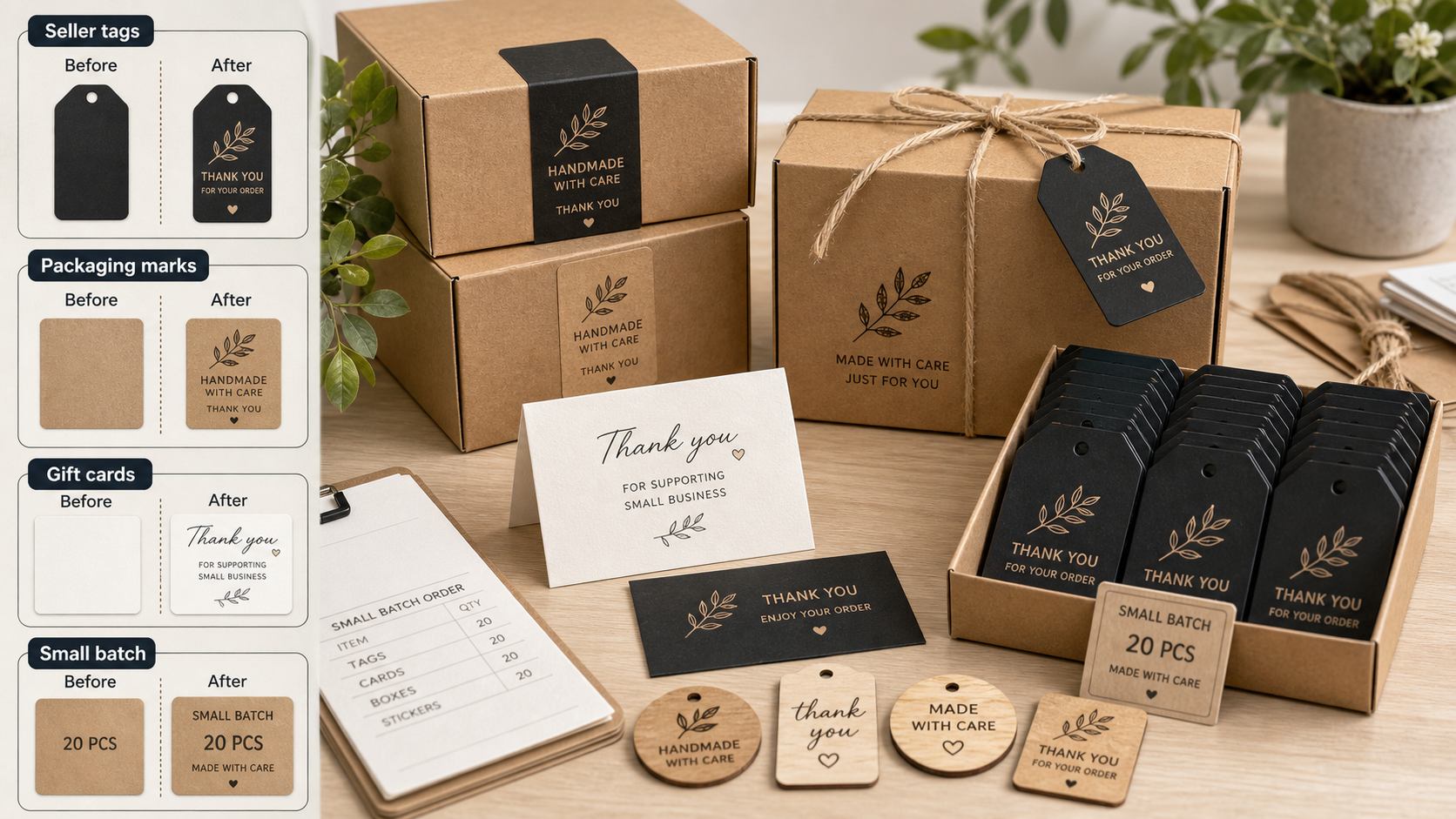
Attach a Customer Change to the Exact Order Line
A customer message saying “change the date” can affect one item or an entire set.
Record Which Gift Items Must Stay Together
A collection of correct names can still become an incorrect gift set if the pieces are grouped badly.
Keep a Sample Photo Before Adding Presentation Props
Styling can help explain a project, but props may hide a sample edge or distract from an uneven area.
Label an Inconclusive Sample Without Calling It a Failure
Sometimes a sample does not answer the question it was meant to test. An unclear photograph, missing material record or changed preparation step can make.
Check Whether a Campaign Answer Applies to Your Intended Use
A campaign answer can be accurate and still leave your own use case unresolved.
Round Wood Video Guide: Separate the Shape From the Material Claim
The AntBelt video directory lists a round wood keepsake clip among its engraving cases.
Keep Packing Materials Outside the Engraving Work Area
A shared bench can accumulate tissue, wrapping, labels and empty boxes while gifts are being prepared.
Ask How an Engraving Workflow Handles a Rejected Proof
A polished demonstration often begins with artwork that is already approved.
Trace a Handwritten Name Without Losing Its Pauses
A handwritten name carries pauses: a lifted pen, an open loop, or an intentionally separate dot.
Plan Where a Cylindrical Inscription Begins
A phrase on a cylindrical object has a viewing start, even if the design file looks like a flat strip.
Separate Customer Proof Approval From Production Approval
A customer may approve the spelling while the shop still needs to check the file, blank and work area.
Keep Recipient Spelling With the Actual Gift Variant
A mixed gift order can have one shared design and several different recipients.
Photograph a Test Under One Repeatable Light
A sample can look different under a desk lamp, daylight or a camera flash.
Change One Variable in a Sample Comparison
If a sample comparison changes the artwork, surface and setup together, the resulting difference is hard to explain.
Use a Question Log to Read Campaign Revisions
A pre-launch page can change as a project is prepared. A short question log helps prospective AntBelt G1 backers distinguish a saved impression from the.
Cup Sleeve Demo Viewing Guide: Follow the Setup Handoff
The AntBelt video directory currently lists a cup sleeve engraving clip.
Make an Unknown Blank a Stop Point in the Job Card
An object with an unknown material or coating needs a visible hold state before it reaches an active engraving setup.
Compare Engravers by the Questions a Repeat Job Raises
A product demonstration may show an attractive finished piece, but repeat work also depends on what can be recovered and checked later.
Check the Small Islands Inside a Personalized Letterform
A decorative initial can look clear on a screen while its small enclosed spaces are difficult to judge at the intended display size.
Reserve a Deliberate Back Panel in a Cylindrical Design
A cylindrical design does not need to fill every visible surface. Planning an intentionally blank back panel can help a maker decide where the inscription.
Write a Clear Cancellation State on a Personalization Job
A canceled personalization request can leave behind an approved file, a printed label and an object waiting on a bench.
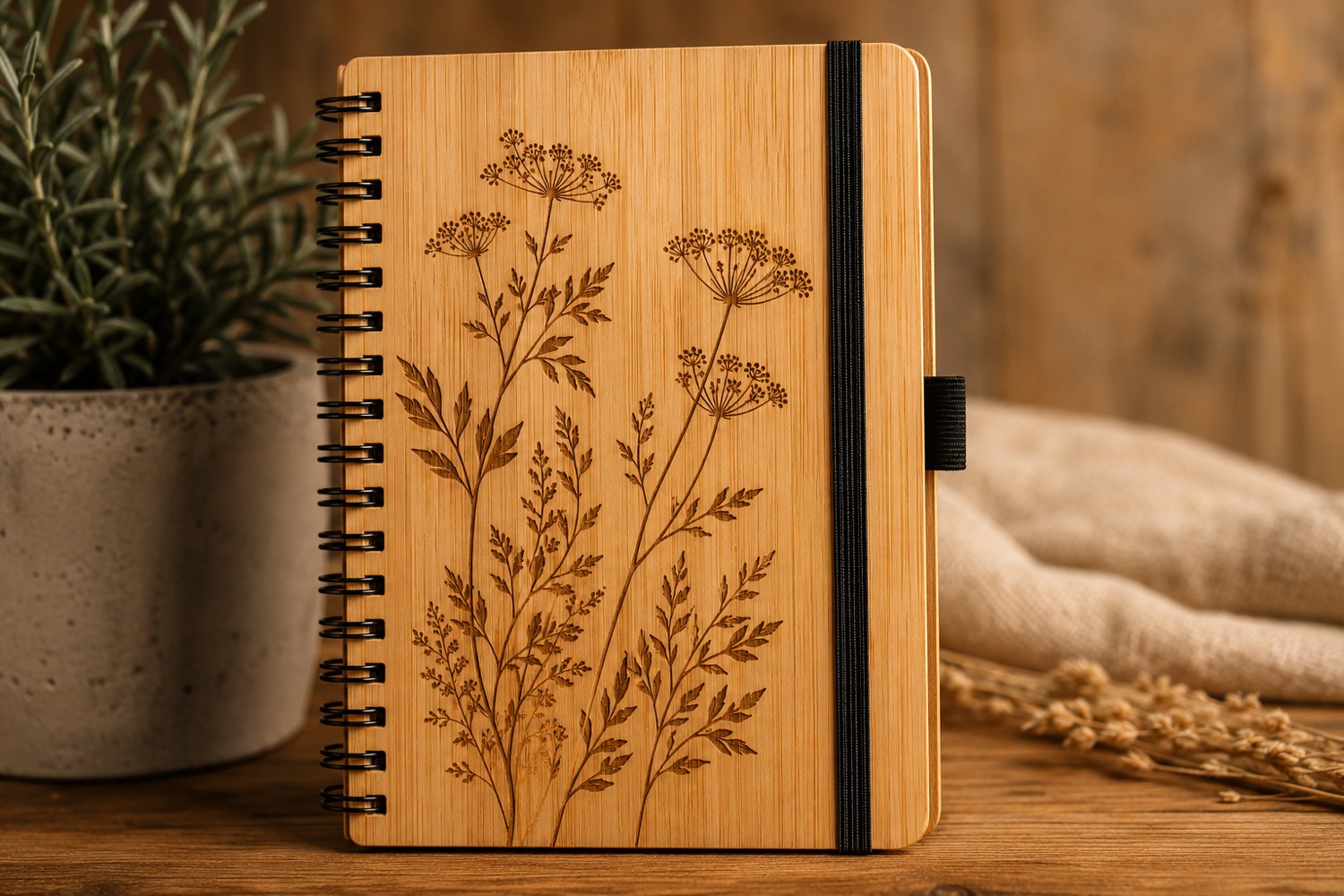
Give Display-Only Personalization Examples Their Own Label
A display example helps customers imagine a personalized gift, but its sample name should never become an accidental instruction for a live order.
Keep a Sample Photo Attached to Its Original Test Record
A sample photograph is easier to interpret when its filename leads back to the actual test record.
Record a Sample Mix-Up Before Rebuilding the Comparison
Two similar-looking test pieces can become difficult to distinguish after their labels are separated.
Separate an Included Item From an Item Shown in a Campaign Photo
A campaign photograph can show a useful workspace without establishing that every pictured object belongs to the selected package.
Kraft Card Video Guide: Ask Which Details Need a Closer View
The AntBelt video directory lists a kraft card engraving example and describes it as dense artwork on a small card.
Keep Incoming Objects Out of the Active Engraving Queue
An object delivered to a workbench has not automatically been cleared for engraving.
Ask How an Engraving Workflow Handles a Missing Source File
A repeat project can become difficult when only a preview image remains and the editable artwork is missing.
Inspect Letter Connections Before Approving Script Artwork
Connected script can hide an unwanted gap or merge two letters into an unfamiliar shape.
Plan the Space Between Words Around a Cylinder
A phrase laid out in a straight line can become difficult to follow when only part of it is visible on a curved object.
Assign One Order Owner Before a Gift Job Changes Hands
A personalized order may pass between the person taking the request and the person preparing the artwork.
Keep a Gift Set Count Separate From Its Personalization Map
An order for several gift sets contains two different kinds of information: how many objects are needed and which inscription belongs on each one.
Separate Surface Marks From Changes Visible After a Sample Test
A scratch visible in a finished sample photograph may have existed before the test.
Record the Reason a Sample Was Excluded From a Comparison
A comparison folder can become misleading when an inconvenient sample disappears without explanation.
Ask Whether a Campaign Answer Covers Your Exact Use Case
A campaign answer can be accurate while addressing a different project from the one you intend to make.
Round Wood Video Guide: Look for the View Behind a Detail Shot
The current AntBelt video directory includes a Round wood keepsake entry in its personalized-gift examples.
Place Inspection Supplies Outside the Active Work Area
A ruler, notebook or camera may be useful for documenting a sample, but reaching for it should not draw attention or loose objects into an active laser.
Ask to See How a Saved Design Is Identified Later
A demonstration usually starts with the correct file already selected.
Read Personalized Text Backward During a Spelling Check
A familiar name can look correct even when a letter is missing. Before preparing an AntBelt G1 project, separate the spelling check from the visual layout.
Reserve a Blank Viewing Panel in a Cylindrical Design
A cylindrical design does not need artwork on every visible surface. AntBelt supports cylindrical engraving; a useful first design decision is whether the.
Give Each Customer Correction a Clear Reapproval Step
A customer asking to change one letter may unintentionally leave the rest of an order ambiguous.
Separate a Gift Recipient Name From the Order Contact
The name on a payment or contact record may not be the name intended for a gift.
Keep a Sample Photo Caption Beside Its Original File
A useful sample photograph needs more than a memorable filename. Keep a short caption beside the original image so that someone opening it later can.
Use a Separate Record for a Replacement Test Blank
Replacing a test blank can change the meaning of a comparison. Even if the new piece looks similar, give it a separate specimen record before treating it.
Record What a Campaign Answer Still Leaves Open
A campaign answer can resolve one question while leaving another unanswered.
Cup Sleeve Video Notes: Distinguish the Graphic From the Form
The AntBelt video directory currently lists a Cup sleeve engraving case and describes a flat sleeve used for branded drink packaging.
Keep a Job Hold Note Visible at the Control Station
An unresolved job question should remain visible when work changes hands.
Ask How a Demonstration Handles a Design Correction
A polished demonstration usually shows a prepared file. When evaluating an AntBelt G1 workflow, ask how a small correction is handled before the job.
Keep a Scale Reference on the First Artwork Proof
A design can look generous when it fills a laptop screen and cramped when it sits beside the object it is meant for.
Mark a Cylinder Reading Start Before Placing a Pattern
A repeated pattern around a cylinder still needs a deliberate reading start.
Attach a Proof Version to Each Order Line
Several orders can share the same base design while carrying different names, dates or messages.
Flag Customer-Supplied Artwork Before Quoting a Custom Job
A customer file can arrive as a screenshot, a small logo or a photograph of handwriting.
Label Sample Photos With Lighting and View Direction
A sample photograph can change character when the light or viewing angle changes.
Set Aside a Sample When Its Origin Is Unclear
An unlabeled blank can look similar to a known material while having a different finish or coating.
Turn a Backer Question Into a Source Checklist
A campaign question is easier to answer when it names the exact claim being checked.
Kraft Card Video Notes: Follow the Placement Question
The current AntBelt video hub lists a Kraft card engraving case and describes dense artwork on a small card.
Define a Clear Workbench Handoff State
When two people share a workbench, the phrase “ready to go” can hide several different states.
Compare Project Records When Choosing a Desktop Engraver
A buyer can compare machines by headline specifications and still miss the work involved in repeating a small project.
Use Paper Registration Marks for a Two-Part Gift Layout
When a gift has a main piece and a small companion tag, a paper layout can prevent the two designs from becoming accidental near-matches.
Plan a Cylindrical Monogram Around a Handle Seam
A monogram on a handled cylinder has more than one “front.” The handle, seam and the way a person holds the object all affect what they see first.
Ask for One Decision Per Custom-Order Proof
A proof email becomes hard to approve when it asks a customer to judge spelling, layout, finish and delivery expectations all at once.
Keep Gift-Message Variants Out of Product Artwork
When one product design is reused for many gift messages, a customer-specific note can quietly become part of the master artwork.
Record a Surface Finish Before Comparing Sample Photos
Two samples can share a material name and still look different because their surface finishes are not the same.
Make an Unknown-Coating Sample a Hold, Not a Verdict
An unlabeled coating is a reason to pause a sample decision, not a reason to make up a material category.
Save Campaign Questions With the Page Section They Refer To
Campaign questions are easier to answer and revisit when they retain their original context.
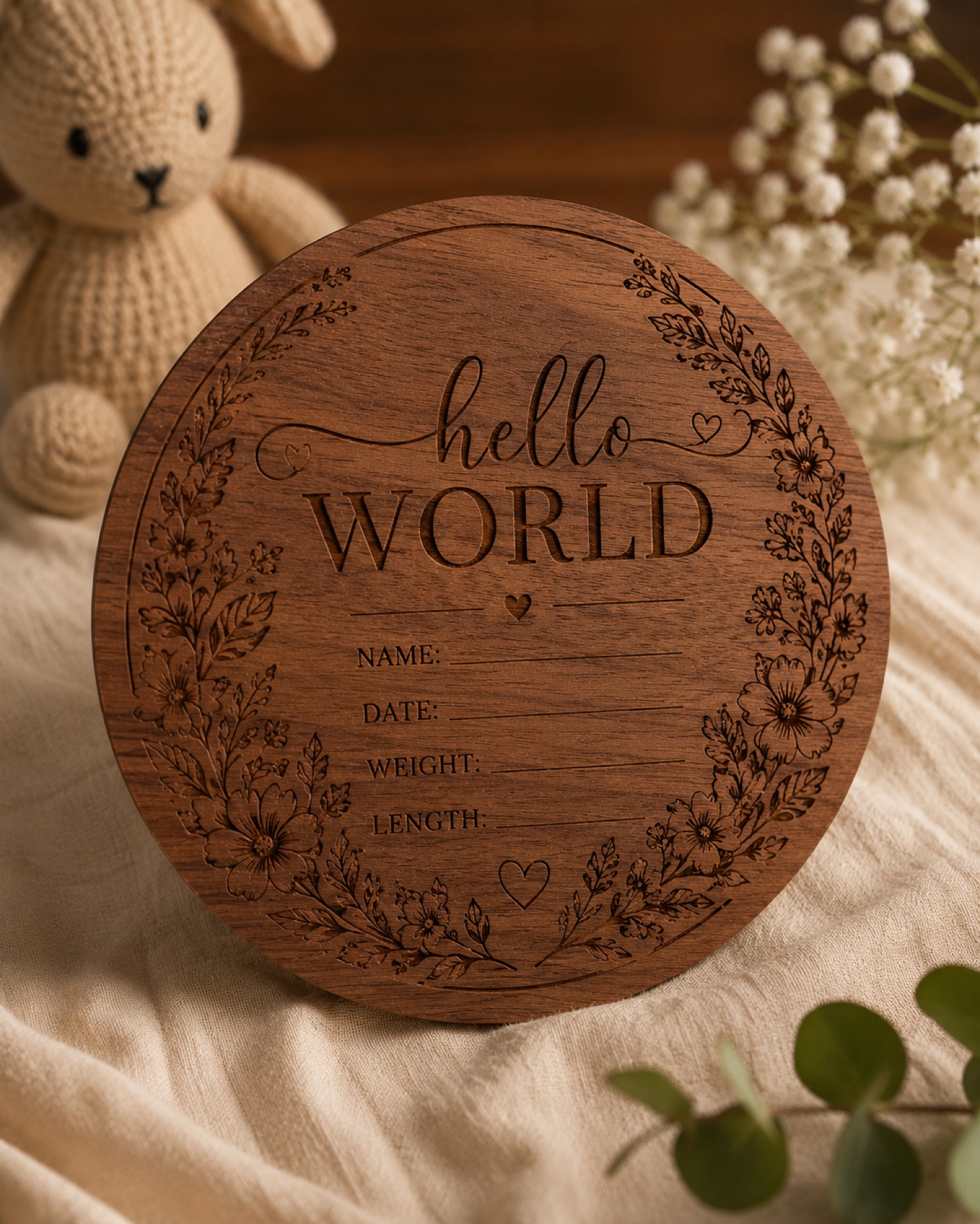
Round Wood Video Notes: Separate What Is Listed from What Is Demonstrated
The AntBelt video hub includes a round wood engraving entry. A directory listing can help identify a project angle, but it should be read differently from.
Write Down the Last Safe Stop Before Leaving a Workbench
An interrupted task is safer to resume when the last completed step is written down than when it is reconstructed from memory.
Compare Approval Workflows Before Comparing Laser Specs
Product specifications matter, but a personalized project can fail before equipment is involved if the artwork approval process is vague.
Keep a Handwritten Dedication Beside Its Traced Proof
A traced dedication can preserve the words while quietly changing the handwriting that made the gift personal.
Place a Cylindrical Inscription for Left and Right Hands
A cylindrical inscription may face the owner in one hand and face away in the other.
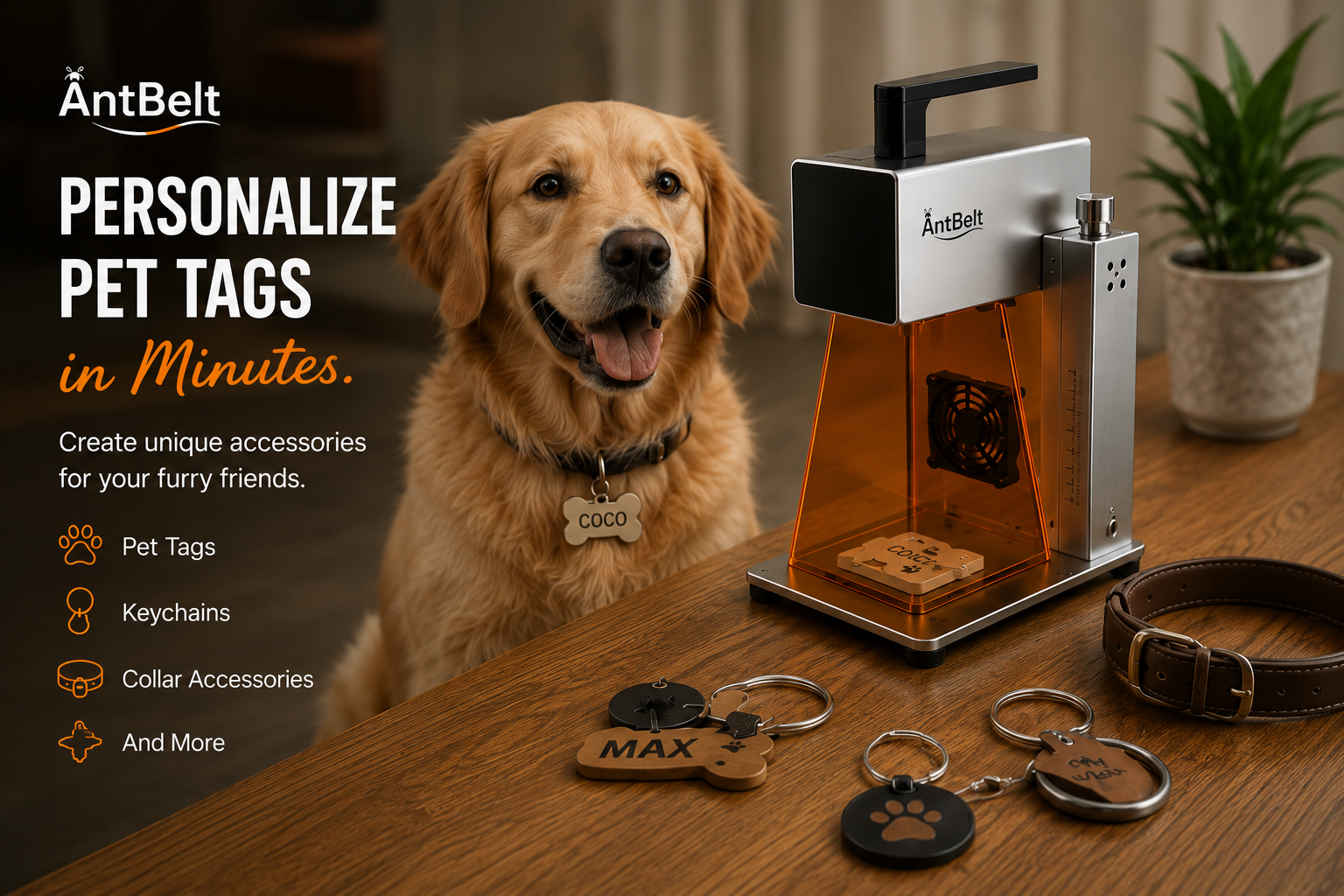
Mark Which Order Items May Be Packed Together
One customer can place an order for several recipients who should never receive each other’s pieces.
Separate a Paid Sample Decision from a Full Order Approval
Approval to prepare one sample can be mistaken for approval to produce every item.
Record Which Face of a Blank Was Tested
Two faces of a blank can look similar in a photograph while having different preparation histories.
Keep a Sample Photo Before Adjusting Its Color
A color-adjusted sample image can be useful for presentation, but it should not replace the original observation record.
Attach a Campaign Question to One Specific Picture
A question about the accessory in the photo is difficult to answer when several campaign pictures contain different objects.
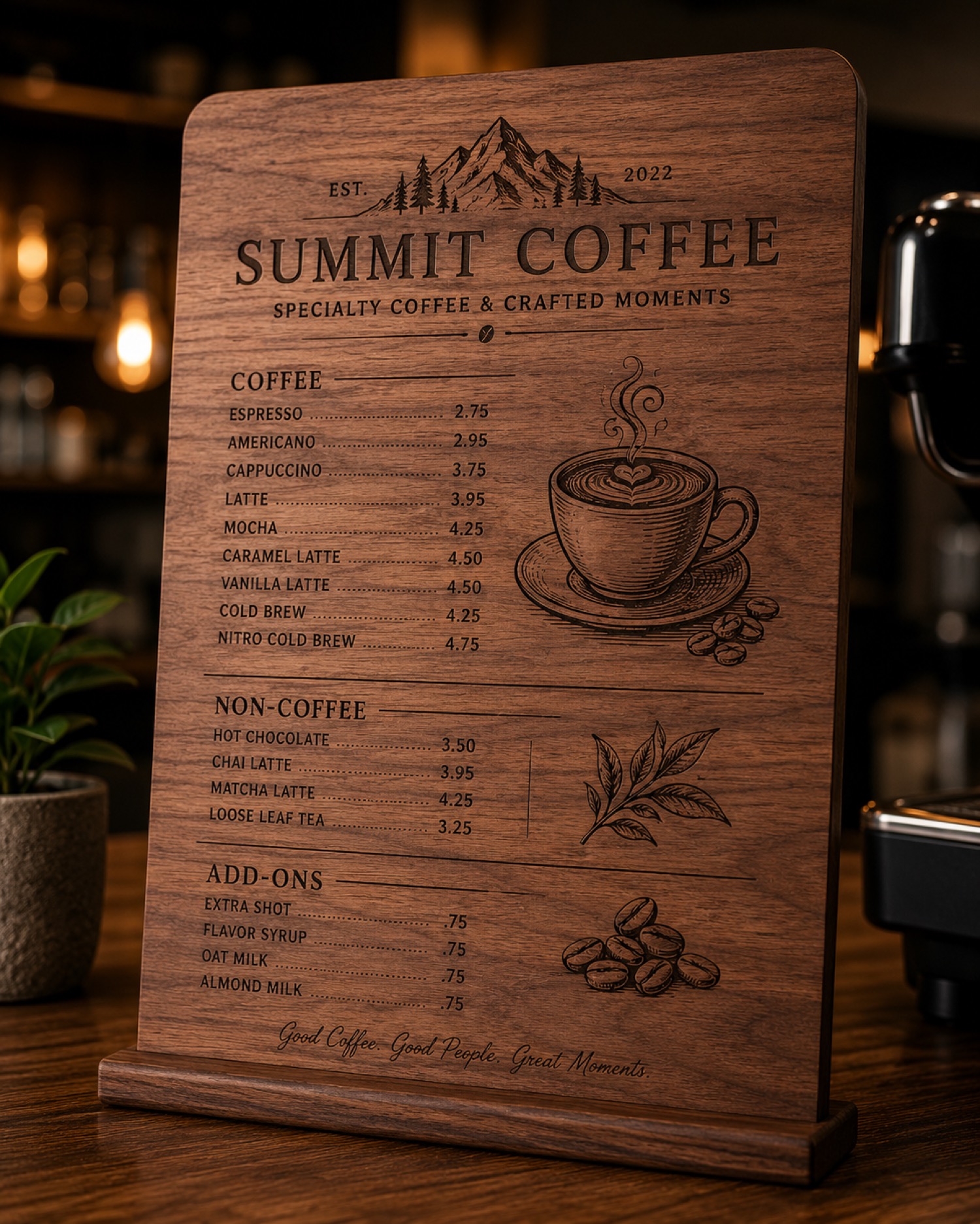
Kraft Card Video Notes: Check the Artwork Source Question
The current AntBelt video hub features a kraft card engraving entry and describes dense artwork on a small card.
Keep Drinks Away from the Engraving Control Station
A drink beside the control computer creates an avoidable interruption when attention belongs on the job.
Ask Whether a Demo File Comes with Editing Context
A demo file is easier to learn from when its intended use and editable parts are explained.
Proof the Destination Behind a Decorative QR Code
A decorative QR code has two separate jobs: it must point to the intended destination, and the finished object must remain readable by the intended.
Review a Cylindrical Pattern Where Its Ends Meet
A repeating design can look balanced as a flat file while leaving an awkward join when its ends meet.
Count Ordered Pieces Separately from Distinct Designs
Ten pieces do not always mean ten designs. An order with one shared inscription needs a different approval record from an order with ten individual names.
Keep Customer Artwork Permissions with the Order Record
A file arriving in an order message does not explain how the customer wants it used.
Record the Time Between Making and Photographing a Sample
A sample photographed immediately after a session and another photographed much later do not share the same observation history.
Log an Abandoned Sample Test as an Outcome
A test notebook becomes misleading when it contains only attractive finished samples.
Check Whether a Campaign Answer Has Been Superseded
A saved answer can remain easy to find after newer information changes the question it answered.
First Power-On Video Notes: Separate Startup from a Finished Job
The current AntBelt video directory lists a First power-on test under prototype progress.
Keep Inspection Tools Outside the Active Work Area
A magnifier, camera stand or measuring tool can be useful for reviewing a finished sample.
Ask What Happens to Saved Jobs When a Computer Changes
A saved job is useful only if you can find and reopen what you need when the working computer changes.
Check Line Breaks at the Final Artwork Size
A dedication that reads clearly in a message can become awkward when it is split across several short lines.
Keep a Cylindrical Motif Clear of the Main Reading View
Repeating decoration can distract from a name if a large motif lands directly behind the main reading area.
Approve Abbreviations Before Shortening Personalized Text
An inscription that is too long creates a wording decision, not just a layout problem.
Separate a Gift Message from the Engraving Authorization
A gift order may include a recipient's name, a private note and the text intended for the object.
Photograph Sample Edges as Well as the Central Design
A close crop of a central logo can leave the surrounding sample out of the record.
Keep Sample Observations Separate from Customer Acceptance Criteria
A sample note such as “dark lettering” describes an observation. A customer requirement such as “readable at the intended display distance” describes a.
Distinguish a Campaign Demonstration from an Included Deliverable
A project demonstration can show an interesting workflow without establishing that every item pictured is included in a selected package.
Disc Sample Video Notes: Ask What the Object Label Establishes
The current AntBelt video directory lists a Disc engraving sample as small-object engraving context.
Keep Personal Devices Outside the Engraving Work Area
A phone placed beside the workpiece can turn a message notification into an interruption at the wrong moment.
Ask How Artwork Leaves the Software Before Choosing an Engraver
Before choosing an engraving workflow, ask what happens when you need to move an approved design out of the software.
Choose a Visual Anchor Before Centering an Uneven Design
An uneven design needs an agreed visual anchor before you decide where its center belongs.
Mark the Top of a Cylindrical Design in the Approval Proof
Directional artwork on a cylinder needs a clearly marked top before anyone approves the composition.
Resolve Conflicting Customer Notes Before Approving a Gift Order
A personalized gift order can contain two different spellings when the checkout note and a later message disagree.
Keep Customer-Supplied Objects in a Separate Intake Queue
A customer-supplied object needs its own intake decision before it joins an ordinary personalization queue.
Log Surface Preparation Alongside Every Sample Photograph
Surface preparation belongs in the sample record because a photograph cannot explain everything that happened before it was taken.
Separate Camera Exposure Changes from Sample Contrast Notes
A brighter photograph does not necessarily mean an engraved sample has stronger contrast.
Ask Whether a Campaign Answer Applies to Your Selected Configuration
A campaign answer is most useful when it identifies the configuration it describes.
Cup Sleeve Video Notes: Keep Flat Artwork and Finished Form Distinct
The AntBelt video directory currently lists a Cup sleeve engraving example and describes a flat sleeve packaging workflow.
Give an Interrupted Engraving Job a Clear Hold Record
An interrupted engraving job needs a visible hold record so the next operator does not mistake it for a fresh setup.
Ask for a Repeat-Order Walkthrough During an Engraver Demo
A repeat-order walkthrough can reveal practical questions that a first-time engraving demonstration leaves open.
Check Every Glyph After Exporting Personalized Artwork
A name can look correct in an editor and lose a character when opened elsewhere.
Use a Paper Wrap to Review a Cylindrical Pattern
A repeating pattern can look balanced on a flat screen and awkward when wrapped around an object.
Give Each Personalization Variant Its Own Proof Row
A custom gift order may combine a name, an icon and a short message. Reviewing each choice separately can hide a mistake in the final combination. Give.
Separate a Display Sample from a Sellable Order Item
An attractive sample on a shop table can be mistaken for an item available to buy.
Put a Scale Reference Beside a Sample Photo
A tightly cropped photograph can make a small detail look much larger than it is.
Record the Starting Color Before Comparing Engraving Contrast
A dark mark on a pale surface and a similar mark on a darker surface can create different visual impressions.
Turn a Campaign Screenshot into a Dated Question Record
A saved campaign screenshot can outlive the details it displays. Add enough context to make it useful later: where it came from, when you saved it and.
Round Wood Video Listing: Questions About the Whole Piece
The current AntBelt video hub lists a Round wood keepsake clip among its gift examples.
Keep Loose Clothing and Cords Out of Setup Tasks
A workspace review should include what the operator brings to the table.
Ask How a Buying Demo Handles Your Actual Artwork File
A polished demonstration may use artwork that is already prepared perfectly.
Check Punctuation Before Turning a Quote into Artwork
A missing apostrophe can survive a beautiful layout. Review the text separately from its appearance before preparing a quotation for an AntBelt G1.
Plan the Upright View of a Cylindrical Gift
A cylindrical gift may be designed on a flat screen but read while standing on a shelf.
Give Duplicate Gift Names Separate Order Identities
Two customers can request the same name while needing different artwork, packaging or quantities.
Set a Clear Policy for Unused Personalized Blanks
An order change can leave a shop with unused blanks that still carry a customer's paperwork.
Record Sample Cleaning as a Separate Comparison Variable
A sample photographed before surface care may look different afterward.
Keep an Uncertain Material Label Out of the Test Queue
A box label that says craft sheet is not a complete material identity.
Bookmark the Exact Campaign Section Behind a Buying Question
A question is easier to resolve when it points to the exact project statement that prompted it.
Leather-Style Sample Video Notes on Material Naming
The official AntBelt video directory lists a Leather-style engraving sample among its sample clips.
Keep Setup Paperwork Outside the Active Work Area
A job sheet is useful for checking artwork, but it should not become a loose object in the active work area.
Compare How Clearly a Product Separates Examples from Guarantees
A polished sample can show an interesting project without answering every question about a machine.
Check Negative Space Before Approving a Monogram
A monogram can look balanced on a large screen while the spaces between its letters become difficult to read at the intended presentation size.
Reserve a Quiet Zone Around Cylindrical Artwork
A cylindrical design does not need artwork across every visible area. Leaving an intentional quiet zone around the main mark can help you judge whether a.
Resolve Numeric Date Formats Before Making a Gift
A date such as 03/04 can represent different days to different customers.
Mark Customer-Supplied Artwork That Is Still Missing
An order can contain a complete message while still be missing the logo or drawing needed to prepare its artwork.
Keep Sample Photo Crops Traceable to the Original
A close crop can make a sample detail easier to inspect, but it can also hide the context that identifies the specimen.
Choose a Reference Sample Before Reviewing New Variants
A sample comparison becomes hard to follow when the reference changes halfway through the discussion.
Separate Your Campaign Wish List From Confirmed Features
A feature you would like to see can gradually feel like a promised feature after several planning conversations.
Color Board Video Notes for Reading a Sample Listing
The AntBelt video directory currently includes a “Color board engraving test” entry in its sample-test collection.
Give Unresolved Setup Questions a Visible Stop Status
An unresolved setup question should stay visible until someone has checked the applicable instructions.
Compare the File Handoff a Second Operator Would Receive
A useful buying exercise is to ask what a second operator would receive when taking over a prepared project.
Keep Decorative Borders Out of Your Placement Guides
A decorative border belongs to the finished design; a placement guide belongs to the setup notes.
Plan a Two-Sided Cylindrical Design With a Paper Stand-In
Two separate messages on a cylindrical object need a clear relationship: which side introduces the design, and what should a viewer see after turning it?
Set a Written Deadline for Personalized Artwork Changes
A customer correction can arrive after a personalized design has entered preparation.
Quote Mixed Personalization Orders by Design Group
An order for several personalized pieces may contain more than one design job.
Separate Artwork Density From Material Color in Sample Reviews
A dense illustration and a sparse outline can make the same surface look very different in photographs.
Record Storage Conditions When Revisiting an Older Sample
An older sample is more useful when its storage history is recorded. If it looks different during a later review, the original photograph alone cannot.
Keep a Personal Change Log for Campaign Details You Follow
A personal campaign change log can help an AntBelt G1 follower distinguish a newly noticed detail from a documented change.
Cup Sleeve Video Notes for Reviewing Flat Packaging Artwork
The current AntBelt video directory lists a cup sleeve case as a flat kraft sleeve used for branded drink packaging.
Keep Visitors Clear of a Working Laser Area
A shared workspace needs a clear visitor boundary before an engraving demonstration begins.
Compare the Documentation Behind Replacement Parts
Replacement-part information is a useful buying question even when a desktop engraver is new.
Protect the Hanging Hole When Laying Out a Keepsake
A hanging hole changes the usable composition of a keepsake. Plan the text around that physical feature before approving a digital layout for an AntBelt.
Plan a Cylindrical Label Around the Way the Object Is Held
A cylindrical design can look balanced on a screen yet be hidden by the hand holding the finished object.
Approve Accents and Special Characters in Personalized Names
A missing accent can turn a carefully made personalized gift into the wrong order.
Separate Gift Messages From the Text to Be Engraved
A gift order may contain two different messages: words for the object and a note for the package.
Give Every Sample Photo a Traceable Physical Specimen
A useful sample photograph should lead back to the exact physical piece it depicts.
Record the Inspection Stage Before Comparing Sample Results
Two photographs can appear inconsistent because they show different stages of handling.
Write Backer Questions That Can Be Answered One at a Time
A focused question is easier to resolve than a paragraph mixing accessories, software, and delivery expectations.
Round Wood Video Notes for Planning a Hanging Gift
The official AntBelt video hub currently lists a Round wood keepsake case in its personalized-gifts section.
Use a Written Handover When a Laser Workspace Changes Operators
When a laser workspace changes operators, the next person needs a clear account of its current state.
Compare How Easily a Past Design Can Be Reopened
A buying comparison can include a simple question: will you be able to reopen an approved design later and understand what it contains?
Check Mirrored Lettering Before Approving a Gift Layout
A mirrored name can look balanced at a glance while still being wrong for the person receiving the gift.
Reserve a Quiet Gap Between the Ends of a Wrapped Design
Wrapped artwork has two ends even when the finished object has no obvious front edge.
Track a Customer Correction as a New Order Revision
A customer can approve a layout and then correct one letter. Treat that correction as a new revision so the original approval cannot accidentally.
Make Similar Names Easy to Distinguish in a Batch Queue
Two orders for Anna and Ana can be easy to confuse when their previews sit next to each other.
Keep the Supplier Lot Label With Each Sample Record
Two blanks sold under the same broad material name may come from different supplies.
Mark Surface Direction in Your Sample Photographs
A sample rotated between photographs can be difficult to compare when its surface has a visible grain or brushed direction.
Give Every Saved Campaign Answer a Review Date
A saved answer can remain in a notebook long after the project information behind it has changed.
Use the Kraft Card Video Listing to Plan a Detail Review
The official AntBelt video hub features a kraft card engraving case described as dense artwork on a small card.
Keep Unidentified Blanks Out of the Ready-to-Run Tray
A blank with missing material information should not enter the ready-to-run tray simply because it resembles a familiar sample.
Compare the Path From a Failed Sample to a Clear Answer
A useful buying question is what happens after a sample does not look as expected.
Use a Boundary Box Before You Run a Detail Test
A detail test is easier to judge when placement has already been separated from engraving quality.
Mark the Reading Seam on Cylindrical Artwork
Cylindrical artwork has a transition that a flat preview can hide. Marking the intended reading seam helps a maker discuss where the composition begins.
Give Each Custom Order One Visible Approval State
An order can become confusing when a message, preview, and production file all appear to be the latest version.
Add a Packaging View to the Job Record
The final object is only part of a customer handoff. A packaging view records how orientation, labels, inserts, and protective materials were arranged.
Label the Light Source in Every Sample Photo
A sample can look dramatically different under window light, a bench lamp, or a phone flash.
Keep a Rejected Sample in the Test Sequence
A rejected sample can explain more than a final selection when its place in the test sequence is preserved.
Separate Confirmed Campaign Details from Open Questions
Campaign research is easier to trust when confirmed details and open questions are not mixed together.
Read a Demo Clip for Continuity, Not Speed
Short demo clips are good at showing visible moments, but editing can compress time and remove context.
Make the Restart Checklist Different from the Start Checklist
Restarting after an interruption is not the same as beginning with a clean setup.
Compare Engravers by the Evidence You Can Keep
A buying comparison often lists headline features but overlooks the evidence a user can retain after setup and testing.

Use a Three-Point Check Before Centering Small Artwork
A centered design can still look wrong when the blank, artwork, or viewing direction is misunderstood.
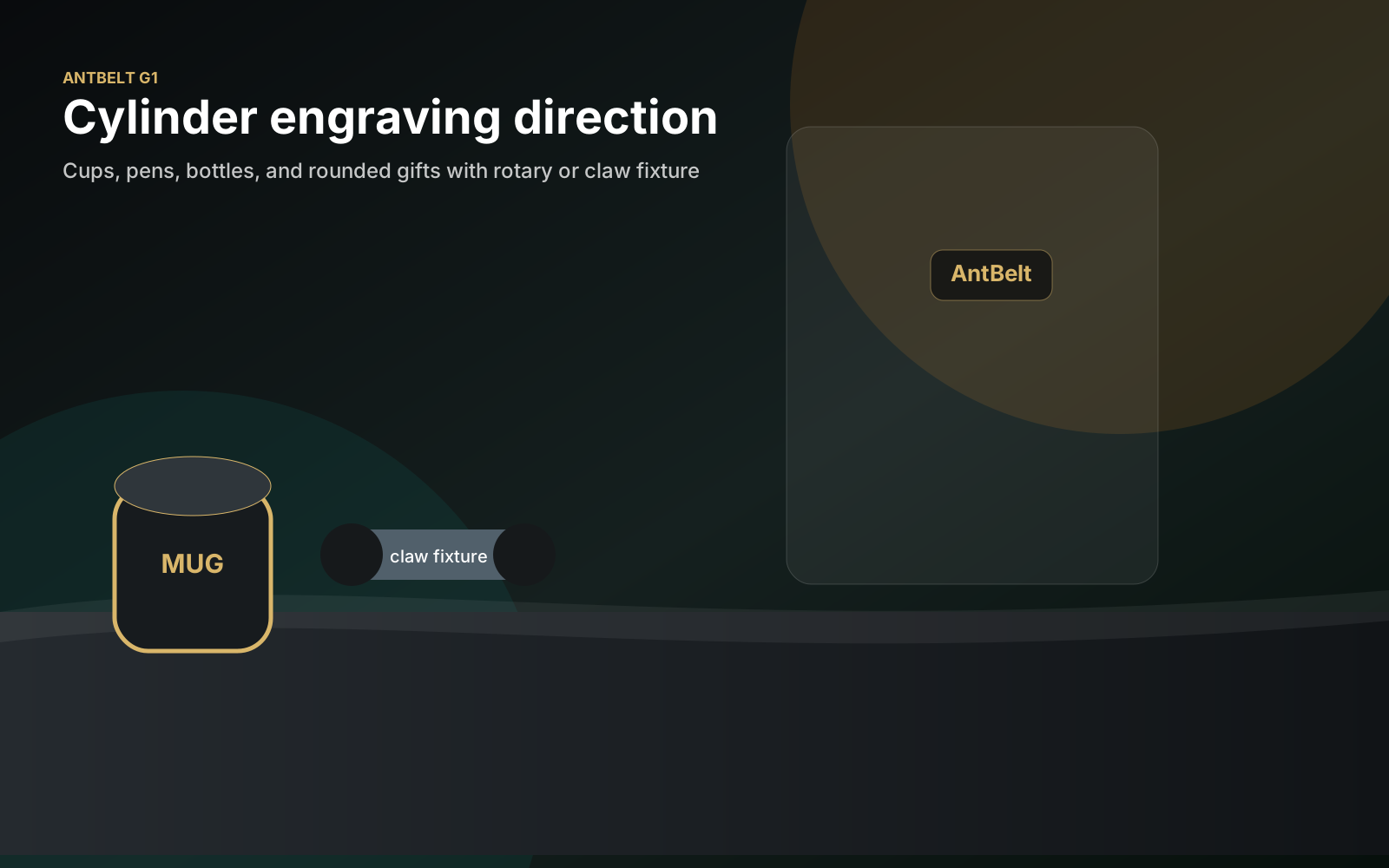
Review a Cylindrical Layout at Three Rotation Points
A screen preview shows the design flat, while a cylindrical object reveals only part of it at a time.
Separate the Customer Name from the Production File Name
Customer names are useful for conversation, but they are a fragile way to identify production files.
Build a Reorder Card from the Approved Sample
A repeat order should begin with evidence from the approved job, not with a guess based on an old message.
Use an Untreated Control Beside Every Finish Test
A photographed sample is hard to interpret when there is no view of the original surface.
Record Edge Quality Separately from Center Detail
A sample can look convincing at its center while its border, corners, or fine outlines raise different questions.
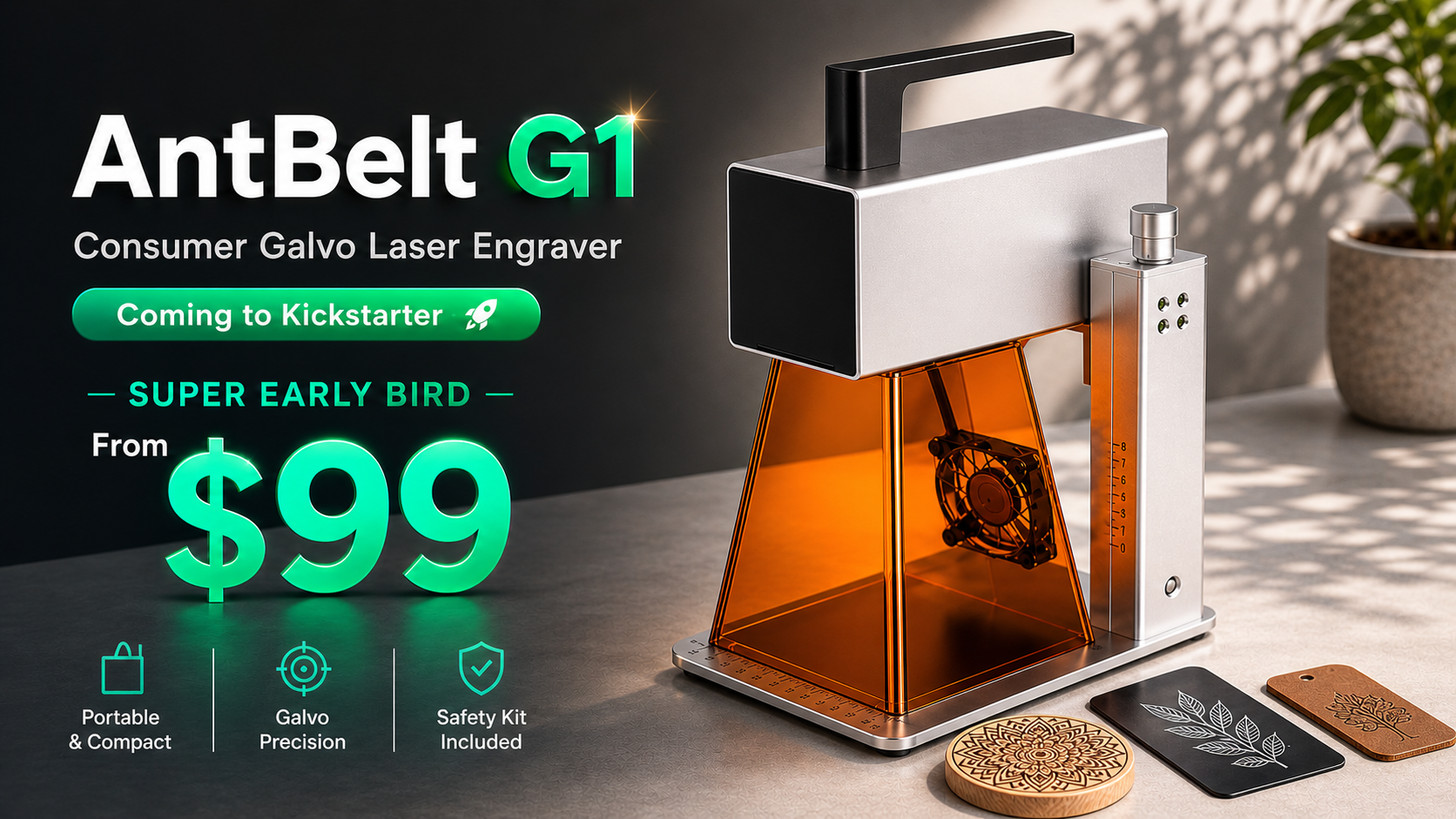
Keep a Dated Source Line Beside Every Campaign Fact
Campaign information can change as a project develops. A dated source line helps readers separate the current project page from screenshots, notes, or.
Watch a Demo Clip for What the Operator Checks
A short demo is more useful when viewers track the operator's checks instead of treating every cut as proof of a complete process.
Make the Stop Condition Part of Every Test Note
A test plan should say when to stop, not only what to try. Defining observable stop conditions before operation helps the operator respond consistently.
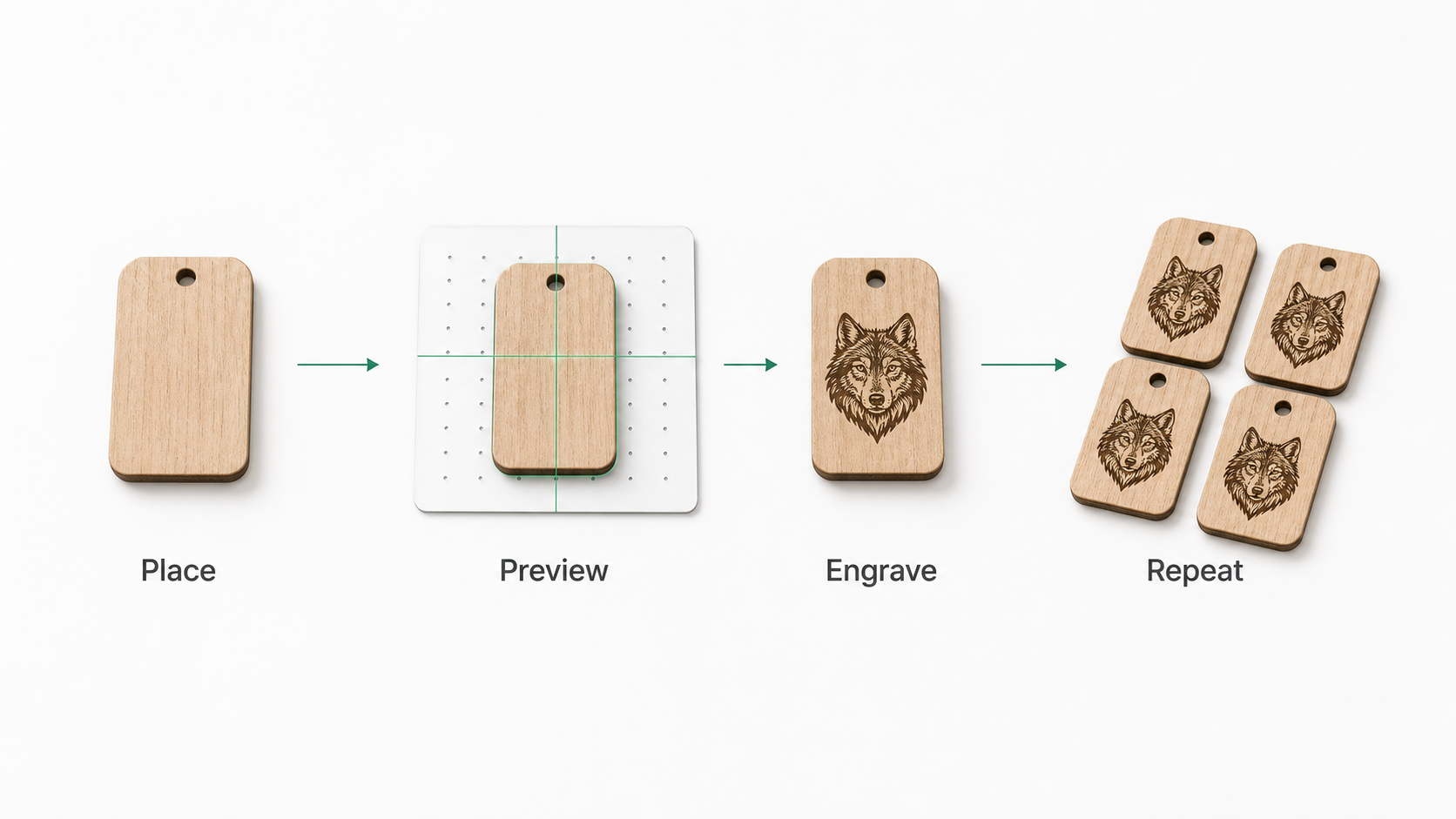
Compare Engravers by the Cost of Learning the Workflow
Purchase price is only one part of adopting an engraver. The time and material needed to learn a safe, repeatable workflow can matter just as much for a.
Use a One-Minute Preflight Before Loading a Personalized Job
A short preflight can catch the quiet mistakes that appear between artwork approval and loading the object.
Check Reading Direction Around a Cylindrical Design
Artwork that reads naturally on a flat screen can feel reversed or awkward when it wraps around an object.
Add an Artwork Freeze Step to Custom-Order Approval
An approval message is hard to use if the artwork keeps changing afterward.
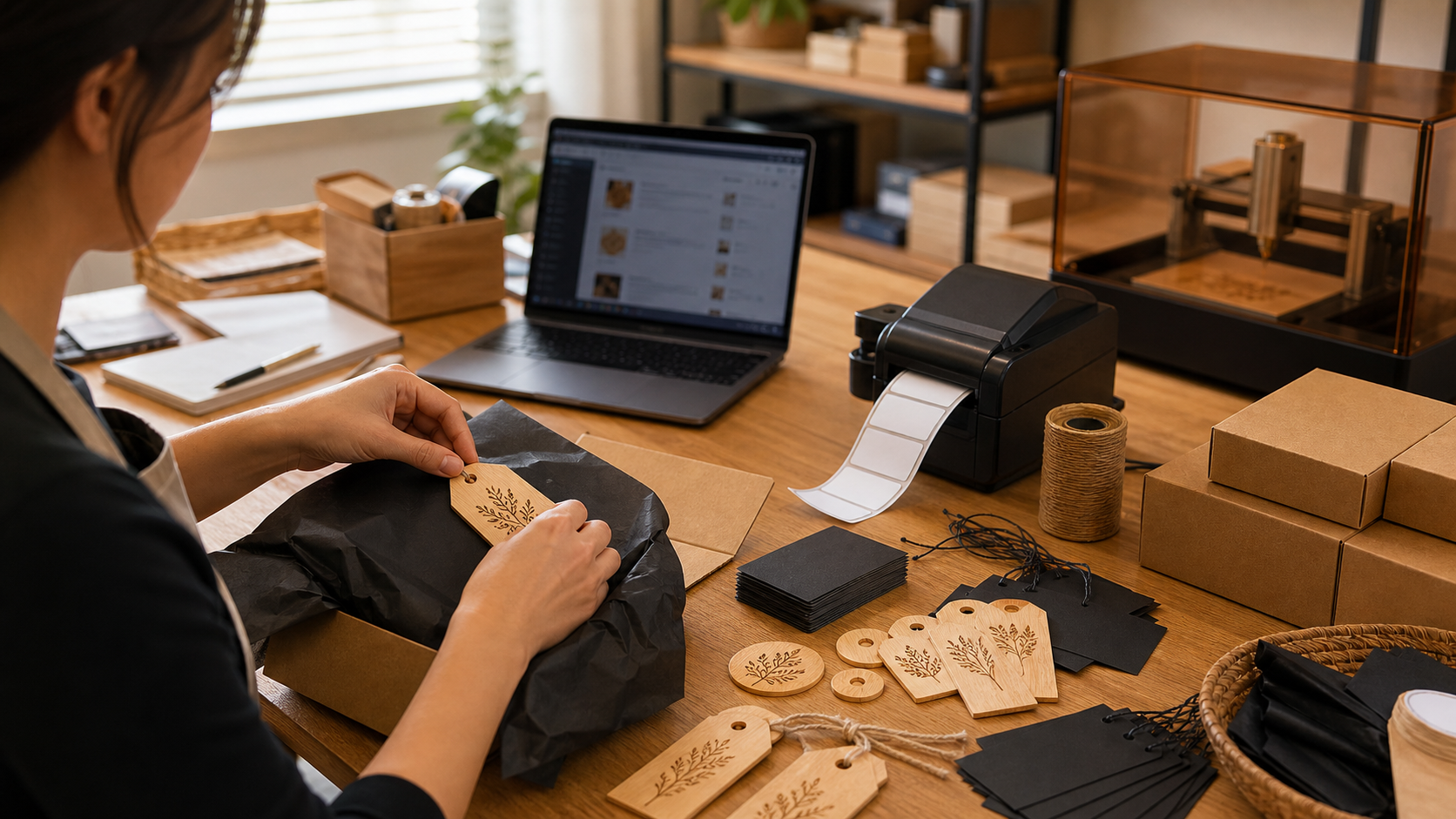
Use a Handoff Card for Partly Finished Custom Orders
A partly finished order should not depend on the next operator reconstructing what happened.
Photograph Material Samples Under the Same Light
Two sample photos taken under different light can suggest a difference that is not present on the objects.
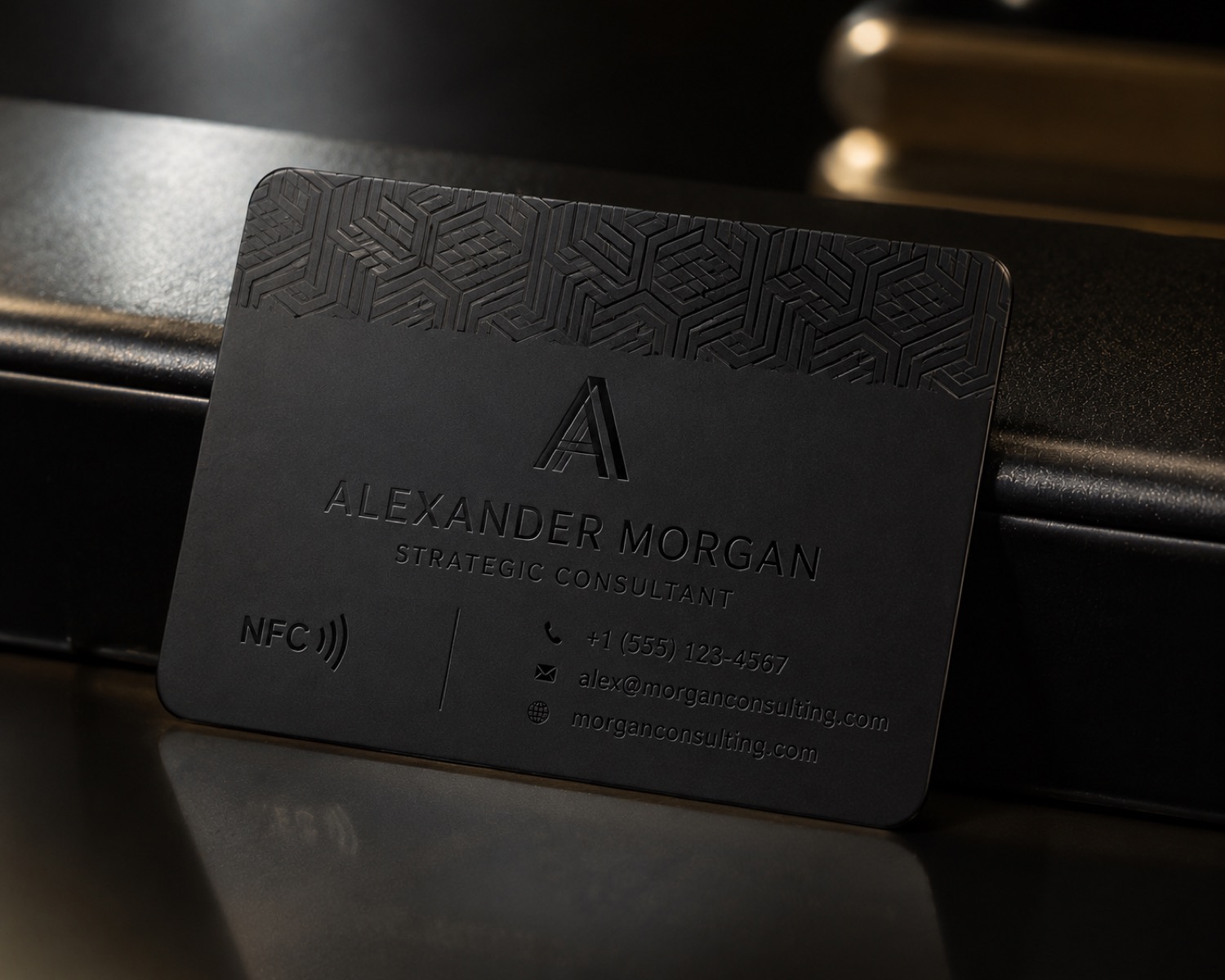
Test Small Text Separately from the Main Sample
A broad logo sample may look acceptable while its smallest text remains hard to read.
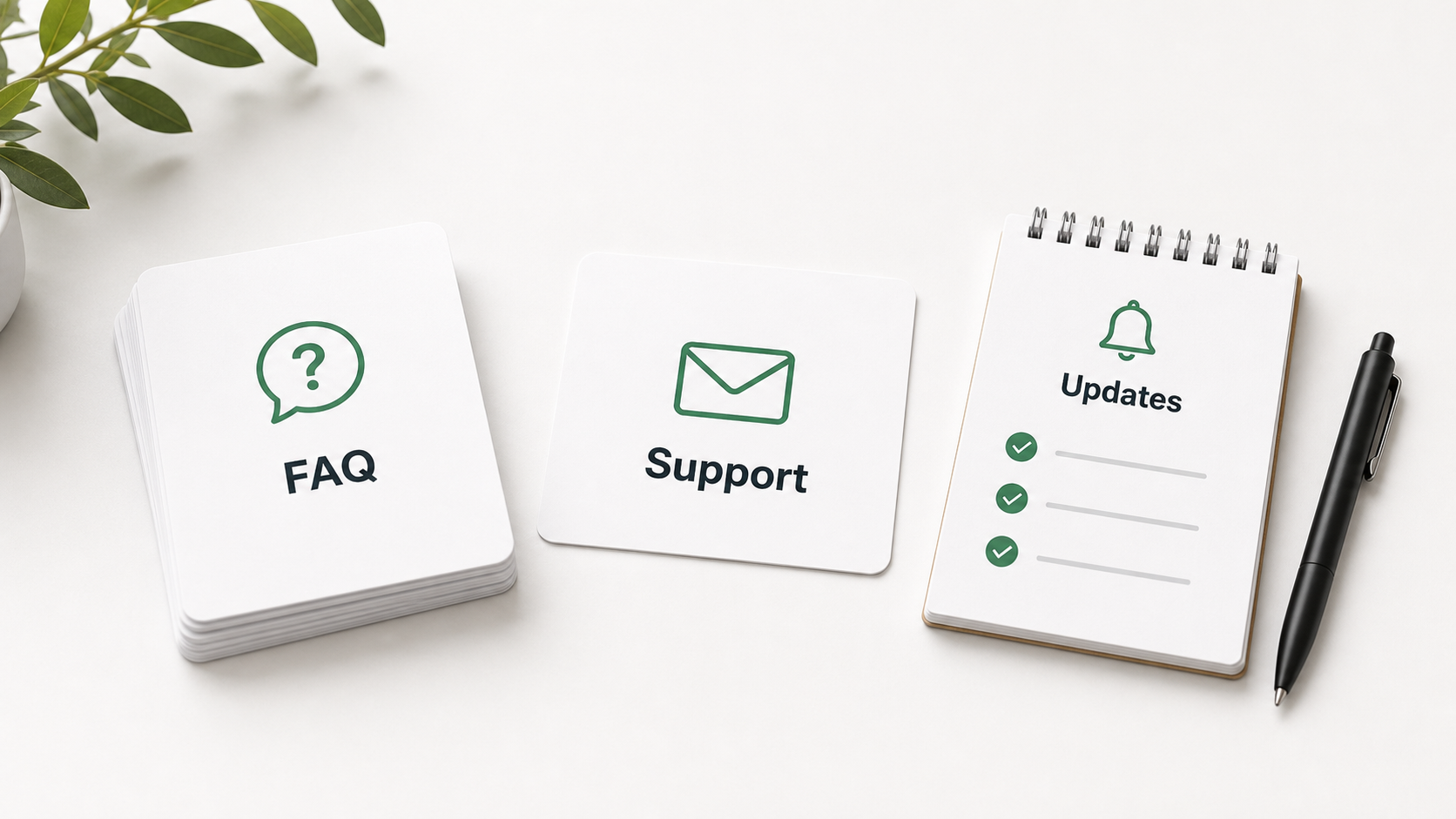
Turn One Backer Question into a Verifiable Project Note
A useful project answer should show what is known, what is still being checked, and where the final detail will appear.
Use the First and Last Frame to Read a Workflow Video
A short clip can show an interesting moment without showing the full job.
End Every Job with a Ventilation Check
The visible engraving may be finished before the work area is ready to close.
Compare Documentation Before Comparing Feature Counts
A long feature list does not tell you whether a tool will fit your daily work.
Record the Artwork Origin Before You Move a Layout
A layout can shift while still looking centered on screen. Before moving artwork, record which corner, center point, or construction line acts as its.
Preview the Seam Before Approving a Cylindrical Pattern
A repeating band may look balanced as a flat rectangle but awkward where its first and last elements meet.
Separate Requested Dates from Promised Order Dates
A customer's requested date is useful planning input, but it is not automatically a promise.
Give Each Rework One Primary Reason Code
“Redo” tells a team what happened, but not what to improve. Give each reworked order one primary reason code, then add a short note for context. ## Keep.
Mark the Back of Every Material Sample
A sample becomes hard to trust when it is separated from its notes. Put a short identifier on the back or on an attached sleeve as soon as the sample is.
Log How a Sample Was Stored Before Comparing Color
Two samples made on different days may also have experienced different light, dust, handling, or storage.
Label Backer Questions as Open, Answered, or Subject to Change
A useful project question list should show more than the latest wording.
A Hidden-Hand Moment Is Not a Complete Workflow View
A short clip can show a convincing result while a hand, edit, or camera angle hides an important transition.
Count Tools Before and After Clearing the Work Area
Small rulers, clamps, sample pieces, and cleaning tools can disappear into a busy bench.
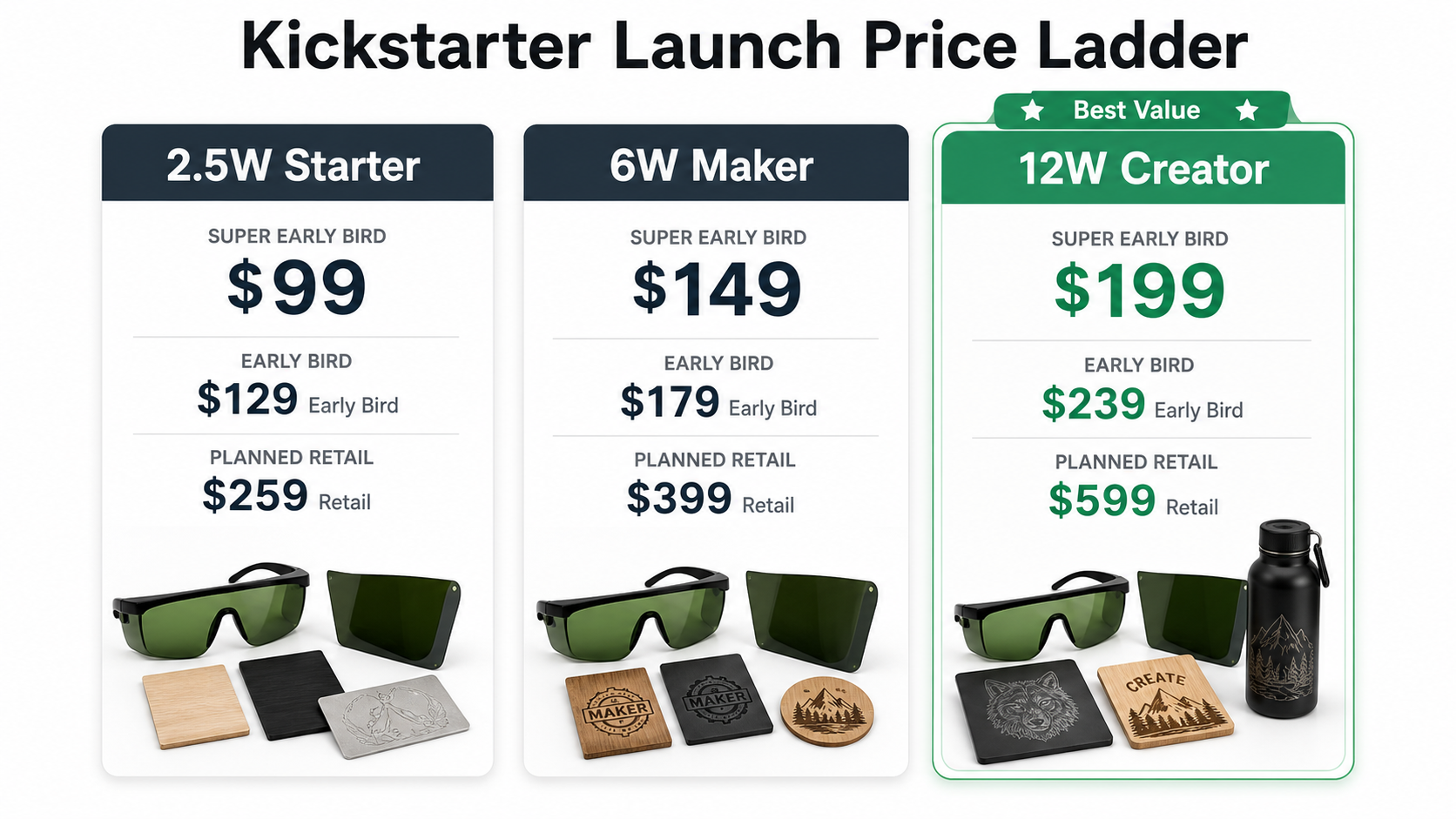
Compare Consumable Assumptions Separately from Machine Price
A machine price is easy to compare; the assumptions around samples, blanks, protective items, cleaning supplies, and rejected tests are less visible.
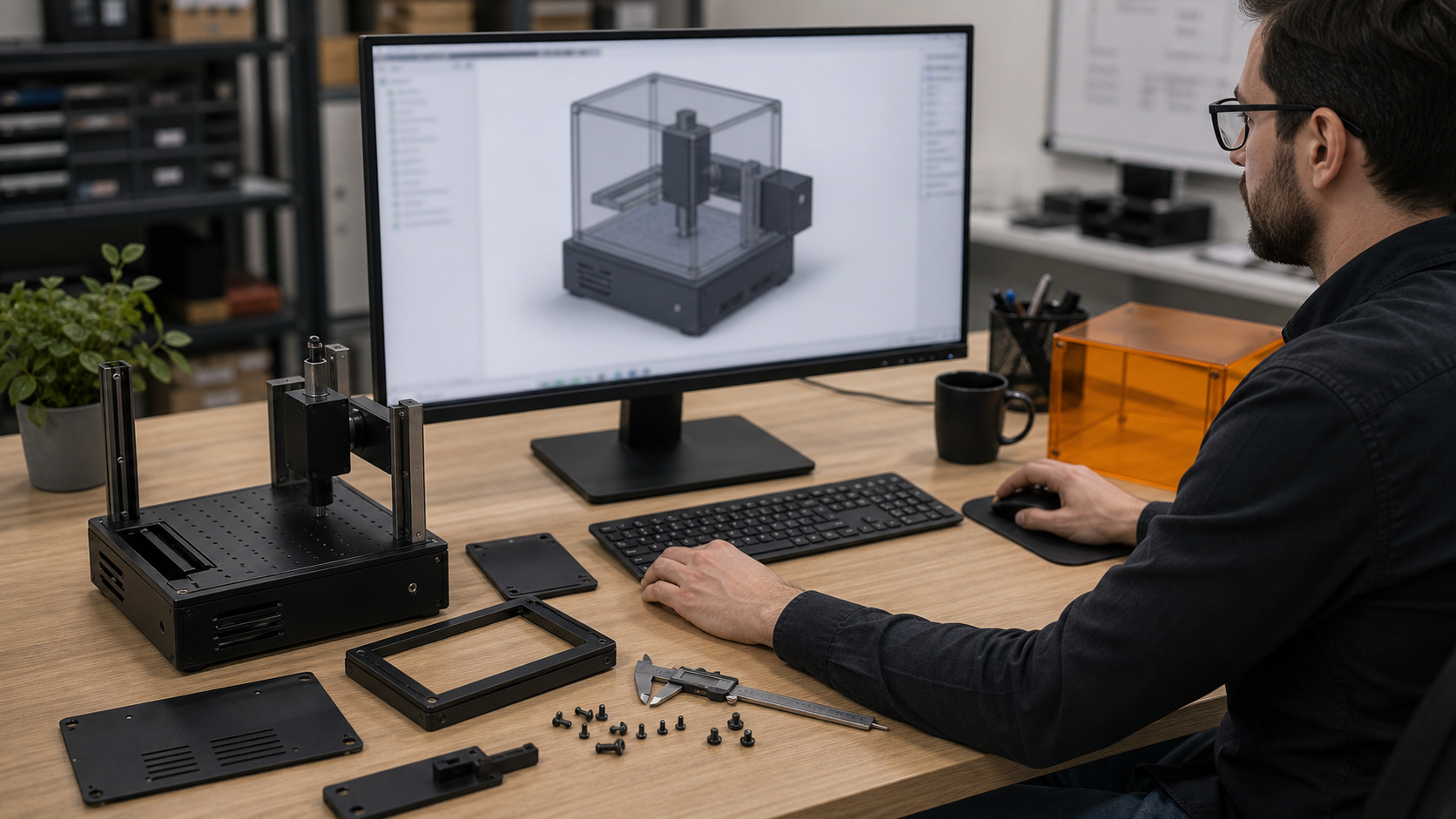
Check Accents and Apostrophes Before Approving Gift Artwork
A name can look almost right while still being wrong. Before approving personalized artwork, compare accented letters and apostrophes with the exact text.
Try the Longest Name First in a Cylindrical Gift Layout
A cylindrical gift collection may include both Jo and a much longer name.
Reconcile Duplicate Names Before Counting a Custom Order
A group order with two entries named Alex may require two gifts, not one corrected spreadsheet row.
Separate Customer Wording from Your Suggested Gift Message
A suggested message is not an instruction to engrave it. If a customer asks for help with wording, label your proposed inscription as a suggestion until.
Record Which Face of a Sample Was Actually Tested
A sample card labeled only with a material name can hide an important distinction: which face was tested.
Keep a Failed Sample Beside the Successful Reference
A sample library containing only attractive results cannot show where a design review went wrong.
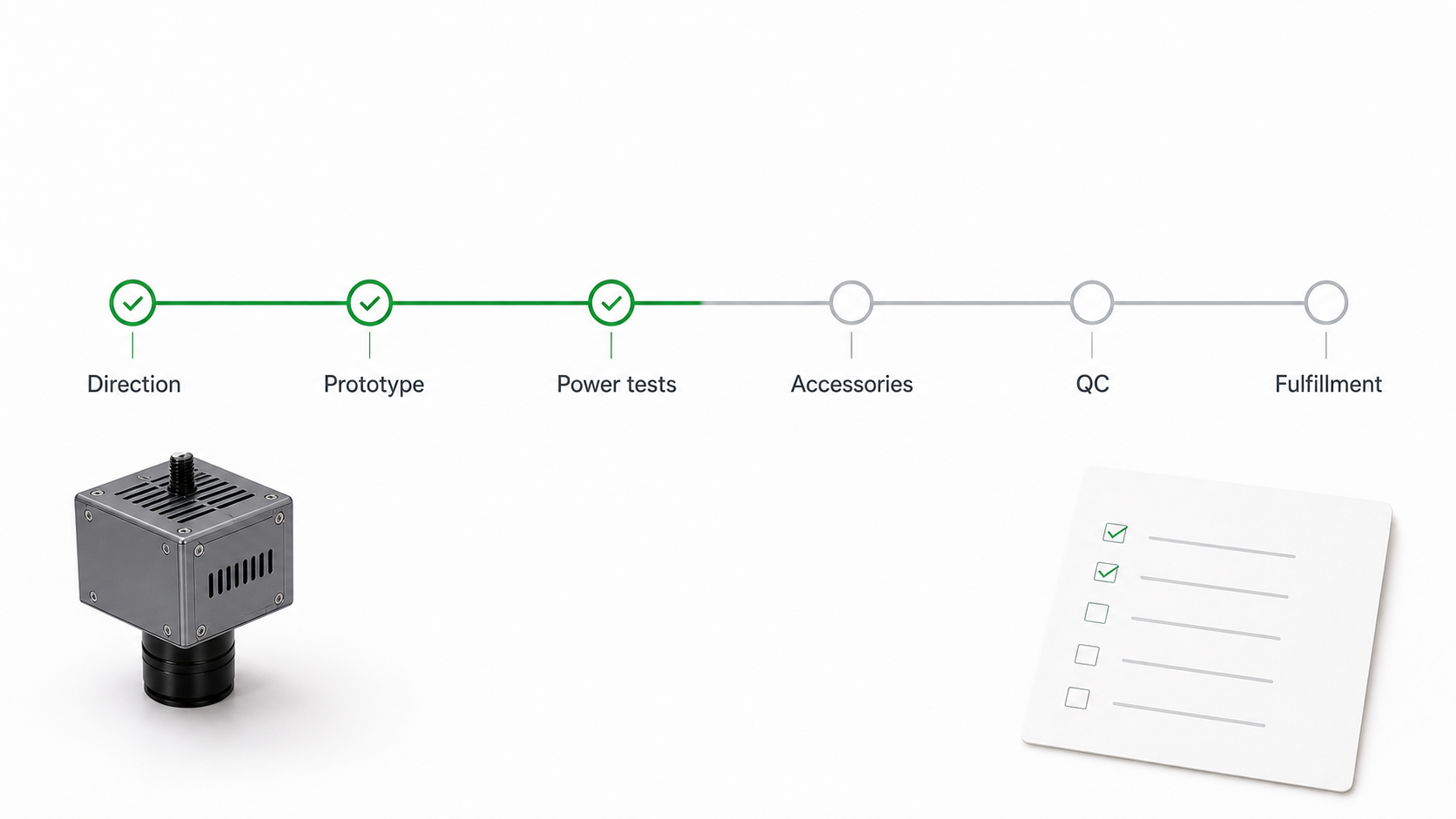
Make Shared Backer Questions Useful Without Personal Order Details
A public project question can be precise without including a home address or a complete order record.
A Round Wood Keepsake Clip Is Not a Rotary Demonstration
The AntBelt video hub currently lists a round wood keepsake case, linked to YouTube video 8JxfhGqXWl0.
Keep Drinks Away from the Laser Control Area
A drink placed beside the controls can become part of the workspace without anyone deliberately choosing it.
Ask How a Repair Question Gets Answered Before Choosing an Engraver
A product comparison should include what happens when you need help, not only what happens during a demonstration.
Give Each Artwork Export a Visible Revision Code
Two exports called final can send the wrong artwork to the bench. Put a short revision code in the file name and in the review sheet before preparing an.
Plan Two-Sided Cylindrical Artwork with a Reading Map
A name and a short message can each look balanced on a flat proof yet compete when placed around a curved object.
Separate Gift Notes from Engraving Text at Order Intake
A customer's gift note is not necessarily the text they want engraved.
Keep Customer Names Out of Reusable Sample Photos
A useful product photograph can still contain a customer's private message.
Keep Supplier Descriptions Separate from Sample Observations
A supplier's material description and your observation of one sample answer different questions.
Use a Sample Retirement Log When Reference Pieces Change
A reference sample can become a poor reference after handling, damage, or an undocumented change.
Distinguish a Campaign Question from a Change Request
Does the project support this workflow and please add this workflow are different messages.
Kraft Card and Cup Sleeve Clips Point to Different Design Jobs
The current AntBelt video hub lists a kraft card case and a cup sleeve case.
Make the Next Operator Reconfirm the Job Before Restarting
A note saying ready does not tell the next operator which checks were completed or what changed afterward.
Compare the Work You Can Validate Before Buying an Engraver
Write down one real project before comparing engravers. Then ask what evidence would let you judge that project, rather than collecting the longest list.
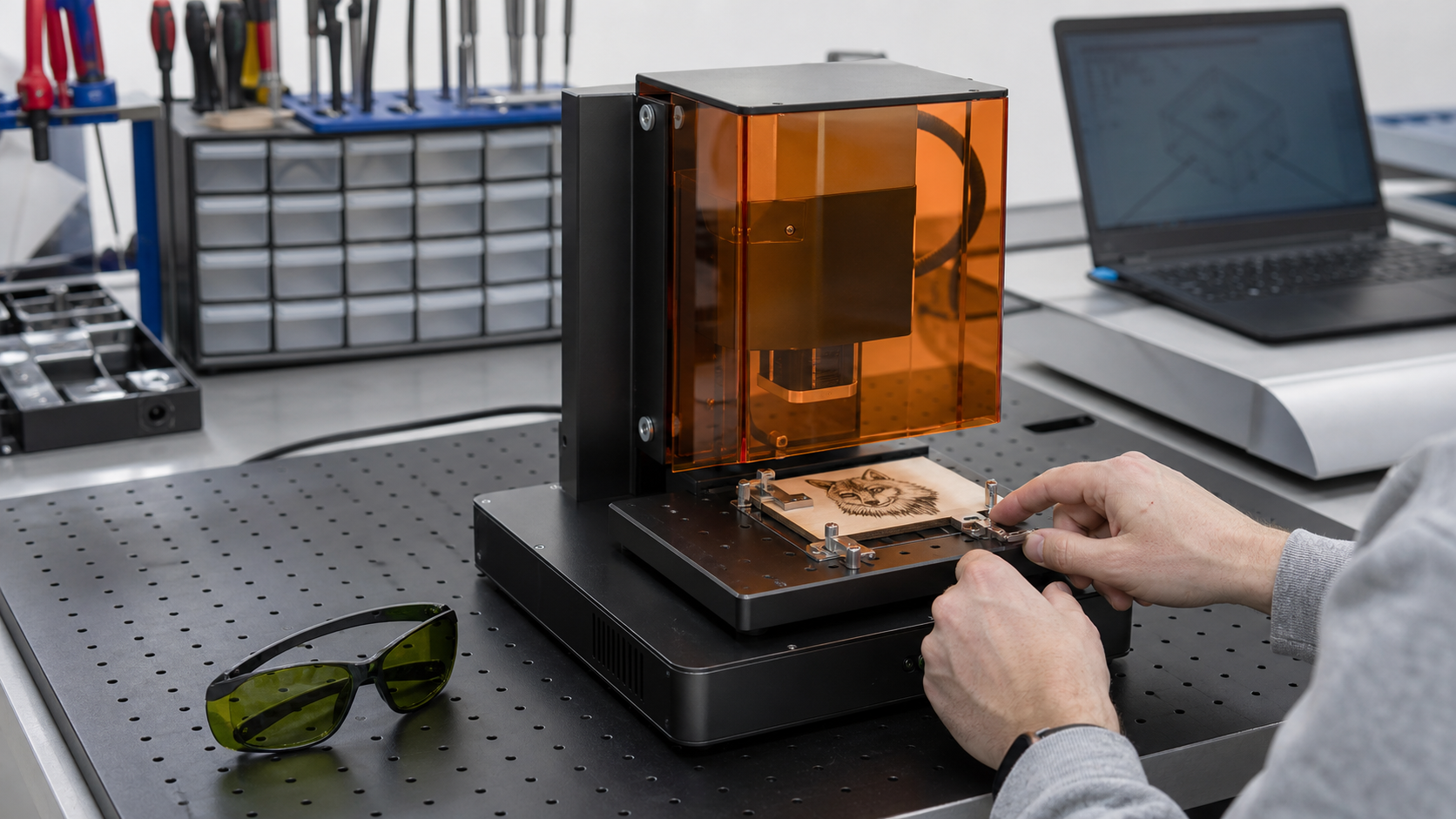
Write the Test Question Before Opening the File
A useful test begins with one sentence: what exactly should this run help you observe?
Recheck the First and Last Letter on a Cylindrical Layout
Cylindrical artwork can look balanced in a flat file while its beginning and end compete when viewed around the object.
Create an Exception Queue for Custom Orders
A custom request should leave the normal order queue as soon as it introduces an unreviewed blank, artwork change, unusual placement, or missing approval.
Name Order Photos by Decision, Not Camera Time
Camera filenames hide the reason a photo was taken. Rename each order image for the decision it supports: received blank, artwork approval, placement.
Mask a Small Observation Window on Sample Blanks
A sample is easier to review when an untouched reference remains visible beside the worked area.
Document a Sample Before and After Approved Cleaning
Cleaning can change how a sample looks in a photograph. Capture one labeled view before any cleaning and a second after only the method permitted by.
Trace Each Backer Question to Its Current Source
A saved product summary becomes unreliable when its statements lose their source and date.
Watch Demo Clips for Where the Workflow Stops
A recent AntBelt clip is more useful when you watch for pauses rather than only the visible result.
Reset the Bench Before You Step Away
Stepping away should begin only after work has stopped and the area has been returned to a known state.
Build a Pre-Purchase Question Matrix
A feature list is not a buying decision. Build a matrix from the work you actually plan to do: identified materials, flat or cylindrical objects, artwork.
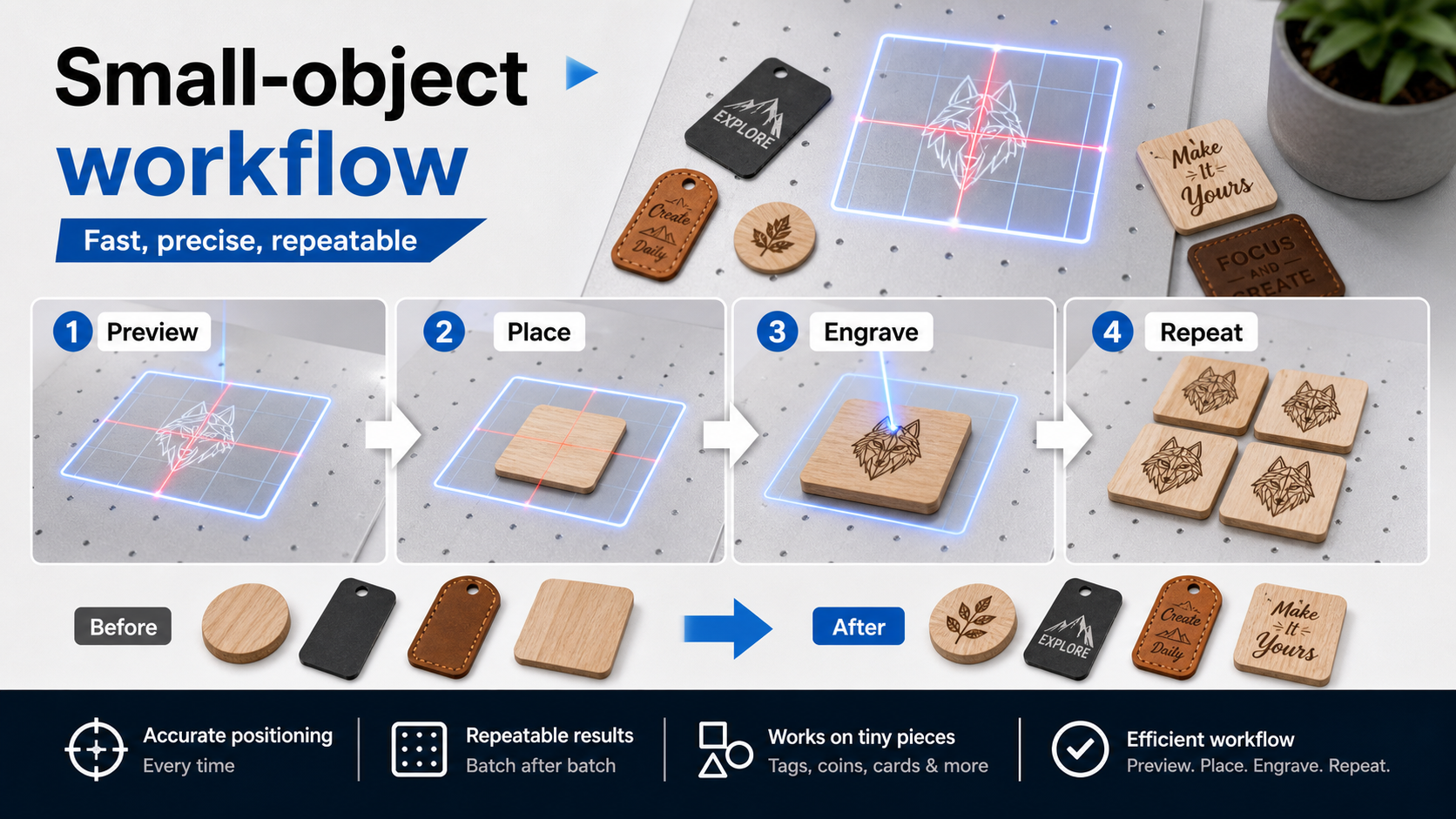
Build a One-Change Test Ladder
A test ladder turns an open-ended engraving session into a sequence of answerable questions.
Mark the Visible Front Before Cylindrical Layout
Before laying out artwork for a cylindrical object, decide which area should read as the visible front.
Add a Customer-Supplied Blank Intake Card
A customer-supplied blank needs an intake decision before it enters a workshop queue.
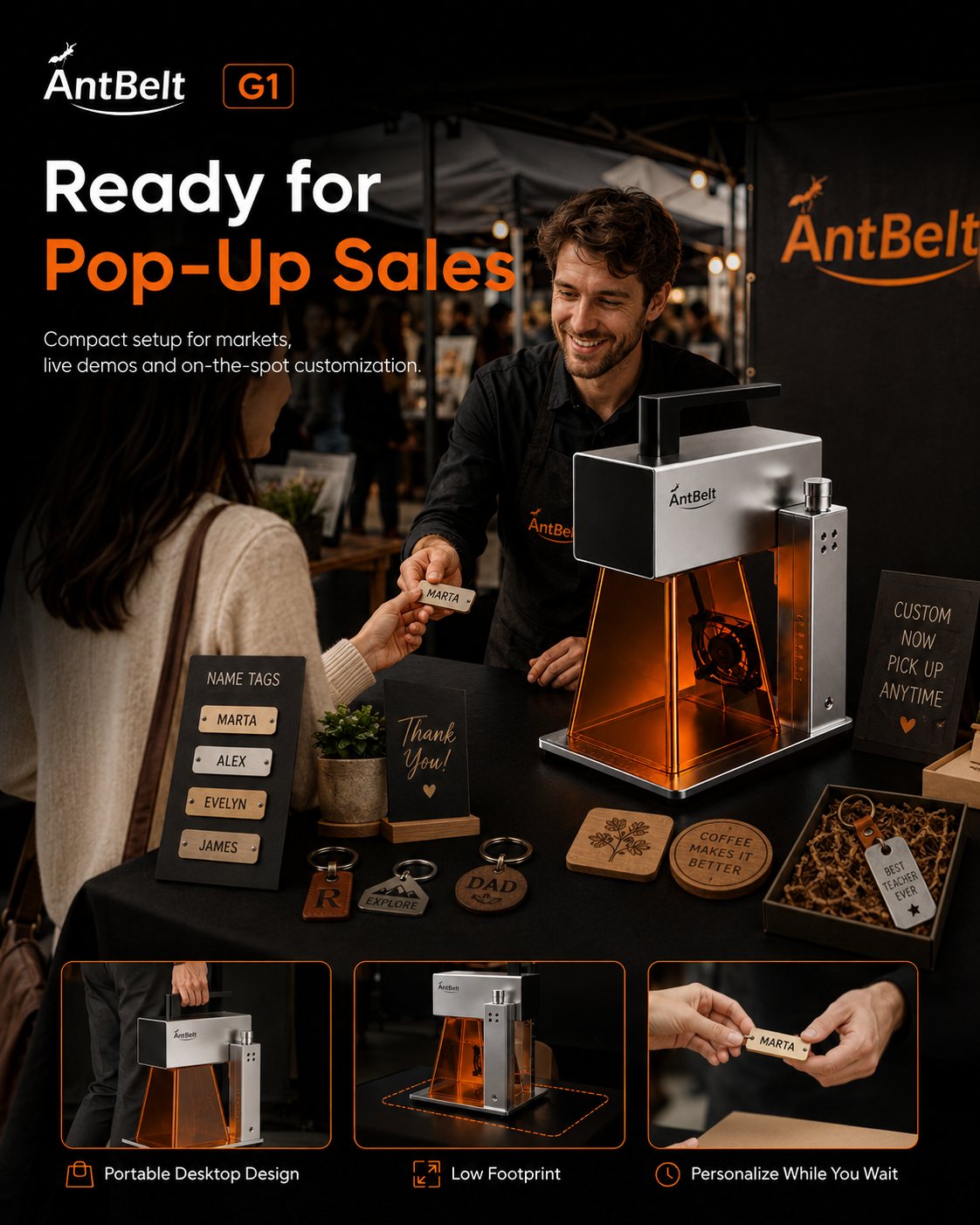
Plan a Market Display with Proof-Status Labels
A market display can show variety without implying that every photographed idea is ready for sale.
Use a Control Blank Beside Coated Sample Tests
Coated blanks can look different before any work begins. Keep one unprocessed piece or an untouched area beside the test sample so the original color.
Photograph Reflective Samples Under Two Fixed Lights
A reflective sample can appear clear in one photograph and nearly invisible in another.
Read Campaign Images with a Caption-First Rule
A campaign image is easiest to evaluate when its caption is read before conclusions are drawn from the scene.
Review Demo Clips with a Visible-Tools Inventory
A recent demonstration clip can help viewers notice the surrounding workflow as well as the marked sample.
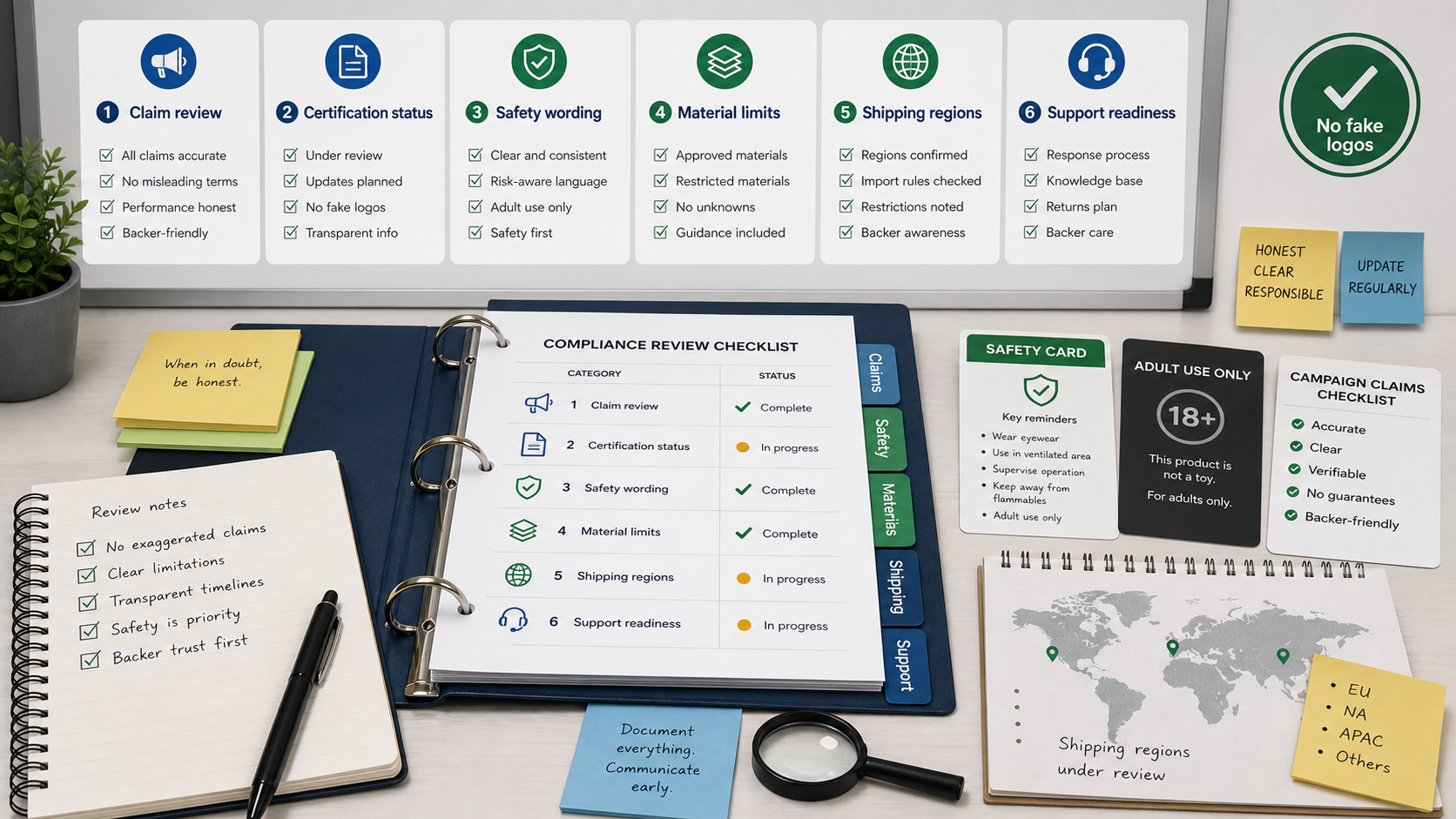
Set a No-Unlabeled-Materials Zone
Loose scraps and mystery blanks should not drift into a laser work area.
Compare Desktop Engravers by Their Evidence Trail
A useful buying comparison asks how each product claim can be checked.
Record the Blank Edge Before Repositioning
A quick edge record helps preserve what a placement test actually taught you.
Preview Cylindrical Lettering at Four Orientations
Cylindrical lettering should be reviewed as a wraparound composition, not only as a flat line on screen.
Turn Personalization Revisions into a Single Approval List
Personalized orders become risky when spelling, placement, and style changes are scattered across messages.
Archive One Finished Sample with Each Product Option
A product menu is easier to manage when each option has one labeled reference sample.
Compare Sample Visibility Before and After Cleaning
Surface residue can change how a sample looks in a photograph. Record the sample before and after an appropriate cleaning step so reviewers can.
Give Every Wood Sample a Grain-Direction Note
Wood samples can be difficult to compare when grain direction is missing from the record.
Separate Confirmed Progress from Open Campaign Questions
A useful campaign update makes it easy to see what is documented and what remains open.
Use Video Pauses to Build a Setup Question List
A short engraving video is most useful when it produces better questions.
Add a Visible Handoff Check to Shared Laser Sessions
Shared laser sessions need a clear handoff when one person leaves and another takes responsibility.
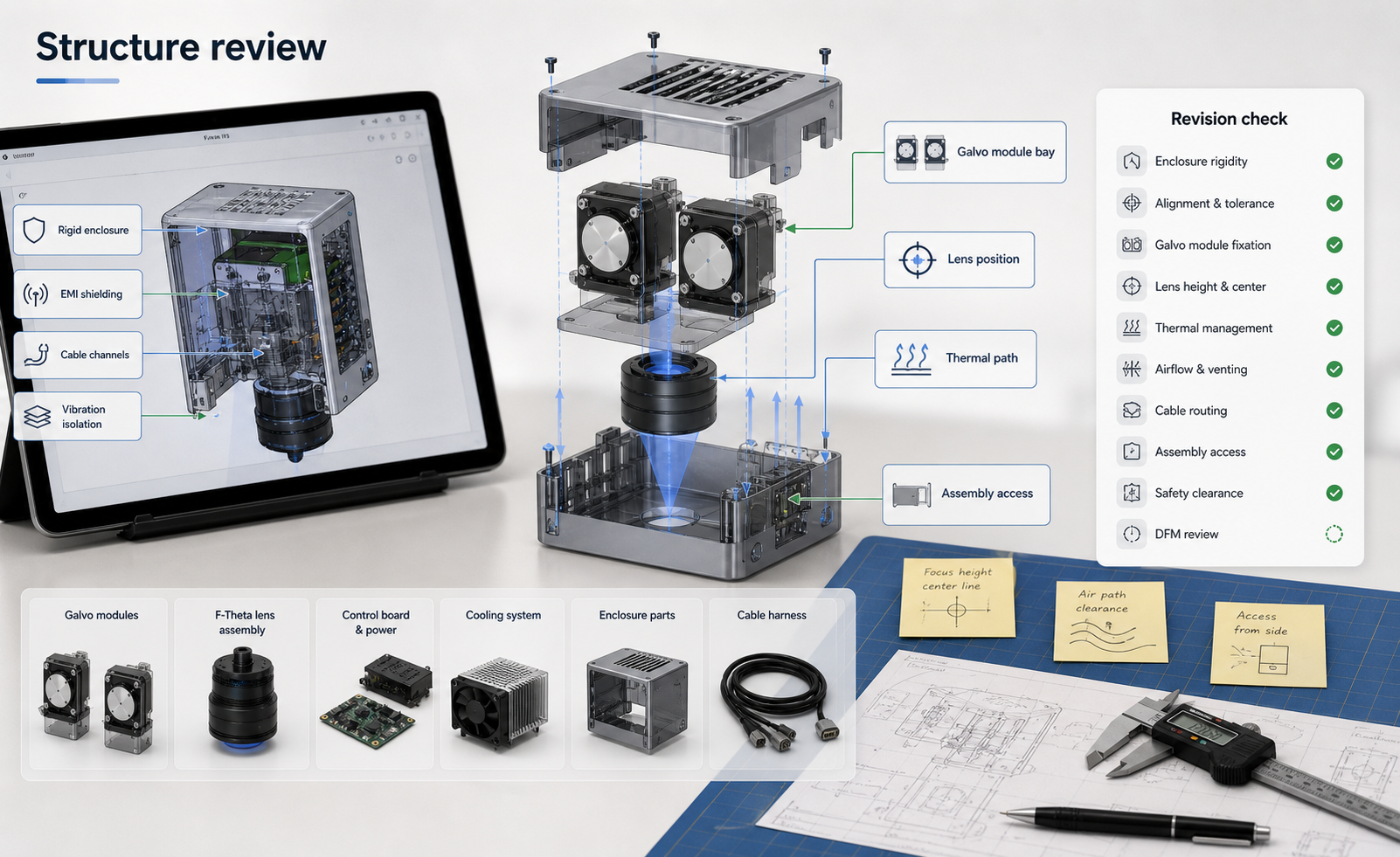
Compare Desktop Engravers by Their Revision Loop
A buying comparison should examine how easily a user can revise a design, repeat a placement review, and preserve notes—not only the appearance of one.
Freeze Artwork Orientation Before a Test Run
A small orientation check can prevent a useful test from becoming hard to interpret.
Map a Cylindrical Design with a Visible Seam Zone
Cylindrical artwork needs a review plan for where the design begins, ends, and approaches its seam.
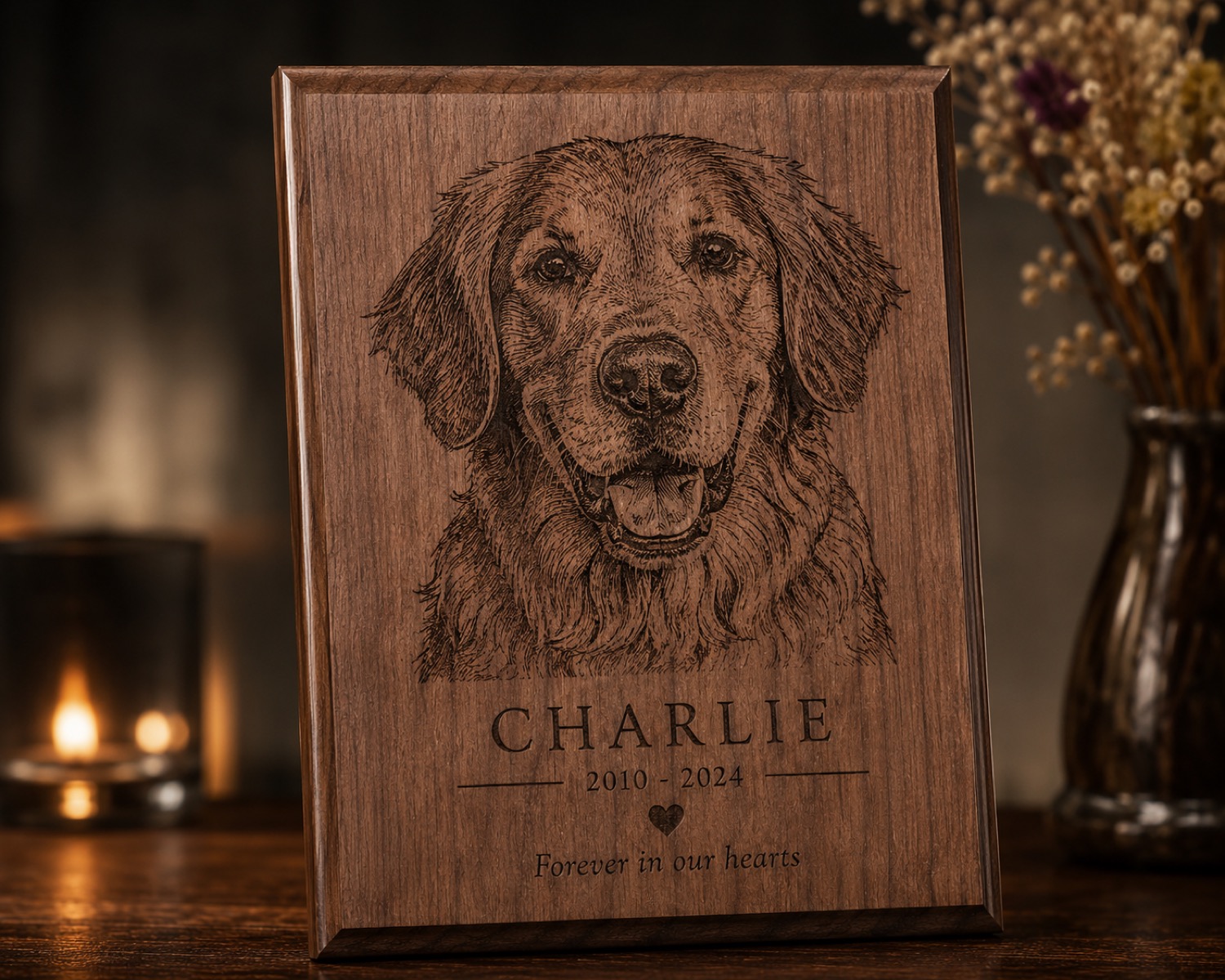
Add a Customer Name Check Before Personalization
Personalized work can be technically correct and still be wrong if the approved name, date, or layout was copied from the wrong message.
Separate Rework from New Orders on the Bench
Rework pieces and untouched blanks can look nearly identical during a busy batch.
Label Coated and Uncoated Samples Separately
Two blanks can share a base material while behaving differently because one has a coating, finish, or unknown surface treatment.
Photograph Fine Detail Beside a Scale Reference
A close-up can make fine detail look impressive while hiding its actual scale.
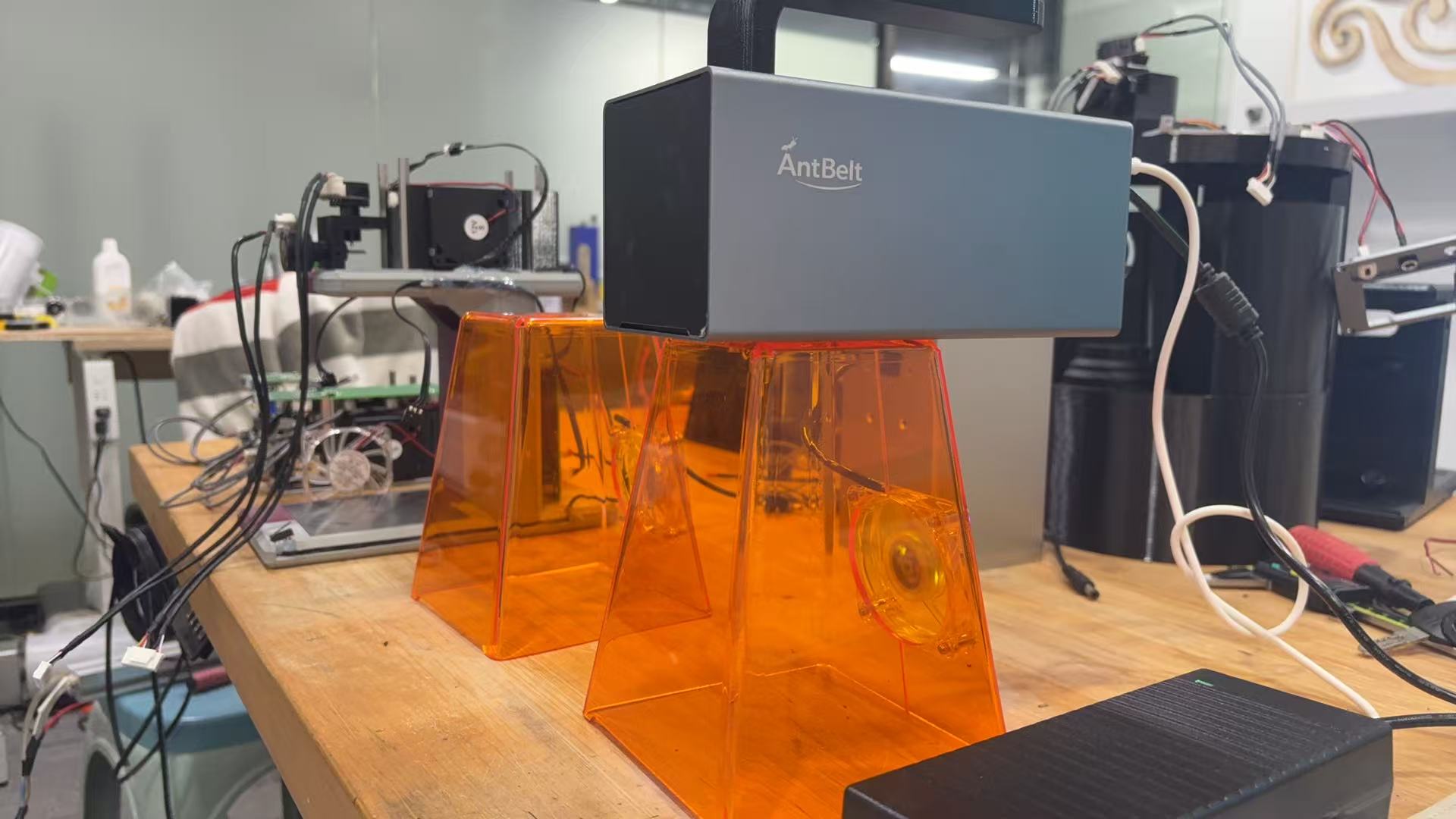
Read a Backer Update for Decisions and Open Items
A useful project update should help readers separate completed decisions from work that is still being reviewed.
Pause a Demo Video at Each Review Point
A workflow video becomes more useful when viewers pause at the moments where a decision is made.
Reset the Work Area After Every Material Change
Changing material should trigger a full work-area reset, even when the next job uses the same artwork.
Compare Desktop Engravers by Evidence You Can Revisit
Product comparisons are easier to trust when the evidence remains available after the first viewing.
Turn One Test File into a Reusable Setup Card
A useful test file should preserve decisions, not just artwork. Pair the file with a short setup card so the next review starts with recorded context.
Review Cylindrical Artwork at Three Rotation Points
Cylindrical artwork is easier to discuss when the review has named positions.
Quote Personalized Orders with a Proof Round Built In
A custom-order quote is clearer when it includes one defined proof round.
Build a Photo Checkpoint into Small-Batch Orders
For a small batch, one approved sample photo can prevent the team from discovering a layout misunderstanding at the end.
Separate Surface Appearance from Marking Behavior
Two blanks can look similar before testing and behave differently during a controlled sample.
Use a Control Sample When Lighting Changes
Lighting can make the same mark appear darker, sharper, or more reflective.
What a Useful Prototype Update Should Label
A prototype update is most useful when readers can separate what is visible now from what is still under review.
Read a Workflow Video by Its Handoffs
A short workflow video reveals more than the final sample. Watch the handoffs between artwork, placement, review, operation, and result inspection to see.
Add a Material-Identity Stop Before Setup
Before artwork placement or settings discussion, require one explicit answer: what is this material, including any coating or adhesive?
Compare Desktop Engravers by Review Friction
Machine comparisons often emphasize headline specifications, but daily usefulness also depends on how easily a team can review a job before it runs.
Use a Registration Cross Before Testing Small Artwork
A tiny registration cross can make a placement test easier to review. Put it outside the finished artwork area, then use it to discuss where the design.
Plan Cylindrical Artwork with a Front Zone
A front zone gives cylindrical artwork one clear viewing priority. Mark the area that should face the viewer first, then place names, icons, or short.
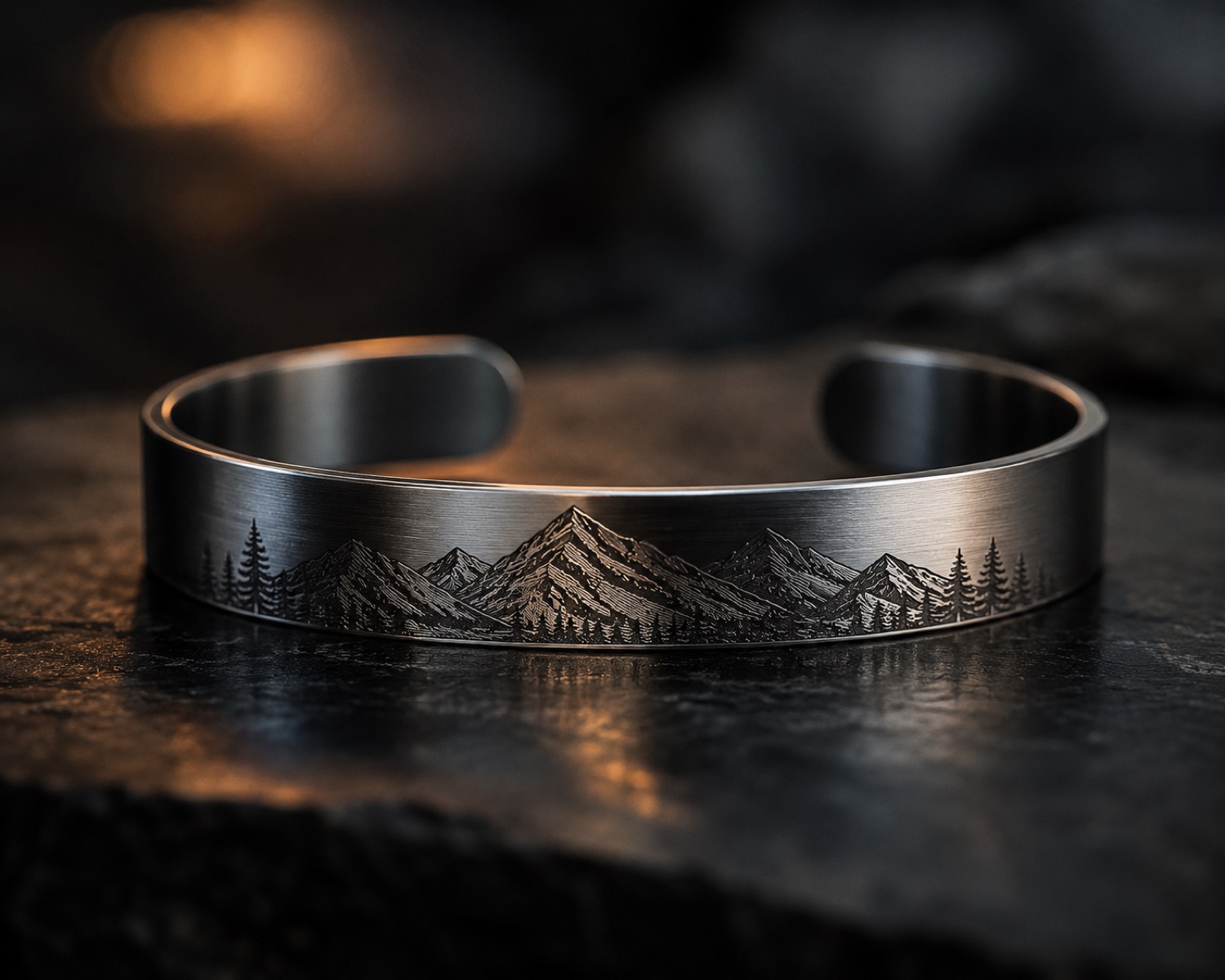
Add a Customer Spelling Lock to Personalized Orders
A spelling lock is a saved line of customer-approved text that production does not silently edit.
Build a Market-Day Remake Envelope
A remake envelope keeps a problem order from disappearing into a busy market day.
Keep a Material Source Line with Every Sample
A material name alone is rarely enough to identify a sample later. Add a source line that records where the blank came from, how it was labeled, and when.
Compare Sample Edges Before Comparing Centers
Sample centers attract attention, but edges can reveal placement drift, unintended marks, surface variation, or handling damage.
Read a Project Update in Three Evidence Layers
A useful project update can be read in three layers: what is shown, what the team says it means, and what remains open.
Watch a Demo for What Gets Checked Twice
Repeated checks are easy to overlook in a fast demonstration. Rewatch a recent AntBelt G1 clip and note every moment when the operator returns to.
Give Every Workshop Stop a Named Owner
A stop is only useful if everyone knows who controls the next step. Name the person who can pause the workflow, secure the area, record the condition, and.
Compare Engravers by Their Open-Question List
A buying comparison becomes more honest when it includes what you still do not know.
Make a Pocket Test Card Before Opening the Project
A small test card can hold the decisions that are easiest to forget at the bench.
Set One Viewing Direction for Cylindrical Artwork
A cylindrical design can look centered in a flat file while feeling off-balance on the object.
Separate Customer Words From Production Notes
A personalized order becomes risky when the customer’s exact wording and the shop’s production shorthand live in the same text box.
Name Order Photos So the Next Person Can Find Them
An order photo is only useful when the next person can connect it to the correct artwork, blank, and approval.
Use a Masked Corner to Preserve a Material Reference
A sample is easier to discuss when part of its original surface remains visible.
Change the Viewing Angle Before Judging a Reflective Sample
A reflective sample can look clear from one direction and subdued from another.
Separate Project Evidence From Open Decisions
A prototype photo, sample clip, or workflow note can show real progress without answering every product question.
Rewatch a Demo Without the Soundtrack
Mute a recent AntBelt G1 demo and the visible workflow becomes easier to separate from narration.
Make the Last-Person-Out Check Visible
A shared workshop needs a visible way to confirm that the final operator completed the shutdown routine.
Compare Engravers by the Questions You Can Answer Before Buying
A useful buying comparison begins with questions that can be answered before money changes hands.
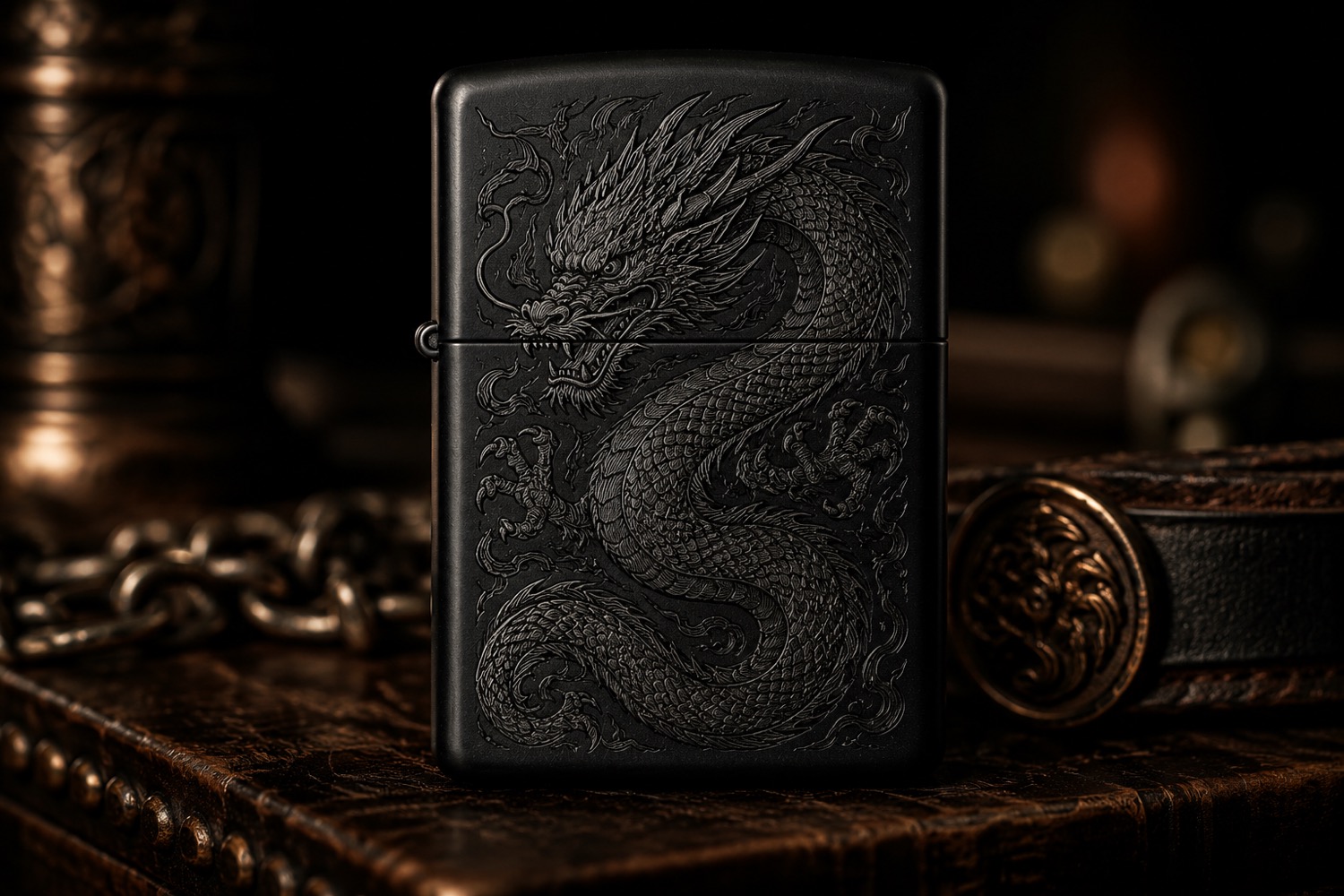
Mark the Artwork Origin Before a Maker Test
A promising sample is hard to repeat when nobody remembers which corner of the artwork was treated as the origin.
Check the Seam Zone Before Cylindrical Artwork
Cylindrical artwork needs a deliberate decision about where the design begins and ends.
Give Each Custom Order One Approval Image
Custom orders become confusing when approval is spread across several messages and mockups.
Build a Remake-Reason List for Small-Shop Orders
A remake log is most useful when it describes the decision that failed, not just the blank that was discarded.
Number Sample Batches Before Comparing Finishes
Two blanks that look alike may come from different batches or carry different surface finishes.
Use Raking Light to Document Sample Visibility
A sample can look clear in one photograph and nearly disappear in another.
Read a Backer Update by What Changed
A useful project update should make it possible to distinguish new evidence from repeated background.
Pause a Demo at Each Operator Decision
A short engraving clip can move too quickly to show every decision. Pause a recent AntBelt G1 demo at the moments when the operator changes the object.
Add an Unknown-Material Stop Rule
An unlabeled blank should not become an experiment simply because it fits on the work surface.
Compare Engravers by the Sample Record You Can Keep
Machine comparisons often begin with headline specifications, but a buyer also needs a way to learn from actual work.
Use a Corner Key to Recheck Small Artwork
Small artwork can look centered on screen yet feel misplaced on the finished object.
Build a Clock-Face Check for Cylindrical Artwork
AntBelt supports cylindrical engraving, and curved objects make viewing direction especially important.
Add an Artwork Source Line to Every Order
A customer name, logo, or drawing can arrive through several channels.
Plan Market-Day Orders with a Cutoff Board
Same-day personalization becomes harder when sellers accept work faster than they can review it.
Photograph the Sample Label Before the Surface
A close-up can preserve surface detail while losing the sample's identity.
Separate Surface Change from Artwork Readability
A sample can show a visible surface change without producing artwork that is easy to read.
Sort Backer Questions by Answer Source
Pre-launch questions often mix demonstrated workflow, planned details, and information that is still open.
Watch a Demo for the Second Setup Check
A first viewing usually follows the main action. A second viewing can reveal the quiet setup checks that make the sequence understandable, especially when.
Put the Ventilation Check on the Job Card
Ventilation should not live only in a general workshop poster. Adding a visible ventilation check to each job card makes the operator acknowledge the.
Compare Engravers by How They Handle a Revision
Machine comparisons often begin with headline specifications. A revision exercise can reveal a different question: how clearly can a user move from.
Make a Shadow Outline Before Placing a Small Blank
When a blank is small or irregular, a simple paper outline can make placement assumptions visible before a valued piece reaches the work area.
Use a Viewing Window for Cylindrical Artwork
AntBelt supports cylindrical engraving. A paper viewing window can help a maker discuss where the most important part of a design should appear without.
Give Each Custom Order a Proof Owner
A custom order can stall when everyone reviews it but nobody owns the final proof decision.
Build a Pickup Check Around Visible Details
A pickup check should focus on what the customer can verify immediately.
Record the Unmarked Surface Before a Sample
A sample photograph is more useful when it begins before the mark. Recording the unmarked surface helps reviewers distinguish existing variation from.
Add an Unknown Field to Every Sample Card
Sample cards often look more certain than the evidence behind them. An explicit unknown field keeps missing information visible and prevents a useful.
Use a Three-Column Backer Question Log
During a pre-launch campaign, questions can be as valuable as announcements.
Rewatch a Demo for the Setup Recovery
A short demo is often watched for the final reveal. A second viewing focused on setup recovery can reveal the quieter workflow decisions that make a.
Label the Last Safe State Before Starting
A clear last safe state gives an operator a defined point to return to when a check fails or an interruption occurs.
Compare Engravers by the First-Week Learning Plan
A buying comparison becomes more practical when it asks what the first week of responsible learning will require.
Build a Three-Mark Origin Check
A small origin check can make placement decisions easier to review before a maker moves to a valued piece.
Wrap a Paper Seam Around Cylindrical Artwork
Cylindrical artwork has a boundary that a flat preview can hide: the meeting point between the beginning and end of the design.
Price the Approval Step Into Custom Work
Customer approval takes time even when the engraving itself is small. Treating approval as a real workflow step helps a shop quote custom work more.
Give Rush Orders a Stop Time
A rush order needs more than a delivery time. It also needs a stop time: the latest moment when artwork, spelling, material choice, and customer approval.
Compare Material Samples Under Two Light Sources
An engraving that reads clearly at a workbench can look different near a window or under retail lighting.
Use a Rejection Code for Every Test Sample
Rejected samples often contain the most useful information in a material test, but only if the workshop can remember why each one was rejected.
Read the Campaign Page as a Versioned Source
A pre-launch product summary can become stale when it is copied into notes or shared in a group.
Watch a Demo for the Operator Decisions
A product video is easier to learn from when the viewer watches for operator decisions instead of only the finished sample.
End Each Session With a Clear Work Area
A clear work area at the end of a session is more than tidiness. It helps the next operator see whether a fixture, sample, scrap, or note belongs to an.
Compare Machines by the Questions They Answer
Feature lists can become difficult to compare when every product uses different emphasis.
Use a Paper Window to Check Small Layouts
A design can look comfortably spaced on a monitor and still feel crowded on a small object.
Plan Cylindrical Artwork with an Orientation Card
Cylindrical artwork needs an agreed front, upright direction, and seam decision before a sample is prepared.
Add a Rework Budget Before Accepting Custom Orders
A custom order can be profitable on paper and fragile in practice if the quote assumes every piece succeeds on the first attempt.
Use an Order Envelope for Personalization Assets
Personalization mistakes often begin before production, when a message, image, approval, and output file live in different places.
Build a Sample Index Before Building a Sample Wall
A wall of attractive samples is useful for inspiration, but it becomes weak evidence when nobody can connect a piece to its source and test record.
Test Legibility Before Chasing Maximum Detail
The smallest visible detail in a close photograph is not always the most useful result.
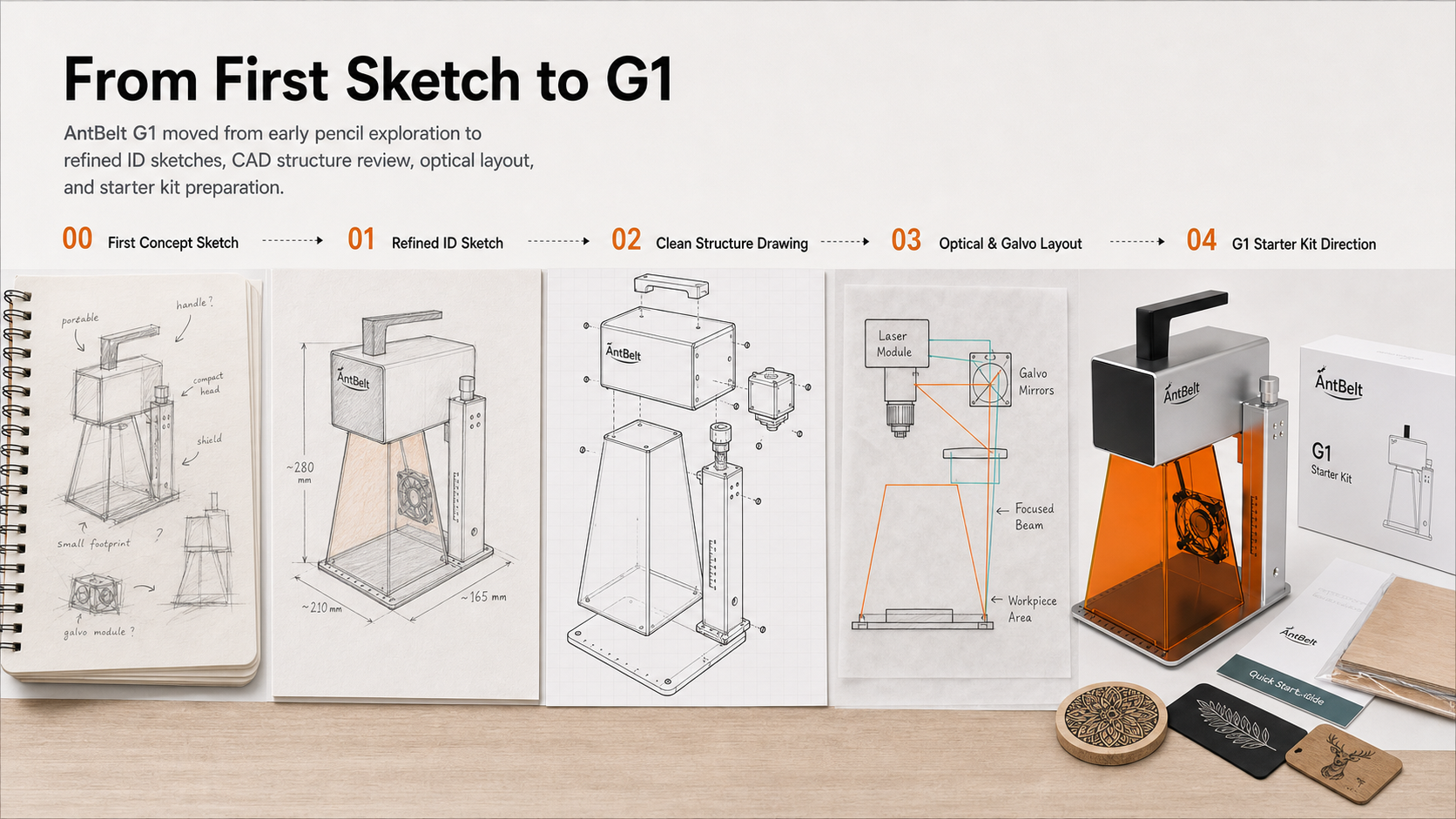
A Backer's Claim Check Before Saving a Product Summary
A saved product summary can become outdated while a campaign continues to add clarifications.
Pause a Demo at the Workflow Handoffs
A short demo is easiest to evaluate when the viewer pauses at the moments where responsibility moves from design to setup, from setup to operation, and.
Use a Two-Minute Handoff Before Another Operator Takes Over
A job should not change operators through a quick “continue from here.” A short, structured handoff makes the current state and unresolved questions.
Compare Engraving Workflows by the Cost of a Change
Purchase comparisons often focus on the first successful sample. A more revealing question is what happens when the customer changes a name, the object.
Map the Seam Before Planning Cylindrical Engraving
A cylindrical design is read while the object turns, so the hidden seam and the intended viewing direction deserve attention before artwork is finalized.
Build a Fixture Note Another Maker Can Follow
A useful fixture note is shorter than a full manual but more precise than “place it like last time.” It records the decisions that help a maker repeat a.
Quote Personalized Work with an Uncertainty Line
A clear quote should show what is known, what still needs approval, and what could change before production.
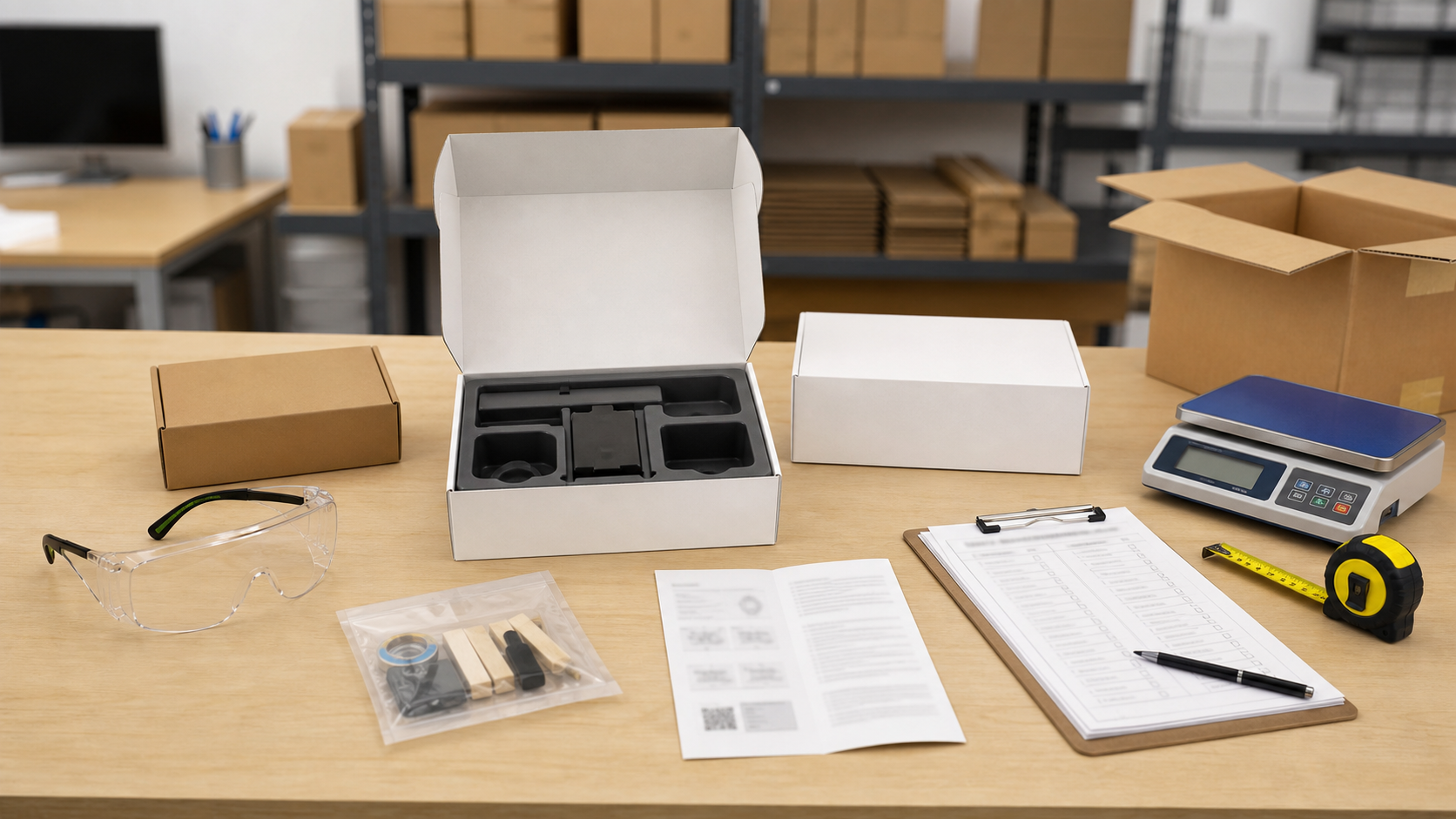
Separate Customer Approval from Production Release
Customer approval and production release answer different questions. Approval confirms that the customer accepts the content and appearance; release.
Use a Control Sample Before Changing Two Variables
Changing several variables at once can produce an attractive sample while teaching very little.
Label Sample Photos So They Remain Useful
A sample photo without context can become misleading within days. A small label card and a repeatable camera routine help preserve what the image actually.
Turn a Pre-Launch Question into a Verification Checklist
A good pre-launch question is specific enough to verify. Turning questions into a checklist helps prospective backers distinguish current evidence from.
Read a Demo Video with a Before-During-After Log
A short video can compress a workflow so effectively that important decisions disappear between cuts.
Write the Stop Procedure Before the First Sample
A start checklist is incomplete without a stop procedure. Writing the procedure before the first sample makes the response easier to follow when something.
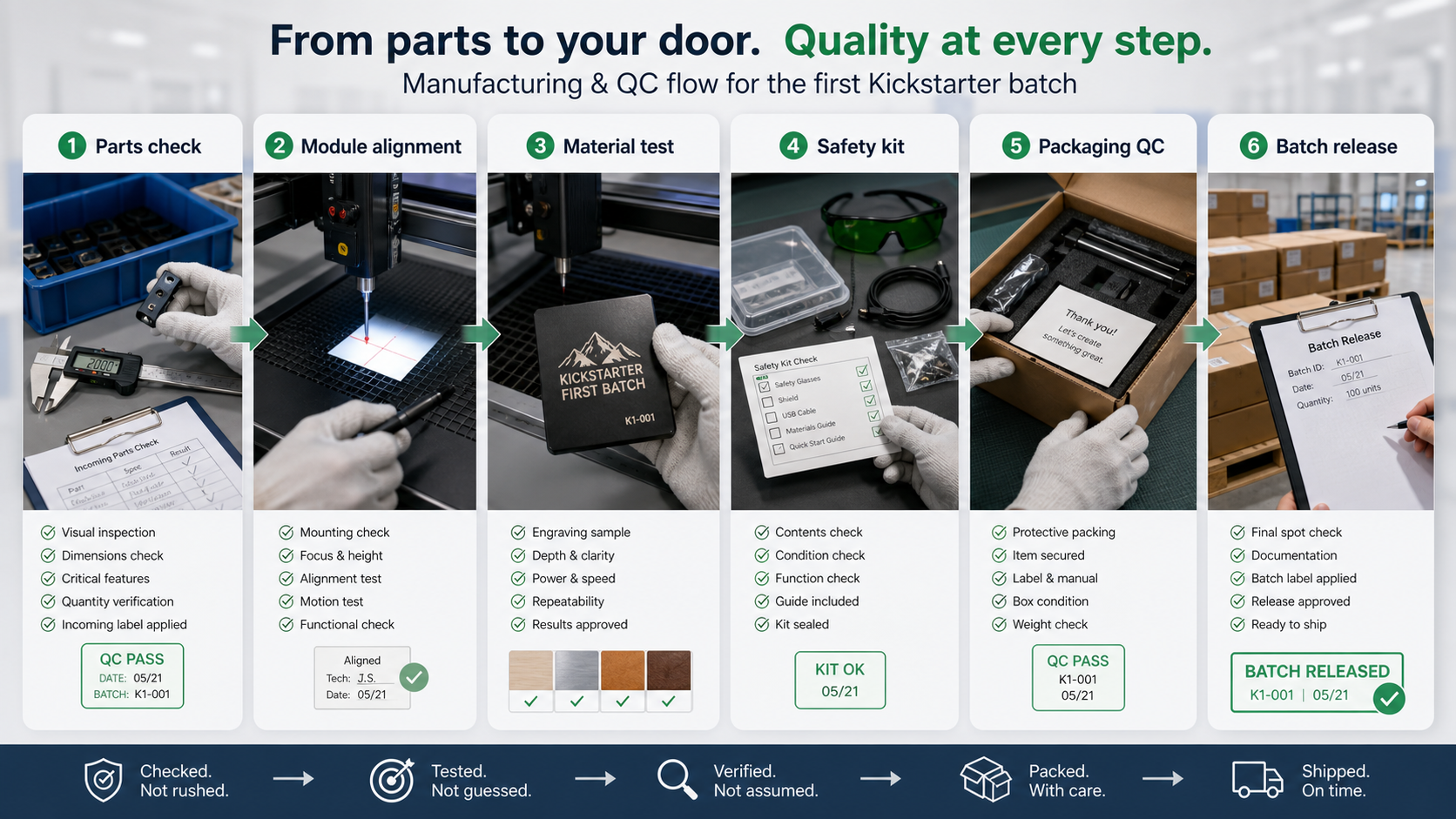
Compare Engravers by the Records the Workflow Produces
Product comparisons often focus on headline specifications while overlooking the records a real workflow needs.
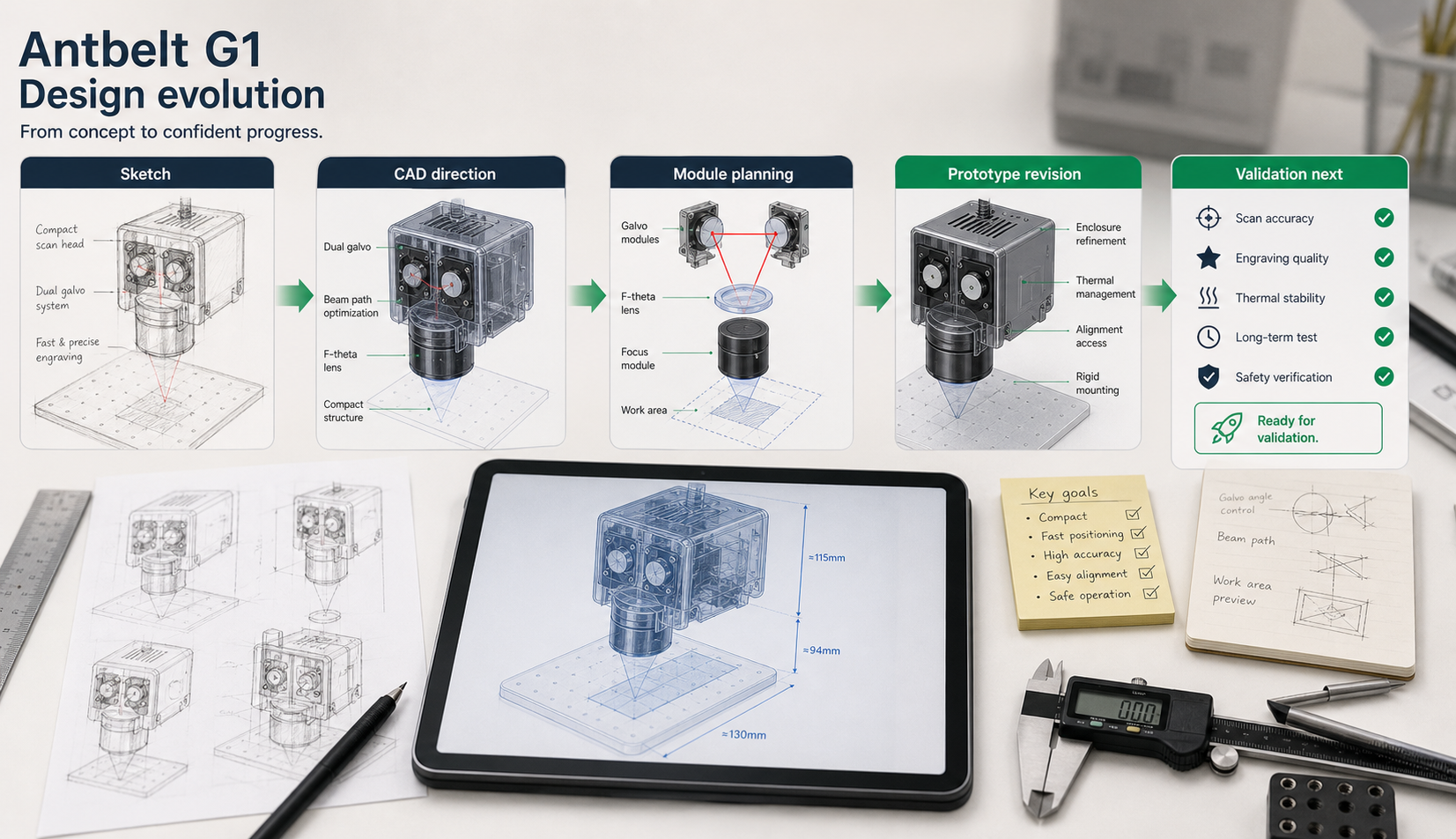
Build a Three-Pass Artwork Review Before Engraving
A short review routine can catch more problems than repeatedly zooming in on a finished design.
Plan Cylindrical Artwork from the Viewer’s Eye Line
Cylindrical artwork is easier to evaluate when you begin with the viewer rather than the file.
Use a Job Ticket for One-Off Personalized Orders
One-off personalized orders often carry more decision risk than repeat products.
Design a Reorder Code Customers Can Actually Use
A reorder code should help a customer request the same design without exposing internal production settings or creating false confidence about a different.
Photograph Surface Finish Before a Sample Test
A before photo is most useful when it records surface condition, not merely the object.
Create a Neutral Scorecard for Engraving Samples
A sample scorecard is useful when it describes visible evidence and keeps preferences separate from facts.
What to Look for in a Pre-Launch Proof Update
A useful pre-launch update should help a backer distinguish visible progress from final commitments.
Read a Workflow Video by Watching the Pauses
The pauses in a workflow video often reveal more than the fastest moments.
Set a Material Quarantine Zone for Unknown Offcuts
An unlabeled offcut should not quietly enter a laser workflow. A small quarantine zone gives the team a visible place for materials that still need.
Compare Engravers by Setup Decisions, Not Demo Speed
A fast demonstration is memorable, but buying decisions should account for the full path from an approved file to an inspected object.
How to Choose a Laser Engraver for Personalized Gifts
A laser engraver for personalized gifts should match the objects you plan to test, the space you can operate safely, and the review process you can repeat.
Rotary Laser Engraving Checklist for Curved Gifts
Rotary laser engraving adds orientation, circumference, and viewing-face decisions that do not exist on a flat sample.
Laser Engraver for an Etsy Business: What to Check First
A laser engraver for an Etsy business should be evaluated against the seller's actual order flow: listing, proof, personalization approval, sample.
What to Budget Beyond the Price of a Laser Engraver
The advertised price of a laser engraver is only one part of a responsible startup budget.
Can a Diode Laser Engrave Metal?
A diode laser may create a visible mark on some coated, painted, anodized, or specially prepared metal surfaces, but “metal engraving” is not one.
Wood, Coated Metal, or Card: Which Engraving Sample to Test First?
The best first engraving sample is the one that answers a real project question with a material that has been reviewed for the intended process.
AntBelt G1 Early-Bird Price and Galvo Workflow Explained
AntBelt G1 currently starts at US$99 through an early-bird entry shown on the live store.
How to Evaluate a Galvo Laser Engraver Demo Before Buying
A galvo laser engraver demo is most useful when it shows the path from artwork to inspected result.
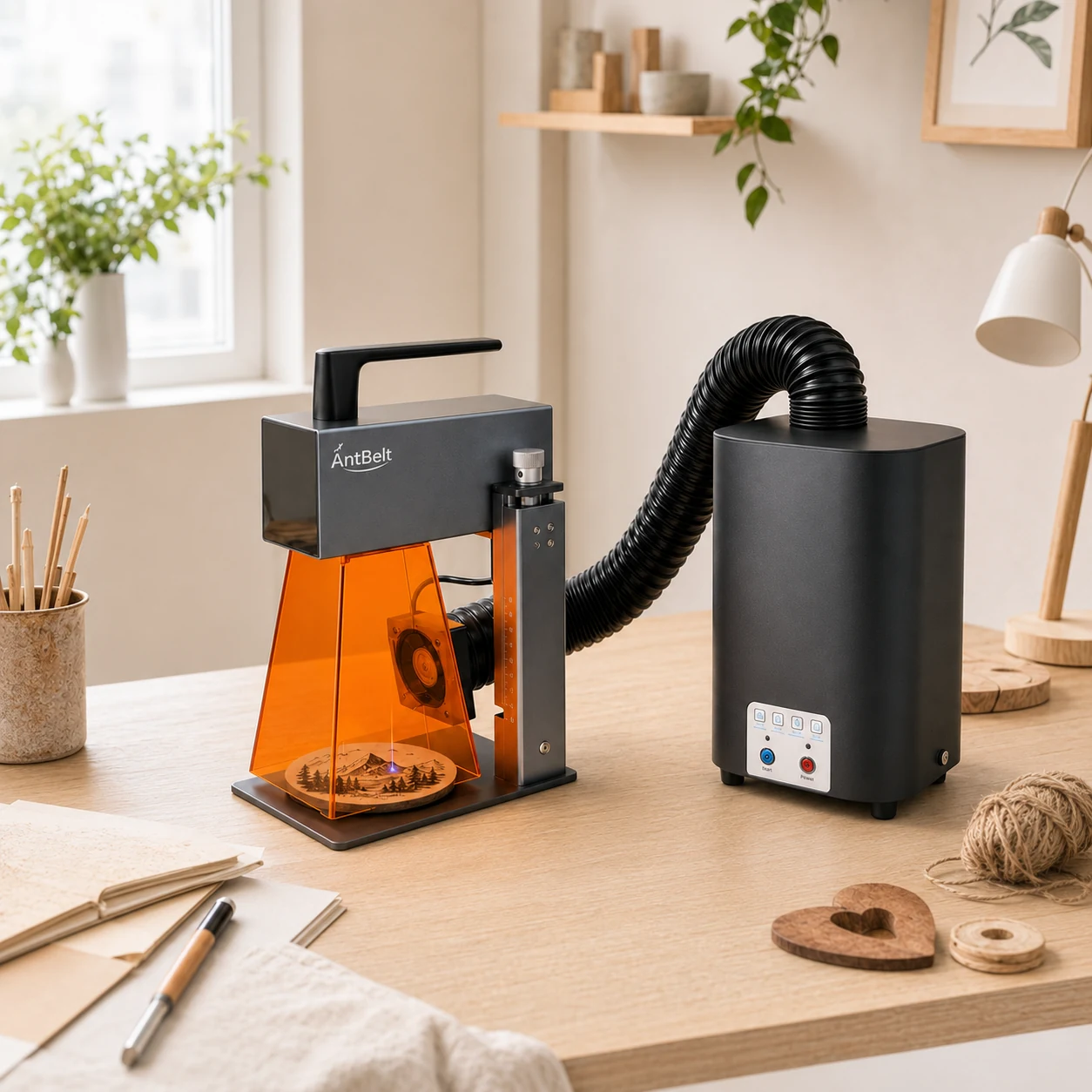
Laser Engraving Ventilation Guide for a Small Workshop
Laser engraving ventilation should be planned before the first material test.
Galvo vs. Gantry Laser Engraver: Which Workflow Fits?
The main difference between a galvo and gantry laser engraver is how the beam is positioned.
Write the Rejection Reason Beside Each Test File
A rejected layout can still be useful if the reason for rejecting it stays attached.
Draw a Horizon Line Before Reviewing Cylindrical Artwork
Artwork on a curved object is easier to discuss when everyone agrees on which face should read as level.
Reserve One Proof Slot in Each Personalization Batch
When several personalized requests arrive together, it is tempting to treat every line as production-ready.
Separate Reorder Notes From Redesign Requests
A returning customer may ask for the same item, a small text change, or a completely new layout.
Pair Each Sample Photo With a Light-Direction Note
Surface contrast can look different when the light moves. Add a simple note such as front light, side light, or window light to every sample photo before.
Keep an Unused Offcut Beside the Marked Sample
A marked sample is easier to interpret when an unused piece from the same source stays nearby.
Read Campaign Changes by Time and Scope
When a campaign page changes, record both when you saw the change and which section it affected.
Watch the Moments When Hands Leave the Demo Frame
A short demo can show useful visible steps while still leaving setup work outside the frame.
Mark the Clear Zone Before Bringing In the Workpiece
Before placing a workpiece, mark a clear zone for the active task and remove unrelated objects from it.
Compare Engravers by the Questions Their Demos Leave Open
A polished demo is useful, but a buying comparison should also list what the demo does not establish.
Use a One-Minute Thumbnail Check Before Engraving
A design that looks balanced on a large screen can feel crowded when viewed at the scale of a small product.
Map the Visible Zone of a Cylindrical Gift
Before preparing artwork for a round gift, photograph the object from the front, quarter-turn, and side.
Add a Spelling Freeze to Personalized Orders
Personalized work becomes easier to review when the approved text is frozen before the production file is prepared.
Build a Returning-Customer Reference Sheet
A returning customer may ask for something that looks like an earlier order without remembering every choice.
Photograph the Unmarked Sample Before Each Test
Two blanks that share a product label can still arrive with different color, texture, coating, or surface condition.
Separate Legibility Notes From Finish Notes
When reviewing a sample, legibility and surface appearance answer different questions.
Read a Campaign Page With a Known-and-Open List
A campaign page is easier to evaluate when confirmed details and open questions are recorded separately.
Recap a Demo With a Visible-Evidence Table
A short demo can show several moments without explaining every condition behind them.
Place the Stop Plan Beside the Start Plan
A start checklist should have an equally visible stop plan. Before an attended session begins, identify how the operator will stop the process, isolate.
Compare Engravers With a First-Project Rehearsal
Feature lists are easier to interpret when they are tied to a real first project.
Check Negative Space Before Exporting Small Artwork
Small artwork can lose clarity when the empty areas between letters, icons, and borders become too narrow to review.
Mark the Reading Direction on a Cylindrical Design
A name or short message on a curved object needs an intentional reading direction.
Add an Exception List to Each Personalized Order
An order record usually captures what to make, but an exception list records what still needs attention.
Build a Three-Photo Handoff for Custom Work
When two people share a custom order, a three-photo handoff can reduce guesswork.
Record Surface Cleaning Before Comparing Samples
Two visually similar blanks can photograph differently if one has dust, fingerprints, coating residue, or a different cleaning history.
Use an Edge-and-Center Photo Pair for Sample Review
A single close-up can hide where a sample sits on the blank. Photograph the full piece once, then take a second image that includes both an edge and the.
Keep a Change Log for the Project Details You Follow
A simple change log can separate current campaign information from an older screenshot or personal note.
Recap a Demo by Separating Actions From Outcomes
When reviewing a recent AntBelt video clip, divide the notes into two columns: visible operator actions and visible sample outcomes.
End Each Session With an Unattended-Risk Check
A laser session is not finished when the artwork stops. Before leaving the work area, inspect the sample and surrounding surface, follow the equipment.
Compare Engravers by the Records Your Workflow Needs
Buying comparisons often focus on headline features, but a working studio also needs usable records.
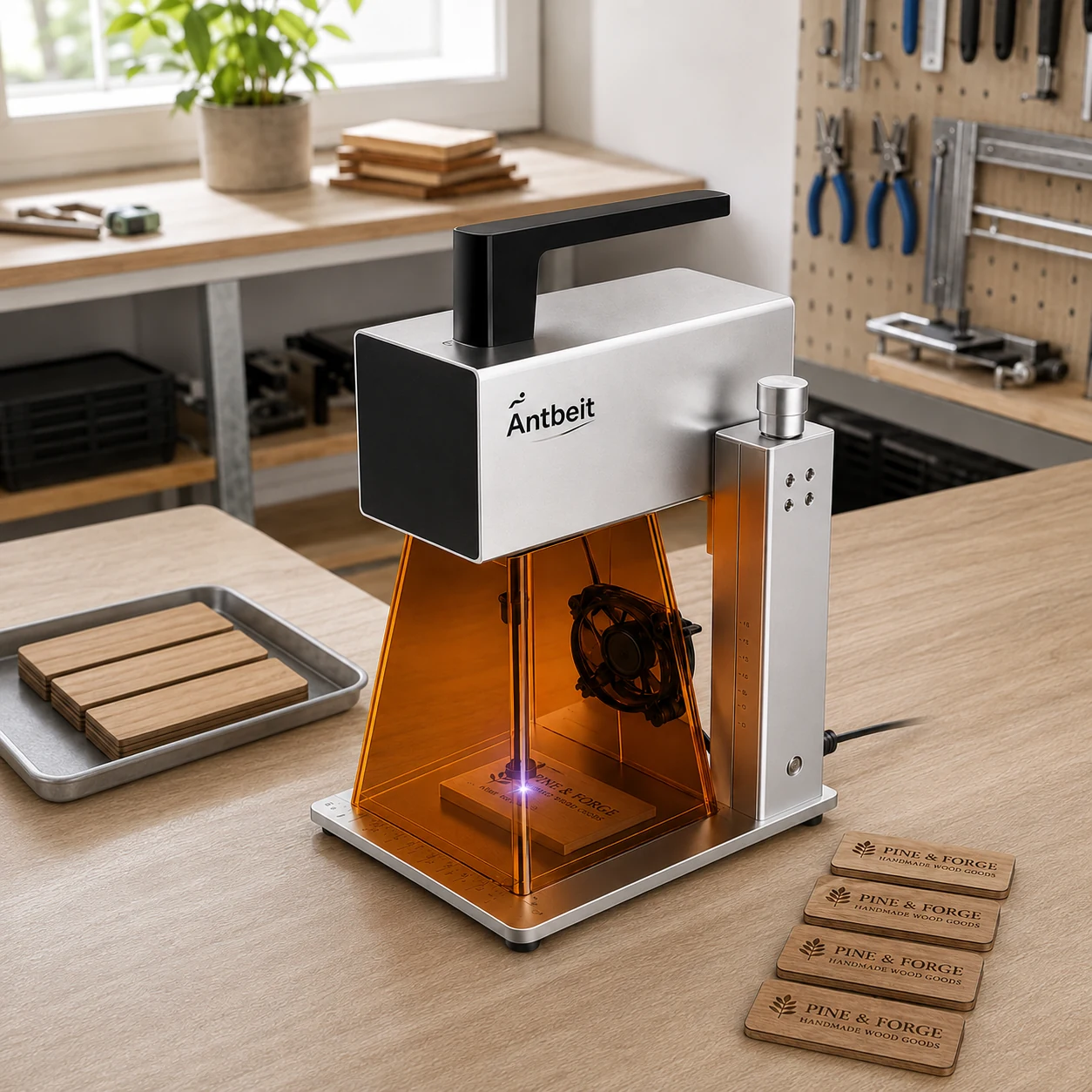
Build a Reference Grid Before Scaling a Small Design
Small artwork can look balanced on a large screen and crowded on a small blank.
Make a Cylindrical Layout Proof Before the First Test
For artwork intended for a curved object, begin with a paper layout proof.
Turn a Personalization Request Into a Review Card
A custom request becomes easier to review when the wording, layout choice, and customer approval are kept on one small card.
Keep Listing Photos and Proof Photos in Separate Folders
Listing photos answer a shopper's question about the finished idea. Proof photos answer a maker's question about how a sample was prepared and reviewed.
Use a Control Swatch When Reviewing New Material Samples
When trying a new sample material, keep one unmarked control swatch beside the tested piece.
Write the Lighting Condition on Every Sample Photo
Surface contrast can look different under a desk lamp, window light, or a phone flash.
Save the Source for Each Campaign Detail You Share
Campaign details can change as a project develops, so it helps to keep a source link and date beside every note you save.
Watch a Demo With a Note for Each Visible Transition
A short demo clip is most useful when watched for visible transitions rather than treated as a complete specification sheet.
Put the Clear-Bench Check Before Opening a File
Start a laser work session by checking the bench before opening the artwork file.
Plan a Cylindrical Design Around the Viewing Moment
Before preparing artwork for a cylindrical object, decide how the finished piece should be held and seen.
Create a One-Minute File Handoff for Shared Workshops
A useful project handoff should let the next person understand the file without reconstructing every decision.
Set a Custom-Order Freeze Point Before Production
Custom orders become harder to manage when names, layouts, and quantities can change at every stage.
Photograph Personalized Orders Without Exposing Private Details
Order photos can support internal review, but personalized details may not belong in a public portfolio.
Build a Material Question Ladder Before Testing
Start a sample session with questions that move from basic to specific.
Use Raking Light to Review Surface Detail
A straight-on photo can hide shallow texture and glare. Add a second review photo with light arriving from the side, often called raking light, while.
Separate Current Project Details From Personal Plans
When reviewing a hardware project, keep two columns in your notes. Put statements visible on the current project page in one column and your own intended.
Watch a Demo Once for Flow and Again for Details
The first viewing of a short product clip is useful for understanding the overall sequence: preparation, interaction, and inspection.
Give the Stop Control a Dedicated Line of Sight
Before beginning any attended operation, check that the stop control is visible and reachable from the operator position.
Compare Desktop Engravers by Changeover Clarity
Product comparisons often focus on headline specifications, but everyday usability also depends on what happens between projects.
Use an Orientation Clock for Cylindrical Sample Notes
When several views of a cylindrical sample look similar, describe its orientation like a clock.
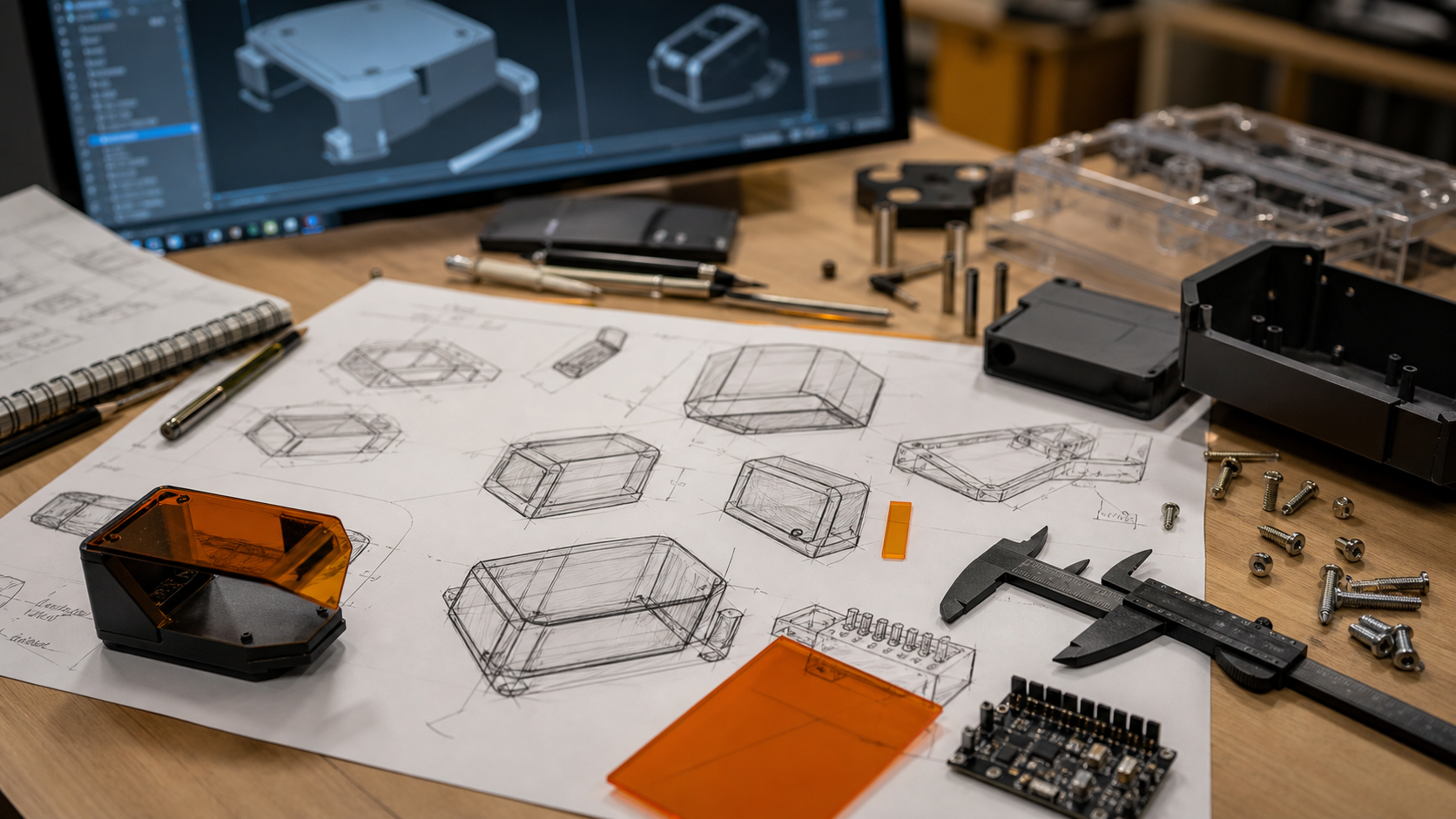
Write the Review Question on Each Maker Sample
A sample becomes more useful when it answers one written question. Before a session, label the blank or its record with a narrow prompt such as “Is the.
Add a Customer Decision Field to Every Proof
A proof should make the customer's next action unmistakable. Add one field that asks for approval, a requested change, or cancellation before any further.
Build a Listing Variation Map Before Making More Samples
Before expanding a personalized listing, map each variation to the evidence it still needs.
Pair Each Sample Photo With a Surface Description
A photograph cannot reliably preserve every surface detail. Add a short description of the blank before testing: visible coating, texture, prior cleaning.
Use a Neutral Backdrop for Contrast Review
The color behind a sample can change how a mark appears in a photo. Place a neutral, non-reflective backdrop behind each comparison and keep the light.
Save Campaign Details With the Page Date
Campaign information can evolve, so attach a date to every detail you save.
Read Demo Audio as Context, Not Measurement
Audio in a short demo can help identify transitions: a pause, a repositioning moment, or the end of a visible operation.
Make the Restart Check Visible After Any Pause
An interrupted session should not resume from memory alone. Place a short restart check where the operator can see it: confirm the work area, material.
Compare Engravers by the Records Your Work Needs
Equipment comparisons often start with headline features, but a working studio also depends on records.
Mark the Inspection Side Before a Cylindrical Sample
A cylindrical sample needs a viewing reference before artwork placement can be judged consistently.
Save a Setup Snapshot Before Changing a Maker File
When a test prompts a design change, save a compact snapshot before editing the file.
Turn Custom-Order Questions Into a Proof Checklist
Custom-order messages often mix spelling, placement, finish, and deadline questions in one paragraph.
Separate Approval Samples From Process Samples
A process sample helps the workshop learn; an approval sample helps a buyer confirm a visible choice.
Use Edge Zones to Learn From a Sample Panel
The center of a sample panel is valuable space, but the edges can carry useful setup evidence.
Build a Three-Step Comparison Strip for Dark Surfaces
Dark surfaces can hide small differences in ordinary room light. Build a simple three-position strip on one test blank: a control area, a first planned.
What to Capture From a Project-Page Review
A useful project-page review should leave you with more than a general impression.
Read a Short Engraving Demo by Its Transitions
A short demo becomes easier to evaluate when you watch the transitions, not only the engraving moment.
Pause Before Every Repositioning Step
Repositioning can feel like a small interruption, which is exactly why it deserves a deliberate pause.
Compare Desktop Engravers by Workflow Visibility
Feature lists matter, but a buying review should also ask how much of the real workflow you can inspect.
Freeze the Viewing Direction Before a Cylinder Review
A curved object can look correct from one angle and misplaced from another.
Keep a Decision Log Beside Every Maker File
File names show which version is newest, but they rarely explain why it changed.
Use a Two-Photo Handoff for Personalized Orders
A personalized order can be clear in a message thread and still become ambiguous at the workbench.
Separate Quote Samples From Production References
A sample used to discuss a quote is not automatically a production reference.
Test the Quiet Areas Before Judging a Material Sample
Detailed artwork can hide uneven contrast, residue, or surface variation.
Build a Reversible Sample Card for New Materials
A useful sample card should make it easy to repeat a review and easy to reject an assumption.
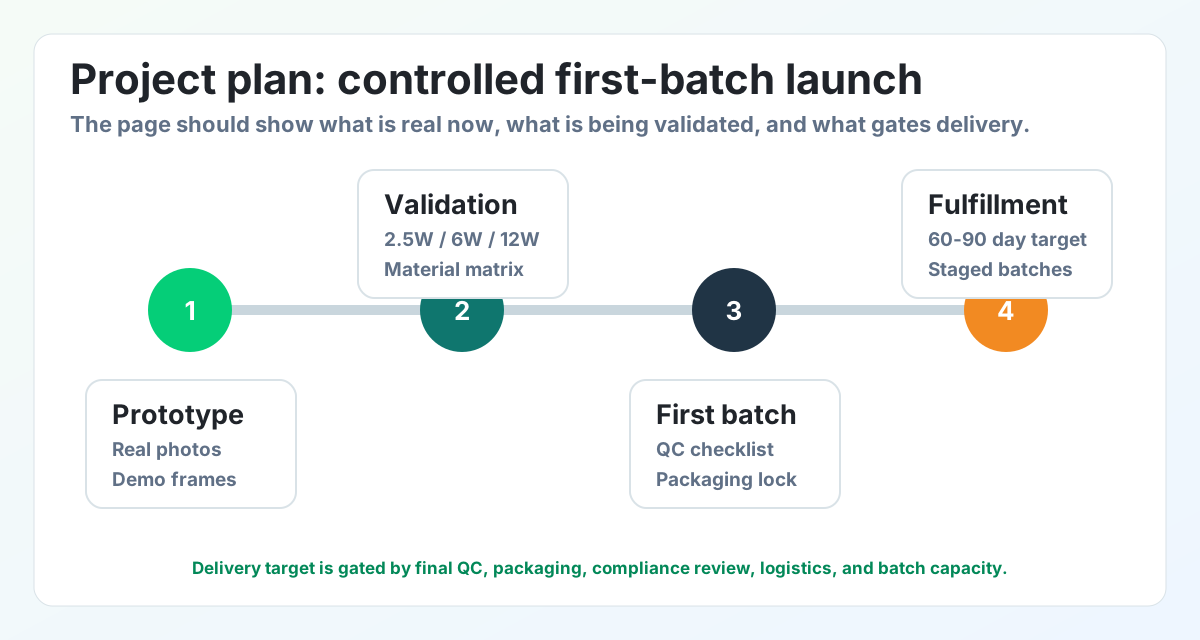
Read a Campaign Update in Three Passes
A campaign update is easier to evaluate when facts, plans, and open questions are not blended together.
Watch a Demo for Setup, Action, and Inspection
A short demo can feel complete even when one important stage is hard to see.
Make the Clear Area Part of Every Setup Checklist
A clear work area is a setup condition, not a cleanup task for later. Before operation, remove unrelated objects, confirm stable placement, inspect.
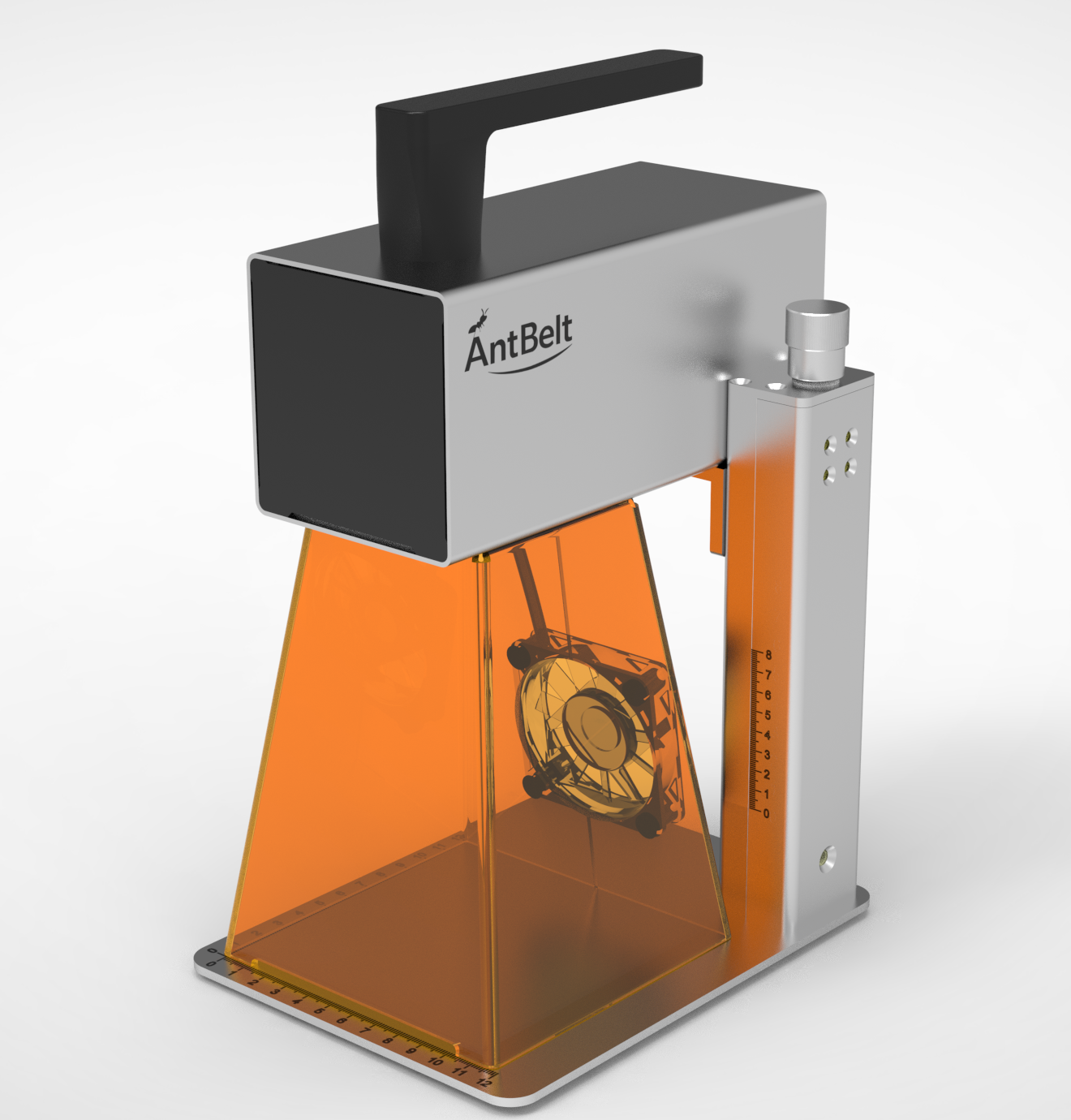
G1 Hardware, Software, Testing & Delivery
A clear summary of what the team is building, testing and preparing now.
Use a Centerline Note Before Rotating Artwork
Artwork rotation can solve one placement problem while creating another.
Keep a Clean Baseline File Beside Each Experiment
An experimental file is more useful when its starting point remains easy to find.
Add a Sample Owner to Every Custom Order
A custom order can stall when everyone sees the sample but no one owns the next decision.
Separate Display Samples From Order-Approval Samples
A display sample may be chosen for color, styling, or photography, while an order-approval sample must answer a specific customer question.
Give Curved Samples a Fixed Review Window
A curved sample can look different as it turns, so define a fixed review window before comparing versions.
Log the Untested Face of Each Sample
Photographing only the marked face hides useful context. Add one image of the untested face or a matched control so reviewers can see natural variation.
Read Each Campaign Change With an Effective Date
Campaign information can evolve, so save an effective date beside any detail that affects your decision.
Use Demo Pauses to Mark the Operator's Decisions
A short demo becomes more informative when you pause at the operator's decisions.
Put the Abort Step on the Front of the Workflow Card
A workflow card should explain how to stop before it explains how to continue.
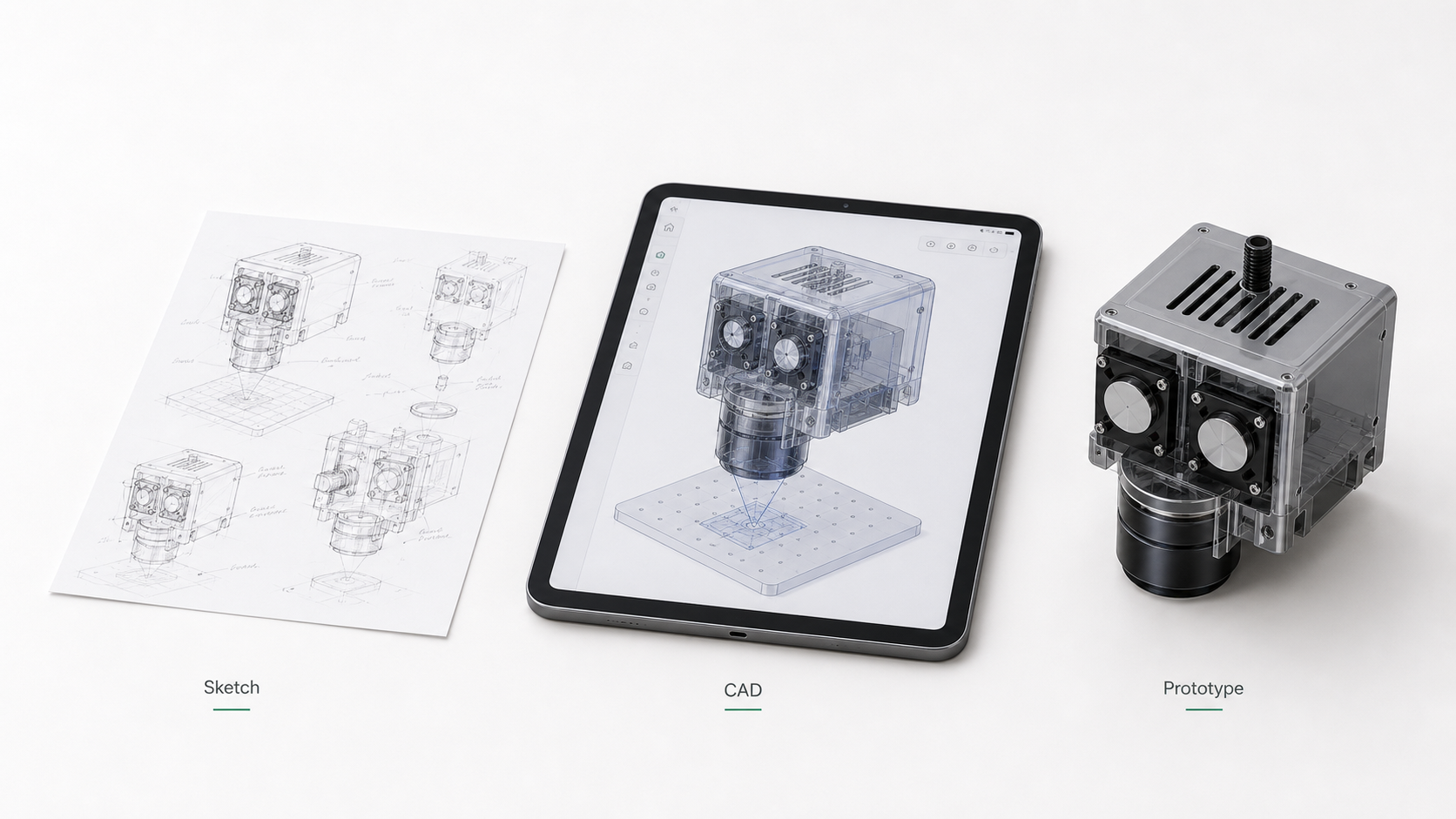
Compare Engravers by Their Change-Control Habits
Product comparisons often focus on headline specifications, but daily work also depends on how clearly changes can be reviewed.
Use a Registration Corner for Repeat Layout Checks
A repeat layout is easier to review when every blank returns to the same visible reference.
Name the Variable Before Running the Next Sample
When several settings and layout choices change at once, a better-looking sample does not explain why it improved.
Attach the Approved View to the Work Order
A customer approval message is easier to act on when it points to one exact visual.
Build a Pause Point Into Rush-Order Intake
Rush orders often compress the review time that protects both the buyer and the shop.
Map the Viewing Face Before a Cylindrical Engraving Test
A round object can look correct from one angle while placing the artwork too close to a seam or away from the intended viewing face.
Record Surface Preparation Beside Each Sample
Two blanks with the same product name may arrive with different coatings, finishes, or handling history.
Separate Confirmed Details From Open Campaign Questions
A campaign review is clearer when confirmed details and open questions do not share the same checklist.
Read a Demo in Three Evidence Layers
A short product video can show several kinds of evidence at once. Pause it in three layers: the visible setup, the active workflow, and the finished.
Put Material Identification Before Parameter Selection
A parameter list should never be the first decision when the material itself is uncertain.
Compare Desktop Engravers by Their Review Records
A useful buying comparison should preserve where each claim came from.
Check the Origin Note Before Reopening an Old Project
An older engraving file can look complete while hiding one important question: where was the design positioned relative to the blank?
Use a Three-Photo Checkpoint for First-Article Tests
Before repeating a new design, save three photos: the blank in position, the setup immediately before the test, and the finished sample before it is moved.
Add a Customer-Visible Spelling Lock to Personalized Orders
Personalized artwork should carry a customer-visible spelling lock: the exact approved text, capitalization, punctuation, and line breaks copied into one.
Give Remakes Their Own Order Record
A remake should not disappear inside the original order notes. Create a linked record that states why the remake was opened, which approved artwork it.
Review Cylinder Artwork With a Paper Wrap First
Before testing cylindrical engraving, print or sketch the artwork on paper and wrap it around the sample shape.
Keep Ambient Light Consistent When Photographing Samples
Two sample photos can appear different because the room light changed.
Save Campaign Details With Their Source and Date
Campaign information can develop as questions are answered. When a detail matters to your decision, save the source link and the date you checked it.
Watch Demo Footage for Evidence That Survives the Cut
A polished demo can move quickly, so pause at the moments that remain useful without narration: the visible setup, the preview or positioning step, the.
Write the Shutdown Path on the Workflow Card
A workflow card should explain how a session ends, not only how it begins.
Compare Desktop Engravers by How They Handle Rework
Buying comparisons often emphasize the ideal first attempt. Add a rework column: how clearly can you preserve the approved artwork, original setup.
Photograph the Fixture Edge Before Moving the Artwork
When artwork looks slightly misplaced, it is tempting to move the file immediately.
Keep a One-Line Reason Beside Every File Revision
File names such as final, final-two, and latest do not explain what changed.
Separate Personalization Approval From Production Approval
A customer can approve a name and still not have approved the complete production proof.
Build a Reorder Card From the Customer's Confirmed Proof
A reorder should begin with the customer's confirmed proof, not with a memory of the previous job.
Test a Cylinder Mockup With a Visible Orientation Mark
Before judging artwork on a cylindrical object, make the intended viewing direction visible.
Log Surface Finish Before Comparing Sample Contrast
Two blanks with the same general material label may have different coatings, textures, or surface preparation.
Read the Campaign FAQ as a Living Decision Record
A campaign FAQ is most useful when it is read as a dated decision record.
Pause Demo Footage at Setup, Preview, and Result
A short demo becomes easier to evaluate when it is paused at three moments: the visible setup, the preview or positioning step, and the shown result.
Pair Every Material Test With a Ventilation Decision
A material-test plan is incomplete until it includes a ventilation decision.
Compare Engravers by the Questions Their Evidence Answers
A useful engraver comparison asks what each piece of evidence actually answers.
Mark the Camera Position Before Comparing Layouts
A layout comparison becomes unreliable when every photo is taken from a different angle.
Give Every Test File a Return-to-Baseline Version
After several revisions, it can be difficult to remember which file represented the original plan.
Add a Material Confirmation Step to Custom Orders
A customer may approve the artwork while the workshop is still waiting to confirm the actual blank.
Archive the Customer View Separately From the Workshop File
The image sent to a customer and the file used at the workbench answer different questions.
Review a Cylinder With Front, Side, and Seam Views
A single front photograph can hide how artwork relates to the curve. For a cylindrical sample review, capture a front view, a side view, and a seam or.
Record the Blank Before You Record the Result
When only the finished sample is photographed, surface variation can be mistaken for a process effect.
Check the Date Before Saving a Campaign Detail
Campaign information can evolve, so a saved screenshot needs a date and source.
Use a Video Timeline to Label What Is Actually Visible
A short demonstration can show several stages without explaining every condition.
Put the Clear-Area Check Before File Selection
File preparation should not be the first action in a laser workflow. Begin by confirming that the controlled work area is clear, required protective.
Compare Desktop Engravers With an Unknowns Column
A comparison sheet becomes more trustworthy when it has space for unanswered questions.
Freeze the Artwork Box Before Adjusting Placement
When a sample looks misplaced, changing both the artwork size and its position makes the next result harder to interpret.
Keep a One-Change Rule for Sample Revisions
A sample revision becomes difficult to learn from when several decisions change together.
Write a Proof Expiry Note for Custom Listings
A custom listing can outlive the sample evidence used to create it. Add a review date to the proof folder so an old photo does not quietly stand in for a.
Separate Personalization Approval From Production Notes
Customer approval answers a different question from workshop readiness.
Photograph the Seam Before Reviewing a Cylindrical Sample
Curved objects can hide the relationship between the viewing face and the design boundary.
Add an Untouched Reference to Every Sample Set
A finished sample is easier to discuss when an untouched blank from the same labeled set appears beside it.
Build a Backer Question List Before Reading Reward Details
Campaign pages contain several kinds of information at once. Before comparing reward paths, write a short question list about intended projects.
Use Video Frames to Separate Setup From Finished Samples
A short demo clip can compress setup and inspection into a few seconds.
Make the Stop Condition Visible Before Every Test
A checklist is incomplete if it explains how to begin but not when to stop.
Compare a Desktop Engraver by Its Evidence Workflow
Feature lists are easier to compare than the work required to validate a real project.
Set a Reference Edge Before Centering Artwork
Centering artwork by eye can hide a small placement error until the sample is finished.
Use a Before-During-After Sample Record
A finished sample photo rarely explains how the work reached that point.
Build a Custom Order Intake Card
Custom orders become difficult when the customer's wording, artwork, and approval arrive in separate messages.
Separate Listing Photos From Process Evidence
A polished listing photo and a useful process record serve different jobs.
Label the Viewing Face on Cylindrical Samples
A cylindrical sample can look different as it turns, so one front-facing photograph may hide where the artwork begins, ends, or moves out of view.
Keep Cleaning Methods in the Material Log
Two samples can appear different because they were cleaned differently after the test.
Read Campaign Updates With a Change Column
Campaign information is easier to follow when you separate what is newly stated from what you already understood.
Review Demo Clips for Inspection Steps
Short demo clips naturally draw attention to the moment a mark appears.
Add an Interruption Step to the Workflow Card
A workflow card often explains how to begin and finish, but says little about interruptions.
Compare Engravers by the Questions They Leave Open
A feature table can make two engravers look easy to compare, yet the unanswered questions often matter more to a first workflow.
Build a Reject Tray for Layout Practice
Small layout mistakes can become useful workshop references. Keep clean, safe offcuts or rejected blanks in a labeled tray, then use them to rehearse.
Name Artwork Versions Before They Reach the Bench
Files named final, final-two, and newest create avoidable confusion at the bench.
Add an Approval Expiry to Custom Order Proofs
A customer proof can become unreliable when an order changes after approval.
Plan a Pop-Up Menu Around Proof-Ready Designs
A busy pop-up table is a poor place to resolve an unlimited design menu.
Map a Cylinder Design From Seam to Viewing Face
A cylindrical design needs a viewing decision before it needs decoration.
Record Surface History Before Comparing Material Samples
Two blanks that look similar may have different coatings, cleaning histories, or storage conditions.
Turn Campaign Questions Into a Decision Log
Campaign pages contain many details, but a backer may only need answers to a few workshop-specific questions.
Watch Demo Clips for the Moments Before the Mark
The most useful part of a demo clip may happen before the visible mark appears.
Close Each Session With a Material Accounting Check
A shutdown routine should account for more than the finished sample. Before leaving the bench, identify every blank, offcut, test piece, and unknown.
Compare Engravers by the Cost of an Unclear Test
Purchase comparisons often focus on the machine price while ignoring the cost of a test that teaches nothing.
Mark a Fixed Camera Position for Sample Reviews
Comparing two samples is harder when every photo is taken from a different height or angle.
Use a One-Change Rule for Layout Tests
A sample series becomes confusing when artwork size, blank position, and layout all change together.
Turn Personalization Requests Into a Choice Card
Open-ended personalization requests create avoidable approval work. A small seller can begin with a choice card showing a few tested text positions, type.
Build a Sample Library Before a Seasonal Launch
A seasonal product launch is easier to review when the team has a small physical sample library.
Review Cylindrical Artwork From Three Visible Angles
A cylindrical sample can look centered from one photograph while hiding how the artwork reads around the curve.
Pair Each Material Sample With an Untested Control
A finished sample is more informative when an untouched piece from the same batch appears beside it.
Separate Campaign Facts From Your Own Workshop Plan
A useful campaign review keeps two lists. The first contains facts shown on the official campaign page. The second contains your own questions about.
Use Video Wide Shots to Understand Bench Context
Close-up footage can show a sample clearly, but a wide shot often explains more about the surrounding workflow.
Log Who Cleared the Bench Before the Next Test
In a shared workspace, “the bench looks ready” is not a reliable handoff.
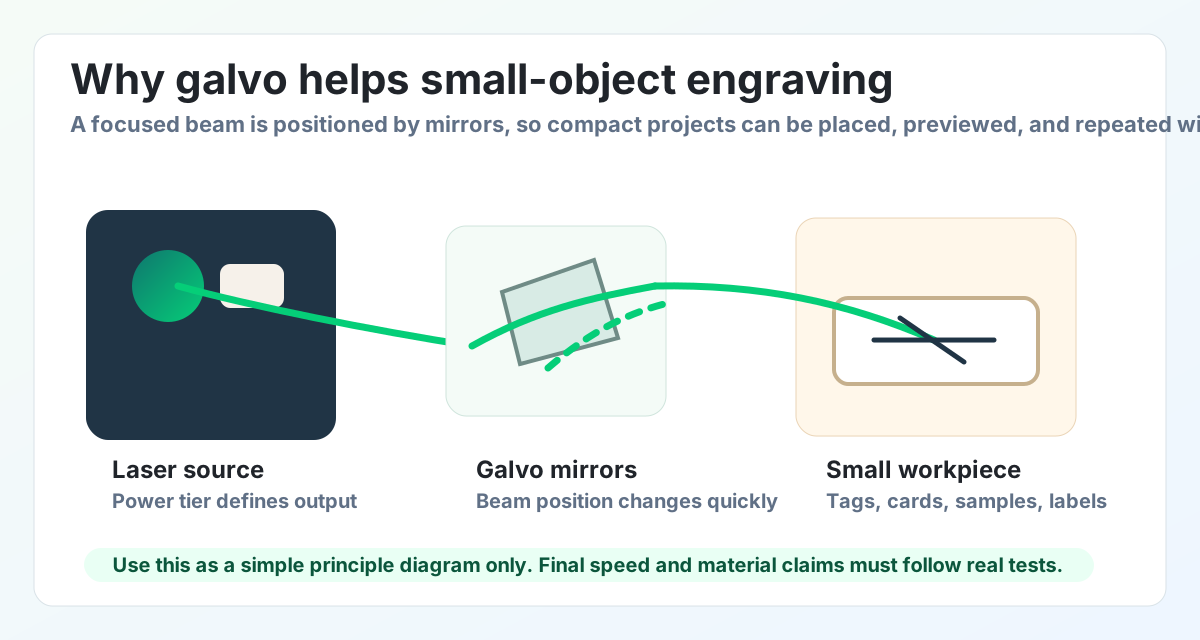
Compare Engraver Options by Their Learning Record
A buying comparison should include more than headline specifications. Ask how easily each option lets you keep an artwork version, sample photo, material.
Make an Artwork Version Card Before a Sample Run
A sample is easier to learn from when the artwork version is visible beside it.
Review Small Artwork With an Edge-Balance Scan
Small artwork can look centered on screen while still feeling unbalanced on the physical blank.
Build a Customer Approval Sheet Around One Real Sample
A customer approval sheet works best when it refers to one real sample rather than a crowded catalog of untested options.
Plan a One-Theme Market Table Before Expanding the Catalog
A small market table is easier to understand when the products share one theme.
Give Cylindrical Samples Their Own Review Row
A cylindrical sample should have its own row in the test log. Curved surfaces change how placement, orientation, and the final review photo are read, so.
Photograph the Unmarked Control Beside Each New Sample
An unmarked control gives a sample photo a useful visual baseline. Place an unused blank from the same test group beside the marked piece, label both, and.
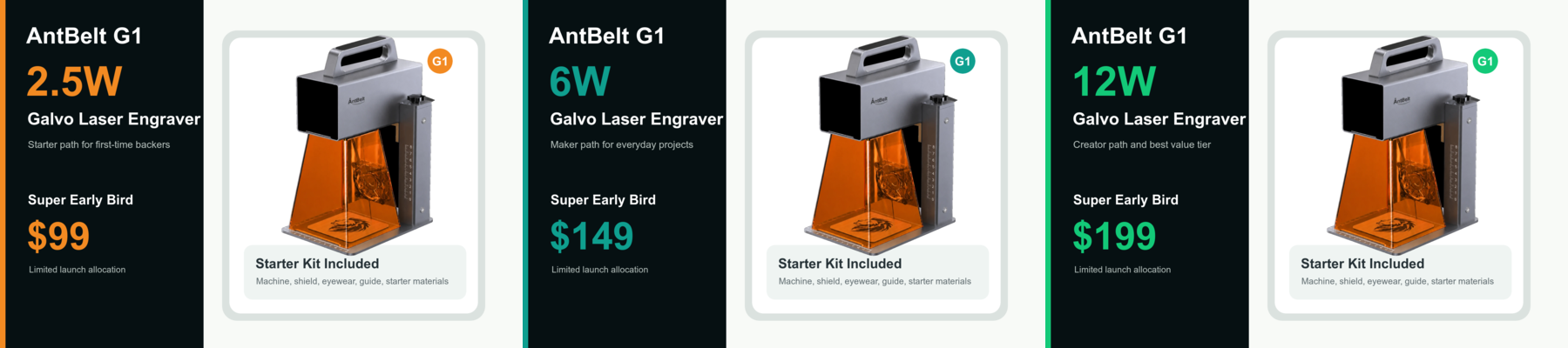
Read a Reward Page in Three Separate Passes
A reward page is easier to assess when it is read in three separate passes.
Pause a Demo Video at the Handoff Points
A demo video becomes more useful when viewers pause at the handoff points: artwork preparation, blank placement, setup review, operation, and the final.
Add a Material-Change Line to the Pre-Operation Check
Changing the blank should trigger a fresh pre-operation check. Add a line that asks whether the material identity, supplier guidance, ventilation plan.
Compare Buying Paths by the Evidence You Can Review
Two buying paths can look similar in a feature list but very different in the evidence available for review.
Build a Plain Placement Note Before Testing Tiny Blanks
Small blanks are easy to misread after the test is over. A key tag, card corner, coaster edge, or small label may look clean in a photo, but the next.
Turn One Weekend Project Into Three Sample Questions
A weekend project becomes easier to test when it is split into three sample questions.
Write a Proof Photo Checklist Before Opening Custom Orders
Custom orders need more than a nice finished photo. A small shop should know which proof photo will be sent to the buyer, which angle shows placement, and.
Keep Personalization Menus Small Until Sample Photos Are Clear
Personalization menus can grow too quickly. Names, dates, icons, gift messages, and material choices all sound attractive, but each option adds a new.
Compare Flat and Cylindrical Sample Photos With Separate Notes
Flat blanks and cylindrical objects should not share the same sample note.
Use a Sample Card to Record What Remains Undecided
A sample card should record more than what looked good. It should also record what remains undecided: the material source, the exact settings to revisit.
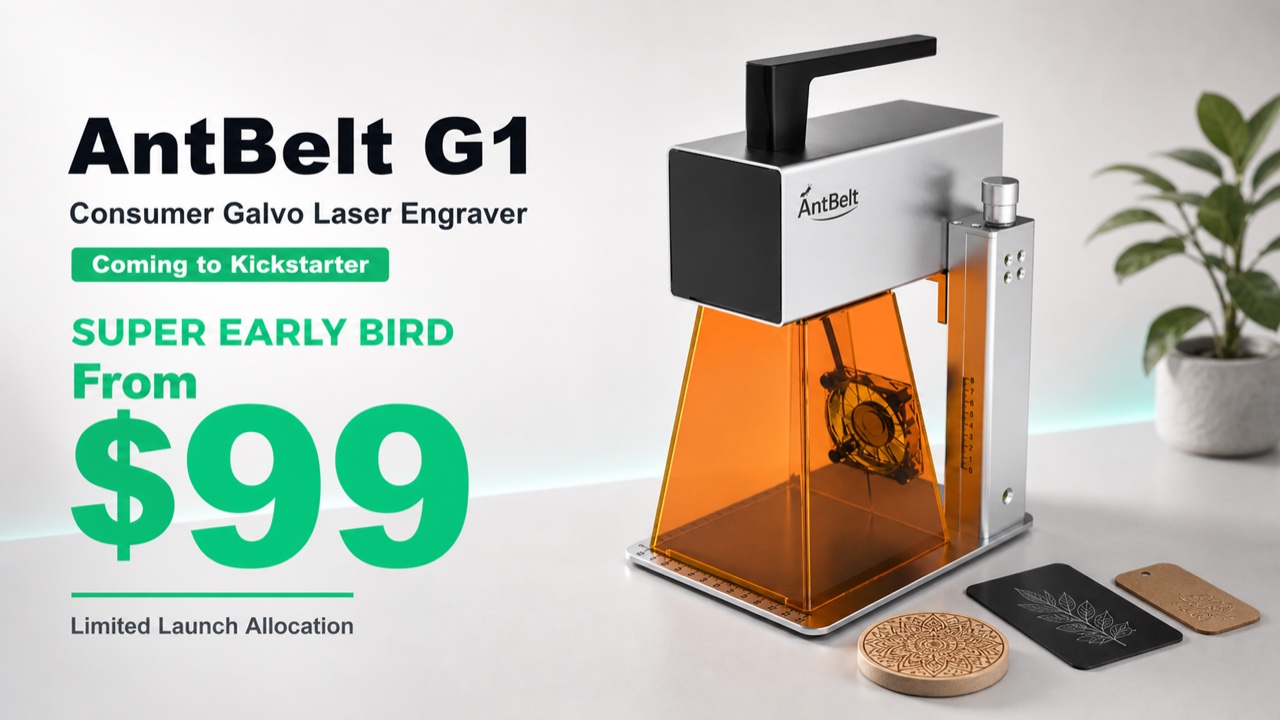
What Backers Can Review Before Choosing a Reward Path
Before choosing a reward path, backers should review the current campaign page, visible prototype evidence, sample updates, included items, and any.
Read Demo Clips for Setup Context Before Drawing Conclusions
Short demo clips are useful when viewers read them for setup context. The best questions are simple: what object is being shown, what step is visible.
Put the Reset Step Between Material Tests
Material testing should include a visible reset step. Before moving from one blank to another, clear the work area, check ventilation, label the previous.
Compact Galvo or Outsourced Samples for a First Product Test
For a first product test, the decision is not only about owning a machine or outsourcing the work.
Check the Fixture Edge Before Changing Artwork
When a small engraving sample looks wrong, the design file is not always the first place to look.
Build a Three-Photo Review for First Samples
A first sample is easier to review when it is documented in the same way every time.
Plan a Proof Card Before Listing Personalized Tags
Personalized tags can look simple in a product idea, but they create many small decisions for a seller: name length, logo scale, blank finish, packaging.
Keep Market Booth Gift Options Inside One Sample Family
Market booth gift ideas can grow too quickly. A seller may want coasters, tags, cards, ornaments, and desk pieces on the same weekend, but every new blank.
Review Cylindrical Samples as a Separate Angle
Cylindrical engraving deserves its own review path because a round surface creates different setup questions than a flat tag or card.
Label Material Samples Before Comparing Results
Material samples are only useful when they can be identified later. A good-looking mark with no label, no date, and no setup note becomes difficult to.
What Backers Can Review Before Saving a Reward
Before saving a reward on Kickstarter, backers should slow down and review the parts of the campaign that affect their own use case.
Watch Demo Video Cuts for Visible Setup Steps
Demo videos are most useful when viewers treat them as visible workflow evidence.
Keep a Clear Stop Point Between Sample Types
Switching from one sample type to another is a good moment to stop and reset the work area.
Compare Compact Galvo Buying by Review Routine
A compact galvo laser should not be compared only by a feature list. Buyers also need to ask how the tool fits their review routine: how they place small.
Build a Repeatable Artwork Check Before Small Blanks
Small blanks make artwork mistakes feel larger because there is less room to hide a crooked logo, crowded name, or missed reference edge.
Use a Fixed Review Photo After Each Maker Test
When a maker runs several early samples, the review photo often matters as much as the mark itself.
Plan a Seller Sample Card Before Opening Custom Orders
Custom sellers often want to open a new personalized item as soon as the first sample looks promising.
Keep Seasonal Gift Menus Tied to Real Proof Photos
Seasonal gift menus can grow too quickly. A seller starts with one engraved tag or card, then adds family names, event dates, packaging notes, bulk sets.
Check Curved Object Samples With Separate Setup Notes
Curved objects deserve their own notes. AntBelt supports cylindrical engraving, and that opens useful gift and personalization ideas, but a curved-object.
Separate Contrast Notes From Material Claims
A sample can look readable without proving everything about a material.
What Backers Should Check After the Campaign Is Live
Once the AntBelt G1 campaign is live, the best backer habit is to read the campaign page as the source of current details.
Read Demo Clips for Setup Sequence, Not Hidden Specs
Short demo clips are useful when they show setup sequence. They can show how a sample is positioned, how the work area is framed, what kind of blank is.
Keep the Safety Reset Visible Between Sample Types
Changing sample types is a good moment to pause. A flat card, a coated tag, a wood piece, and a curved gift object can each bring different setup.
Compare In-House Proofing With Waiting for Outsourced Samples
For a small shop, the first comparison is often not between two machines.
Build a Two-Minute Placement Check Before the First Mark
A compact engraving workflow works best when the first mark is not treated as the first decision.
Turn One Sample Photo Into a Better Setup Note
One sample photo can do more than show a finished mark. It can help a maker remember what changed between the setup, the result, and the next attempt. For.
Plan a Three-Photo Proof Set for a Small Product Listing
Small product listings often need more than one polished hero image. A three-photo proof set can help a seller explain the item, the personalization area.
Keep Add-On Gift Ideas Inside a Small Test Menu
When a small shop starts testing personalized add-ons, the menu can grow faster than the proof.
Review Cylindrical Engraving as a Separate Sample Angle
Cylindrical engraving deserves its own review angle because a curved object is not read the same way as a flat tag, card, or plaque.
Use Material Labels Before Making Result Claims
Material samples are easier to trust when the label is clear before the claim is written.
Check the Live Campaign Page Before Saving a Reward
The most current AntBelt G1 reward details belong on the live Kickstarter campaign page.
Read Demo Video Frames as Workflow Context
A short demo video is most useful when viewers treat it as workflow context.
Keep Attended Operation in the Sample Routine
Small samples can feel routine after a few attempts, but attended operation still belongs in the workflow.
Compare a Compact Galvo Workflow With Outsourced Samples
For a small shop, the question is not only whether engraving can be done.
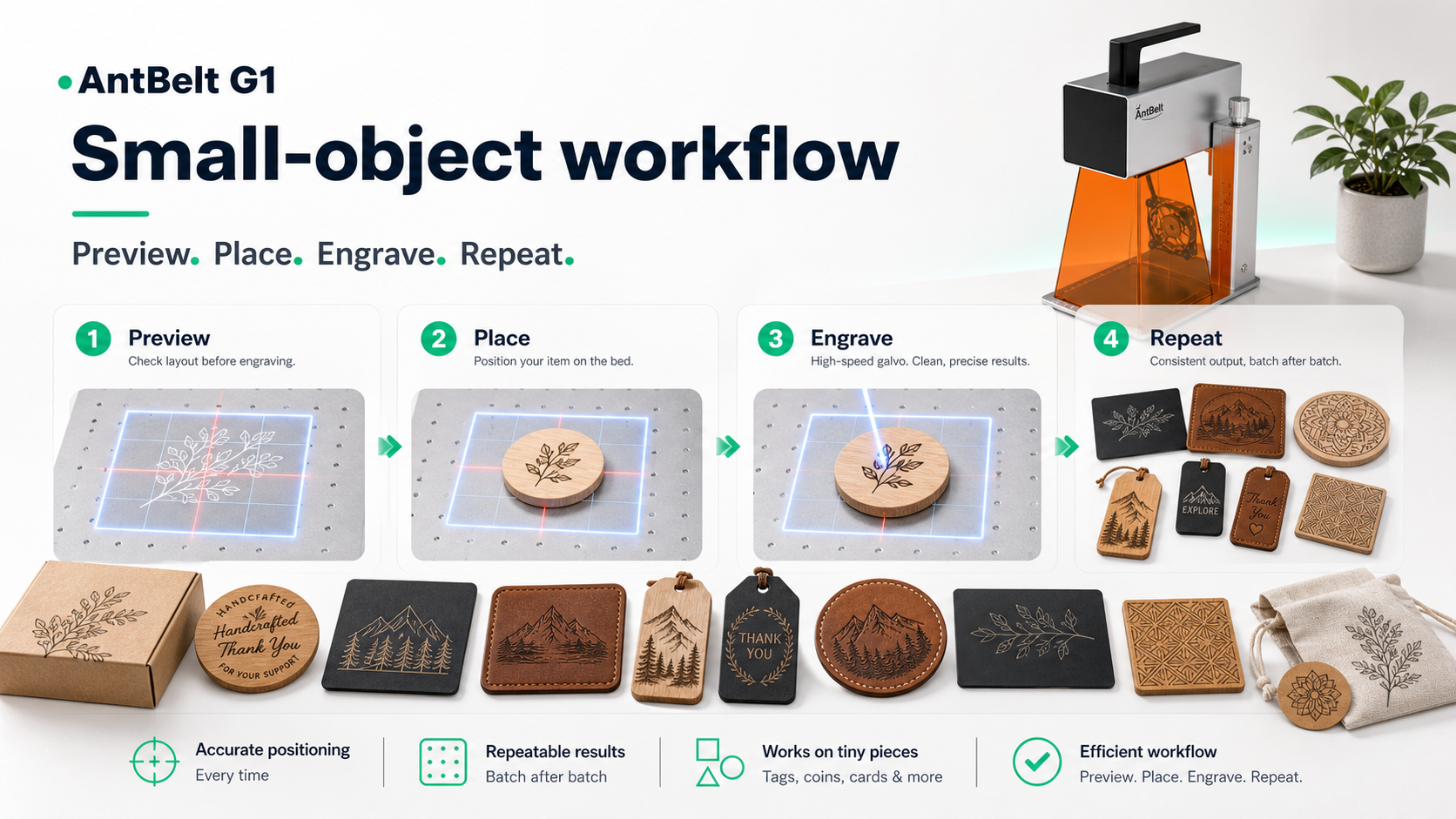
Map the Workbench Before Moving Small Blanks
Small blanks are easy to move before the result is reviewed. A simple workbench map helps a maker remember where the blank started, which edge was used as.
Use One Reject Sample to Improve the Next Run
A rejected sample can still be useful if the reason is written down before the next run.
Build a Listing Photo Sequence Before Taking Orders
Personalized product listings need more than one attractive sample photo.
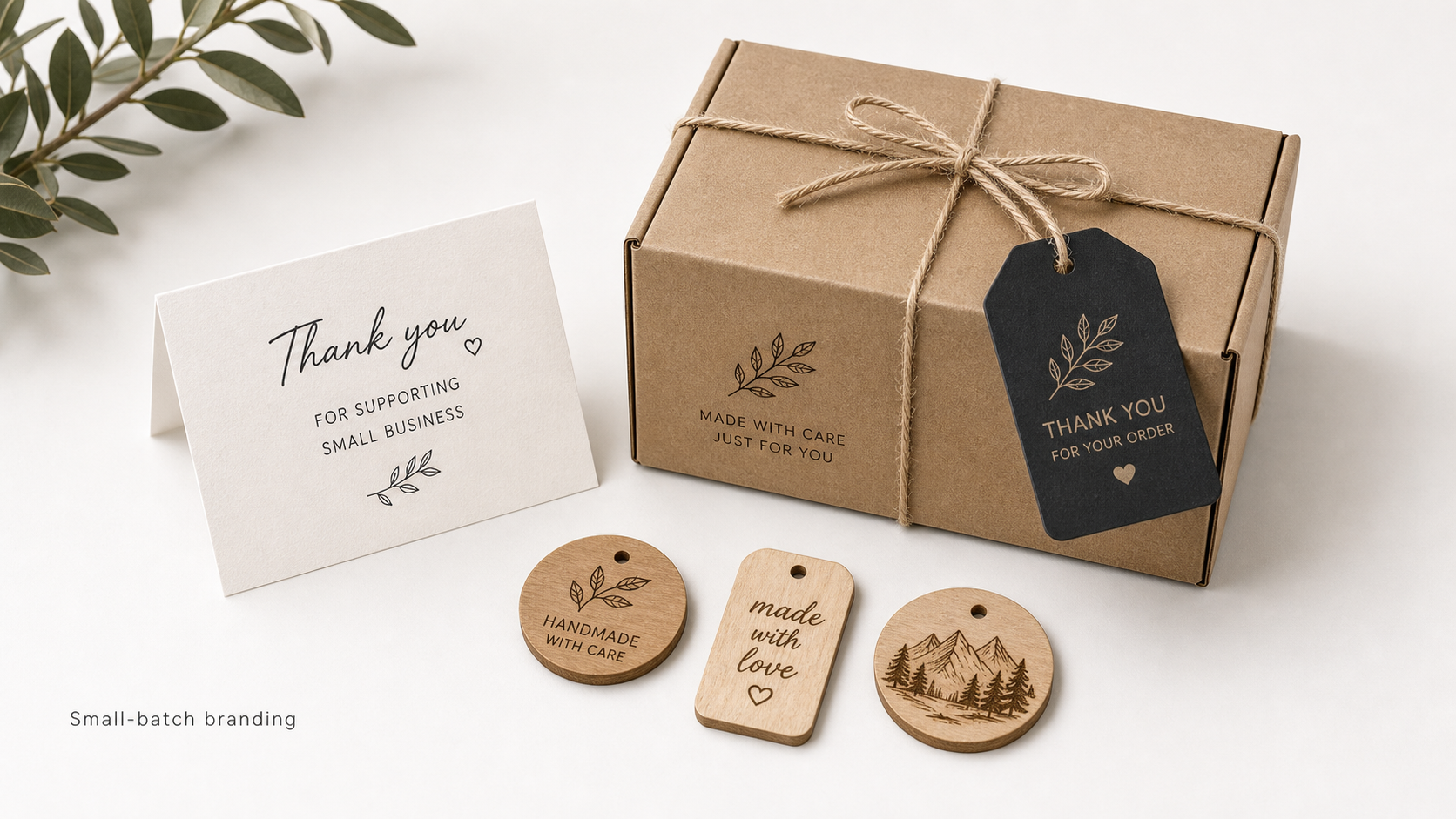
Keep Custom Gift Options Inside One Test Family
Custom gift menus become confusing when every sample turns into a new option.
Check Cylindrical Samples With a Separate Photo Angle
Cylindrical engraving needs a different review angle from flat tags or cards.
Treat Material Notes as Questions, Not Certificates
A material note is most useful when it records what was actually observed.
Save the Campaign Page Before Comparing Reward Options
Backers make better decisions when they compare reward options from the current campaign page instead of relying on old screenshots or short social posts.
Use Demo Videos to Check Sequence, Not Hidden Specs
Demo videos are strongest when viewers use them to study the visible sequence.
Keep a Bench Reset Note Between Different Blanks
Changing blanks should include a short reset moment. The workbench, material note, ventilation habit, and result photo should all be checked before the.
Compare Starter Tools by Review Habits, Not Hype
Starter-tool comparisons are more useful when they focus on the review habit a maker will actually use.
Start With a Fixture Photo Before Your First Sample
A first sample is easier to review when the setup is visible before the mark is made.
Keep a Two-Step Artwork Review for Small Blanks
Small blanks make artwork mistakes visible quickly. A design that looks clean on screen can become crowded once it is placed on a tag, card, coaster, or.
Build a Proof Folder Before Opening Custom Gift Orders
Custom gift sellers need more than one good sample photo. A proof folder gives each product idea a small set of evidence: the blank, the artwork version.
Use One Seasonal Product Menu Before Expanding Options
A small shop can lose time by offering too many personalized items before the sample work is organized.
Test Cylindrical Gift Ideas as Separate Setup Questions
Cylindrical engraving deserves its own setup notes. A round object is not just a flat tag with a different outline. The artwork position, visible curve.
Separate Contrast Notes From Material Confidence
A strong-looking mark can be useful, but it is not the same thing as full material confidence.
What Backers Should Review Before Choosing a Reward
A live Kickstarter campaign gives backers one official place to review reward details, project updates, and current campaign language.
Read Demo Videos for What Is Visible on the Bench
Demo videos are most useful when viewers focus on what is visible. The bench, blank position, sample context, and inspection moment can say more than a.
Put the Safety Reset Step Before the Next Sample
The moment after a sample is finished is when the next mistake can begin.
Compare Compact Galvo Workflows by Decision Speed
A compact galvo engraver should not be judged only by a spec table. For many makers and small sellers, the more practical question is how quickly the.
Build a Repeatable First-Sample Routine Before Changing Designs
A first engraving sample should answer one workflow question before it turns into a full design review.
Use a Reference Photo Before You Adjust Placement
Small engraving tests can drift quickly when the review starts from memory.
Plan a Small-Shop Sample Menu Around Three Clear Options
A small shop does not need a huge personalization menu on day one. A tighter sample menu with three clear options is easier to photograph, explain, price.
Write Proof Notes Before You Open Personalized Orders
Personalized orders become easier to manage when the proof note is written before the listing goes live.
Review Flat Tags and Cylindrical Gifts With Different Questions
Flat tags and cylindrical gifts should not be reviewed with the same checklist.
Treat Each Material Card as a Question, Not a Verdict
A material card is most useful when it asks a clear question. If the card is treated as a final verdict too early, the maker may miss important context.
A Launch-Week Update Should Help Backers Review, Not Guess
A launch-week update should make the next review step clearer for backers.
Watch Demo Clips for Bench Context Before Reading Results
Demo clips are most useful when viewers pause for bench context before reading too much into the result.
Reset the Work Area Before You Change Materials
Changing materials should include a work-area reset, not only a new blank.
Choose a Compact Galvo for Learning Speed, Not Magic
A compact galvo engraver should be judged by how it changes the learning loop, not by magic-sounding promises.
Set Up a Two-Minute Focus Check Before Each Engraving Test
A short setup check is often more useful than a long list of hopeful assumptions.
Turn One Sample Into a Small Maker Decision Log
One engraved sample can do more than show whether a design looks attractive.
Build a First-Week Shop Menu Around Proof Before Variety
Small shops often want variety first: more products, more names, more designs, and more listing photos.
Write Clear Listing Copy for Personalized Samples
Personalized product listings become easier to trust when the copy separates what is shown, what is customizable, and what still needs a final order check.
Test Flat Blanks and Cylindrical Objects as Separate Workflows
Flat blanks and cylindrical objects should not be treated as the same test with a different surface.
Label Sample Photos With the Question, Not the Promise
Sample photos are most useful when they are labeled with the question they were meant to answer.
What Backers Should Check Before Sharing an AntBelt G1 Update
Sharing a hardware campaign update is most helpful when the shared note points people to the right source.
Use Demo Video Pauses to Review Placement and Reset Habits
A short demo video is easier to evaluate when viewers pause for workflow details instead of watching only for the final mark.
Keep the Safety Reset Visible Between Sample Tests
The moment between sample tests is where a simple safety reset can be missed.
Compare Buying a Compact Galvo With Waiting for Outsourced Samples
A small shop deciding between a compact galvo workflow and outsourced samples should compare the decision by learning speed, control, and risk, not only.
Make a One-Card Placement Test Before a Real Custom Order
A real custom order should not be the first time a maker checks placement.
Build a Repeatable Logo Sample Folder for New Designs
A logo sample folder keeps new designs from becoming scattered screenshots and unlabeled photos.
Price a Small Personalization Menu Around Two Safe Offers
A small personalization menu is easier to test when it begins with two offers instead of a full catalog.
Use Package Inserts as a Low-Risk First Shop Sample
Package inserts are a useful first sample because they are easy for a customer to understand.
Compare Flat Tags and Round Object Tests With Separate Notes
Flat tags and round objects should not share the same test sheet. They answer different workflow questions, so the notes should make that difference.
Treat Each Material Board as a Question Board
A material board is most useful when every sample answers a specific question.
How to Read a Live Kickstarter Page Without Skipping the Risks
A live Kickstarter page should be read in layers. The headline offer may bring a visitor in, but the full backing decision should include rewards, project.
Turn a Demo Video Into Three Useful Review Pauses
A short demo video becomes more useful when a viewer pauses it for workflow details instead of watching only the final sample.
Write the Safety Note Before Changing the Next Blank
The best time to write a safety note is before the next blank goes on the work area.
Choose Between a Compact Galvo Workflow and Outsourced Proof Samples
A small shop does not need to choose a tool only because it looks exciting.
Build a Three-Photo Proof Habit Before Each Small Job
A small engraving job becomes easier to review when the proof habit is simple.
Turn a Logo Test Into a Repeatable Desk Routine
A logo test should answer more than "does this mark appear?" A useful desk routine checks whether the artwork is centered, whether the contrast is.
Plan a Two-Item Personalization Menu for a Small Shop
Small shops do not need a long product menu to learn from a new engraving workflow.
Use Packaging Samples to Explain Value Without Overclaiming
Packaging samples are useful because they show context. A tag, insert, notebook cover, or small card can explain how engraving supports a product without.
Keep Flat and Cylindrical Test Notes in Separate Columns
Flat objects and cylindrical objects should be logged separately, even when the artwork is similar.
Label Every Material Sample With the Question It Answers
A material sample is more helpful when it is labeled with the question it answers.
What to Review on the AntBelt G1 Kickstarter Page Before Backing
The live Kickstarter page should be the main source of truth before backing AntBelt G1.
Read a Short Demo Clip for Placement, Workflow, and Reset Cues
A short demo clip is most useful when viewers know what to look for. Instead of watching only for the finished mark, watch for placement, preview.
Make Ventilation and Attended Operation Part of the Sample Note
Safety language is more useful when it is attached to the actual sample note.
Compact Galvo Workflow or Outsourced Samples for Your First Offer
A first product offer can be tested in more than one way. Some sellers may want a compact desktop workflow they can learn directly. Others may begin with.
Why the AntBelt G1 Kickstarter Page Should Be Your Source of Truth
Audience: Kickstarter backers, launch visitors, cautious hardware buyers.
How to Read the AntBelt G1 Live Campaign Before Choosing a Reward
Audience: Kickstarter backers, launch visitors, cautious hardware buyers.
What Changed Now That AntBelt G1 Is Live on Kickstarter
Audience: Kickstarter backers, launch visitors, cautious hardware buyers.
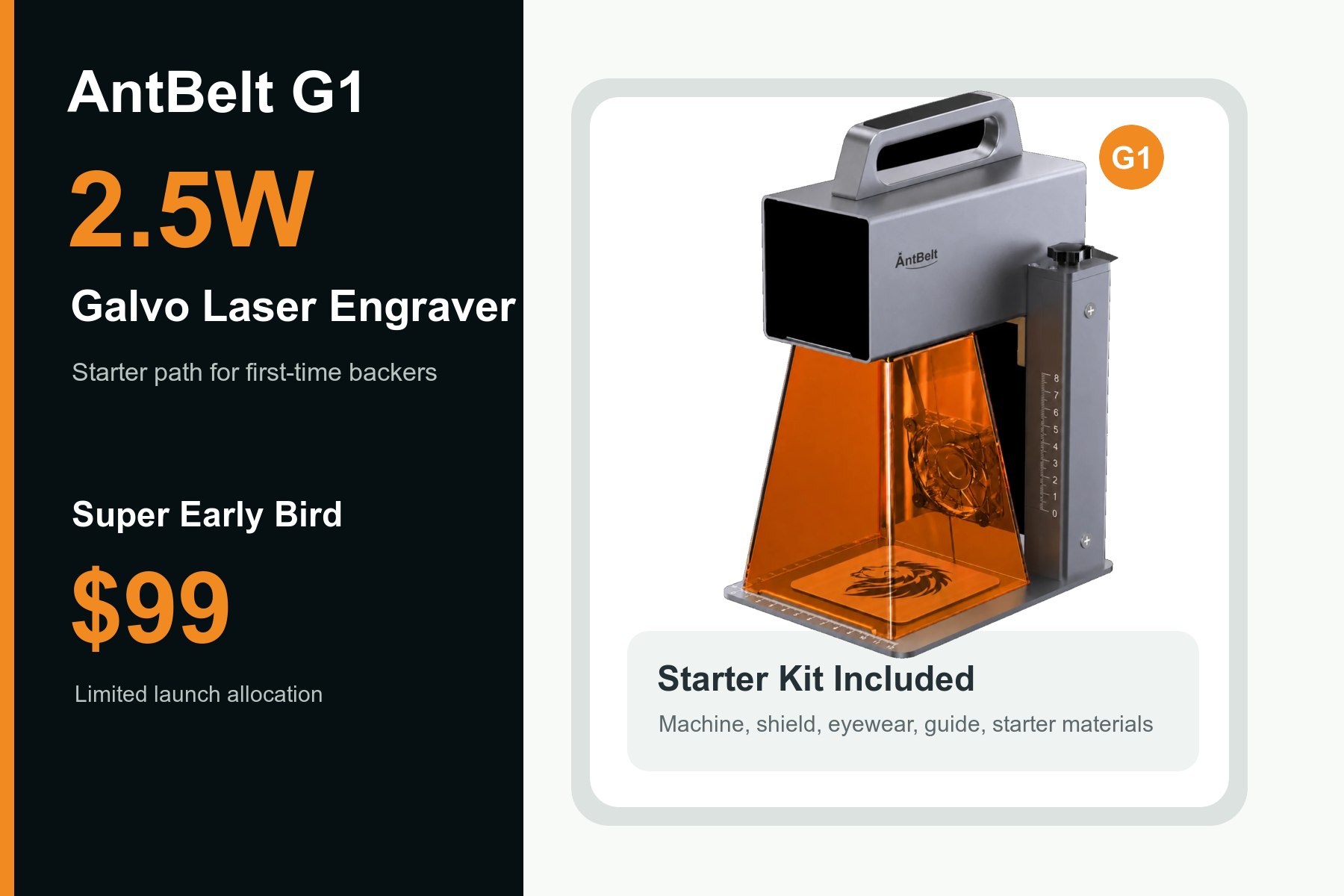
A First-Time Backer Checklist for AntBelt G1
Audience: Kickstarter backers, launch visitors, cautious hardware buyers.
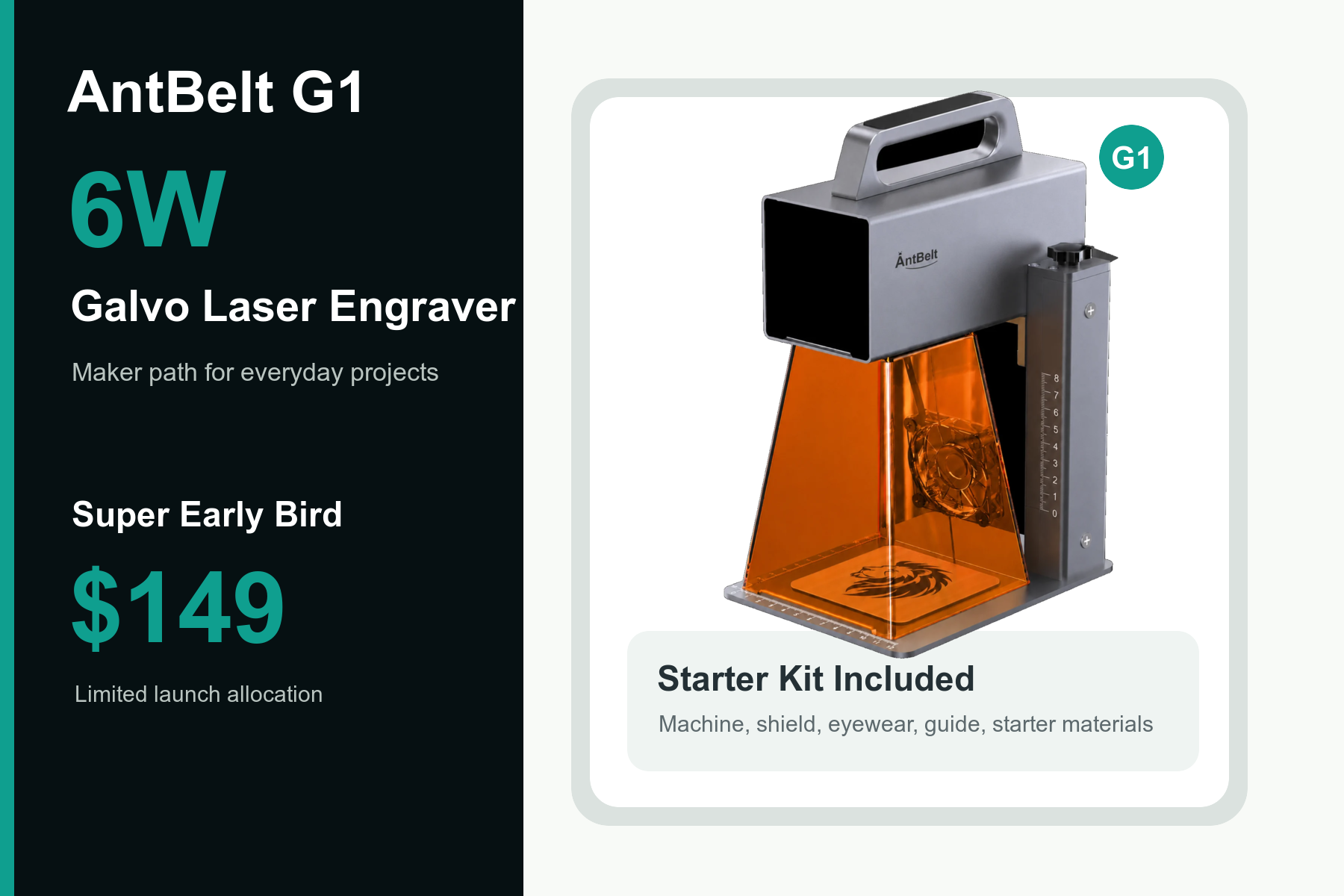
How to Share the AntBelt G1 Campaign Without Losing the Main Link
Audience: Kickstarter backers, launch visitors, cautious hardware buyers.
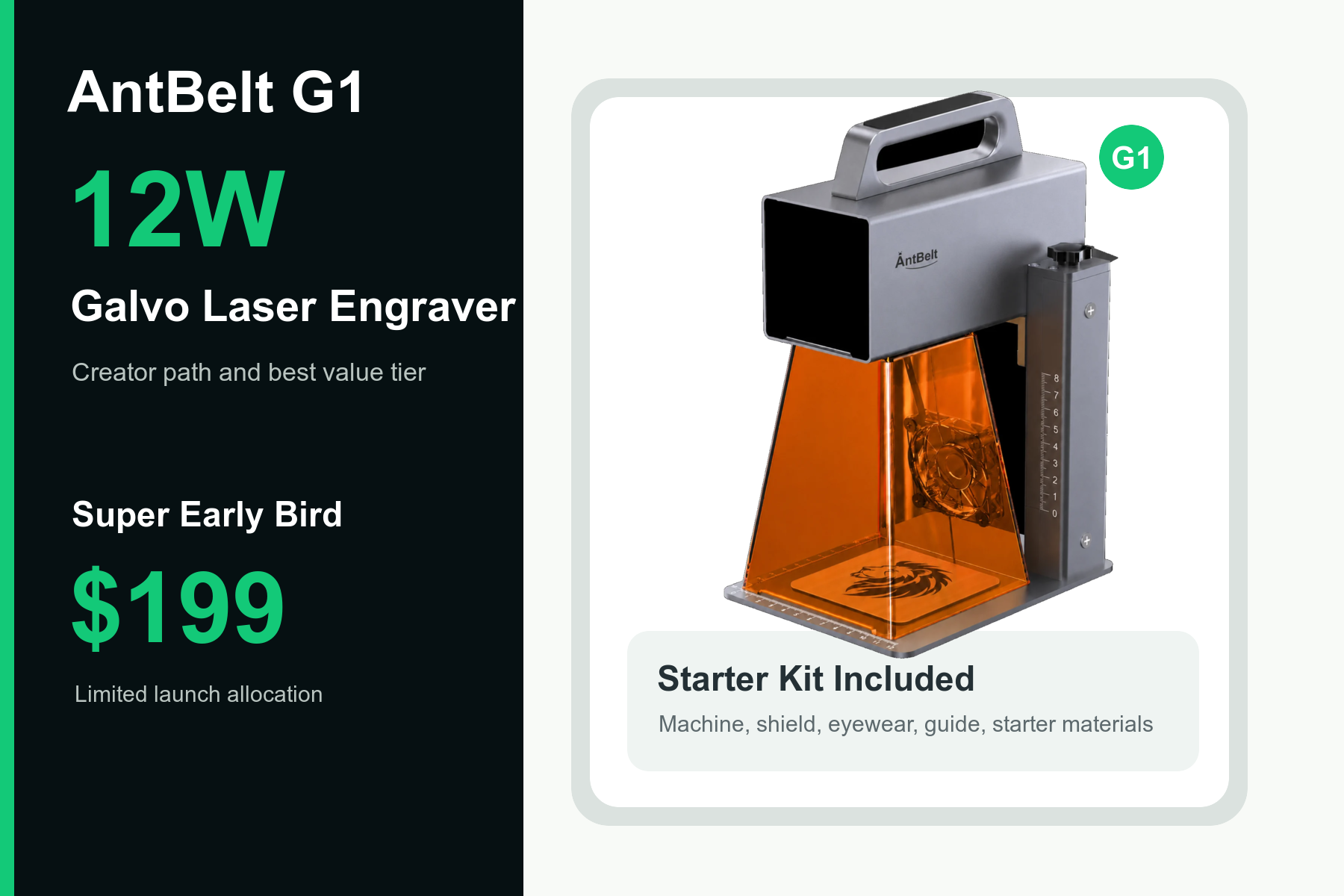
Why Every AntBelt Blog Post Now Points Back to Kickstarter
Audience: Kickstarter backers, launch visitors, cautious hardware buyers.
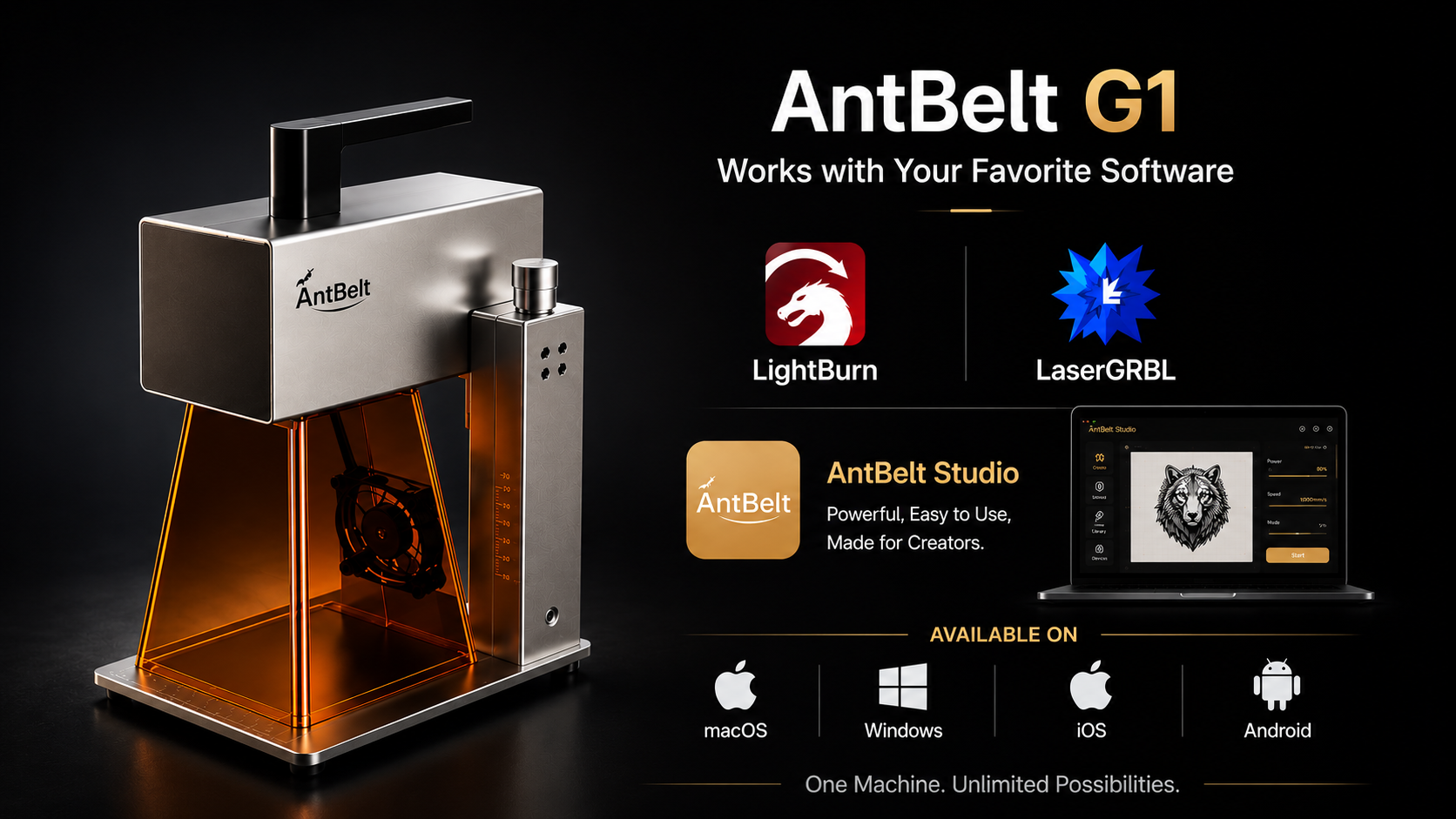
How to Decide Whether AntBelt G1 Fits Your Desk
Audience: Kickstarter backers, launch visitors, cautious hardware buyers.
What to Check Before You Back a Compact Galvo Engraver
Audience: Kickstarter backers, launch visitors, cautious hardware buyers.
How AntBelt G1 Updates Support the Live Campaign
Audience: Kickstarter backers, launch visitors, cautious hardware buyers.
A Simple Way to Compare AntBelt G1 Reward Paths Today
Audience: Kickstarter backers, launch visitors, cautious hardware buyers.
What the $99 Starter Path Means for New Makers
Audience: first-time laser buyers, small shops, creator businesses. Pillar: comparison_buying_consideration Recommended hero image.
When the 2.5W AntBelt G1 Path Makes Sense
Audience: first-time laser buyers, small shops, creator businesses. Pillar: comparison_buying_consideration Recommended hero image.
When the 6W AntBelt G1 Path Fits a Creator Desk
Audience: first-time laser buyers, small shops, creator businesses. Pillar: comparison_buying_consideration Recommended hero image.
How to Think About the 12W Creator Path
Audience: first-time laser buyers, small shops, creator businesses. Pillar: comparison_buying_consideration Recommended hero image.
Why Power Choice Should Start With Project Type
Audience: first-time laser buyers, small shops, creator businesses. Pillar: comparison_buying_consideration Recommended hero image.
How Small Shops Can Compare AntBelt G1 Rewards
Audience: first-time laser buyers, small shops, creator businesses. Pillar: comparison_buying_consideration Recommended hero image.
A Practical Reward Review for Gift Sellers
Audience: first-time laser buyers, small shops, creator businesses. Pillar: comparison_buying_consideration Recommended hero image.
Why the Lowest Price Is Only One Part of the Decision
Audience: first-time laser buyers, small shops, creator businesses. Pillar: comparison_buying_consideration Recommended hero image.
How to Avoid Buying More Laser Than Your First Projects Need
Audience: first-time laser buyers, small shops, creator businesses. Pillar: comparison_buying_consideration Recommended hero image.
What to Save From the Kickstarter Page Before Backing
Audience: first-time laser buyers, small shops, creator businesses. Pillar: comparison_buying_consideration Recommended hero image.
Why Desktop and Mobile Control Matter for AntBelt G1
Audience: makers, desk-side creators, home workshop users. Pillar: maker_how_to Recommended hero image.
How Preview Before Engraving Protects Small Blanks
Audience: makers, desk-side creators, home workshop users. Pillar: maker_how_to Recommended hero image.
What Free AntBelt Studio Adds to the Kickstarter Value
Audience: makers, desk-side creators, home workshop users. Pillar: maker_how_to Recommended hero image.
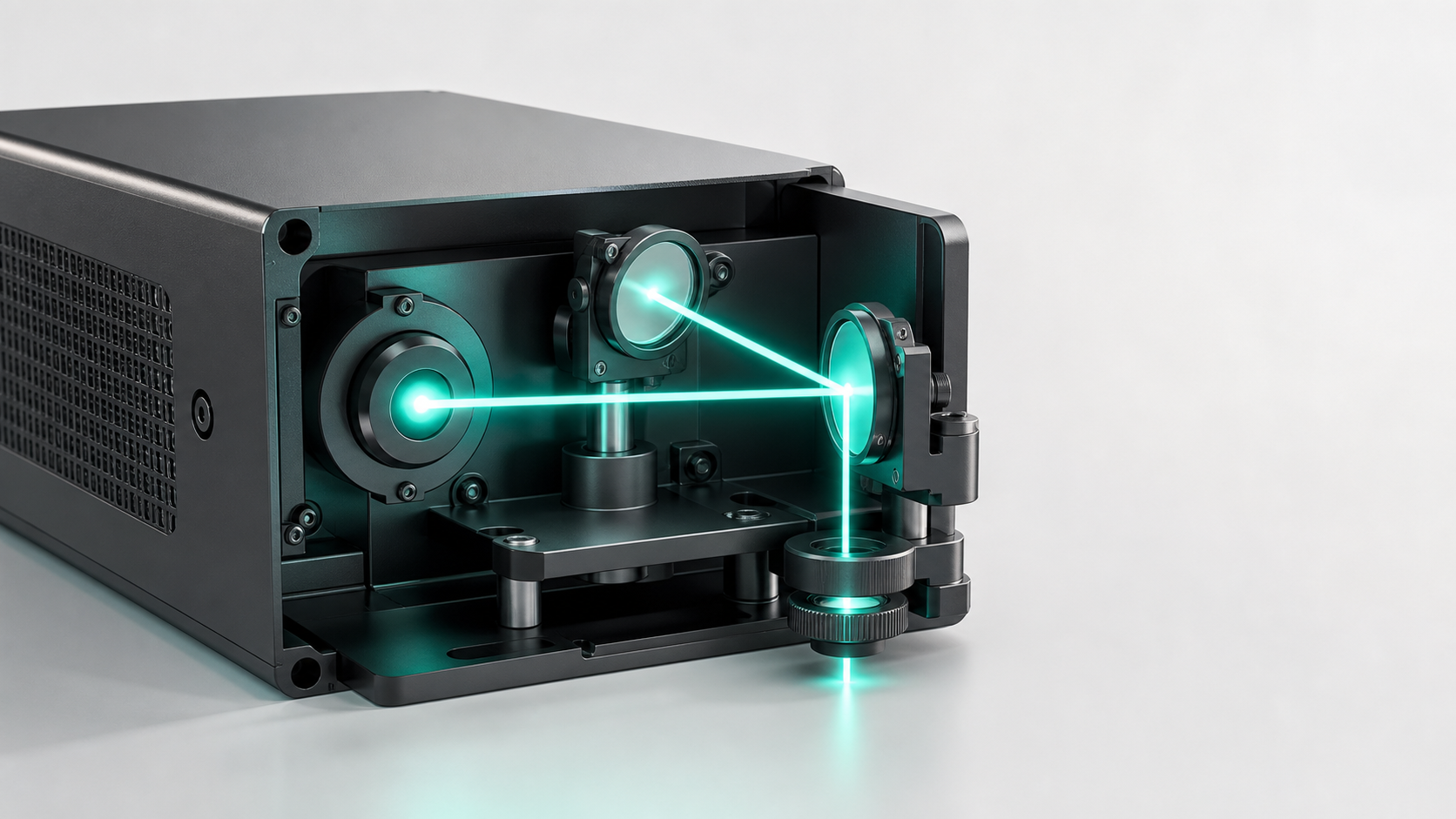
Where LightBurn Fits Into the AntBelt G1 Workflow
Audience: makers, desk-side creators, home workshop users. Pillar: maker_how_to Recommended hero image.
How to Build a Repeatable Place Preview Engrave Routine
Audience: makers, desk-side creators, home workshop users. Pillar: maker_how_to Recommended hero image.
Why a Compact Galvo Workflow Feels Different From a Frame Laser
Audience: makers, desk-side creators, home workshop users. Pillar: maker_how_to Recommended hero image.
How to Organize Artwork Files for Small Engraving Jobs
Audience: makers, desk-side creators, home workshop users. Pillar: maker_how_to Recommended hero image.
A Mobile Workflow Checklist for Quick Sample Tests
Audience: makers, desk-side creators, home workshop users. Pillar: maker_how_to Recommended hero image.
How to Use One Design Across Several Small Blanks
Audience: makers, desk-side creators, home workshop users. Pillar: maker_how_to Recommended hero image.
Why Workflow Proof Matters More Than a Spec Sheet Alone
Audience: makers, desk-side creators, home workshop users. Pillar: maker_how_to Recommended hero image.
How to Plan an 80 x 2000 mm Long Layout for AntBelt G1
Audience: makers, desk-side creators, home workshop users. Pillar: maker_how_to Recommended hero image.
Why Long Strip Projects Need a Preview Habit First
Audience: makers, desk-side creators, home workshop users. Pillar: maker_how_to Recommended hero image.
How to Break an 80 x 2000 mm Design Into Review Zones
Audience: makers, desk-side creators, home workshop users. Pillar: maker_how_to Recommended hero image.
What Makers Should Photograph Before a Long Layout Run
Audience: makers, desk-side creators, home workshop users. Pillar: maker_how_to Recommended hero image.
How Long Label Thinking Helps Small Shops
Audience: makers, desk-side creators, home workshop users. Pillar: maker_how_to Recommended hero image.
Why 80 x 2000 mm Claims Need Practical Language
Audience: makers, desk-side creators, home workshop users. Pillar: maker_how_to Recommended hero image.
How to Test a Short Segment Before a Full Long Layout
Audience: makers, desk-side creators, home workshop users. Pillar: maker_how_to Recommended hero image.
What to Record After a Long-Format Preview
Audience: makers, desk-side creators, home workshop users. Pillar: maker_how_to Recommended hero image.
How AntBelt G1 Long-Layout Thinking Supports Pop-Up Work
Audience: makers, desk-side creators, home workshop users. Pillar: maker_how_to Recommended hero image.
A Backer Guide to the 80 x 2000 mm Workflow Angle
Audience: makers, desk-side creators, home workshop users. Pillar: maker_how_to Recommended hero image.
Wood Tags Are a Strong First AntBelt G1 Test
Audience: material testers, custom gift sellers, safety-conscious users.
Why Leather-Style Samples Need Clear Labels
Audience: material testers, custom gift sellers, safety-conscious users.
How Cardstock Helps New Users Learn Placement
Audience: material testers, custom gift sellers, safety-conscious users.
Why Kraft Paper Packaging Is a Low-Risk Use Case
Audience: material testers, custom gift sellers, safety-conscious users.
How Ceramic Tile Samples Should Be Treated Conservatively
Audience: material testers, custom gift sellers, safety-conscious users.
Why Cork Coasters Belong in a First Material Menu
Audience: material testers, custom gift sellers, safety-conscious users.
How Black Cards Help Show Contrast Decisions
Audience: material testers, custom gift sellers, safety-conscious users.
Why Gift Tags Are Useful for Batch Practice
Audience: material testers, custom gift sellers, safety-conscious users.
How to Build a Material Menu Around Tested Blanks
Audience: material testers, custom gift sellers, safety-conscious users.
What Not to Claim After One Good Sample
Audience: material testers, custom gift sellers, safety-conscious users.
How Cylindrical Engraving Expands the Gift Menu
Audience: gift sellers, tumbler testers, small-brand studios. Pillar: cylindrical_engraving Recommended hero image.
Why Round Objects Need Separate Setup Notes
Audience: gift sellers, tumbler testers, small-brand studios. Pillar: cylindrical_engraving Recommended hero image.
A Conservative Way to Talk About Tumbler Tests
Audience: gift sellers, tumbler testers, small-brand studios. Pillar: cylindrical_engraving Recommended hero image.
How Flask Samples Can Become a Product Question
Audience: gift sellers, tumbler testers, small-brand studios. Pillar: cylindrical_engraving Recommended hero image.
Why Cylindrical Work Should Start With One Product
Audience: gift sellers, tumbler testers, small-brand studios. Pillar: cylindrical_engraving Recommended hero image.
How to Compare Flat Tags and Round Gifts
Audience: gift sellers, tumbler testers, small-brand studios. Pillar: cylindrical_engraving Recommended hero image.
Why a Rotary Accessory Should Be Explained Through Use Cases
Audience: gift sellers, tumbler testers, small-brand studios. Pillar: cylindrical_engraving Recommended hero image.
How Small Shops Can Add One Curved-Object Offer
Audience: gift sellers, tumbler testers, small-brand studios. Pillar: cylindrical_engraving Recommended hero image.
What to Photograph During a Cylindrical Test
Audience: gift sellers, tumbler testers, small-brand studios. Pillar: cylindrical_engraving Recommended hero image.
How to Keep Cylindrical Claims Grounded After Launch
Audience: gift sellers, tumbler testers, small-brand studios. Pillar: cylindrical_engraving Recommended hero image.
How Portable Power Changes the AntBelt G1 Story
Audience: makers, desk-side creators, home workshop users. Pillar: maker_how_to Recommended hero image.
Why Outdoor Engraving Still Needs a Controlled Workflow
Audience: makers, desk-side creators, home workshop users. Pillar: maker_how_to Recommended hero image.
How Craft Fair Sellers Can Plan a G1 Demo Table
Audience: makers, desk-side creators, home workshop users. Pillar: maker_how_to Recommended hero image.
Why Pop-Up Shops Need a Short Sample Menu
Audience: makers, desk-side creators, home workshop users. Pillar: maker_how_to Recommended hero image.
How to Pack Blanks for a Portable Engraving Session
Audience: makers, desk-side creators, home workshop users. Pillar: maker_how_to Recommended hero image.
Why a Compact Footprint Helps Temporary Workstations
Audience: makers, desk-side creators, home workshop users. Pillar: maker_how_to Recommended hero image.
How to Use Outdoor Sample Photos Without Overclaiming
Audience: makers, desk-side creators, home workshop users. Pillar: maker_how_to Recommended hero image.
A Power Bank Planning Checklist for Maker Demos
Audience: makers, desk-side creators, home workshop users. Pillar: maker_how_to Recommended hero image.
Why Mobile Control Matters Away From the Desk
Audience: makers, desk-side creators, home workshop users. Pillar: maker_how_to Recommended hero image.
How Outdoor Use Cases Send Better Traffic to Kickstarter
Audience: makers, desk-side creators, home workshop users. Pillar: maker_how_to Recommended hero image.
How Gift Sellers Can Turn One Sample Into Three Listings
Audience: Etsy-style shops, custom gift sellers, small-batch brands. Pillar: small_shop_etsy Recommended hero image.
Why Packaging Labels Are a Serious AntBelt G1 Use Case
Audience: Etsy-style shops, custom gift sellers, small-batch brands. Pillar: small_shop_etsy Recommended hero image.
How Etsy-Style Shops Can Test Personalization Menus
Audience: Etsy-style shops, custom gift sellers, small-batch brands. Pillar: small_shop_etsy Recommended hero image.
Why Coasters Make a Good First Product Family
Audience: Etsy-style shops, custom gift sellers, small-batch brands. Pillar: small_shop_etsy Recommended hero image.
How Leather Key Tags Fit a Small-Batch Workflow
Audience: Etsy-style shops, custom gift sellers, small-batch brands. Pillar: small_shop_etsy Recommended hero image.
Why Pet Tags Need Proof Language Before Selling
Audience: Etsy-style shops, custom gift sellers, small-batch brands. Pillar: small_shop_etsy Recommended hero image.
How Small Brands Can Use Engraved Inserts
Audience: Etsy-style shops, custom gift sellers, small-batch brands. Pillar: small_shop_etsy Recommended hero image.
Why Product Photos Should Show Scale
Audience: Etsy-style shops, custom gift sellers, small-batch brands. Pillar: small_shop_etsy Recommended hero image.
How Makers Can Build a First-Week Sample Calendar
Audience: Etsy-style shops, custom gift sellers, small-batch brands. Pillar: small_shop_etsy Recommended hero image.
Why Backing AntBelt G1 Can Be a Business Test
Audience: Etsy-style shops, custom gift sellers, small-batch brands. Pillar: small_shop_etsy Recommended hero image.
How to Read AntBelt G1 Demo Videos Like a Backer
Audience: Kickstarter followers, video viewers, maker hardware buyers.
Why Real Prototype Angles Matter on Kickstarter
Audience: Kickstarter followers, video viewers, maker hardware buyers.
How Short Workflow Clips Support Buying Decisions
Audience: Kickstarter followers, video viewers, maker hardware buyers.
Why Factory and Module Footage Belongs Lower in the Funnel
Audience: Kickstarter followers, video viewers, maker hardware buyers.
How to Use Video Proof Without Making Unsafe Claims
Audience: Kickstarter followers, video viewers, maker hardware buyers.
What a Backer Should Look For in a Sample Video
Audience: Kickstarter followers, video viewers, maker hardware buyers.
Why the Live Kickstarter Page Should Carry the Main Proof
Audience: Kickstarter followers, video viewers, maker hardware buyers.
How Blog Updates Can Explain Video Details
Audience: Kickstarter followers, video viewers, maker hardware buyers.
Why Proof Should Sit Close to Each Claim
Audience: Kickstarter followers, video viewers, maker hardware buyers.
How to Turn a Video Clip Into a Useful Maker Note
Audience: Kickstarter followers, video viewers, maker hardware buyers.
Why AntBelt G1 Content Keeps Repeating Safety Basics
Audience: home creators, shared workspace users, first-time laser users.
How to Build a Ventilation Note Into Every Sample
Audience: home creators, shared workspace users, first-time laser users.
Why PVC and Unknown Plastics Stay Out of Beginner Tests
Audience: home creators, shared workspace users, first-time laser users.
How to Reset the Workbench Between Materials
Audience: home creators, shared workspace users, first-time laser users.
Why Backers Should Read the Risks Section
Audience: home creators, shared workspace users, first-time laser users.
How to Keep Home Creator Expectations Practical
Audience: home creators, shared workspace users, first-time laser users.
Why Material Guarantees Need More Than One Sample
Audience: home creators, shared workspace users, first-time laser users.
How to Evaluate AntBelt G1 Against Outsourcing
Audience: home creators, shared workspace users, first-time laser users.
Why Updates Should Not Replace Kickstarter Details
Audience: home creators, shared workspace users, first-time laser users.
How to Back AntBelt G1 With a Clear First-Project Plan
Audience: home creators, shared workspace users, first-time laser users.
Set a One-Page Sample Plan Before Launch Day
A compact laser setup is easier to evaluate when the first projects are already written down.
Use a Fixed Photo Angle for Every First Test
First samples become more useful when the photos are repeatable. Pick one photo angle before the test: straight above the work area, front-left of the.
Plan One Personalized Listing Before Adding Variants
Personalized products get hard to manage when every option is added at once.
Build a Gift Proof Routine Around the Same Table
A small shop does not need a complicated proof system to start. It needs a repeatable table: product name, blank type, artwork file, approval photo, and.
Compare Flat and Cylindrical Samples With Separate Questions
Flat samples and cylindrical samples should not be reviewed with the same question.
Use Material Cards to Record Unknowns First
A material card is not only for the result you like. It is also a place to record what is still unknown: surface finish, artwork size, marking visibility.
24-Hour Launch Checklist for AntBelt G1 Followers
With launch day close, the most useful preparation is simple. Save the Kickstarter page, review the public AntBelt G1 updates, and decide which questions.
Read Demo Clips for Workflow Cues Before Launch
Short AntBelt G1 clips are most useful when they are read as workflow cues.
Keep the Launch Workbench Reset Visible
A launch-week sample plan should include a reset step, not just a project list.
Compact Galvo or Larger Workbench Tool Before Your First Batch
The first buying question is not only about machine category. It is about the first batch you actually plan to make. A compact galvo workflow can make.
Use a Photo Ruler Before Changing Artwork Size
A small engraved sample can look correct in isolation and still be hard to compare later.
Build a Two-Sample Review Before You Choose a Style
Choosing a style from one sample can lead to overconfidence. A better first review is two samples with one deliberate difference: a border change, a text.
Prepare a Proof Photo Folder Before Listing Custom Gifts
Before a seller lists a custom gift, it helps to create a proof photo folder.
Keep Order Options Inside the Sample Evidence
Custom order pages often become too broad too soon. A safer first version keeps options inside the evidence the seller already has: one blank type, one.
Log Cylindrical Tests as Setup Questions First
Cylindrical engraving is easiest to review when the first note is a setup question, not a finished product claim.
Use Sample Labels to Avoid Material Overclaims
Material samples need labels that say what the sample actually shows. A label can include the blank type, the artwork file, the photo date, and the open.
A Short Launch Week Checklist for Cautious Backers
Launch week is easier when backers keep a short checklist. Save the Kickstarter page, review the reward information there, write down project questions.
Read Short Videos for Process Not Assumptions
A short demo video is most useful when viewers focus on what is visible.
Keep a Cooldown Note With Each Test Material
A material test is easier to review when the safety note stays next to the sample note.
Compact Galvo or Service Provider for First Proof Photos
A first proof photo can come from different workflows. Some creators want a compact in-house galvo workflow so they can adjust artwork and retake samples.
48-Hour Countdown: What to Save Before AntBelt G1 Goes Live
The AntBelt G1 Kickstarter launch is now close enough that a simple checklist is more useful than another long product explanation.
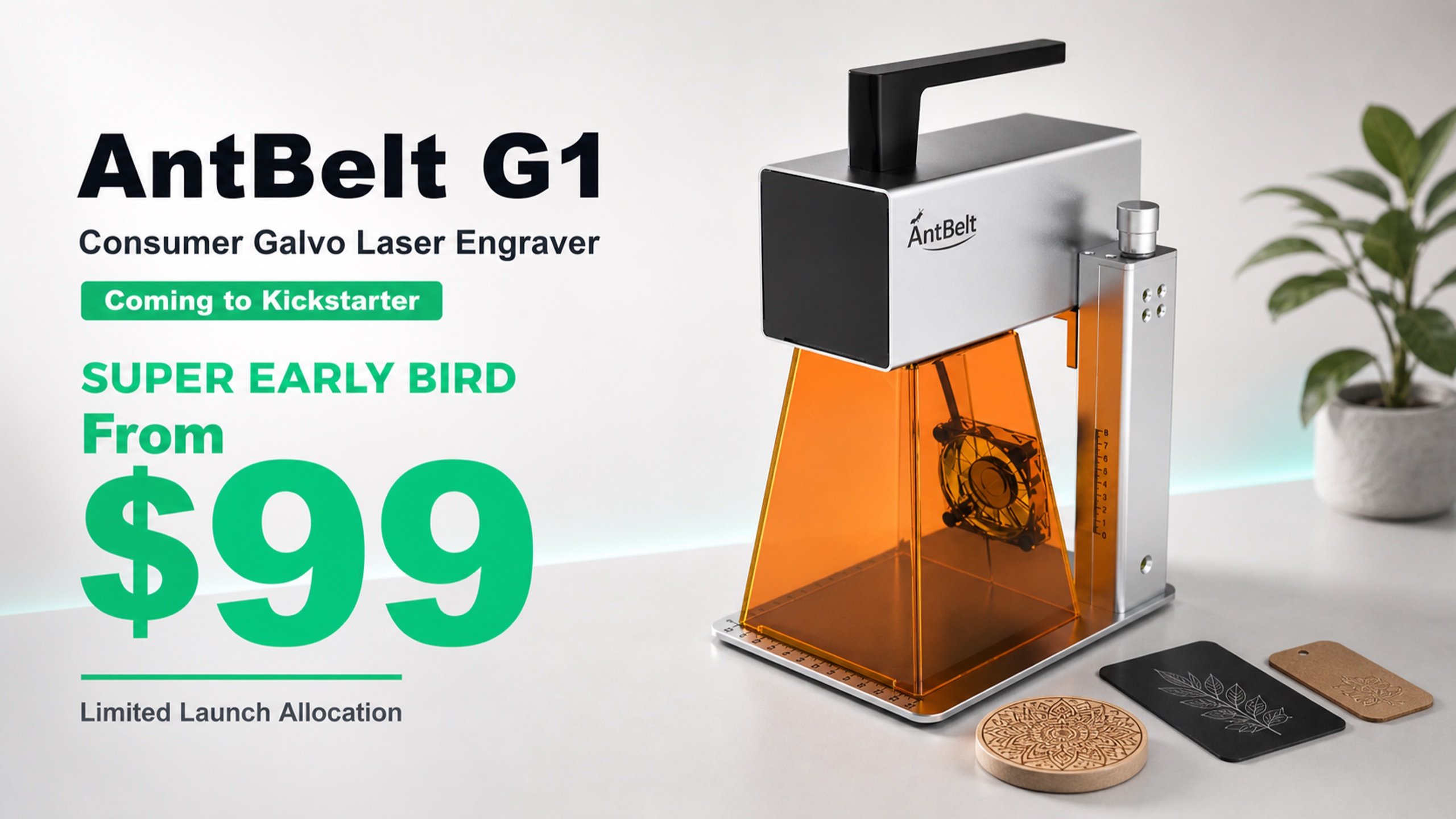
Why the $99 Entry Price Needs a Clear Workflow Story
A low entry price gets attention, but the workflow decides whether the tool makes sense.
Cylindrical Engraving Changes the Custom Gift Menu
Flat blanks are easy to plan. Cylindrical objects need a more careful setup habit. AntBelt G1 support for cylindrical engraving gives creators another.
How to Plan an 80 x 2000 mm Preview Before Committing to a Long Layout
Long layouts fail when the preview step is skipped. If a project uses an 80 x 2000 mm style layout or a long strip design, the first job is not engraving.
Free AntBelt Studio Is Part of the Launch Value
Software cost matters for first-time laser users. AntBelt Studio is part of the G1 workflow and is planned as free software across desktop and mobile.
Desktop and Mobile Software Support Makes Sample Work Faster
A small creator desk rarely works like a lab. Files move between a laptop, a phone, a camera roll, and a product folder. AntBelt Studio support across.
Preview Before Engraving Is the Habit That Saves Small Blanks
Small blanks leave little room for mistakes. A preview habit gives the creator one last chance to catch scale, placement, and orientation before a test.
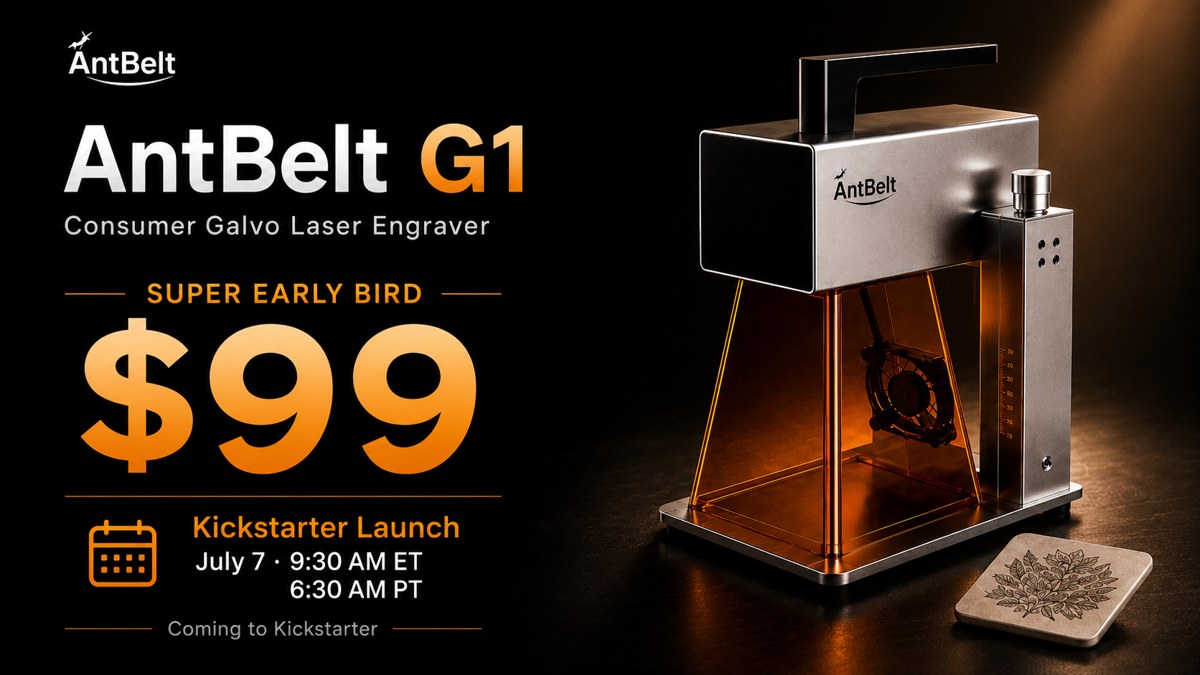
What a 48-Hour Launch Reminder Should Tell Backers
A good launch reminder should do three things quickly: tell people when the campaign opens, show the entry offer, and point them to the official.
Small-Shop Sellers Should Test One Cylindrical Product First
Cylindrical engraving can make a product menu look more premium, but it also adds setup choices.
Use the Launch Countdown to Build a First-Week Test Plan
The final 48 hours before launch are a good time to plan the first week after backing.
Why a Compact Galvo Engraver Fits a Product Photo Workflow
Online sellers need more than a finished sample. They need a sample that is easy to photograph, explain, and repeat. A compact galvo engraving workflow.
Material Notes Matter More During the Last 48 Hours
In the last 48 hours before a Kickstarter launch, material claims should stay careful.
How Sample Videos Help Users Decide Before Launch
A short video can answer a question that copy cannot: what does the workflow look like when the machine is actually in use?
From Flat Tags to Round Gifts: A Simple Sample Progression
A practical sample path can start flat and then move to curved objects.
80 x 2000 mm Preview Thinking for Long Labels and Strips
Long strips and extended layouts need a different review habit from small tags.
Why Free Software Can Improve Email Signup Intent
A visitor is more likely to leave an email when the next step feels understandable.
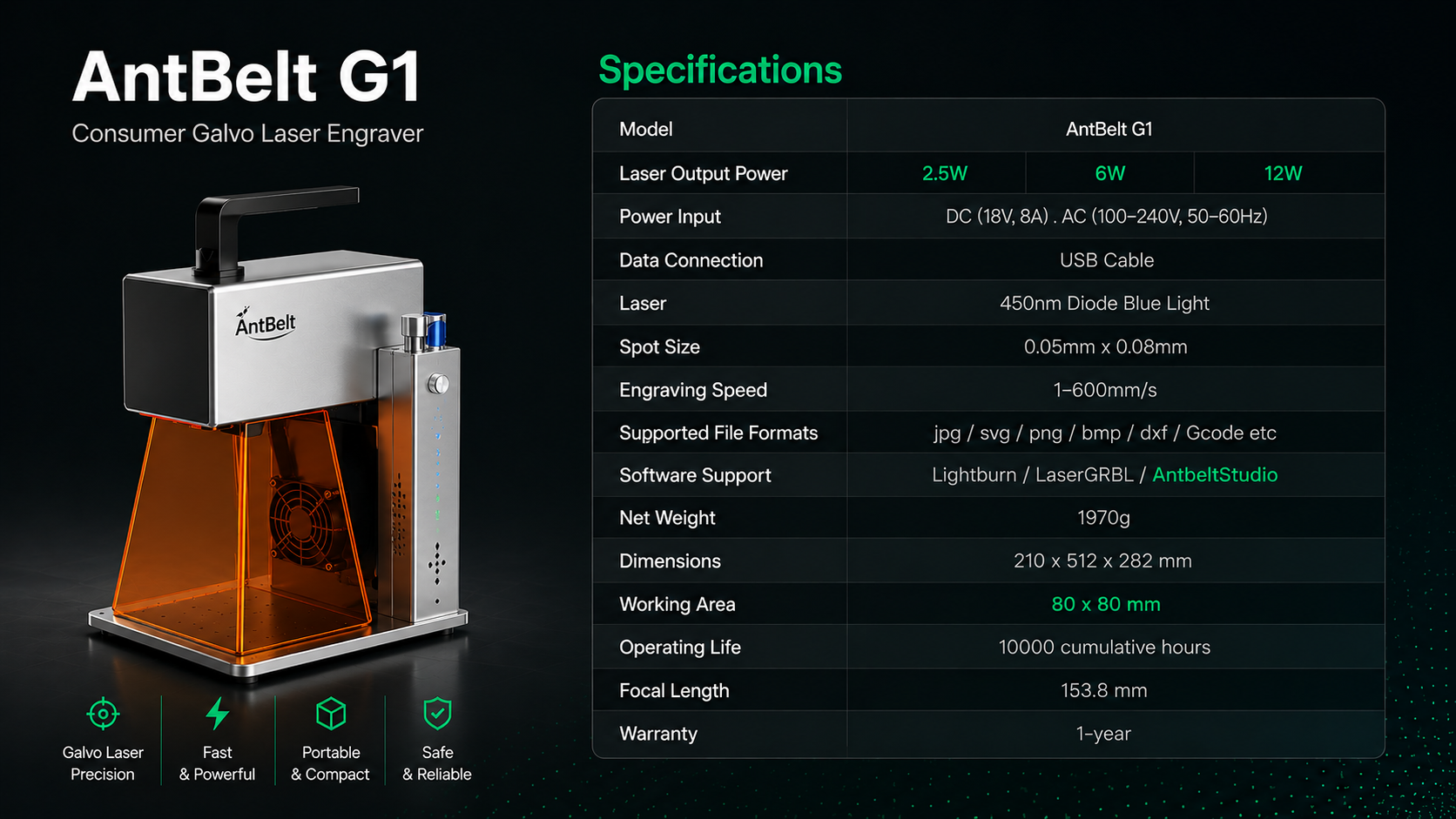
A Backer-Friendly Way to Compare 2.5W, 6W, and 12W
Power options are easier to understand when they are tied to project intent.
Launch Day Is Not the Time to Hunt for the Kickstarter Link
When a campaign goes live, the most avoidable mistake is searching for the link at the last minute.
Turn One Coaster Sample Into a Clean Launch-Week Post
One good sample can become a useful launch-week post if it is documented clearly.
Keep Safety Language Visible Without Making the Page Heavy
Laser safety language should be visible, but it should not turn a launch page into a manual.
Make a Fixed Starting Corner for Every Test
A small engraved sample is easier to judge when every test begins from the same corner. Before changing artwork, mark one starting corner in the file name
Turn a Maker Idea Into One Test Question
Many maker ideas start too wide: a gift set, a product line, a full design board. A better first step is one test question. Can the logo stay readable at t
Build a Small-Batch Proof Page Before Opening Orders
Before a small shop opens a custom order option, it helps to prepare a proof page for internal review. The page does not need to be public. It can simply s
Keep a Product Menu Short Until Samples Are Reviewed
A long custom product menu can look confident, but it also creates more promises to manage. A small shop can move faster by starting with a short menu: one
Separate Flat and Cylindrical Sample Notes Before Comparing Results
Flat blanks and cylindrical items should not be judged from the same note line. They ask different setup questions, and the photos usually need different c
Use a Material Card to Record What Is Not Decided Yet
A material card is not only for results. It is also a place to write what is not decided yet. If a sample needs a second photo, a different artwork size, o
What Backers Can Review Before the Countdown Ends
Before the launch countdown ends, backers can make a short review list instead of waiting until the last minute. Save the Kickstarter page, compare the ava
Read Demo Videos for Visible Workflow, Not Hidden Specs
A short demo video is strongest when viewers read what is visible. Look at the setup sequence, the sample being handled, the framing of the work area, and
Put the Safety Note Next to the Sample Note
Sample notes and safety notes should live together. If the material, setup, or workspace condition changes, the reviewer should not need to search in anoth
Compact Galvo or Outsourced Proof for a First Product Test
A first product test does not always need the same path. Some creators want a compact in-house tool so they can revise artwork quickly. Others may start wi
Set One Inspection Photo Before Changing the Design
When a first sample looks close but not finished, it is tempting to change the artwork immediately. A better maker habit is to take one inspection photo fi
Use a Three-Column Test Note for First Samples
A first engraving session is easier to review when the notes stay small. One practical format is a three-column note: blank, artwork, and what to change ne
Prepare Proof Wording Before Selling Custom Tags
Small custom tags can become confusing if a seller starts taking requests before the proof process is clear. Before opening an order form, write the proof
Keep a Seller Photo Folder for Each Product Idea
A custom product idea should not depend on one attractive photo. Small sellers can protect themselves by keeping a simple photo folder for each idea: setup
Log Curved Surface Tests Apart From Flat Blanks
Flat blanks and curved surfaces should not be mixed into the same test note. AntBelt supports cylindrical engraving, but a curved object introduces differe
Separate Material Reaction Notes From Artwork Notes
Material tests become harder to read when every observation sits in one paragraph. A clearer method is to separate material reaction notes from artwork not
Save the Launch Page Before Choosing a Reward Path
Before choosing a reward path, backers should save the AntBelt G1 Kickstarter page and return to the final launch information. Pre-launch articles can expl
Read Demo Clips for Setup Sequence and Sample Context
Short demo clips are most useful when viewers read them for sequence and context. Look for what appears before the sample: how the blank is positioned, wha
Write the Reset Step Into Every Shared Workbench Test
A shared workbench needs a visible reset step. Before the next blank, the operator should pause, clear loose material, check the setup area, and make sure
Compact Galvo or Desktop Frame Laser for First Proof Sets
A first proof set is not the same as a full production plan. Buyers comparing a compact galvo engraver with a desktop frame-style laser should begin with t
Mark a Reference Edge Before You Place Small Blanks
Small blanks are easier to compare when every test begins from the same reference edge. A pencil line, tape edge, tray corner, or simple card guide can hel
Turn a Sample Card Into a Repeatable Maker Note
A sample card should do more than show that an engraving happened. It can become a compact maker note that records what the blank was, what the artwork tri
Build a Personalization Menu Around One Proof Photo
A small personalization menu is easier to sell when it starts from one clear proof photo. Instead of offering every font, symbol, placement, and blank at o
Keep Custom Gift Promises Inside the Tested Frame
The safest custom gift promise is the one that stays inside the tested frame. If a seller has only photographed a small tag, the first offer should not qui
Compare Flat and Cylindrical Tests With Separate Photos
Flat blanks and cylindrical objects should not be reviewed from the same photo note. They ask different placement questions, and a clean comparison starts
Use One Material Question Per Sample Board
A material board becomes more useful when it asks one question at a time. If a board tries to test contrast, layout, artwork size, and sale readiness all a
What Backers Can Save Before the Launch Reminder
Before the launch reminder arrives, backers can save a few practical notes that make the final decision easier. The best notes are not hype-driven; they ar
Read Demo Video Framing Before Reading Demo Speed
A short demo clip should be read for what it actually shows first. Framing, blank position, camera angle, sample type, and visible setup context often tell
Make the Reset Step Visible Between Test Materials
Changing materials should include a visible reset step. Clear the work area, check the ventilation setup, confirm protective eyewear and shielding, and lab
Compact Galvo or Local Engraving Service for First Samples
A compact galvo engraver and a local engraving service solve different first-sample problems. One gives the seller more control over iteration at the desk
Make a Setup Log Before Your First Repeat Job
A repeat engraving job is easier to improve when the setup details are written down before the second blank begins. A simple setup log gives makers a way t
Build a Layout Template for Tiny Gift Pieces
Tiny gift pieces can be deceptively hard to place by eye. Before turning a charm, tag, wallet insert, or coaster into a batch idea, build a layout template
Write Proof Language Before Opening Custom Orders
Small shops often focus on the sample first and the customer wording later. For personalized engraving, the wording deserves attention before orders open
Turn One Sample Photo Into a Product Decision
A sample photo should do more than look good in a listing draft. For a small shop, one clear photo can help decide whether an engraved idea is ready to sel
Plan Curved Item Tests With a Plain Checklist
Cylindrical engraving can open useful gift and small-shop ideas, but curved objects deserve slower planning than flat blanks. AntBelt supports cylindrical
Keep Material Notes Separate From Design Notes
When a sample succeeds or fails, it is tempting to treat the result as one big design opinion. A better habit is to separate material notes from design not
Three Questions Backers Can Ask Before Launch Day
Before a Kickstarter launch, backers can make better decisions by preparing a short question list. The goal is not to chase every possible detail early. Th
Read Short Demo Clips for What They Actually Show
Short demo clips are useful when they are read as evidence of a visible moment, not as a complete product promise. A clip can show a machine on a bench, a
Label Ventilation and Reset Steps on the Bench
A compact engraving setup should still have visible safety habits. One useful habit is to label the bench with the ventilation, material check, and reset s
In-House Sample Tests or Outside Vendor Quotes
A small shop does not always need to choose between doing everything in-house and outsourcing forever. A better early question is which stage needs control
Build a Repeatable Placement Card Before Batching
Small engraving jobs often feel simple until the second, third, or tenth blank lands in a slightly different spot. A repeatable placement card gives makers
Turn One Idea Into a Three-Sample Learning Set
When a new engraving idea looks promising, it is tempting to test the full product immediately. A better first workflow is to turn one idea into three smal
Create a Proof Photo Routine for Custom Gift Listings
Custom gift listings need more than a nice finished sample. They need proof photos that help buyers understand the option, the scale, and the personalizati
Keep Seasonal Gift Menus Small Until Samples Are Clear
Seasonal products can push small sellers into offering too many personalized options too early. A cleaner approach is to start with one object type, one ar
Test Cylindrical Blanks With One Clear Artwork Boundary
Cylindrical engraving is an important AntBelt G1 angle, but the first public promise should stay practical. A round object test works best when the artwork
Use a Contrast Note Before Calling a Sample Ready
A sample can look good in one photo and still be hard to read in normal use. That is why a contrast note is useful before any maker calls a sample ready. T
What Backers Should Check Before Saving a Reward Tier
Before saving a reward tier, backers should separate three things: the machine configuration they want to follow, the project types they hope to make, and
Read Demo Clips for Setup Context, Not Final Promises
Short demo clips are useful, but they should be read carefully. A clip can show setup context, object handling, and sample direction without proving every
Reset the Workbench Between Different Material Tests
Changing materials without resetting the workbench is a common way to lose track of what happened. A short reset step makes sample testing safer, cleaner
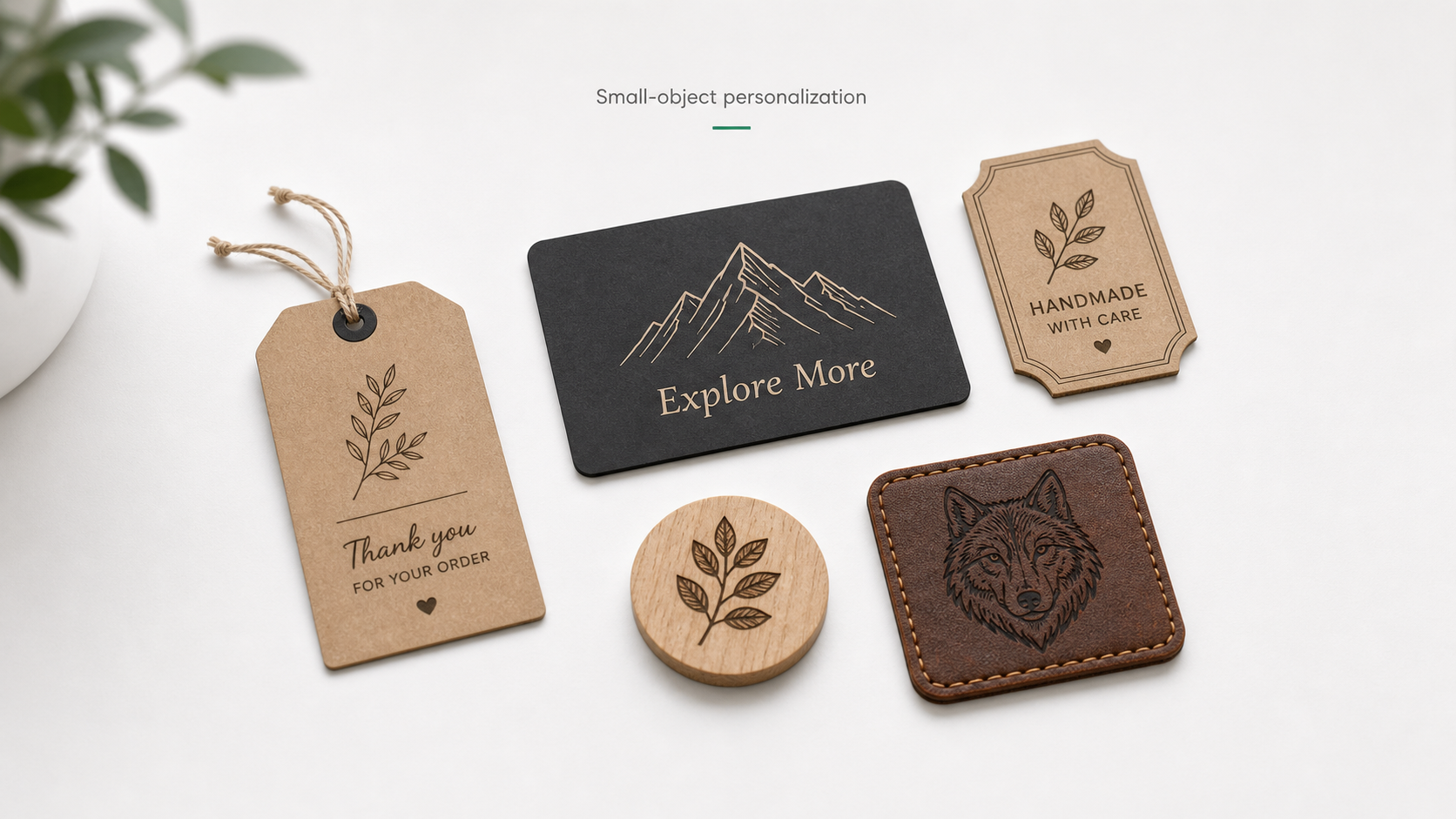
Compact Galvo or Hand Tools for Personalized Gifts
Personalized gifts can be made with many tools. Hand tools may be enough for one-off pieces, especially when the seller wants a visibly handmade style. A c
Cylindrical Engraving Opens Better Gift Product Ideas
AntBelt G1 supports cylindrical engraving, which changes the way many small gift sellers can think about early sample planning. Flat tags and cards are sti
Plan a Round Object Proof Before Taking Orders
Round objects need a proof habit before they become a customer offer. A flat card can be checked quickly on a desk, but a curved blank adds another placeme
Why Free Mobile Software Can Help First-Time Creators
Software cost matters for a first laser workflow. A low launch price is easier to understand when the creator also knows what software path is planned for
Build a Simple Custom Gift Menu Before Launch
Custom gift sellers do not need a huge product menu before launch. They need a simple offer that customers can understand quickly: one object type, one per
Turn One Flask Sample Into a Clear Product Test
A flask sample can look impressive, but it becomes more useful when it is treated as a product test instead of a finished product promise. One good sample
Compare Flat and Curved Blanks With Separate Notes
Flat and curved blanks should not be judged with the same note. A flat card, a wood tag, and a cylindrical object each bring different placement and viewin
Cylindrical Claims Should Stay Grounded Before Kickstarter
New feature notes are useful before a Kickstarter launch, but they should stay grounded. AntBelt G1 supports cylindrical engraving, and that is worth highl
Read New Sample Videos as Workflow Signals
Short sample videos are useful because they show movement, setup, and real objects. They should still be read as workflow signals, not final lab reports. F
Add a Safety Reset Between Round Object Tests
Round object tests should include a reset step between samples. The reason is simple: every new object type changes the setup enough that the maker should
Compact Galvo or Outsourcing for Personalized Cylinders
Personalized cylinders can be outsourced, but outsourcing is not always the best first test for a small seller. If the seller is still exploring product id
Make a Reference Corner Before Testing Small Blanks
Small blanks are easy to underestimate. A tag, card, coaster, or phone accessory may look simple on the desk, but a small shift can make a test hard to com
Turn a Weekend DIY Idea Into Three Sample Questions
A good weekend engraving idea usually starts too broad: a custom notebook, a family tag, a desk sign, or a small gift set. Before treating that idea as a p
Build an Etsy Listing Around One Clear Use Case
Small-shop personalization can become confusing fast. If a listing offers every material, every font, every size, and every message format, the seller ends
Use Customer Proof Notes Before Offering Fast Turnaround
Fast turnaround is tempting to advertise, but personalized engraving depends on clean order information. A seller who has to chase missing names, unclear d
Read Leather Engraving Clips as Layout Evidence First
Recent AntBelt video references include leather engraving and other sample materials. The conservative way to use that content is to treat it as layout evi
Use Color Board Tests to Compare Visibility, Not Final Performance
A color board test is useful because it shows differences side by side. It can help a maker decide which visual direction deserves a second sample. It shou
What a Cautious Backer Should Save Before Launch Day
Before a Kickstarter launch, interested backers often collect scattered notes: price images, prototype photos, short videos, and feature summaries. A cauti
Recent AntBelt Video Notes: Leather, Board, and Sample Context
Recent AntBelt YouTube references give viewers more visual context around the G1 pre-launch story. The clips are useful because they show sample activity
Keep a Sample Cooldown and Labeling Step in the Workflow
Safety workflow content should be practical and conservative. For a desktop engraving setup, the end of a sample is not the end of the process. The sample
Compact Galvo vs. Outsourcing for First Custom Gift Tests
For a new custom gift seller, the first decision is not only which machine to buy. It is whether the first test batch should be handled in-house or outsour
Build a Swatch Ring Before You Sell Custom Blanks
A practical sample organization habit for makers comparing small engraving blanks before selling custom products.
A Simple Three-Pass Layout Check for Desk-Side Makers
A simple placement, scale, and product-intent check for desk-side makers preparing small personalized samples.
Etsy Order Notes That Make Personalized Engraving Easier
A cleaner order-note checklist for Etsy-style sellers preparing repeatable personalization workflows.
Small-Shop Product Photos Should Show Scale, Not Just Style
Why small-shop product photos should show real object scale, not only polished style shots.
Black Card Samples Are Good for Contrast Checks, Not Final Proof
How to use black card samples as contrast checks without treating one result as final material proof.
Wood Keepsake Tests Need Context Before They Become Products
A practical way to read wood keepsake tests before turning a sample into a product listing.
What Backers Can Learn From a Visible Test Queue
What a visible prototype and sample-test queue can tell cautious Kickstarter backers before launch.
Recent AntBelt YouTube Notes for June 23, 2026
A cautious June 23 read on AntBelt YouTube proof clips and what they do, and do not, prove.
Ventilation and Material Notes Belong in the Same Workflow
Why ventilation, material selection, protective setup, and attended operation belong in one workflow.
Compact Galvo vs. DIY Frame Kit for Small Product Sellers
A practical comparison between compact galvo and DIY frame-style workflows for small product sellers.
Recent AntBelt Sample Clips Roundup for June 21 2026
A concise June 21 roundup of recent AntBelt G1 sample clips and what they show before launch.
What a Steady Sample Cadence Tells Cautious Backers
Why a steady public sample cadence can be a stronger trust signal than one polished launch asset.
Seasonal Personalization Sellers Need Fast Mockup Decisions
Why seasonal custom sellers benefit more from faster sample decisions than from broad production claims.
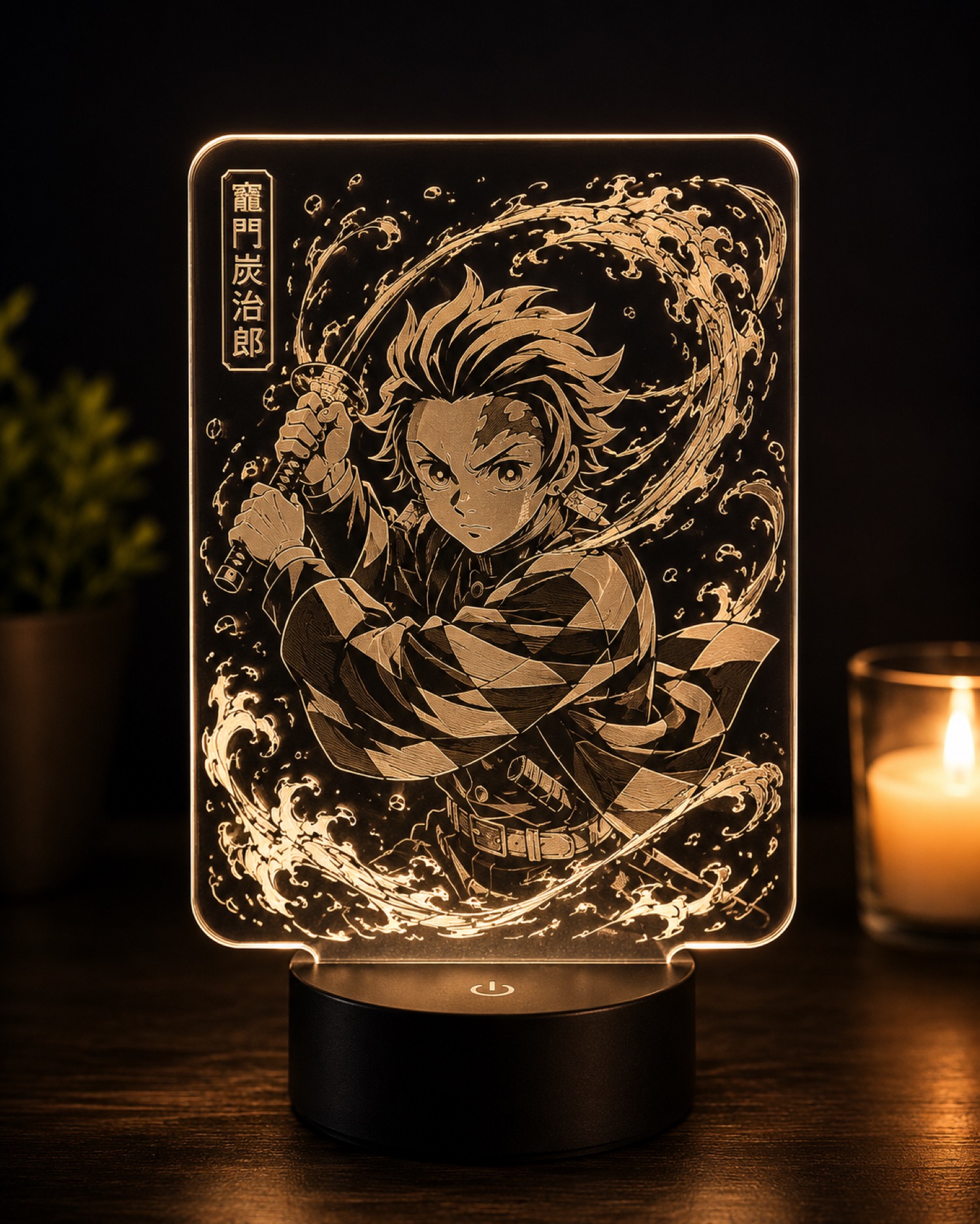
What an Acrylic Light Sample Can and Cannot Prove
How to read an acrylic-style sample as one narrow proof point without overextending the claim.
Compact Galvo vs Handheld Engraver for Desk-Side Personalization
A practical comparison for buyers choosing between a compact bench setup and a more handheld engraving workflow.
Recent AntBelt Video Roundup for June 20 2026
A quick read on the latest AntBelt G1 public proof clips and what they do, and do not, prove before launch.
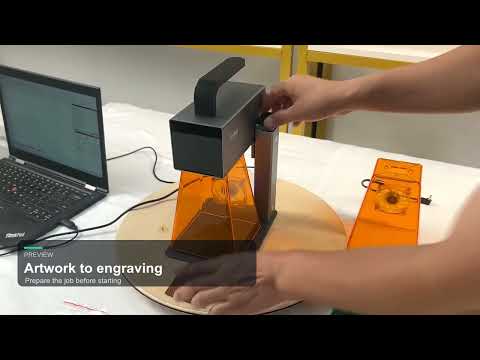
Why First Power-On Updates Matter Before Launch
Why a first power-on update is a useful early trust checkpoint for a Kickstarter hardware project.
What the Color Board Test Actually Helps You Check
How to read the recent AntBelt G1 color board test as a narrow proof point without overclaiming.
Etsy-Style Product Tags With a Compact Workflow
How compact engraving can fit into a small-shop workflow for product tags, inserts, and personalized add-ons.
Compact Galvo Starter vs. Bulkier Frame Laser
A practical comparison for buyers choosing between a compact galvo-style starter and a larger frame-style laser.
Why Small Shops Need a Compact Galvo Laser Engraver
A faster way to turn tiny blanks into sellable custom gifts, tags, cards, and packaging details.
Preview. Place. Engrave. Repeat.
The AntBelt G1 workflow is built around the small actions that make batch engraving feel less chaotic.
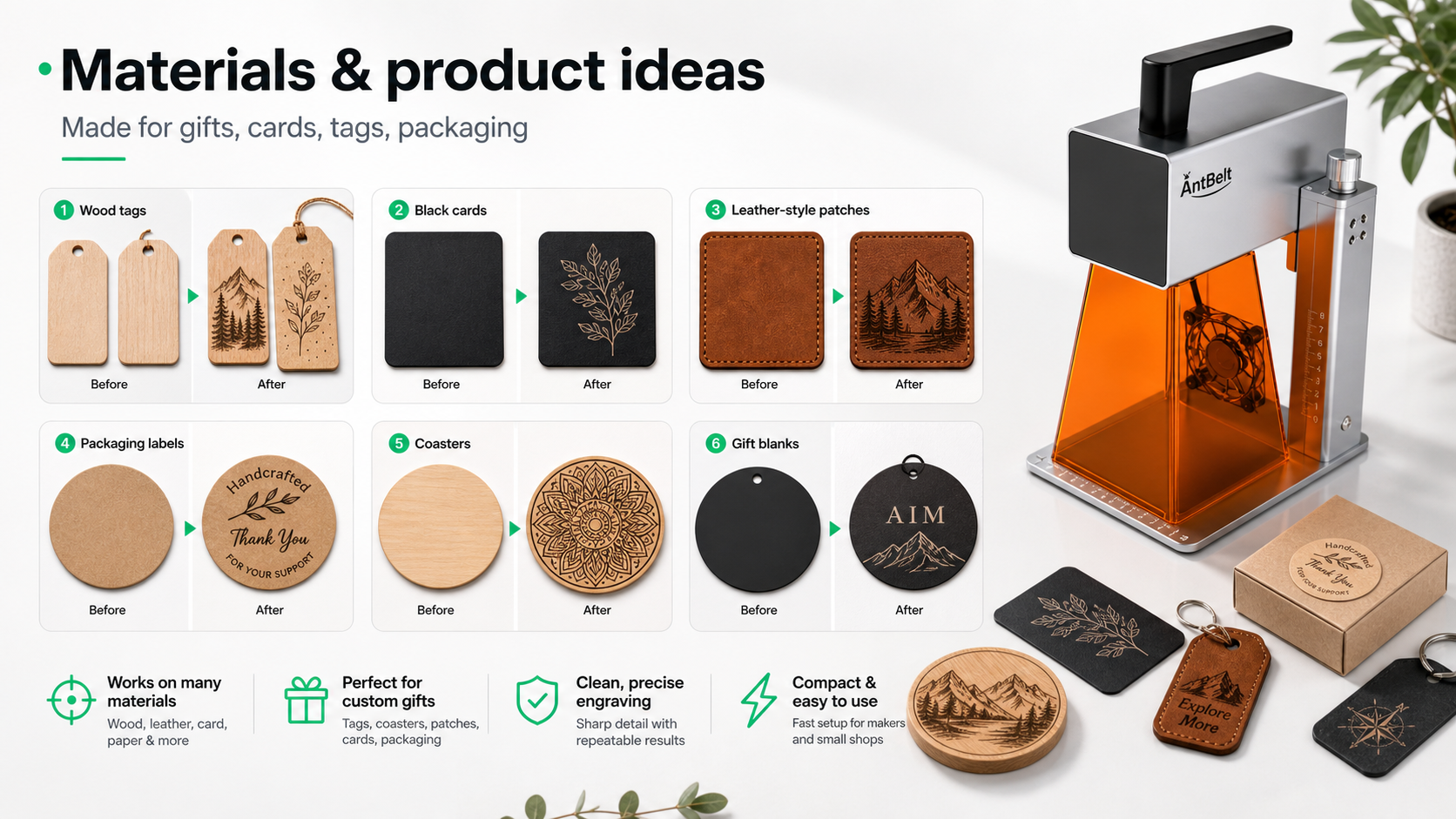
What Can You Make With AntBelt G1?
A practical look at small-object engraving ideas for makers, sellers, and shop owners.
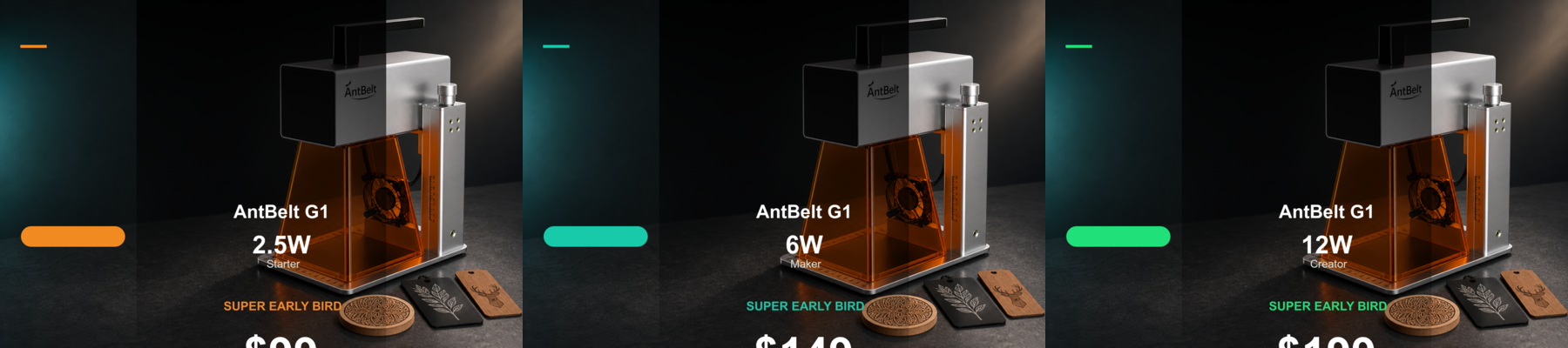
2.5W, 6W, and 12W: Choosing Your AntBelt G1 Path
Three launch paths are planned so first-time backers, creators, and higher-output users can start at the right level.
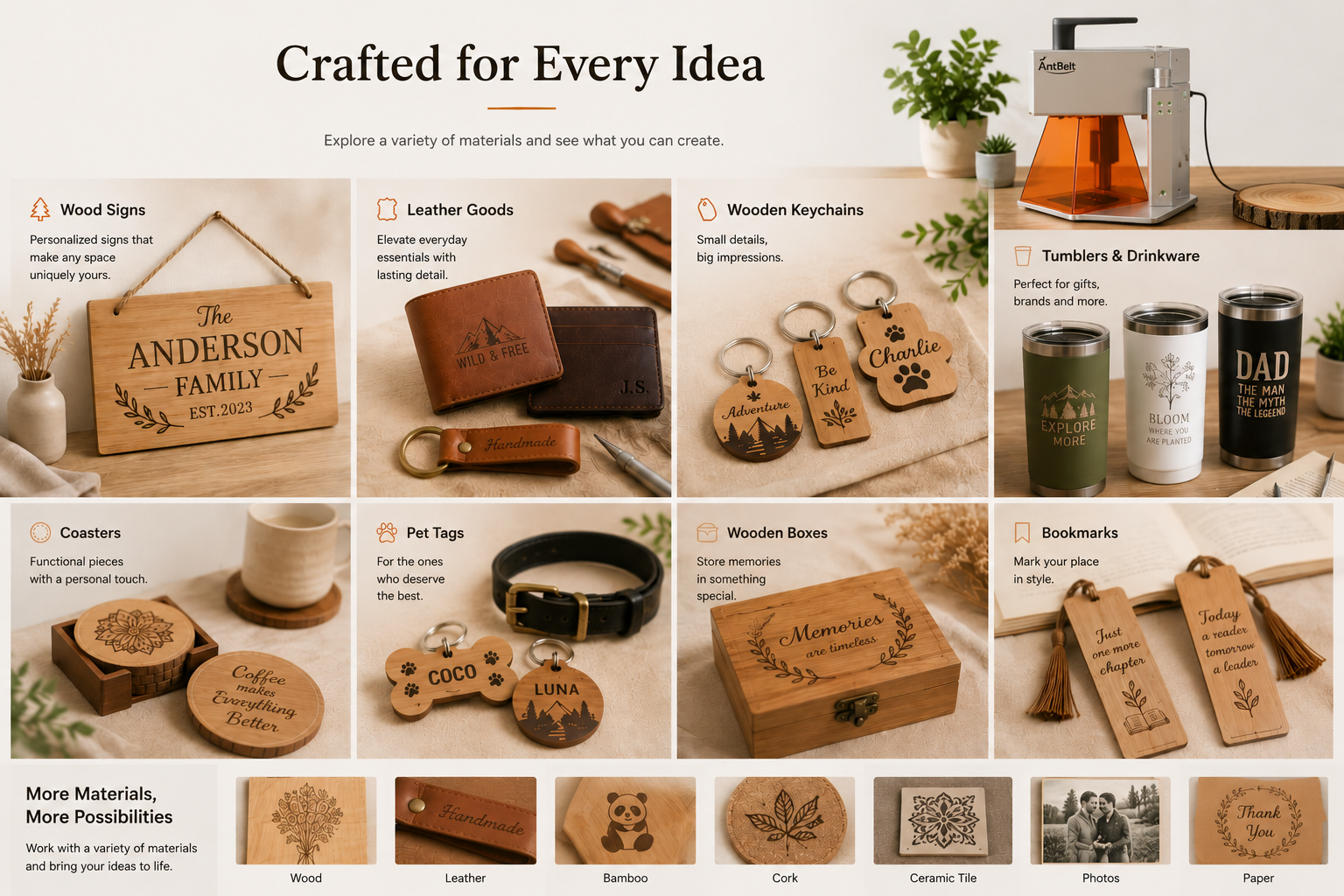
From Custom Gifts to Packaging Labels
Small-batch engraving is not one use case. It is a whole family of tiny business moments.
Why AntBelt G1 Is Coming to Kickstarter
Kickstarter gives early users a way to follow the build, compare reward paths, and get the first-batch reminder.
Small-Object Engraving for Etsy-Style Sellers
A compact engraving workflow can help sellers test more ideas without turning every product into a big production run.
Material Ideas for Your First AntBelt G1 Tests
Start with small, simple blanks that help you learn placement, contrast, and repeatability.
The $99 Super Early Bird Story
The entry launch path is designed to make compact galvo engraving easier to try for first-time backers.
Building a More Repeatable Maker Desk
The best creator desk is not just full of tools. It is arranged so small jobs can happen again and again.
Ready to review the live campaign?
Use these Updates for practical context, then visit Kickstarter for current reward tiers, delivery notes, risk language, and backing details.
Current AntBelt G1 early-bird pricing starts at US$99 for a compact desktop galvo engraving workflow. Check the store for live availability and the final checkout price.