Find the visible front before drawing
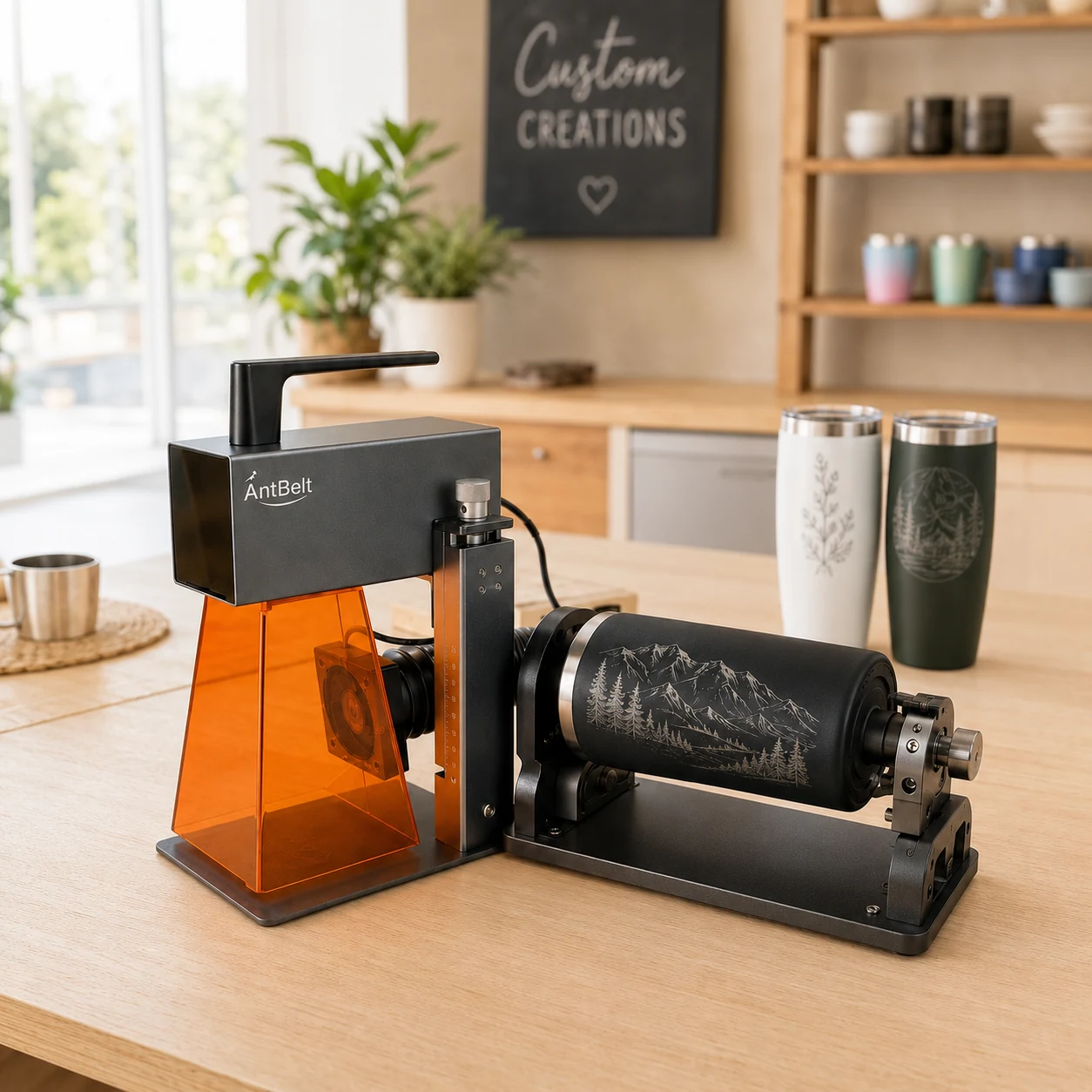
Checking a cylindrical object's seam, handle, lid, or other interruption before laying out artwork helps makers choose a front-facing area with fewer visual surprises. AntBelt G1 supports cylindrical engraving; final accessory details and object fit should be confirmed through current project information rather than assumed from a planning sketch.
Place a small removable reference mark on the object or its holder, then photograph the intended front view. Use that picture when positioning the artwork. A centered design in a flat preview can look misplaced once a cylindrical surface is viewed from a normal angle.
Review the wrap as a viewer would
Start with a design that has comfortable side margins. Check the front, both sides, and the area near any seam or hardware. If the design looks crowded in one view, revise the layout rather than trying to force a larger mark into the same space.
See /updates/ for current AntBelt project notes and demonstrations.