Reset the physical and digital workspace
Before opening a new artwork file, clear the previous piece, loose offcuts, and packaging from the work area. Then check that the file name on screen matches the item and approval record in front of you.
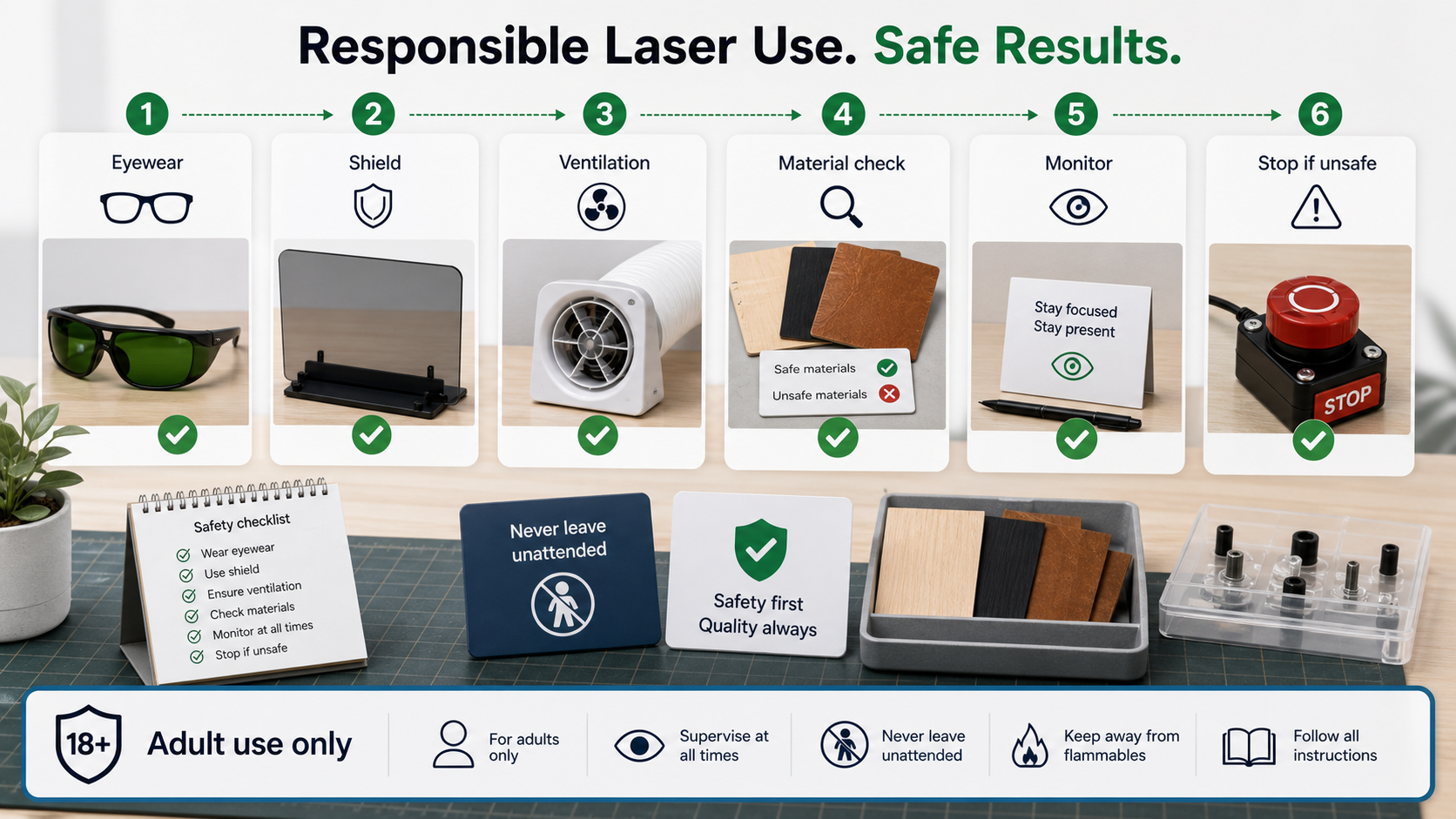
This reset is a workflow habit, not a substitute for safe operation. Follow applicable instructions, use appropriate protective equipment and ventilation, keep the process attended, and stop when the workspace or file identity is uncertain.
Make the pause visible
Use a simple reset note in the queue: area cleared, file checked, approval located. The note creates a moment to catch a mismatch before moving on to the next layout.
For related project context, browse the latest /updates/ entries.