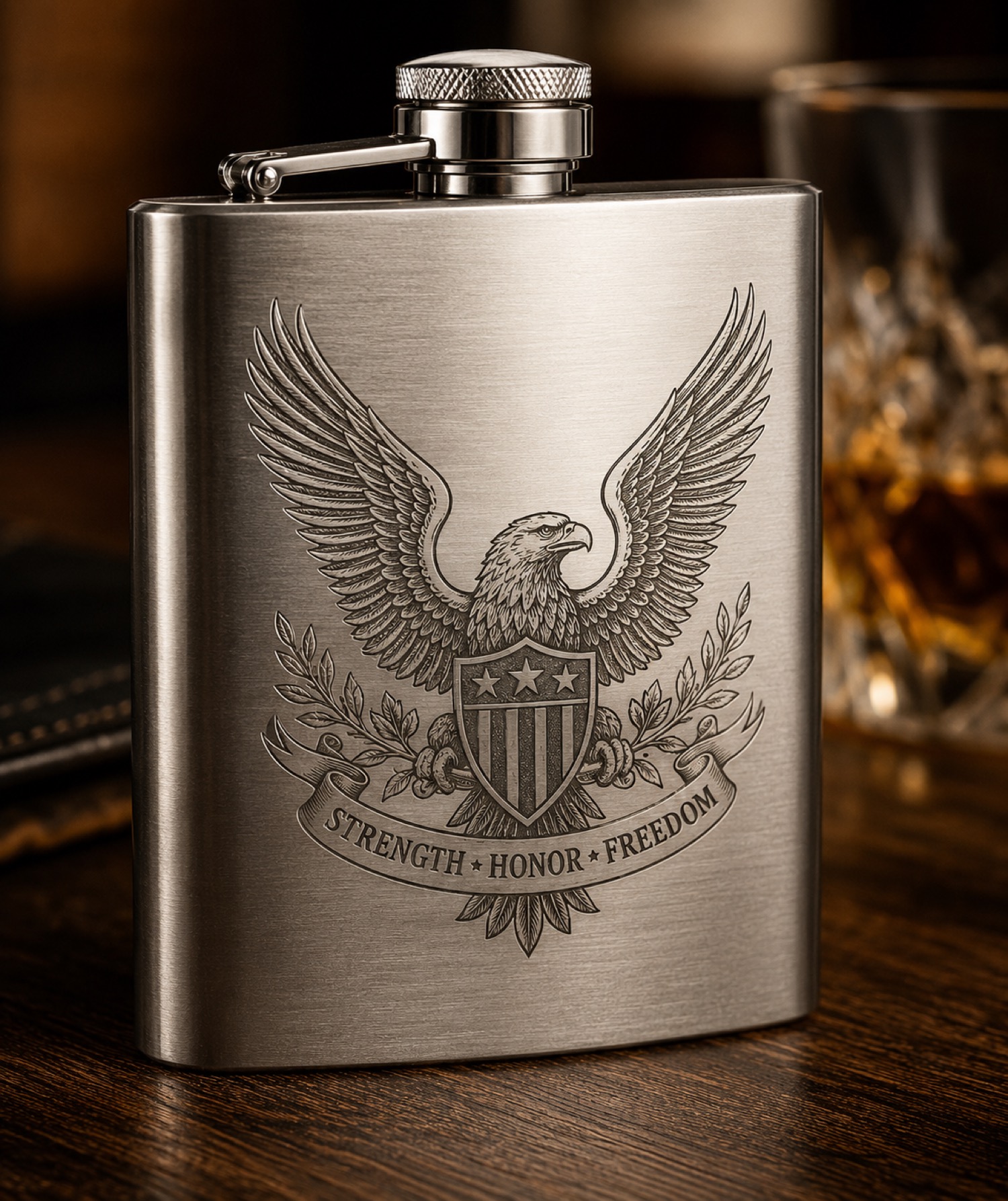
A name and a dedication can each look balanced on a flat drawing but compete when arranged around an object. Start a cylindrical design by deciding which element should be seen first and which can be discovered as the object turns.
Give each element a role
Use a paper planning mockup around an unprocessed object away from the machine. Mark the main motif on the paper and place the dedication in a separate area. Turn the mockup through several views and check whether a partial dedication looks accidental beside the motif.
If both elements must be read together, reconsider the arrangement instead of assuming the viewer will rotate the object in a particular way. Save photographs of the intended front and secondary view with the approved artwork.
Keep planning separate from machine setup
AntBelt supports cylindrical engraving. A paper mockup establishes visual intent only; it does not verify accessory compatibility, supported dimensions or a processing method. Remove planning materials before any machine preparation and consult current project documentation for the actual setup. Avoid treating the mockup as a machine fixture.
Explore related AntBelt project notes at /updates/.