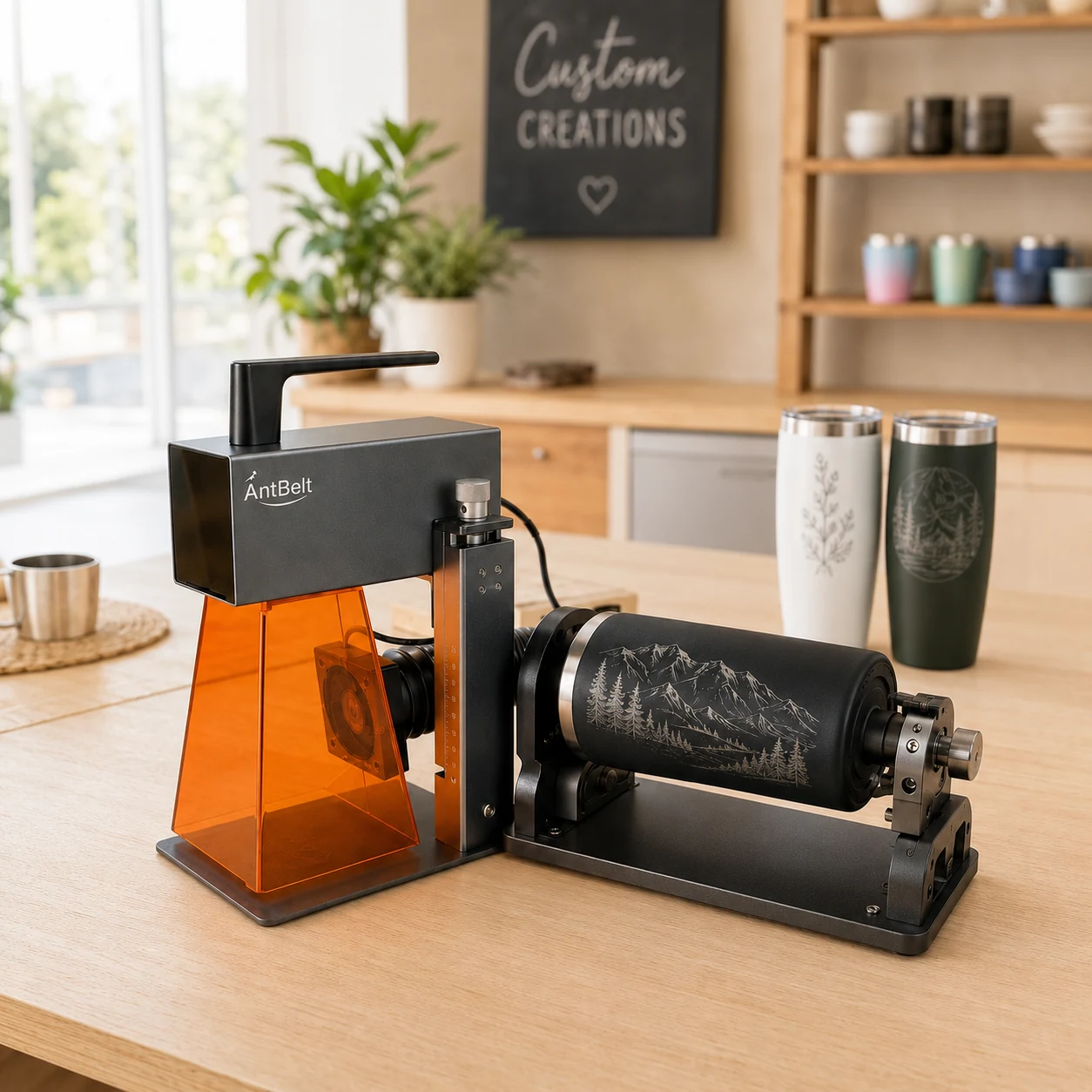
Repeating decoration can distract from a name if a large motif lands directly behind the main reading area. A paper wrap helps you choose which part of a cylindrical design should face the viewer before any processing decision is made.
Divide the composition by purpose
Mark a front reading area on a paper mockup, then arrange the decorative pattern around it. Turn the mockup slowly and check whether a prominent icon competes with the name from neighboring views. Move the motif within the artwork rather than assuming the viewer will always hold the object at one exact angle.
Save more than the flat design
Keep the flat artwork and a photograph of the paper arrangement together. Label the photograph as a composition mockup so nobody mistakes it for an engraved sample. Record which area is intended to be the front and identify any pattern placement that still needs approval.
AntBelt supports cylindrical engraving. This planning exercise does not confirm rotary accessory specifications, object compatibility, dimensions or processing results. Confirm the actual configuration and applicable guidance before preparing a test; a paper wrap cannot validate how a particular object will be held or processed.
Browse related planning notes in /updates/.