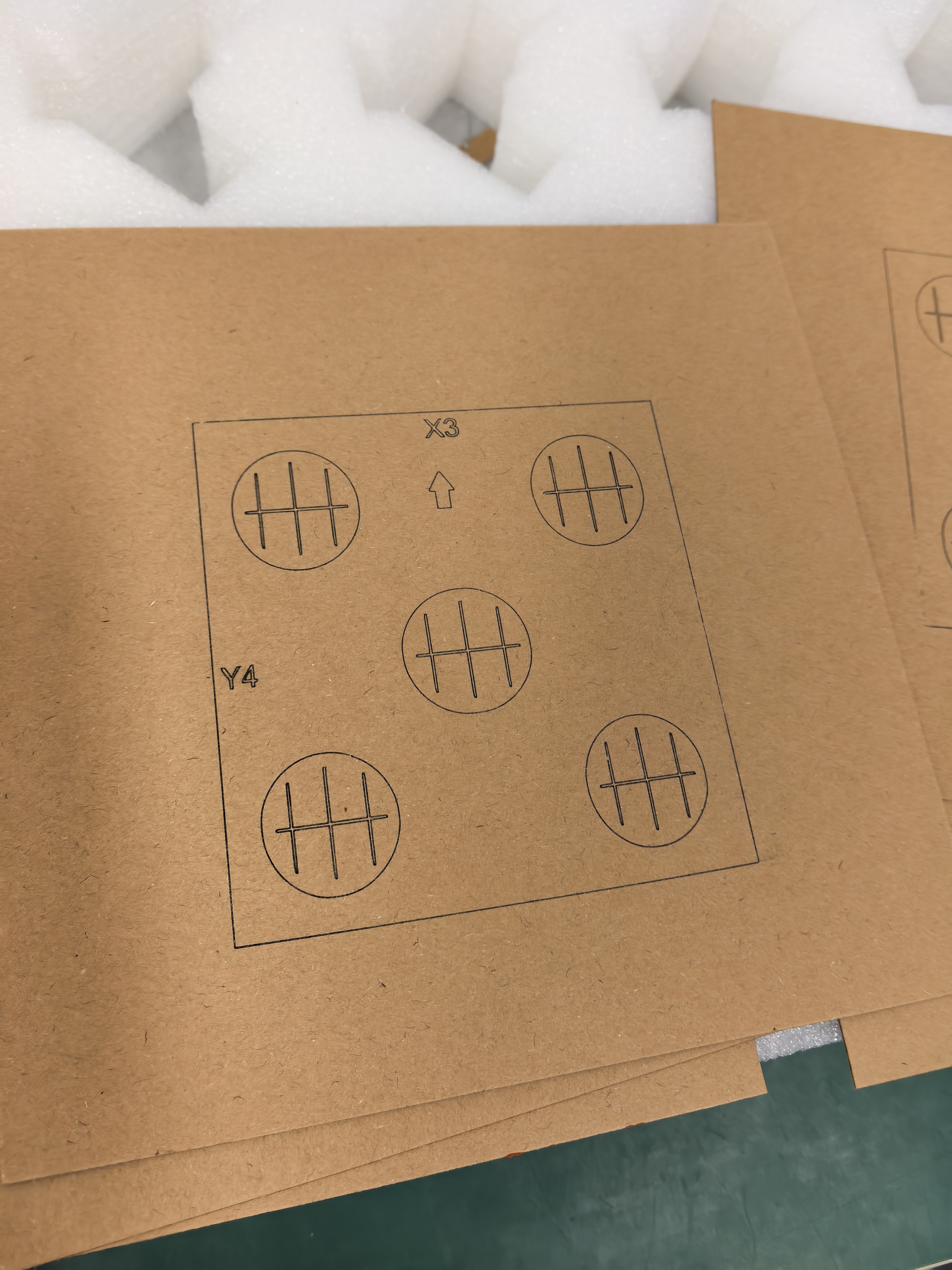
A decorative border belongs to the finished design; a placement guide belongs to the setup notes. Keeping those roles explicit can prevent an unwanted reference shape from reaching an AntBelt G1 project file.
Give each outline a job
Start with a paper proof containing the decoration, the edge of the blank, and any positioning marks. Label each outline in plain language. If two shapes are too similar to distinguish, change the proof presentation before asking anyone to approve it.
- Identify the outline that should appear on the finished object.
- Identify references used only to explain placement.
- Inspect the exported production artwork separately from the proof.
- Confirm that the intended decoration remains and setup references are excluded.
Review the export at ordinary size
Do not approve a file solely from a zoomed editor view. A border can look balanced on screen while leaving too little visual space around the text in the actual presentation. Print a size reference and compare the composition with the intended blank before a permitted sample test.
This is an artwork review method, not a measurement of machine accuracy. Material suitability and permitted positioning still need to follow current operating guidance. Save the checked export alongside its proof so the next revision starts from an identifiable design.
Browse related AntBelt project notes in /updates/.
Review current AntBelt G1 project details on Kickstarter: