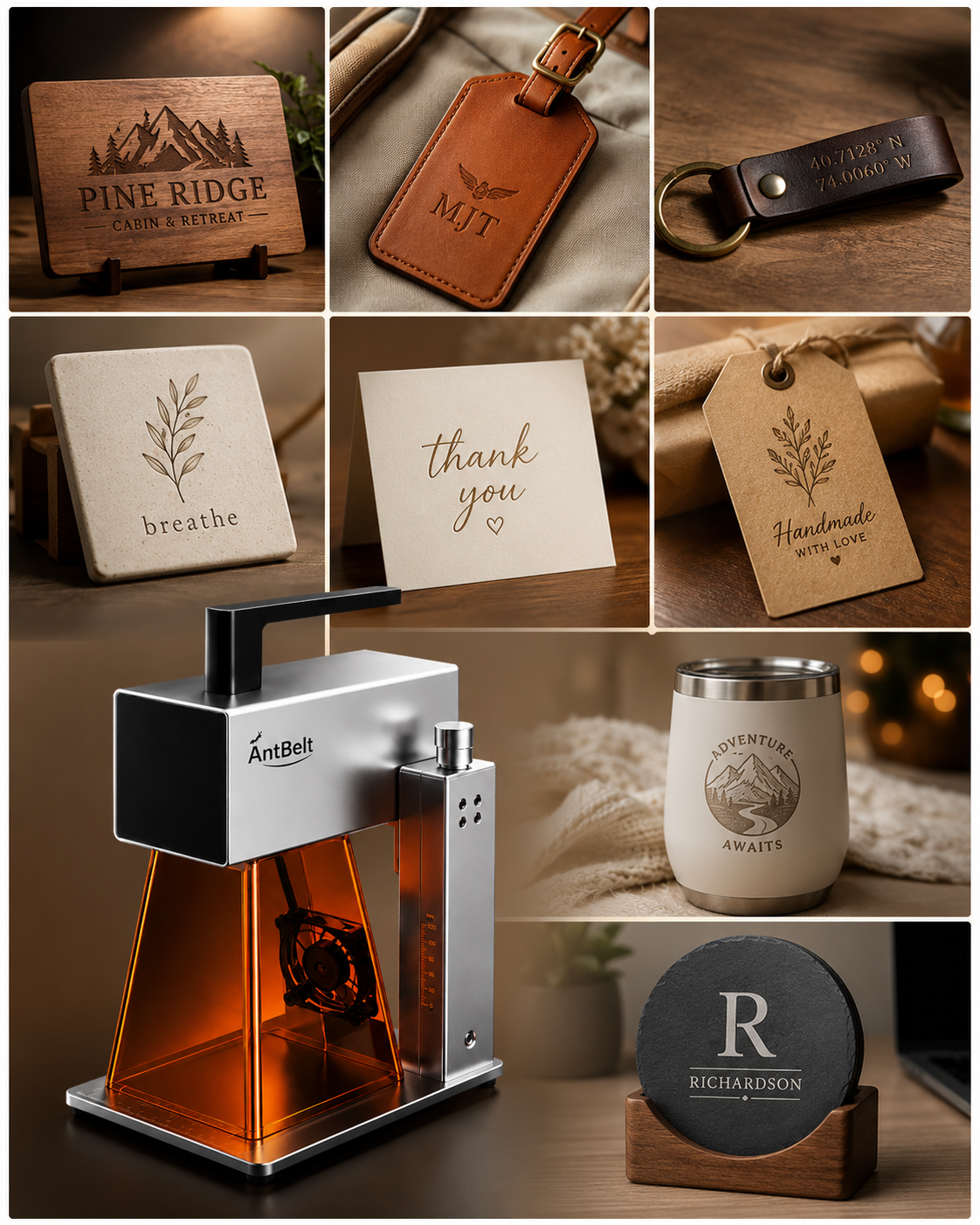
A close crop can make a sample detail easier to inspect, but it can also hide the context that identifies the specimen. Keep every detail image connected to an uncropped original when documenting an AntBelt G1 sample.
Preserve the original view
Save a full view that shows the sample and its reference label. Create detail crops as separate files, using the same specimen reference plus a suffix for the area shown. Avoid overwriting the full photograph after choosing a tighter composition.
Record whether the image was cropped, rotated, or adjusted for brightness. A crop is useful for inspection; it should not quietly become evidence of the size of a mark or the consistency of the entire surface.
Review detail and context together
When sharing a result for discussion, pair the crop with the original view. Identify the question: a letter junction, an edge, or a local contrast change. If the detail is too soft to evaluate, take a clearer photograph rather than treating enlargement as new information.
This record describes what the image allows a reviewer to see. It does not establish material suitability, repeatability, or a guaranteed result on another blank. Keep those questions tied to the actual specimen and its documented test context.
Browse related AntBelt project notes in /updates/.
Review current AntBelt G1 project details on Kickstarter: