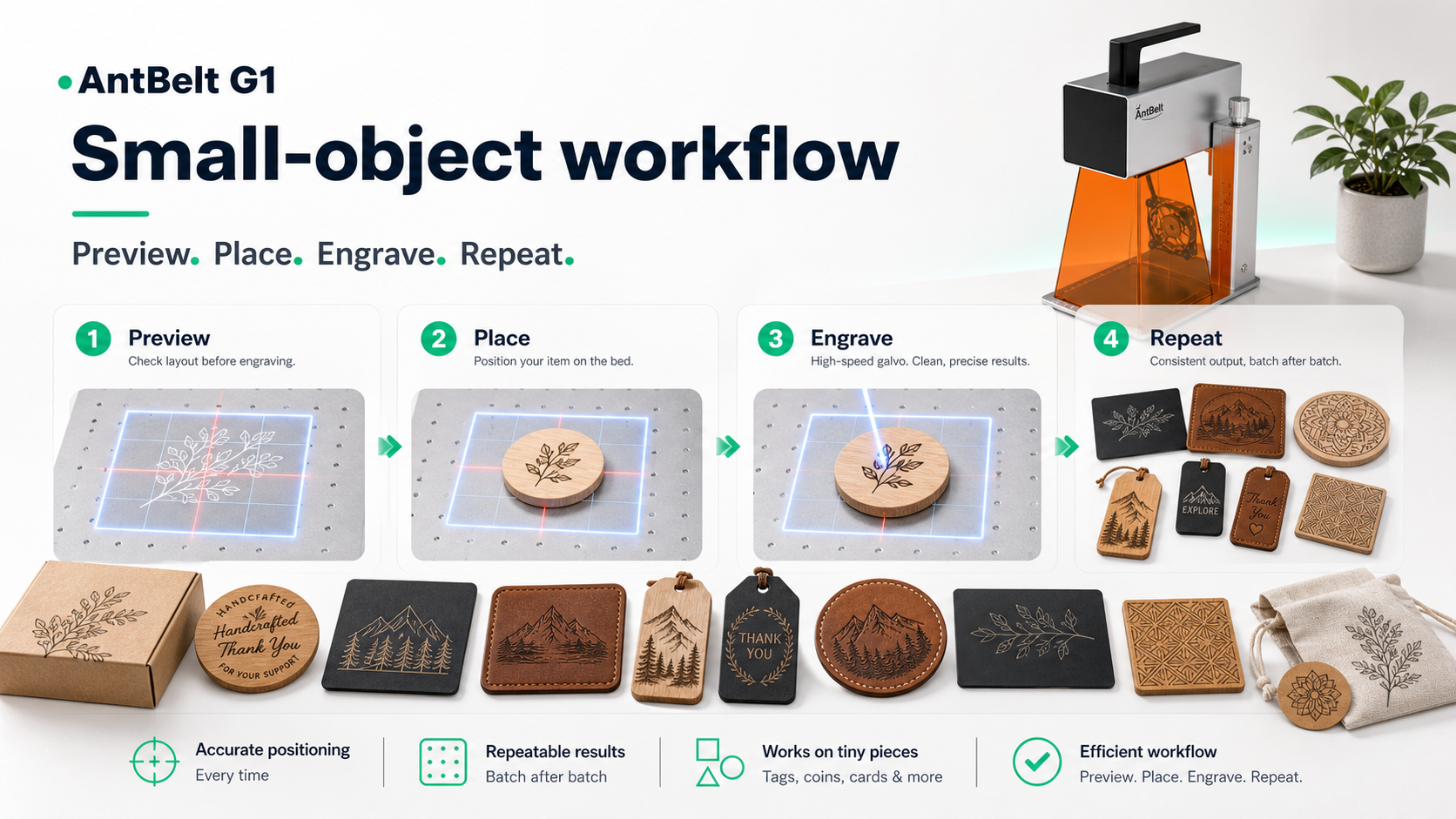
Small blanks are easy to move before the result is reviewed. A simple workbench map helps a maker remember where the blank started, which edge was used as the reference, and what should be checked before the next sample begins.
AntBelt G1 is being shown as a compact desk-side engraving workflow, so this kind of note is more useful than a polished photo alone. It gives the maker a repeatable placement habit without turning one sample into a universal result claim.
A practical map can stay very plain:
- Mark the reference corner in a photo.
- Record the artwork version or file name.
- Note the blank type without making durability claims.
- Take the result photo before clearing the bench.
This makes the next decision easier. If the mark looks too close to an edge, the setup record shows whether the issue came from artwork placement, blank position, or a changed fixture habit.
For more launch-period workflow notes, see /updates/.
Shop AntBelt G1 on the official store to review current reward details and campaign updates: