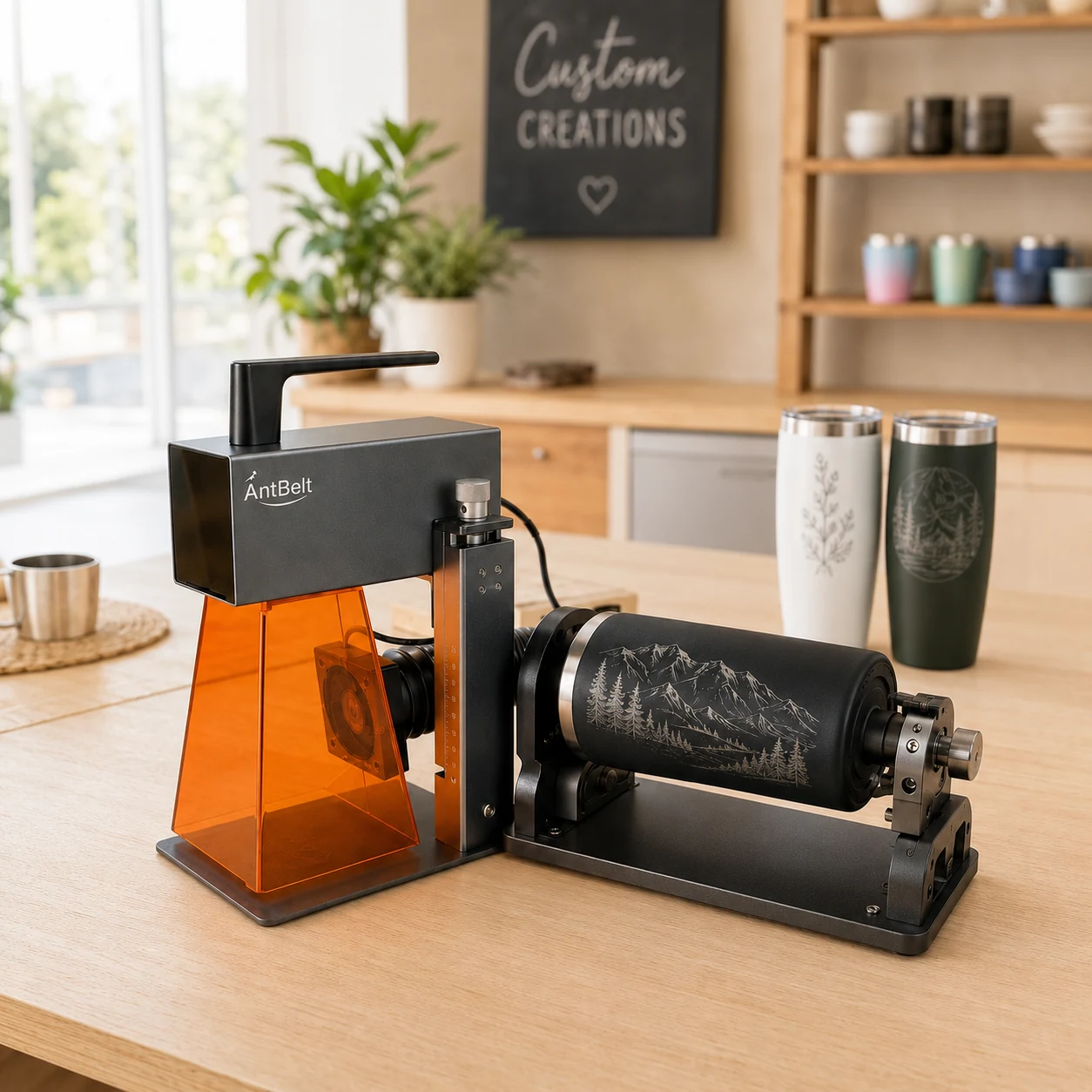
A cylindrical design can look balanced on a screen yet be hidden by the hand holding the finished object. Start with the intended viewing moment before deciding where the main words belong.
Use a paper viewing mockup
With the object away from the machine, position a removable paper version of the proposed artwork for a visual review. Ask the recipient to hold it as they normally would. Note whether the main name is visible, which direction it reads, and whether another physical feature competes with it.
Record a simple orientation description, such as the main name facing the viewer in the agreed presentation view. Avoid instructions that depend only on a photograph whose left and right may be unclear. Save a second view showing the object's reference feature.
Separate layout approval from setup
AntBelt supports cylindrical engraving. A comfortable viewing position does not establish whether a particular object or setup is compatible. Verify the current equipment instructions and supported configuration before attempting a sample.
The paper is only a planning aid and should not enter a processing setup. This exercise makes no claim about rotary accessory specifications, supported object dimensions, material results, or production speed. If the desired orientation cannot be established reliably under the current instructions, leave that job unresolved rather than promising the customer a match.
Browse related AntBelt project notes in /updates/.
Review the current AntBelt G1 project information on Kickstarter: