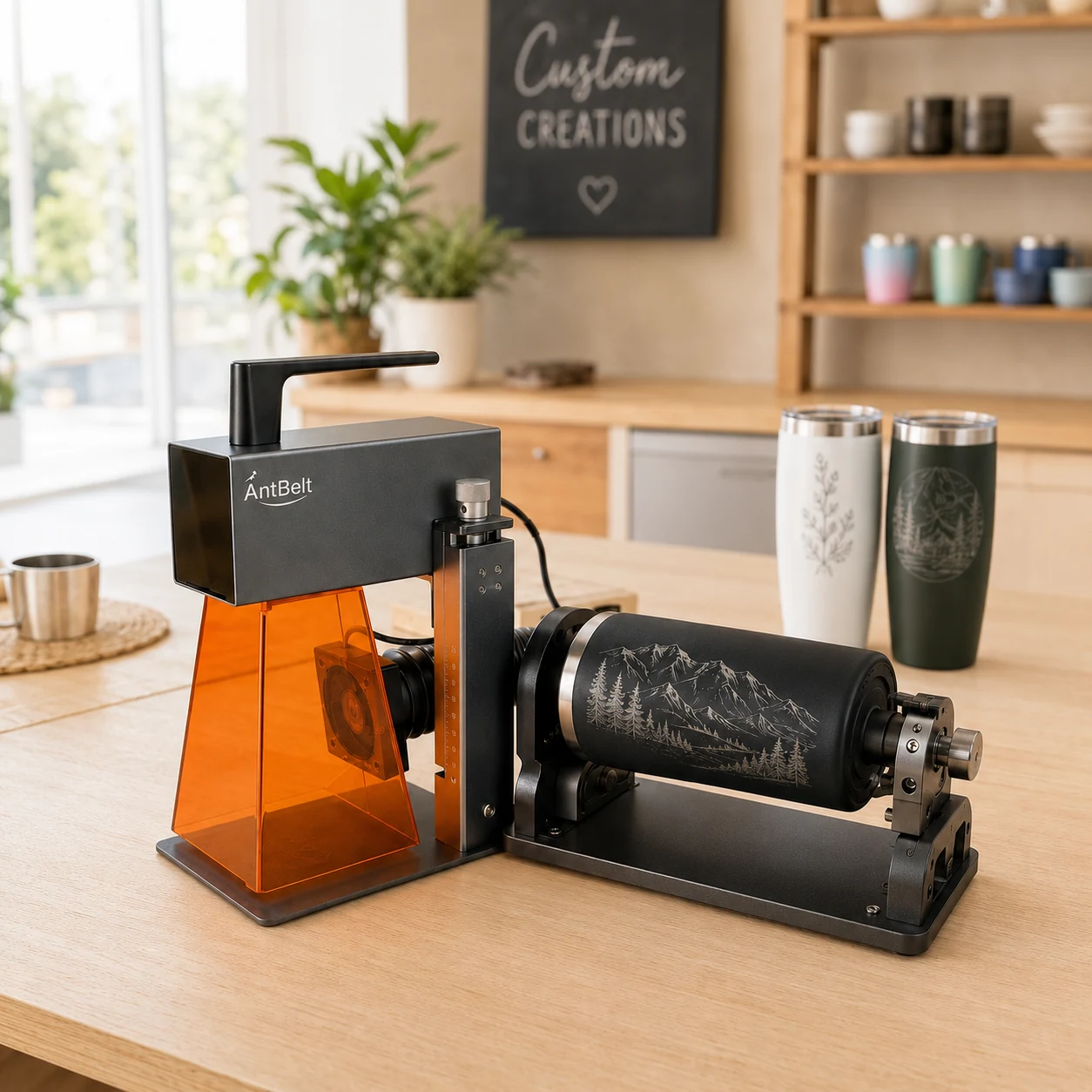
Two separate messages on a cylindrical object need a clear relationship: which side introduces the design, and what should a viewer see after turning it? Resolve that composition question with a paper stand-in before preparing a machine file.
Assign a purpose to each side
Place a main name or graphic on the front of a paper model and a short secondary message on the reverse. Turn the model by hand away from the machine. Check whether the second panel feels intentional and whether either message is accidentally visible at the edge of the front view.
Try a shorter reverse message if the two panels compete. Keep the mockup and a front-view photograph together so the intended relationship is easy to discuss with the recipient.
Keep composition separate from setup
AntBelt supports cylindrical engraving. A successful paper arrangement does not establish the setup, accessory compatibility, or processing sequence for a particular object. Confirm those details against current AntBelt guidance before preparing any physical test.
Do not derive rotation settings from the paper model or assume that an opposite-side design can be positioned without a documented method. Record the intended front and reverse views as design references, and leave unconfirmed machine settings out of the approval sheet. The useful outcome is an agreed composition, ready for a separate feasibility check.
Browse related AntBelt project notes in /updates/.
Review current AntBelt G1 project details on Kickstarter: