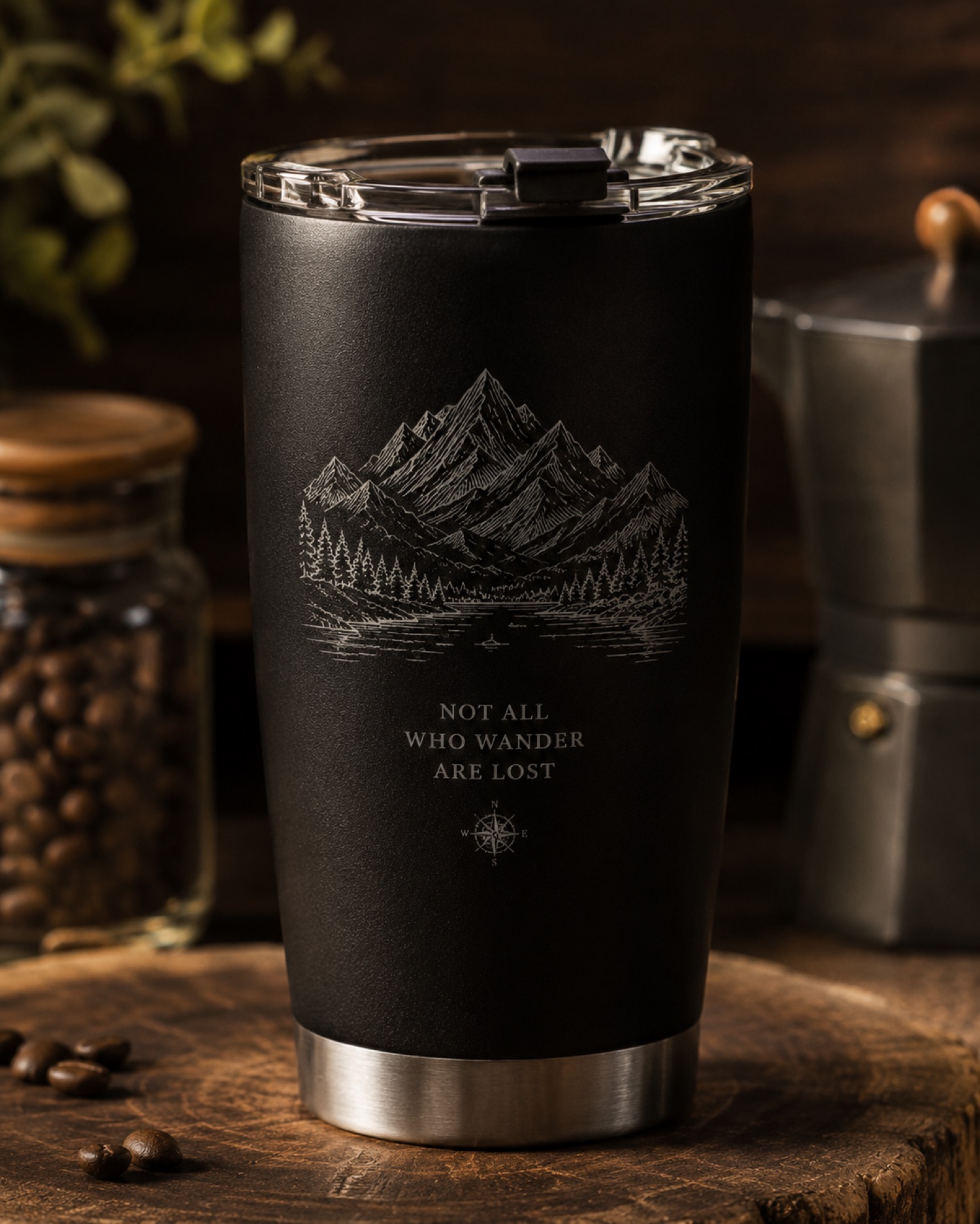
A phrase laid out in a straight line can become difficult to follow when only part of it is visible on a curved object. Plan the spaces between words before adding borders or decorative elements.
Test the phrase as a reading sequence
Use a paper mockup away from the machine to explore the composition. Mark an intended front view, place the phrase, and turn the mockup slowly by hand. Note where a viewer loses the end of one word before finding the next. This is a layout exercise; it does not determine supported object size or operating setup.
Try a second arrangement with the same wording but different spacing. Compare which version keeps meaningful word groups together. Have the intended reader choose between clearly labeled proofs rather than approving a photograph without a version number.
Separate composition from machine compatibility
AntBelt supports cylindrical engraving. Confirm the applicable configuration and object suitability through current project guidance before planning an actual job. A readable paper wrap establishes neither a rotary specification nor an engraving result. Keep the selected mockup with the approved artwork and record any unresolved setup questions.
Explore related AntBelt preparation notes at /updates/.