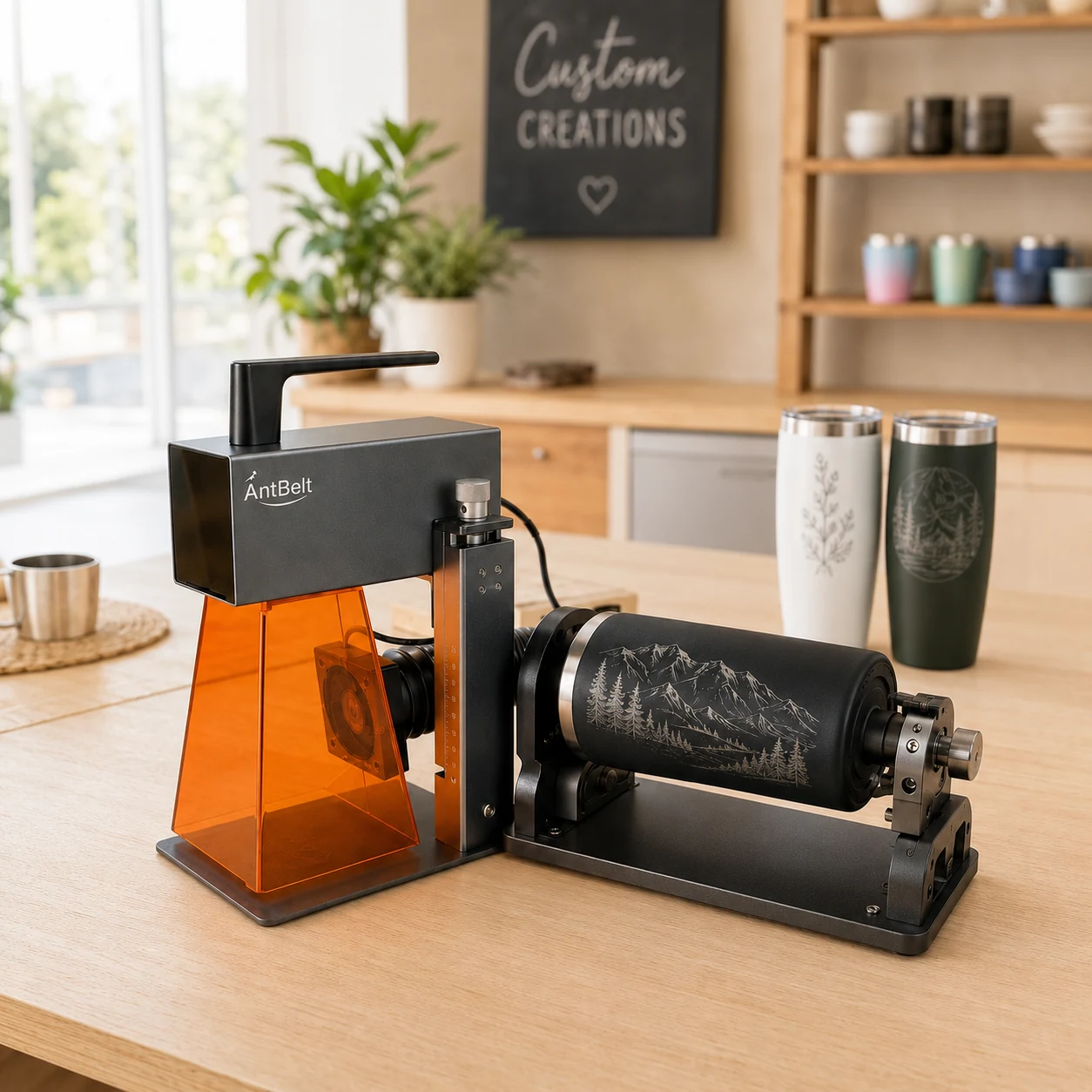
A cylindrical gift may be designed on a flat screen but read while standing on a shelf. Decide what upright means before approving the artwork orientation.
Define the normal display position
Use a paper mockup on the intended object while it is away from the machine. Photograph the object in the position the recipient is expected to use for display. Include enough of the top and base to make the viewing direction clear. A tight crop of the lettering alone can hide an upside-down layout.
For a design with a name above a symbol, check the relationship in this physical viewing position. If the recipient intends to lay the object on its side, make that a separate approval decision rather than treating both views as equivalent.
Separate design intent from machine setup
AntBelt supports cylindrical engraving. This note addresses artwork orientation only; the mockup does not establish accessory compatibility, a supported object size or an operating method.
Keep the approved upright photograph with the artwork revision. Confirm the actual setup through current product guidance before preparing a machine job. Do not leave paper mockups or temporary layout markers on an object during processing. A display proof is a communication tool, and a physical result remains subject to an appropriate reviewed test.
Browse related AntBelt project notes in /updates/.
Review current AntBelt G1 project details on Kickstarter: