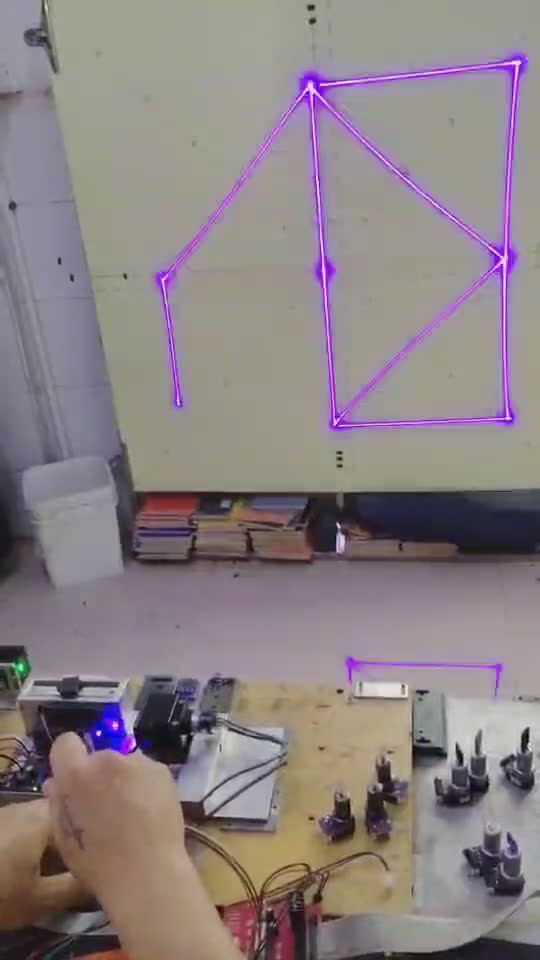
The pauses in a workflow video often reveal more than the fastest moments. They show where the operator checks orientation, reviews a screen, clears the area, or inspects the object.
Watch once without taking notes
Use the first viewing to understand the sequence: artwork preparation, object placement, review, operation, and inspection. Do not estimate speed from edited footage unless timing is explicitly documented.
Watch again for decisions
Pause where hands enter or leave the frame. Ask what the operator appears to verify and whether the video clearly shows the full setup. A missing step may simply be outside the edit, so treat it as a question rather than evidence that the step is unnecessary.
Separate appearance from proof
A close-up can show visual contrast and placement on that particular sample. It cannot by itself establish material identity, durability, throughput, or suitability for another object. Look for supporting notes and current guidance.
Turn the recap into a checklist
Write down the file step, placement reference, safety preparation, observed operation, and final inspection. Before any real use, confirm ventilation, shielding, appropriate protective equipment, attended operation, and a clear stop procedure.
Recent AntBelt G1 clips are useful for examining the current prototype workflow one decision at a time. Browse /updates/ for related explanations, and confirm campaign-stage details at the official project page.
Review current AntBelt G1 project details and updates on Kickstarter: