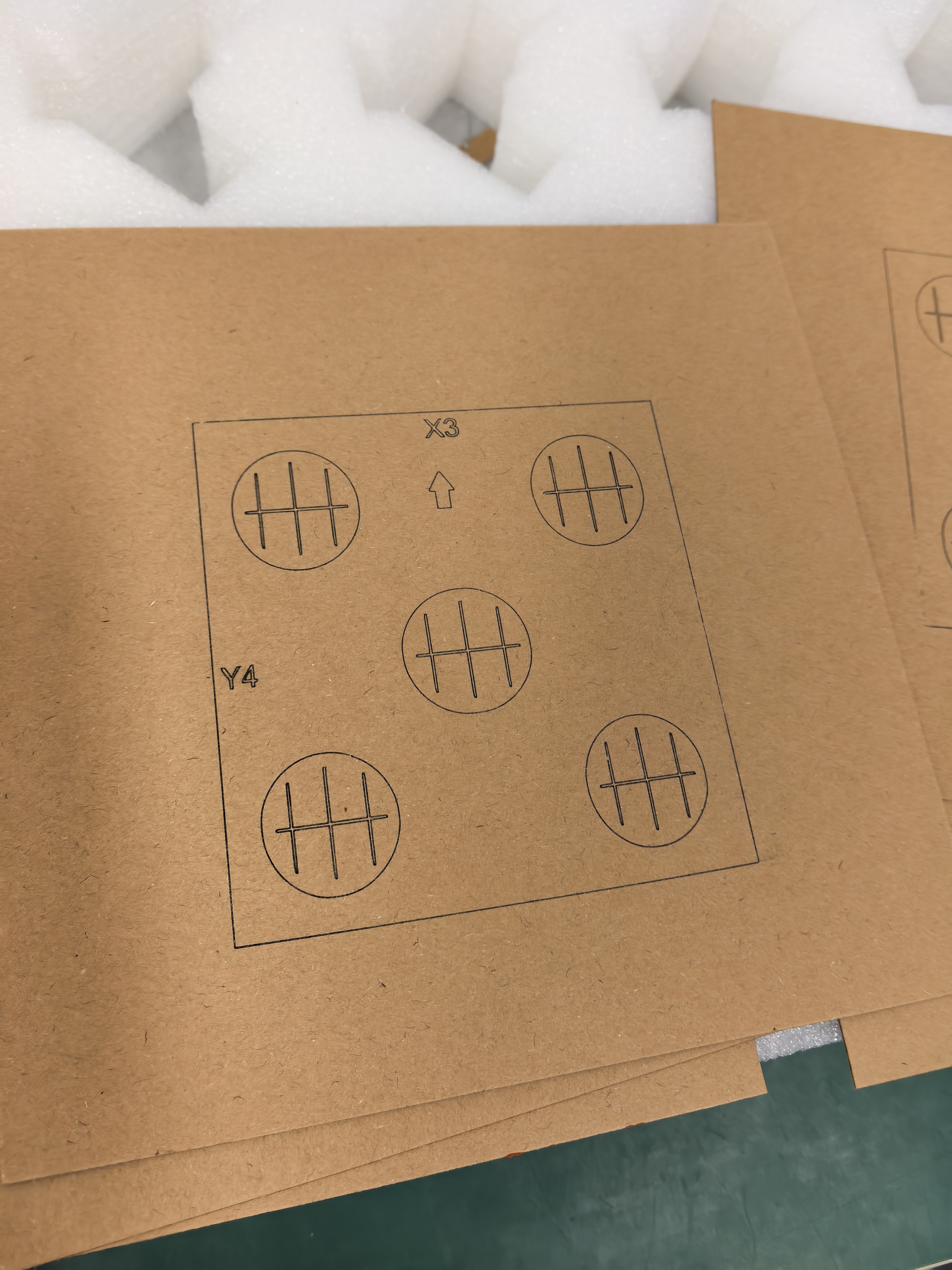
A layout can shift while still looking centered on screen. Before moving artwork, record which corner, center point, or construction line acts as its origin.
Save the reference, not only the final shape
Add a clearly named reference layer and note the origin in the job record. If the design is revised, compare the new export with that reference before preparing a material test. This makes an unexplained shift easier to find than relying on memory.
Keep registration marks outside the finished artwork where the workflow allows, and remove or disable them deliberately in the production file. A reference mark is a planning aid; it is not proof that a particular blank will align correctly.
Recheck after every export
Open the exported file, confirm its overall bounds, and verify the intended origin again. Then use a suitable test piece and current operating guidance before working on the intended object.
Browse more practical AntBelt project notes in /updates/.
Review the current AntBelt G1 project information on Kickstarter: