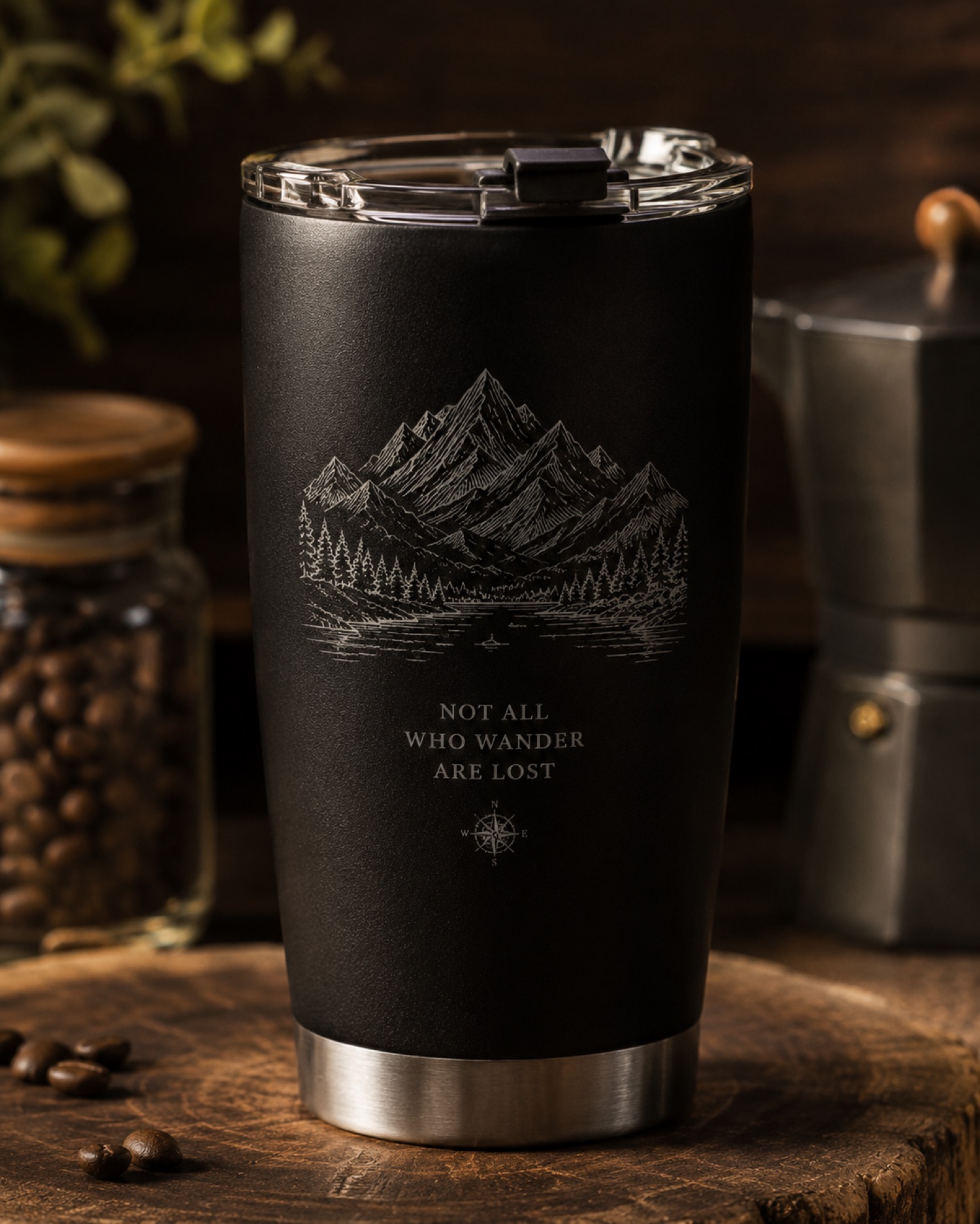
A cylindrical design does not need to fill every visible surface. Planning an intentionally blank back panel can help a maker decide where the inscription should begin and where the composition should stop.
Name the front and back
AntBelt supports cylindrical engraving. This layout exercise does not specify rotary accessories, supported object dimensions or operating settings. Use a paper mockup to review the composition before seeking setup guidance for the actual object.
Mark a proposed front view on the paper, place the main inscription there and reserve a back panel without decorative elements. Turn the mockup slowly by hand away from any machine. Notice whether the inscription still feels intentional when only part of it is visible. Label the chosen front view so another person can reproduce the review.
Explain what the blank panel means
A customer may interpret unused space as a missing design. Include a back-view proof and label the blank area as intentional. Keep that approval with the front-view file. If a second inscription is requested later, create a revised composition instead of treating it as a minor addition. The mockup establishes visual intent only; it does not validate object compatibility, mounting or engraving performance.
Explore related AntBelt preparation notes at /updates/.