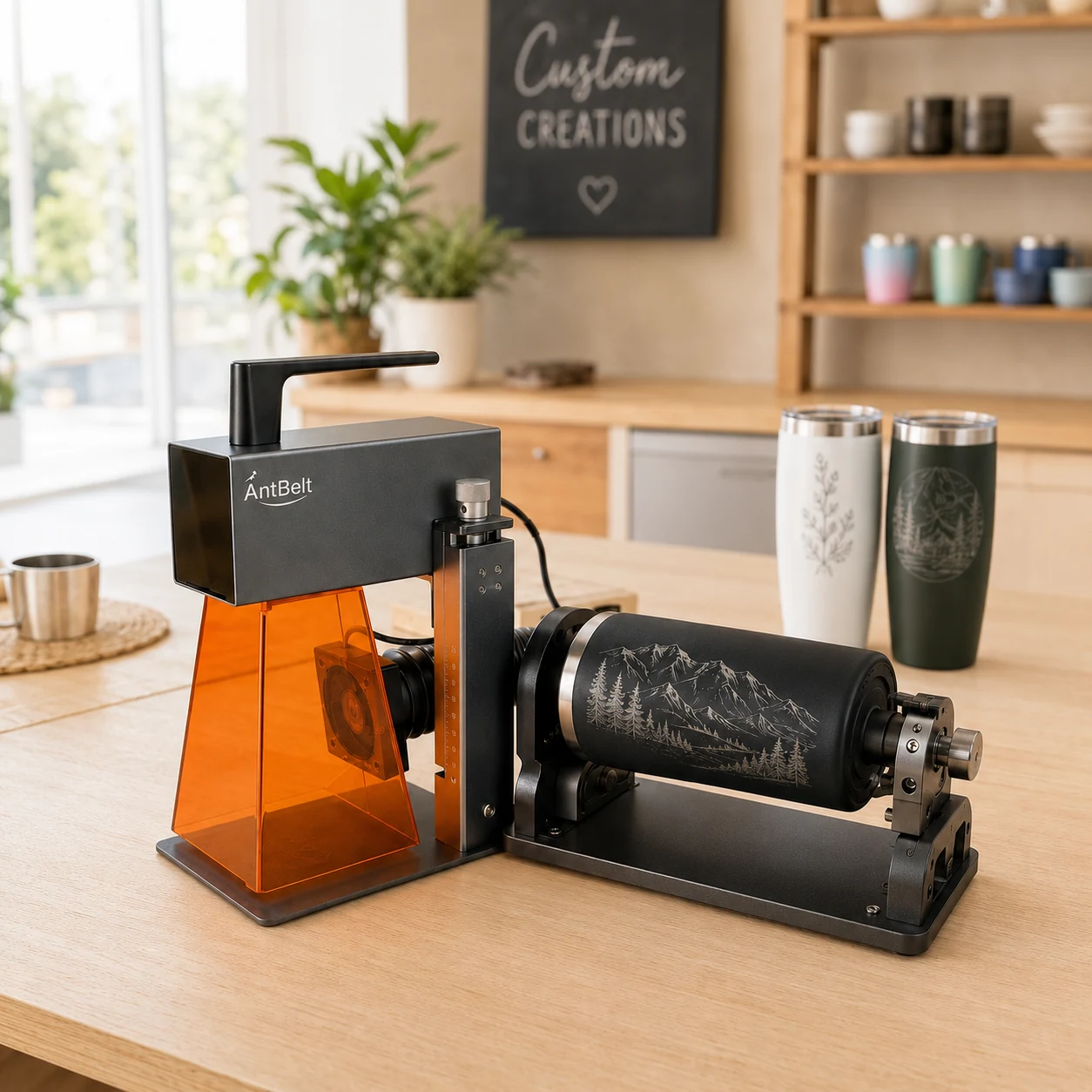
Wrapped artwork has two ends even when the finished object has no obvious front edge. A deliberate gap can make the meeting point easier to review before planning a cylindrical engraving project.
Review the artwork as a loop
Print a paper layout and bring its ends together without using the laser. Look for letters, decorative lines, or border elements that appear to collide at the join. Move essential text away from that meeting point and leave a visible break in the composition where appropriate.
Use this paper exercise to assess visual order only. It does not establish the engraving scale, supported object size, accessory fit, or positioning accuracy. Remove all paper mockups before any equipment setup.
Keep the design decision separate from setup
AntBelt supports cylindrical engraving. Confirm the applicable setup and accessory guidance before attempting the real job; final rotary accessory specifications and object limits are not established by this layout exercise.
Save both the flat artwork and a photograph of the paper review so the intended gap remains clear. A successful mockup is a reason to proceed to the documented compatibility checks, not evidence that a particular object is ready to engrave.
Browse related AntBelt project notes in /updates/.
Review the current AntBelt G1 project information on Kickstarter: