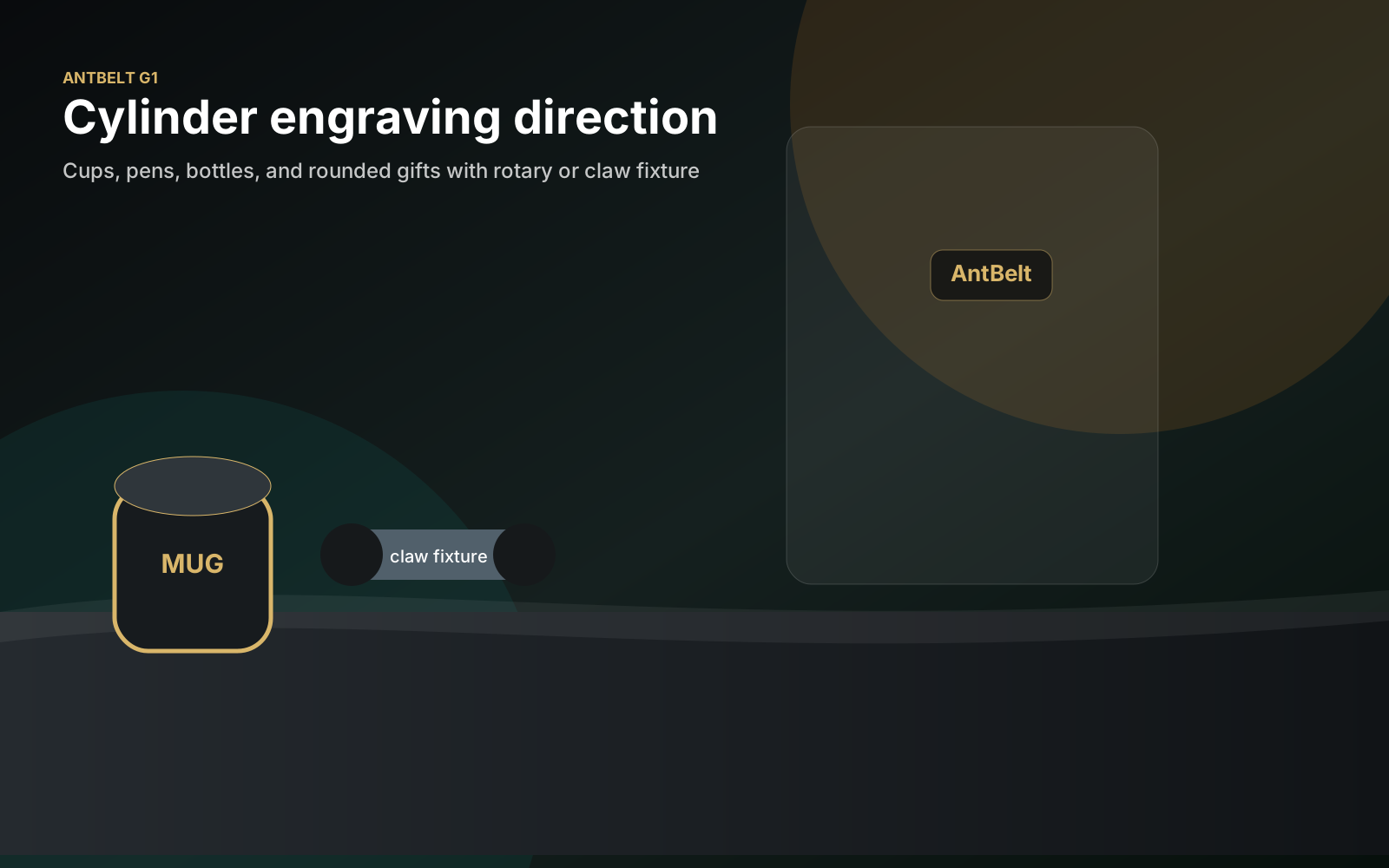
Rotary laser engraving adds orientation, circumference, and viewing-face decisions that do not exist on a flat sample. A short checklist helps makers separate artwork review from assumptions about hardware or material performance.
Define the viewing face
Mark the face that should be readable when the object is held or displayed. Add a temporary centerline and identify any seam, handle, lid, or feature that should remain outside the artwork area.
Build a flat artwork proof first
Review spelling, spacing, and reading direction in a flat preview before mapping the design to a curved object. Save that approved version separately so later setup changes do not silently become artwork changes.
Treat every object as a new setup
AntBelt supports cylindrical engraving, but that statement does not define final rotary accessory specifications, supported object dimensions, guaranteed materials, or throughput. Confirm the current store and project information before choosing a configuration, then test each object under the applicable instructions.
Safety remains part of the checklist
Use suitable shielding, protective eyewear, ventilation, and attended operation. Stop if the object is unstable, the setup changes, or the material has not been reviewed for the intended process.
Current AntBelt G1 early-bird pricing starts at US$99 for the compact desktop galvo platform. Check the live store for current availability and the final checkout price.
Browse /updates/ for more cylindrical-engraving planning articles.
Review current AntBelt G1 project details and updates on Kickstarter: