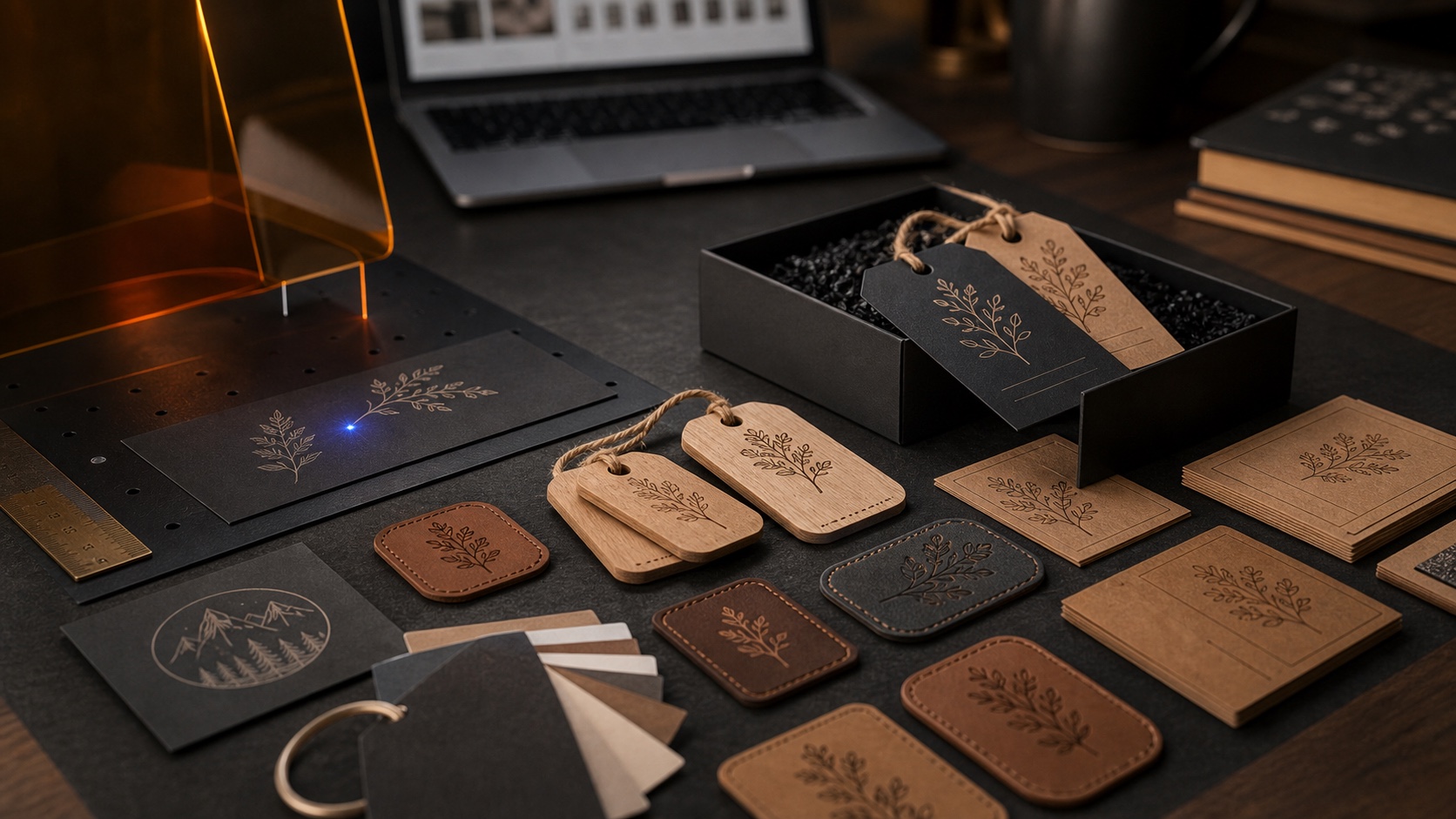
A campaign photograph can show a useful workspace without establishing that every pictured object belongs to the selected package. Read the package description alongside the image before making a purchase decision.
Turn the picture into a question
List the objects that matter to your intended project and check whether each is named in the current package description. Separate the engraving system from demonstration objects, staging items and any accessories whose inclusion is unclear. Avoid inferring inclusion from proximity in a photograph.
If a necessary item is not clearly documented, ask a specific question that names the selected package and the pictured object. Save the date and the source of any answer. An answer about one configuration may not resolve a question about another.
Keep capability and inclusion distinct
AntBelt supports cylindrical engraving, but that capability statement alone does not identify what a selected package includes. Consult the current AntBelt G1 Kickstarter project for the applicable configuration details. This note announces no new accessory, price, shipping date or package change; it offers a practical way to read the published information without filling gaps from an image.
Explore related AntBelt preparation notes at /updates/.