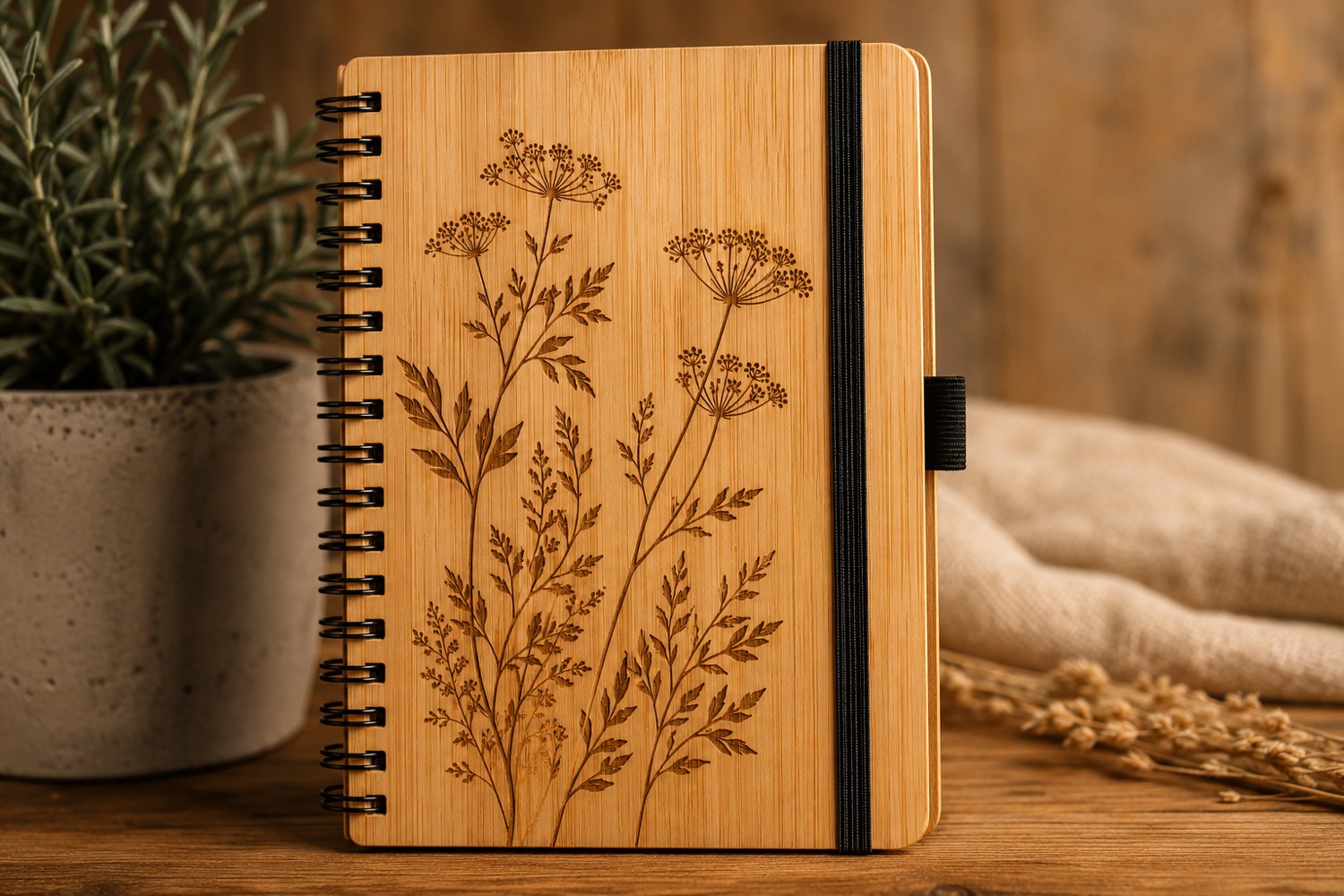
A personalized order becomes risky when the customer’s exact wording and the shop’s production shorthand live in the same text box. Separate them before artwork reaches the bench.
Preserve the approved text exactly
Create one locked field for the customer-facing words, including capitalization, punctuation, and line breaks. Put internal notes—blank type, artwork filename, photo request, and handling reminders—in a different section. Never shorten the approved text just to make the work ticket neater.
Add a visible label such as “customer text—do not edit.” If a change is requested, save a new approval version instead of overwriting the earlier one. That creates a clear trail when two people prepare and finish an order.
Keep machine settings out of the promise
Internal test notes can help a team reproduce its own process, but they are not a guarantee across materials or finishes. Confirm compatibility, use appropriate test blanks, and follow current operating and safety guidance.
For a compact personalization workflow, the clean handoff is often more valuable than an elaborate order form. AntBelt G1 project updates can be reviewed alongside this kind of practical shop planning.
Browse /updates/ for additional AntBelt G1 workflow updates.
See the current AntBelt G1 campaign information and project updates on Kickstarter: