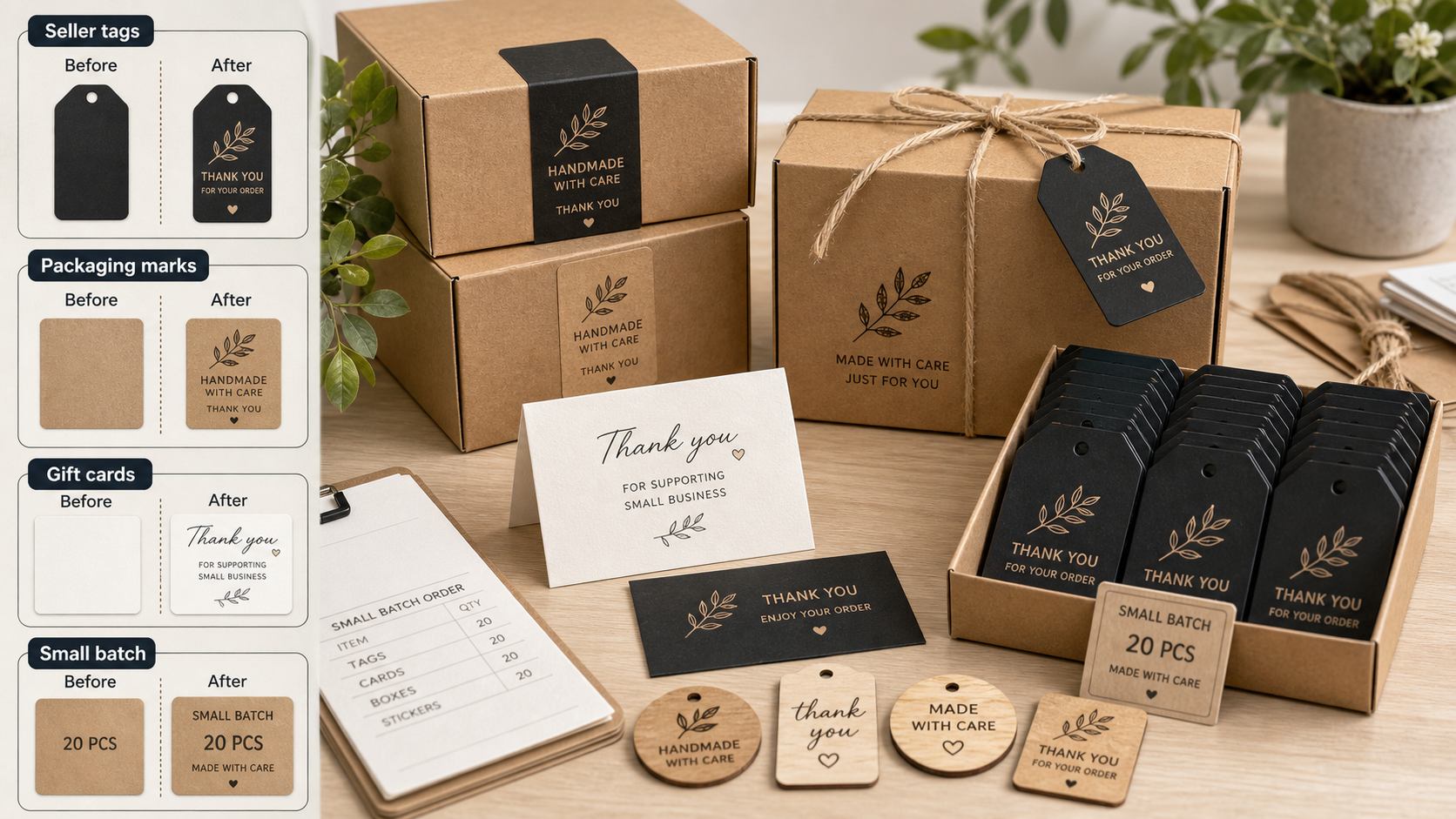
A gift order may contain two different messages: words for the object and a note for the package. Give each a named place in the order record so packing instructions cannot become production artwork.
Use two explicit fields
Label the first field Engraving text and the second Gift enclosure message. Show the engraving field in the artwork approval; show the enclosure message in a separate packing preview. When a customer writes a single paragraph, ask which words belong in each place before preparing the final file.
Keep examples visibly marked as examples. A blank gift-message field should mean no enclosed message, rather than permission to invent one. A blank engraving field needs clarification if personalization was ordered.
Check the handoff with a sample order
Run a fictional order through the proposed paperwork without operating equipment. Confirm that the maker receives the approved artwork and that the packer receives the right enclosure message. Both should refer to the same order identifier.
For an AntBelt G1 workflow, this is an order-organization exercise, not a statement about included order-management software. Keep the customer's private message out of product photography and public project notes. A final packing check should compare each item and note with their own approved fields.
Browse related AntBelt project notes in /updates/.
Review the current AntBelt G1 project information on Kickstarter: