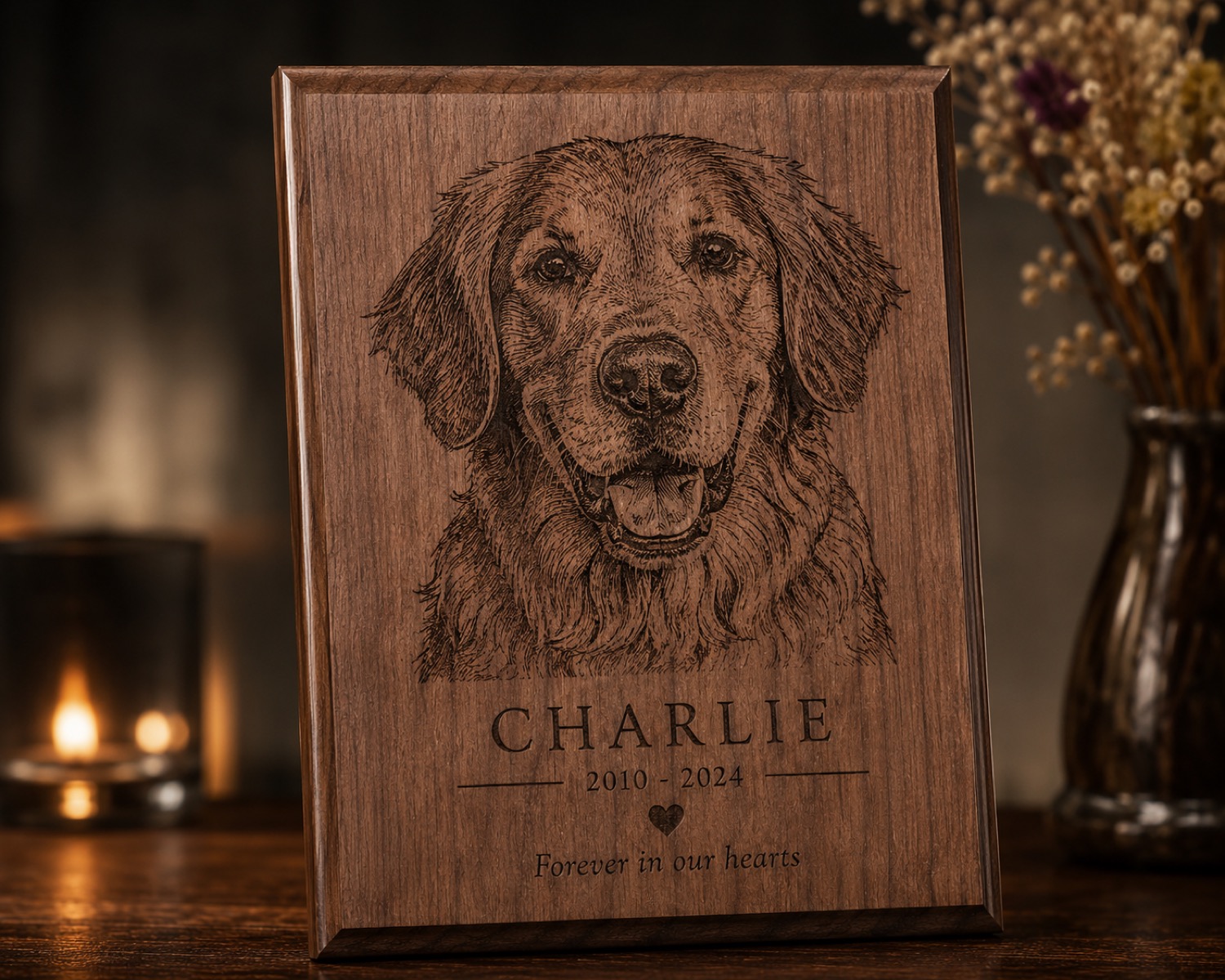
Personalization mistakes often begin before production, when a message, image, approval, and output file live in different places. A digital order envelope keeps the evidence for one job together.
Give every order one stable identifier
Create a folder named with an internal order number rather than the customer's full name. Store the original submission unchanged, then place edited artwork in a clearly labeled working subfolder. This preserves what was requested without mixing it with later interpretation.
Save the approval as an artifact
Export the exact preview the customer approved and add the approval date. If spelling or placement changes, create a new version instead of replacing the earlier file. The production file should point back to one approved preview.
Add a short operator card
The card can list orientation, quantity, material description supplied by the seller, and the current sample status. It should also flag customer-supplied objects or unverified finishes. Keep operational safety checks in the relevant procedure rather than assuming the folder replaces them.
Close the envelope deliberately
After the order is complete, record which file was used and whether a remake occurred. Remove unnecessary personal information according to the shop's retention policy. The result is a traceable workflow without turning every job into administrative overhead.
Visit /updates/ for more AntBelt G1 workflow planning. Use current official guidance when moving from an organizational method to a real machine process.
Review current AntBelt G1 project details and updates on Kickstarter: